

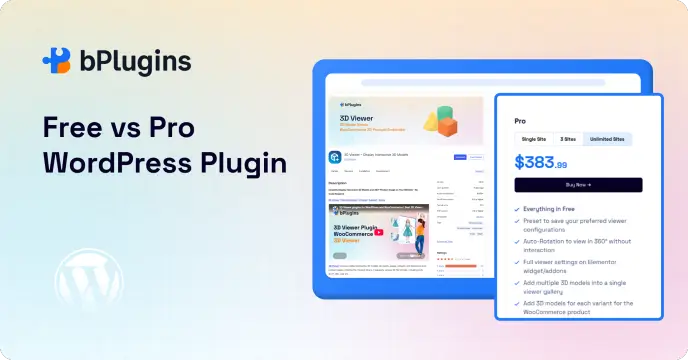
Most WordPress plugins are available in two versions: free and premium. The free version gets you started. The pro version unlocks everything else. But how do you know which one you actually need?
If you’ve been running your WordPress plugin’s free version for a while, you’ve probably asked yourself this question more than once. Should you pay for the pro version, or is free doing the job just fine?
This guide walks you through exactly when upgrading makes sense and when it doesn’t. We’ll also cover what pro upgrades usually cost, how to test one before you commit, and the common mistakes people make when they switch. We’re not here to push you toward a purchase you don’t need. We just want you to make a decision that fits your website, your budget, and your goals.
Why Most WordPress Plugins Have Free and Pro Versions
The free-to-pro model isn’t a trick to squeeze money out of you. It’s how most plugin developers keep their products alive.
The free version gets people through the door. It shows them what the plugin can do and lets them test it on a real website with zero risk. If people like it, some of them upgrade. That revenue funds everything that keeps a plugin worth using: faster bug fixes, better customer support, regular security patches, and new features that keep pace with WordPress itself.
Every time WordPress rolls out a new version, plugins need updates to stay compatible. That work costs time and money. Pro sales are usually what pays for it. So when you buy a pro license, you’re not just buying features. You’re helping keep the whole plugin alive and improving.
This model also protects you as a user. A plugin with no revenue behind it eventually stops getting updates. Abandoned free plugins are one of the most common causes of security issues and compatibility breaks on WordPress sites. Paying for pro, even on just one or two plugins you rely on heavily, helps make sure the tools you depend on stick around.
What You Can Usually Do With a Free Plugin
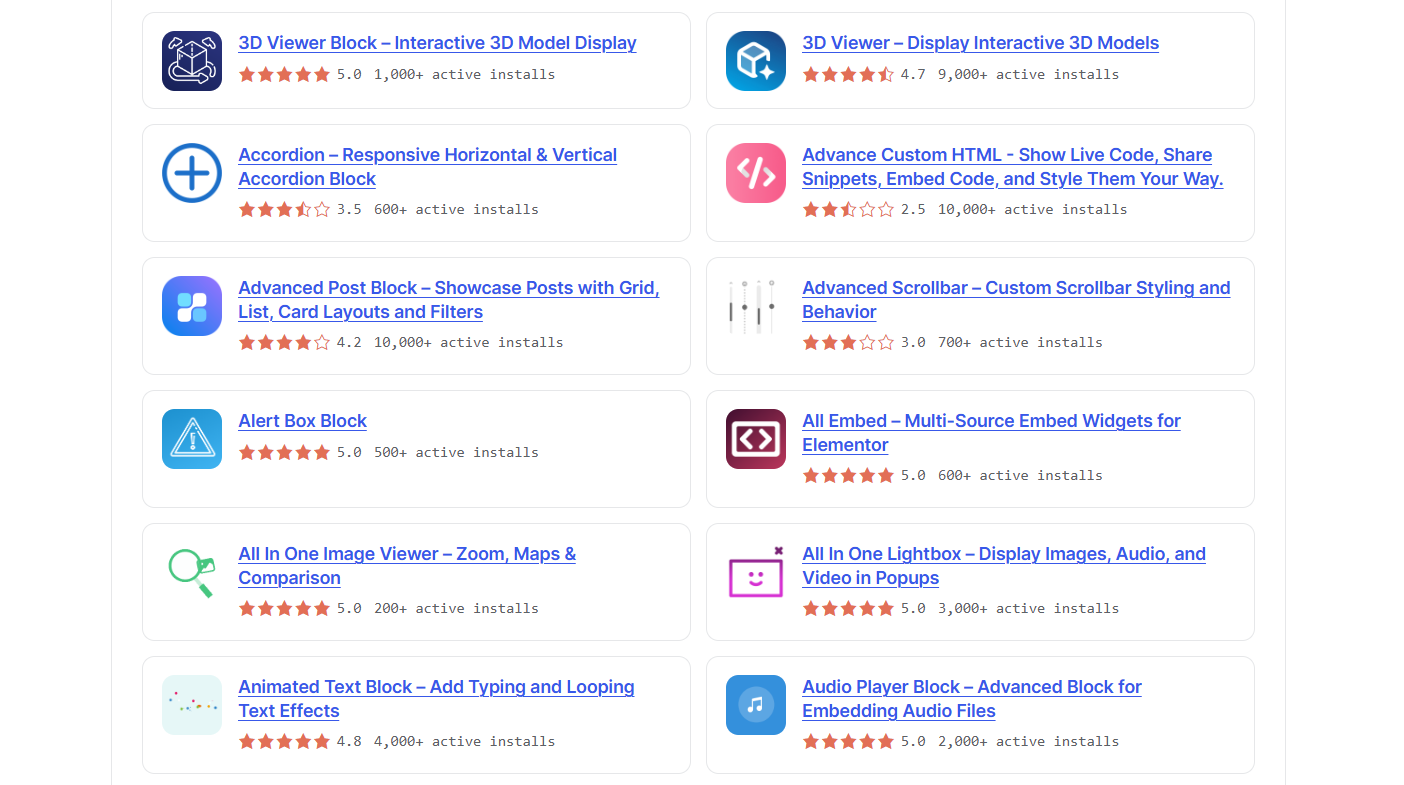
Free plugins aren’t stripped-down demos. Most of them handle real, everyday tasks without asking you to pay a cent.
If you run a personal blog, a hobby site, or a small business page, a free plugin often gives you everything you need:
- Embed a PDF on a page
- Add a video player to a post
- Build a simple image gallery
- Create basic Gutenberg layouts
Free versions are also great for testing. You get to see how a plugin works, how it fits your workflow, and whether it plays nicely with your theme, all before spending any money.
Many bPlugins products follow this same approach. Our free versions are built to be genuinely useful, not just teaser tools. If your site is small or you’re just getting started, you might not need to upgrade at all.
Common Free WordPress Plugin Limitations
Free plugins get you far, but they don’t get you everywhere. At some point, you’ll likely hit a wall. Knowing what that wall usually looks like helps you decide if you’ve reached it yet.
Limited customization Free versions often lock you into a set look. You can’t change colors freely, adjust layouts the way you want, or add your own branding.
Feature restrictions This is where free plugins really show their limits. You might not get advanced filtering, built-in analytics, password protection, premium templates, or WooCommerce support.
Usage limits Some free plugins cap how much you can use them. That could mean a limit on the number of items you can add, the number of embeds allowed, or which blocks you can access. Support is usually basic too. Think community forums instead of direct help.
Compatibility gaps Free versions sometimes lag behind on support for newer WordPress features, page builders, or third-party themes. Pro versions tend to get priority when it comes to compatibility testing.
None of this means free plugins are bad. It just means they’re built for a specific stage of your website’s life. The question is whether you’ve outgrown that stage.
10 Signs It’s Time to Upgrade Your WordPress Plugin
Here’s where things get practical. If you’re on the fence about upgrading, check your situation against these ten signs.
1. You need features that save time Templates, automation, dynamic content, and advanced controls all exist to save you hours of manual work. If you’re doing something by hand that a pro feature could automate, that’s a clear signal.
2. Your website is growing More traffic, more pages, more content, more customers. Growth changes what your site needs. A plugin that worked fine for 10 pages might not hold up at 500.
3. You need better design options Free plugins usually offer basic styling. If you want premium layouts, advanced styling controls, better responsiveness, or the ability to match your brand exactly, pro versions typically deliver that.
4. You want better performance Speed matters, especially on content-heavy pages. Features like lazy loading and optimized asset delivery can make a real difference. PDF Poster Pro’s lazy loading, for example, helps pages with multiple embedded PDFs load faster and feel smoother for visitors.
5. You need better security If you’re sharing sensitive files or restricting content to certain users, free plugins often fall short. Pro versions frequently add password protection, restricted downloads, and more secure embed options that free tiers simply don’t offer.
6. You’re building client websites Agencies and freelancers have different needs than solo site owners. Reusable templates, white-label options, and deeper customization all speed up client work. If you build sites for others, these features pay for themselves quickly.
7. You need priority support Free plugin support usually means forums and community help. If something breaks on a live site, waiting days for an answer isn’t good enough. Pro support often means faster, more direct help, and that alone can save you hours of troubleshooting.
8. You’re running an online business Business websites live and die by user experience. Better UX, higher conversions, and deeper integrations, including WooCommerce compatibility, tend to sit behind the pro paywall for a reason. They directly affect your bottom line.
9. You want regular feature updates Pro versions usually get new blocks, templates, and integrations before free versions do, if they get them at all. If staying current matters to you, pro users are first in line.
10. The plugin is saving you money or time This one’s simple math. If a plugin saves you two hours a month, and your time is worth anything close to what most freelancers charge, the pro license often pays for itself within weeks.
If you’re nodding along to three or more of these, it’s probably time to look at the pro version seriously.
How Much Do Pro WordPress Plugins Usually Cost?
Pricing varies a lot depending on the plugin and what it does, but most fall into a few common patterns.
Single site licenses usually run anywhere from $20 to $80 per year. These work well if you manage one website and don’t need to install the plugin anywhere else.
Multi-site licenses cost more, often between $80 and $200 per year, but they let you use the plugin across several sites under one license. This is the better deal if you manage more than two or three websites.
Bundles group multiple plugins from the same company at a lower combined price. Instead of paying full price for five separate tools, you pay one price for all of them, which usually saves 40 to 60 percent compared to buying each one on its own.
Lifetime deals ask for a larger one-time payment, but skip renewals entirely. If a plugin normally costs $60 a year and the lifetime deal is $180, you break even in three years and save money every year after that.
When you’re comparing prices, don’t just look at the number. Compare it against what the plugin actually replaces. If a pro plugin removes the need for two other tools, or replaces hours of manual work, the price tag looks a lot smaller.
Free vs Pro WordPress Plugins Comparison
| Feature | Free | Pro |
| Core Features | Yes | Yes |
| Advanced Features | Limited | Full |
| Design Controls | Basic | Advanced |
| Premium Templates | No | Yes |
| WooCommerce Support | Sometimes | Usually |
| Advanced Integrations | Limited | Yes |
| Priority Support | No | Yes |
| Regular Feature Releases | Limited | Faster |
| Business Use | Basic | Ideal |
When Is a Free Plugin Enough?
Let’s be honest here. Not everyone needs to upgrade, and that’s fine.
Free is usually the right choice if:
- You run a personal blog
- Your website is a hobby project
- You only need basic functionality
- You’re still testing ideas
- Your budget is tight right now
There’s no shame in sticking with free. Plenty of successful websites run entirely on free plugins for years. Upgrade when your site’s needs change, not because you feel like you’re supposed to.
When Is a Pro Plugin Worth It?
The real question isn’t “is pro expensive?” It’s “what does pro get me back?”
A pro upgrade is usually worth it if:
- Your website generates revenue
- You’re building sites for clients
- You depend on the plugin every day
- You need workflows the free version can’t handle
- Better UX would improve your conversions
- Support response time actually matters to you
Think of it as return on investment rather than a straight cost. If the upgrade saves time, improves your site, or helps you close more sales, it’s not really an expense. It’s an investment that pays you back.
Check out WordPress Media Plugins That Are Actually Worth Paying For Try in 2026.
How to Test a Pro Plugin Before You Buy
You don’t have to commit blind. Most reputable plugin companies, bPlugins included, offer ways to try before you buy.
Check for a demo site. Many pro plugins offer a live demo where you can click through the actual pro features without installing anything.
Look for a money-back guarantee. Most pro licenses come with a refund window, usually between 7 and 30 days. Buy the plugin, test it on a staging site, and request a refund if it doesn’t fit your needs.
Use a staging environment first. Never test a new pro plugin directly on your live site. Set up a staging copy, install the pro version there, and check that everything works the way you expect before touching production.
Read the changelog. A plugin’s changelog tells you how often it gets updated and what kind of fixes and features it has shipped recently. Frequent, meaningful updates are a good sign the developer is actively maintaining it.
Testing before you buy removes most of the risk. You get to see exactly what you’re paying for before your card gets charged.
Mistakes to Avoid When Upgrading
Upgrading sounds simple, but a few common mistakes trip people up every time.
Upgrading without a clear reason. If you can’t name the specific feature or problem that pushed you to upgrade, you might be buying out of habit rather than need. Go back to the ten signs above and make sure at least a few genuinely apply to you.
Skipping the backup. Always back up your site before installing a pro version, even if it’s from the same developer as your free plugin. Settings occasionally shift during the upgrade process, and a backup means you can undo any issue in minutes.
Ignoring compatibility. Check that the pro version supports your current theme, page builder, and WordPress version before you buy. Most product pages list this clearly, and it takes two minutes to check.
Buying individually when a bundle makes more sense. If you already know you’ll need two or more pro plugins from the same company, check the bundle price first. Buying separately almost always costs more.
Forgetting to remove unused free-tier workarounds. If you were using extra plugins or manual workarounds to patch gaps in the free version, remove them after upgrading. Running redundant tools slows your site down for no reason.
Also, explore the Best WordPress Plugins for Real Estate Websites in 2026.
Real Examples From bPlugins
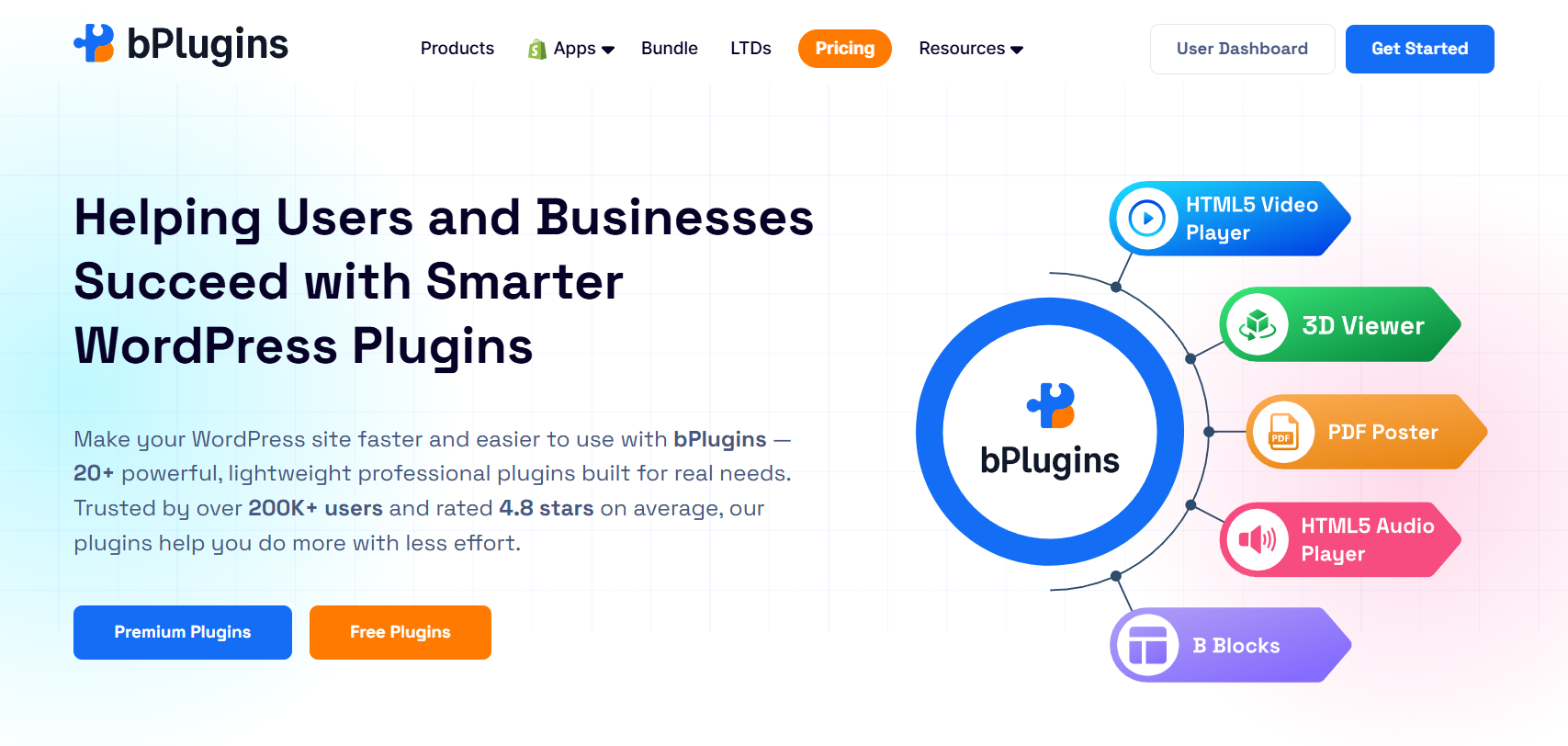
Here’s how the free vs pro split plays out across a few of our own plugins.
Free version:
- Embed PDFs on any page
- Gutenberg block support
- Basic display settings
Pro version:
- Lazy loading for faster page speed
- Download control
- Password protection
- Deeper customization options
- Better performance for pages with large document libraries
Check also PDF Poster vs Embed PDF Viewer: Which WordPress PDF Plugin Is Faster?
Free version:
- Responsive video player
- Basic playback controls
Pro version:
- Sticky video that follows scroll
- Autoplay when the video comes into view
- Chapter markers
- Custom download URLs
- Password protection
- Advanced playback options
Read HTML5 Audio Player vs Compact WP Audio Player: Which One Should You Use in 2026?
Free version:
- Display 3D models on your site
Pro version:
- WooCommerce integration for product showcases
- Advanced interaction controls
- More customization options
- Better tools for showing off products in 3D
Each of these follows the same pattern. Free covers the basics well. Pro adds the features that matter once your site starts doing more.
Save More With the bPlugins Bundle
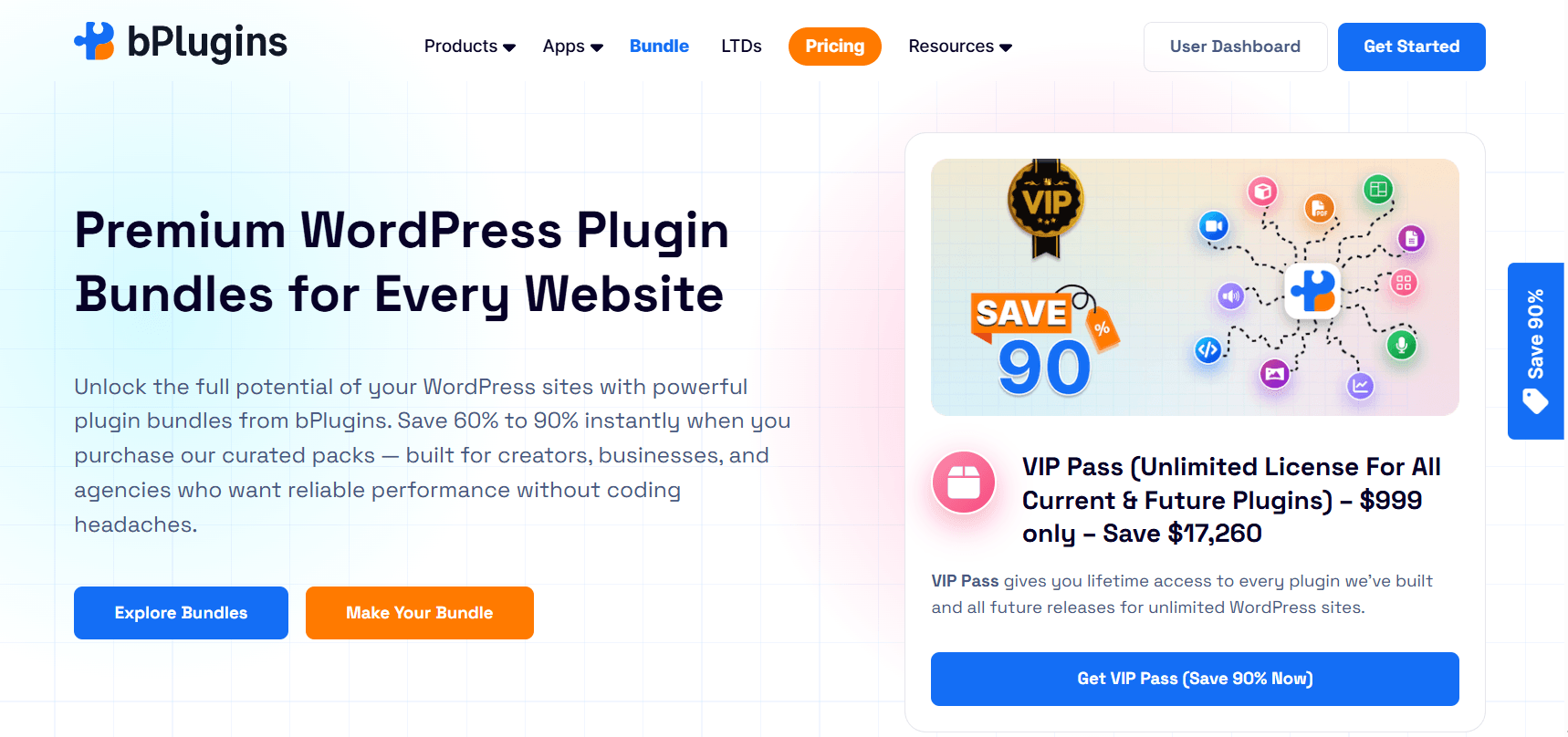
If you’re eyeing more than one pro plugin, buying them separately isn’t your only option.
The bPlugins Bundle combines multiple premium plugins into a single package for a lower overall cost than purchasing each one separately. It’s a solid fit for agencies managing several client sites, freelancers juggling multiple projects, or anyone who wants to simplify license management instead of tracking separate renewals for each plugin.
If you’re already planning to use more than one bPlugins product, the bundle usually works out cheaper and easier to manage.
Is a Lifetime Deal Better Than an Annual License?
This depends entirely on how long you plan to use the plugin.
Annual license
- Lower cost upfront
- Good option if you’re trying pro features for the first time
- Flexible if your needs might change
Lifetime deal
- One payment, no renewals
- Saves money over the long run
- No surprise price increases down the line
- Makes the most sense for agencies and long-term users
bPlugins runs Lifetime Deals from time to time. If you already know you’ll be using a plugin for years, a Lifetime Deal is often the smarter financial move. You pay once and never think about renewals again.
What Happens If You Downgrade From Pro to Free?
Sometimes plans change. Maybe you closed a client project or your budget got tighter. If you let a pro license lapse, here’s what usually happens.
Your site typically reverts to free-tier functionality. Pro-only features like password protection, advanced layouts, or premium templates stop working, but your existing content usually stays intact. A gallery built with pro templates might lose some styling, but the images and structure remain.
Most reputable plugins, including bPlugins products, won’t delete your data just because a license expires. They simply restrict access to premium functionality until you renew. Still, it’s worth checking a plugin’s documentation on this before you buy, so you know exactly what to expect if you ever need to step back down to free.
Read What Is the Best WordPress Media Plugin in 2026? (Honest Breakdown).
Questions to Ask Before Upgrading
Before you commit to a pro license, run through this checklist:
- Am I missing a feature I genuinely need?
- Will this upgrade save me time?
- Will it improve the experience for my visitors?
- Could it help generate more revenue?
- Do I need faster, more reliable support?
- Am I managing more than one website?
- Would a bundle give me better value than buying individually?
If you answer yes to two or three of these, upgrading is probably worth it.
Explore The Best WordPress Plugins for Small Business Websites in 2026.
Frequently Asked Questions
Is the free version enough for most WordPress websites?
For personal blogs, hobby sites, and small projects, yes. Free versions handle the basics well. Larger or business-focused sites usually need pro features sooner.
How do I know when to upgrade a WordPress plugin?
Watch for signs like missing features, slower performance, growing traffic, or the need for better support. If you’re hitting the limits of the free version regularly, it’s time to upgrade.
Are premium WordPress plugins worth the money?
Usually yes, if the features solve a real problem for your site. Pro plugins pay off fastest when they save you time, improve security, or boost conversions.
Can I upgrade later without losing my settings?
Most WordPress plugins, including bPlugins products, let you upgrade from free to pro without losing your existing settings or content.
Is buying a plugin bundle cheaper than individual licenses?
Generally, yes. Bundles group multiple pro plugins at a lower combined price than buying each one separately.
Are Lifetime Deals a good investment?
If you plan to use the plugin for several years, a Lifetime Deal usually saves you money compared to paying annually.
What happens to my site if I stop paying for a pro license?
Most plugins revert to free-tier functionality without deleting your data. Pro-only features simply stop working until you renew.
Conclusion
Free plugins are a great starting point for almost any WordPress website. They cover the basics, let you test ideas, and cost nothing while you figure out what your site actually needs.
Upgrade when your site outgrows what free can offer, not before. Focus on the value an upgrade brings: saved time, better performance, stronger security, and support you can rely on. Price alone shouldn’t be the deciding factor.
If you’re using several plugins across multiple sites, a bundle or Lifetime Deal often makes the most financial sense. It simplifies your license management and helps you scale your WordPress projects without paying full price for every single plugin.

 Save 90%