

Most small business websites don’t fail because of bad design. They fail because of bad plugin decisions.
We’ve seen it happen more times than we can count. A business owner builds a site, installs a dozen plugins they found in random blog posts, and ends up with a slow, bloated website that barely converts. Traffic comes in. People leave fast. Sales don’t follow.
The good news? The fix isn’t complicated. It starts with rethinking how you choose and stack your plugins.
In 2026, visitors now expect richer content, faster load times, and a clear path to take action. A wall of text and a contact form won’t cut it anymore. You need video, audio, embedded documents, and interactive elements that keep people engaged long enough to trust you.
This will share a list of the best WordPress plugins for small businesses. No endless lists. Just the right tools, in the right order, with a clear reason for each one.
Let’s get into it.
Why Small Business WordPress Sites Struggle With Plugins (And What to Do Instead)
Here’s a pattern we see all the time.
A small business owner launches a WordPress site with good intentions. They installed an SEO plugin, a form plugin, a slider plugin, a social media plugin, a chat widget, a backup tool, and a few others they picked up from random tutorials. Before they know it, they’re running 20+ plugins and their site takes five seconds to load.
Slow sites kill conversions. Even a one-second delay in page load time leads to a measurable drop in sales.
But speed isn’t the only problem. Most of these sites also lack the content depth visitors need to make a buying decision. No product videos, no downloadable guides, no way to preview a document without leaving the page. Visitors land, don’t find what they need, and leave.
The fix isn’t adding more plugins. It’s building a smarter, more intentional stack where every plugin has a clear purpose, and everything works together.
What Is a WordPress Plugin Stack and Why Does It Matter?
A plugin stack is a curated set of plugins that work together toward a specific goal for your website.
Think of it less like a shopping list and more like a team. Every member has a clear role. Nobody duplicates someone else’s work.
A strong WordPress plugin stack for small businesses in 2026 has three qualities:
It’s lightweight. Every plugin adds load to your server. A lean stack keeps your site fast without cutting important features.
It’s multi-functional. The best plugins handle more than one thing. A video player that supports multiple formats, custom skins, and access controls is worth far more than one that only plays MP4 files.
It supports modern content formats. Video, audio, 3D product previews, and embedded documents are no longer nice-to-haves. They’re what buyers expect to see before making a decision.
We think of a solid plugin stack in three layers: a core layer for the basics (design, SEO, caching, security), a media and content layer for engagement, and a conversion layer for turning visitors into leads. Let’s build each one.
Learn about Enterprise Video Player WordPress Plugins: Choosing for Large Sites.
The Essential WordPress Plugins Stack for Small Businesses (2026 Edition)
The Core Layer: The Foundation Every WordPress Site Needs
Before you think about media or conversions, you need a solid foundation. These are the must-have WordPress plugins that every small business site should have from day one. Keep this list short and don’t overlap.
bBlocks
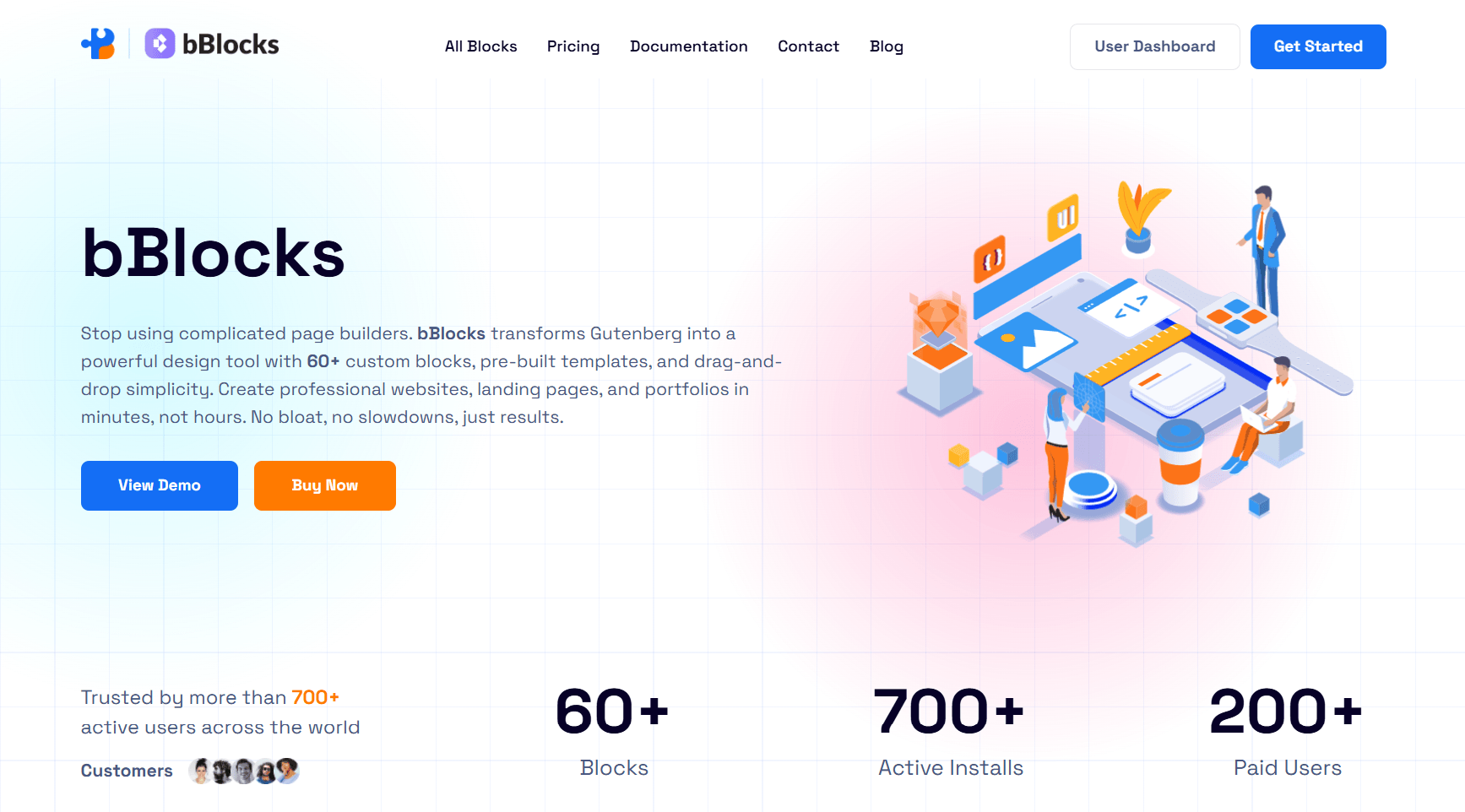
Before any content or media plugin does its job, your site needs to look good and load fast. That’s where bBlocks comes in.
Most small business owners either settle for a basic theme layout or turn to heavy page builders like Elementor or Divi. Both options have trade-offs. Basic themes look generic. Heavy page builders slow your site down and come with a learning curve that eats up hours.
bBlocks takes a smarter approach. It works directly inside the WordPress Gutenberg editor and gives you 60+ custom blocks, pre-built templates, and drag-and-drop design controls without adding unnecessary bloat to your site. You get professional-looking pages, landing pages, and service sections built quickly, with full control over typography, colors, spacing, and animations.
SEO: Rank Math or Yoast SEO. Both work well. Rank Math gives you more features in the free version. Yoast is easier for complete beginners.
Performance: WP Rocket. Caching, image optimization, lazy loading, and database cleanup in one plugin. Worth the investment for any small business that can’t afford a slow site.
Forms: WPForms. Beginner-friendly, clean, and powerful enough for everything from contact forms to multi-step lead capture.
Security: Wordfence (free version). Brute force protection and malware scanning are the minimum for any business site.
Five core plugins. Combined with the media and conversion tools below, you’ve got a lean, high-impact stack with no unnecessary weight.
The Media and Content Layer: Where Most Small Business Sites Fall Short
This is where small business sites get it wrong most often. Owners treat media plugins as something to add later. But in 2026, rich media is how you build trust and keep people on your pages.
Here are the tools we recommend.
HTML5 Video Player
Video is the single most effective trust-builder on a small business website. A product demo, a welcome message, or a client testimonial can do more for conversions than three paragraphs of copy.
HTML5 Video Player lets you embed MP4, WebM, OGG, and FLV videos directly on any page or post. You get full control over the player skin, playback speed, quality settings, and autoplay behavior. It works with Gutenberg blocks and shortcodes, and it’s fully responsive across all devices.
The big differentiator is the ad-free experience. No pre-roll ads, no interruptions. Just clean video playback that keeps your visitor focused on what matters.
HTML5 Audio Player
Audio is an underrated format for small businesses. If you run a service business, a short audio clip from a happy client builds credibility quickly. If you teach or consult, a podcast-style preview keeps people on your page longer.
HTML5 Audio Player is lightweight, ad-free, and supports MP3 and OGG formats. It renders cleanly across all browsers and devices. You can configure autoplay, loop, and preload settings, and drop it anywhere on your site using Gutenberg blocks or shortcodes, with no code required.
Simple, focused, and exactly what a small business needs for audio content.
PDF Poster
Lead magnets, brochures, pricing guides, service menus, these are the kinds of documents that close deals. But sending visitors to a download link is a missed opportunity. Once they download the file and close the tab, you’ve lost them.
PDF Poster lets you embed PDFs directly on your pages using a fully responsive viewer. You can enable full-screen mode, zoom controls, and password protection.
You also control whether visitors can download the file or just view it, which keeps them on your site and engaged with your content.
Document Embedder
Sometimes you need to share more than a PDF. Proposals, case studies, Excel sheets, Word documents, slide decks, these all play a role in a service business. The problem is that most WordPress sites handle this badly, usually with a raw download link that pulls visitors away from the browser.
Document Embedder solves this cleanly. It supports 10+ document types, including Word, PDF, and Excel files, and it pulls files from local uploads or cloud sources like Google Drive and Dropbox.
It also includes a lightbox display mode for a distraction-free viewing experience. Visitors can read everything they need without ever leaving your site.
3D Viewer
If you sell physical products, a 3D viewer on your product pages is one of the highest-ROI additions you can make in 2026. It lets visitors rotate, zoom, and inspect a product from every angle before buying. That directly reduces hesitation and cuts return rates.
3D Viewer supports GLB, GLTF, OBJ, and STL file formats. It’s WooCommerce-ready, so you can add interactive 3D previews directly to product pages. It also works with external model URLs from Amazon S3, Google Drive, and similar sources.
This one is especially valuable for product-focused businesses, custom manufacturers, furniture sellers, or anyone who wants to give buyers a closer look without a physical showroom.
Panorama Viewer
For real estate agents, vacation rental owners, event venues, or any business with a physical space to showcase, the Panorama Viewer adds a whole new dimension to engagement. Visitors can take a 360-degree virtual tour directly from your website.
It’s the kind of feature that makes people stop, explore, and spend real time on your site. And the longer someone stays, the more likely they are to reach out.
The Conversion Layer: Turning Visitors Into Leads
Great content gets people interested. The conversion layer is what turns that interest into action.
Button Block
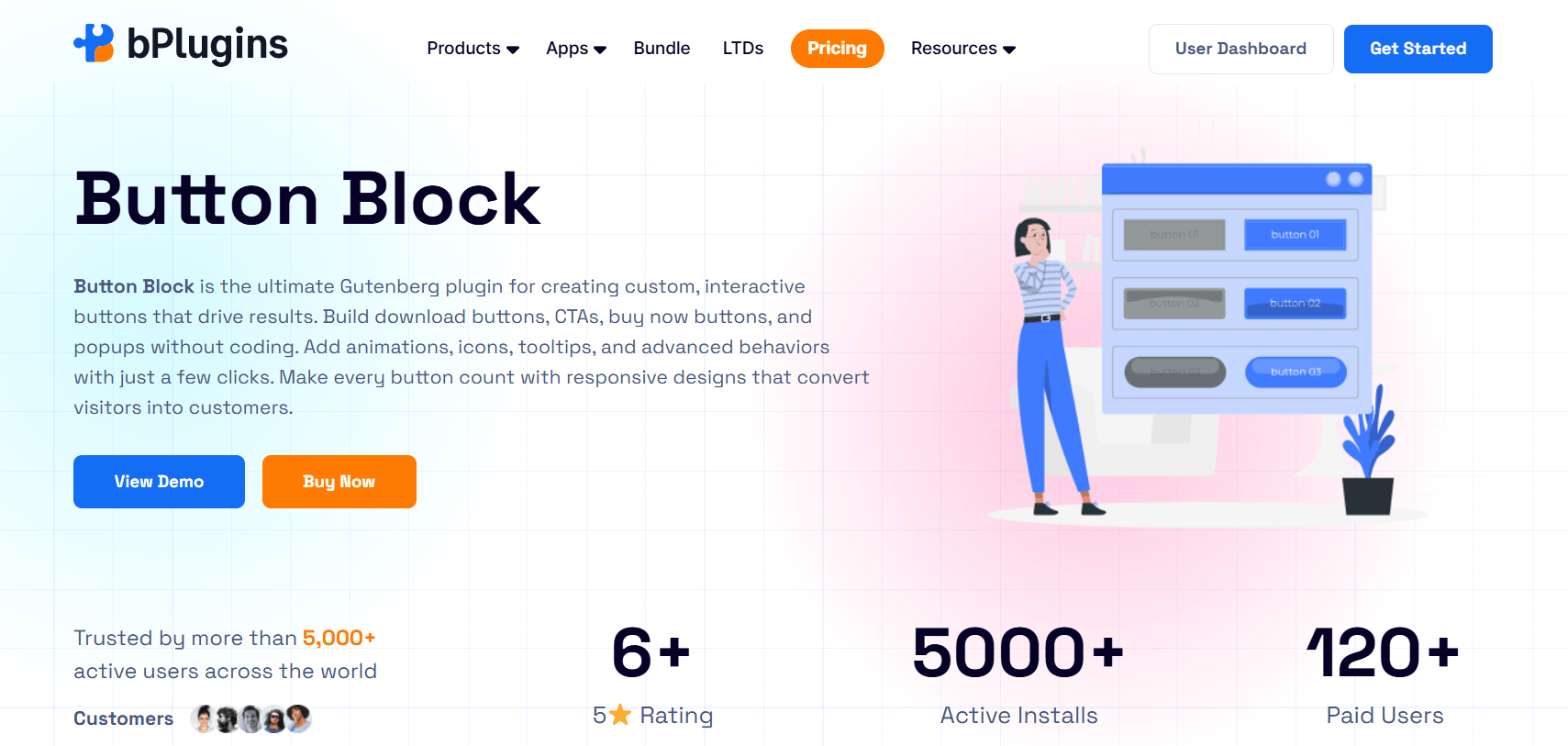
Every page on your site should have a clear next step. A “Book a Call” button, a “Download the Guide” CTA, a “Get a Free Quote” prompt. These are exactly the elements where a lot of small business sites fall flat.
Button Block gives you full control over CTA buttons inside the Gutenberg editor. You can customize the style, size, color, hover effects, and link destination without writing any CSS. Small plugin, big impact on conversions.
Voice Feedback
Most businesses collect written reviews, but very few use voice feedback. Voice Feedback lets visitors record short audio messages directly from your website. These voice clips feel far more genuine than typed testimonials, and you can embed them anywhere on your site to build instant credibility.
How to Build the Right Plugin Stack for Your Business Type
Knowing which plugins to use is one thing. Knowing how to combine them for your specific situation is what makes the real difference. Here’s how we’d approach four common small business types.
Local Service Businesses (Plumbers, Lawyers, Dentists, Agencies)
For local businesses, trust is everything. Visitors need to feel confident before they pick up the phone.
Start with: bBlocks to design clean, professional service pages and landing pages. Add HTML5 Video Player for a homepage welcome or service overview, HTML5 Audio Player for client testimonials, PDF Poster for your service menu or pricing guide, WPForms for inquiries, Rank Math for local SEO, and WP Rocket for speed.
A short homepage video will outperform any block of text. Pair that with a downloadable PDF and an embedded audio testimonial, and you’ve built a strong trust-building page without overloading your site.
eCommerce Websites
For online stores, your product pages need to do the heavy lifting.
Start with: bBlocks for custom product layouts and landing page design. Add HTML5 Video Player for product demos, 3D Viewer for interactive product previews, Document Embedder for size guides and spec sheets, PDF Poster for downloadable catalogs, WooCommerce, Rank Math, and WP Rocket.
The 3D Viewer alone can reduce return rates because buyers go into their purchase with a much clearer picture of what they’re getting.
Content Creators and Educators
If you run a course site, a coaching business, or a content platform, your audience expects rich media.
Start with: bBlocks to build structured lesson pages, content hubs, and opt-in sections that look polished without a developer. Add HTML5 Video Player for lessons and tutorials, HTML5 Audio Player for podcast episodes or audio summaries, PDF Poster for workbooks and handouts, Document Embedder for course materials and slide decks, Rank Math, and WP Rocket.
This setup lets you deliver a full learning experience without pushing visitors to third-party platforms.
Real Estate and Listing Websites
Real estate buyers make most of their decisions online before they ever visit a property.
Start with: bBlocks to build property listing layouts and agent profile pages that stand out. Add Panorama Viewer for 360-degree virtual tours, HTML5 Video Player for property walkthroughs, Document Embedder for floor plans and inspection reports, PDF Poster for property brochures, WPForms, and Rank Math.
The Panorama Viewer is the standout tool here. A virtual tour lets serious buyers self-qualify before reaching out, which means fewer wasted showings and better-quality inquiries.
Why a Plugin Bundle Is a Smarter Buy for Small Businesses
Here’s something worth thinking about before you start purchasing plugins one by one.
When you buy plugins separately, costs stack up fast. You also end up managing separate license dashboards, separate update schedules, and the occasional compatibility issue when two plugins from different developers don’t play well together.
There’s a better way.
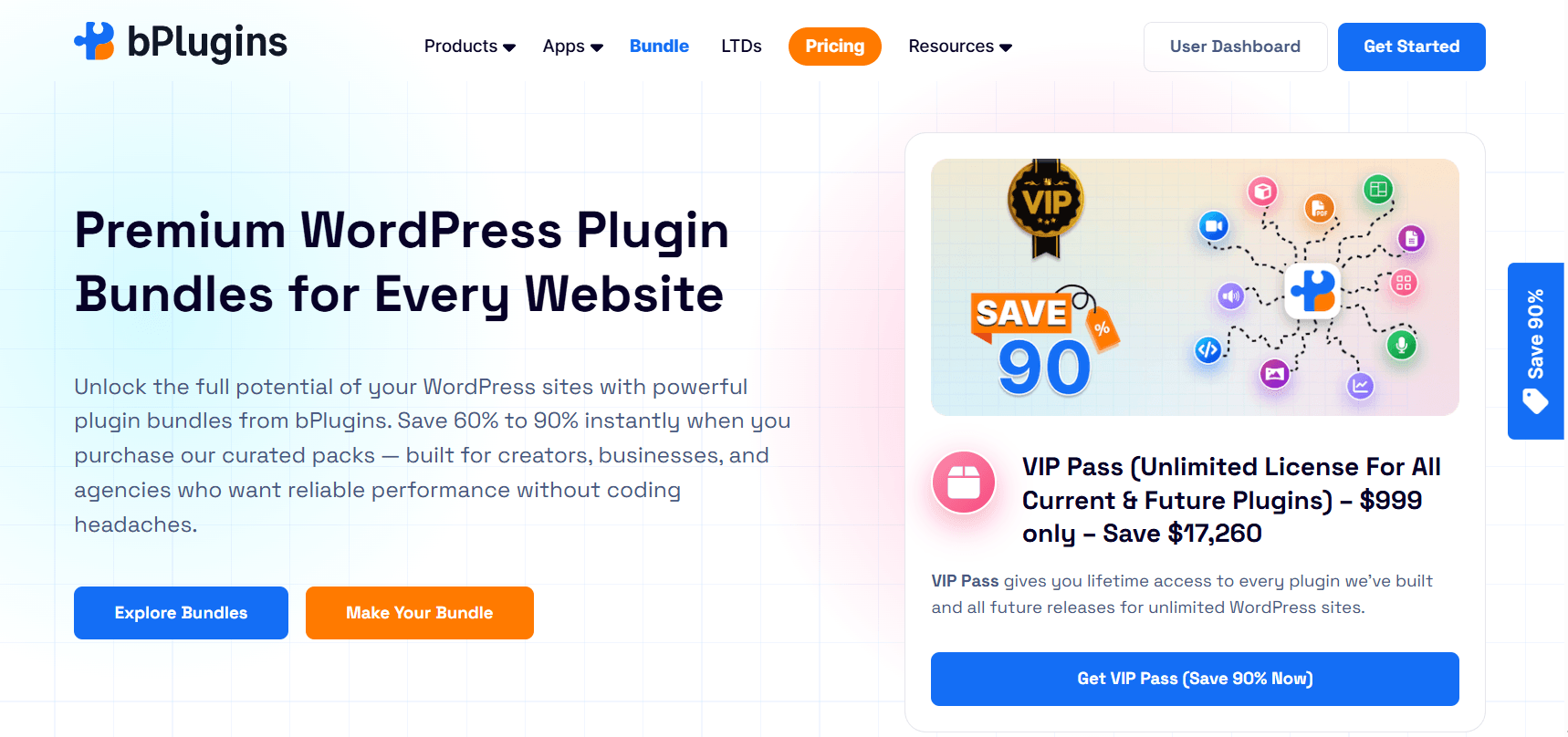
bPlugins offers a plugin bundle that packages multiple premium plugins together at a significant discount compared to buying them individually. Since they’re all built by the same team, compatibility is never a concern. The interface is consistent across every tool, and setup is much faster when everything works the same way.
For small businesses that want to move quickly without spending weeks testing individual plugins, the bundle approach saves both money and time.
And if you plan to use these tools long-term, which you should, the lifetime deal options are worth a serious look. Pay once and use the tools forever. No recurring subscription cutting into your monthly budget.
The top-tier option is the VIP Pass, which gives you lifetime access to every plugin bPlugins has built and every new plugin they release in the future, for unlimited WordPress sites. For agencies or businesses with multiple websites, this is a clear no-brainer.
How Many Plugins Does a Small Business Website Actually Need?
The honest answer is: fewer than you think.
The sweet spot for most small business sites is somewhere between 5 and 10 plugins. That covers your core needs, including design, SEO, performance, security, media, and conversions, without creating a tangled setup that becomes hard to manage or troubleshoot.
The mistake most site owners make is treating plugins like a wish list. They add one for social sharing, one for sticky headers, one for cookie notices, and one for a countdown timer. Before long, they’ve got 25 plugins and a site that crawls.
Before you install anything new, ask yourself one question: What specific problem does this solve, and is there a simpler way to handle it?
If a plugin overlaps with something you already have, it doesn’t belong in your stack. If it adds a feature that looks nice but doesn’t directly help with engagement or conversions, it probably isn’t worth the performance cost.
Multi-purpose plugins are your best friend here. A single plugin that handles video embedding, custom player skins, access control, and responsive playback is always a better choice than three plugins doing the same job separately.
The same logic applies to your design tool. A lightweight block builder like bBlocks replaces the need for a heavy page builder and a separate layout plugin at the same time.
The Most Common Plugin Stack Mistakes (And How to Avoid Them)
We’ve looked at a lot of small business WordPress sites, and the same issues come up over and over.
Installing plugins without a clear purpose. Someone recommends something in a Facebook group, and it gets installed on the spot. Every plugin in your stack should have a specific job. If you can’t name what it does, you probably don’t need it.
Ignoring the performance impact. Not all plugins are built to the same standard. Some load scripts and stylesheets on every page, even when they’re not being used. Always run a speed test before and after installing a plugin.
Overlapping functionality. Two form plugins, two SEO plugins, two caching plugins. This happens more than you’d expect. It wastes server resources and creates conflicts that are hard to diagnose.
Skipping compatibility checks. Installing a plugin without checking if it works with your current theme or other plugins is a common way to break pages. Always check the plugin’s tested-with version and read recent reviews before committing.
Not thinking about growth. Your plugin stack should be able to scale with your business. Choose tools with active support, regular updates, and a clear development history.
Read PDF Lead Magnets in WordPress: How to Gate Content and Grow Your Email List.
How to Build Your WordPress Plugin Stack From Scratch (Step by Step)
If you’re starting fresh or rebuilding your current setup, follow this order.
Step 1: Define your primary business goal. Is it lead generation? Product sales? Content delivery? Your goal drives every plugin decision you make.
Step 2: Set up your design foundation. Install bBlocks and build out your core page layouts before adding functionality plugins. Getting the structure right first saves you a lot of rework later.
Step 3: Install your other core plugins. SEO, caching, security, and forms. Get these running and tested before adding anything else.
Step 4: Add your media and content tools. Based on your business type, bring in the relevant plugins. Selling products? Add the video player and 3D viewer. Running a service business? Add the audio player and PDF embedder.
Step 5: Layer in your conversion tools. Button blocks, lead capture forms, and anything else that pushes visitors toward taking action.
Step 6: Test your site speed. Use Google PageSpeed Insights or GTmetrix to compare performance before and after each addition. If a plugin causes a noticeable drop, find a lighter alternative or configure it to load only on relevant pages.
Step 7: Do a plugin audit every six months. Deactivate and delete anything you’re not actively using. Flag plugins that haven’t received an update in the past year.
Check the Best WordPress Plugins for Real Estate Websites in 2026.
Frequently Asked Questions About WordPress Plugins for Small Business
What are the best WordPress plugins for small businesses in 2026?
The right plugins depend on your goals, but a strong starting point includes bBlocks for site design, Rank Math for SEO, WP Rocket for performance, WPForms for lead capture, and media tools like the HTML5 Video Player, PDF Poster, and Document Embedder. If you sell physical products, add the 3D Viewer to your stack.
Which plugins are essential for a small business website?
At a minimum, every small business site needs a design and layout tool, an SEO plugin, a caching plugin, and a contact form plugin. Beyond that, the must-have WordPress plugins depend on your content strategy. For most businesses, a video player and a document embedding tool should also be in the mix.
Can too many plugins slow down a WordPress site?
Yes, and it’s one of the most common performance problems we see. Each plugin adds code that loads with your site. Poorly built plugins or too many running at once will slow your pages down noticeably. Keep your stack lean and test your speed regularly.
Are plugin bundles worth it for small businesses?
In most cases, yes. A bundle saves money compared to buying each plugin separately, and when all the tools come from the same developer, compatibility issues are rarely a concern. The bPlugins bundle is a good example of this approach done right.
What plugins help increase conversions on a WordPress site?
Conversions improve when you combine trust-building content with clear calls to action. Tools like the HTML5 Video Player, Voice Feedback, PDF Poster, and a solid form plugin work together to move visitors from curious to committed. A well-designed page layout from bBlocks also plays a big role since messy, unstructured pages lose people before any plugin gets a chance to do its job.
Explore WordPress Media Plugins That Are Actually Worth Paying For Try in 2026.
Build a Smarter WordPress Plugin Stack, Not a Bigger One
Your plugin stack is only as good as the thinking behind it.
A site running 8 well-chosen plugins will almost always outperform a site running 30 random ones. The goal isn’t to cover every possible feature. It’s to have the right tools working together toward a clear outcome.
In 2026, that means giving visitors a richer content experience. It means a well-designed site that loads fast and looks professional from the first click. It means video, audio, embedded documents, and interactive product previews. It means conversion paths that actually work. And it means a setup you can manage and scale without things breaking.
If you want to get there without spending weeks testing individual plugins, the bPlugins bundle is a strong place to start. And if you’re thinking long-term, the lifetime deals let you lock in your tools at a one-time price with no recurring fees.
Start lean, stay intentional, and build toward growth.

 Save 90%