
Voice Feedback
Voice Feedback lets visitors instantly record and submit voice messages—no login or forms needed. Collect real-time user feedback from clear audio messages directly on your website, making communication fast, natural, and effortless.
- Record voice feedback
- Real-time voice messages
- Central message dashboard
- Place it anywhere
Record Feedback inOne Click
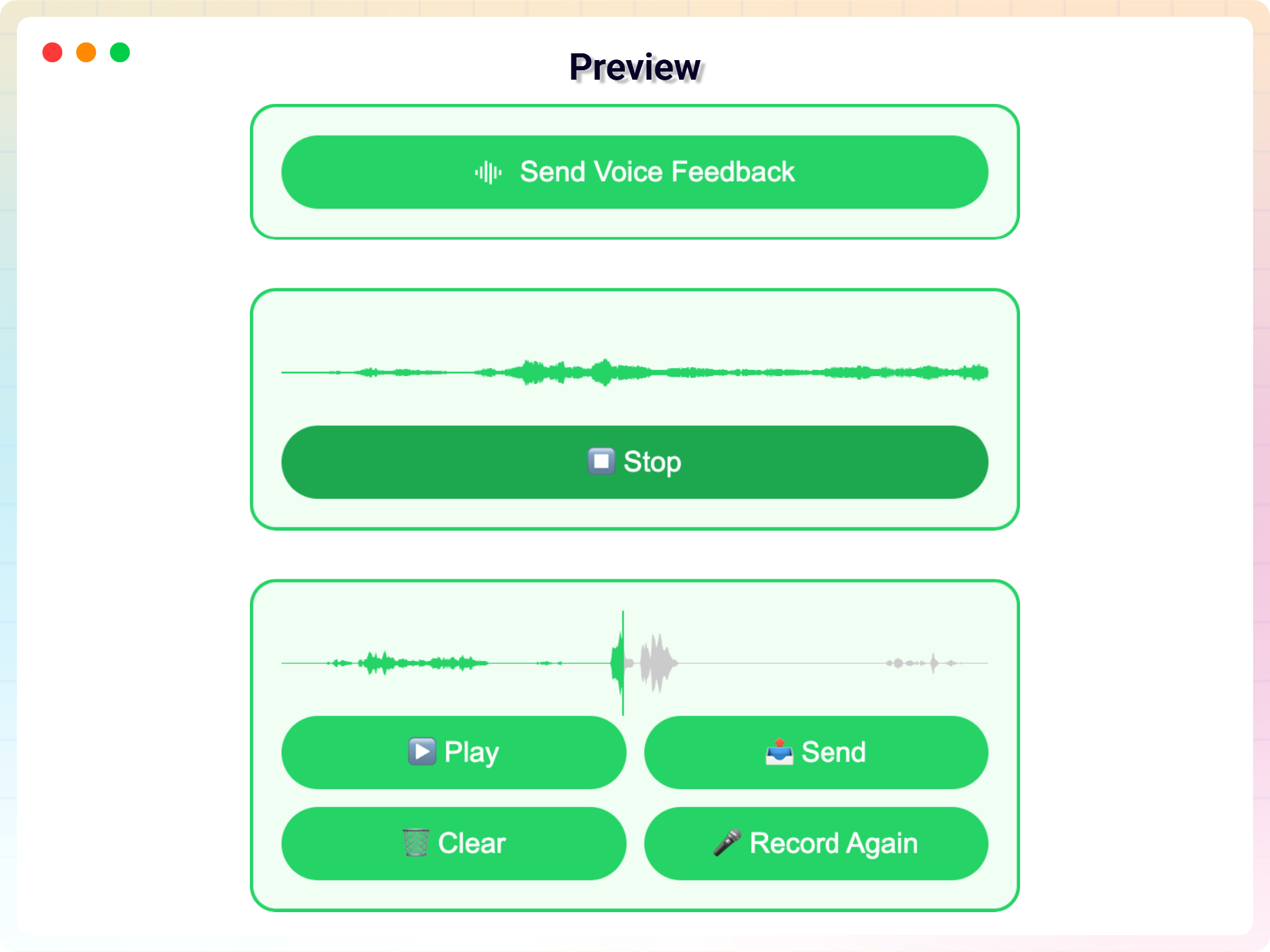
Visitors tap once to record and submit a voice message — no forms, logins or personal info required. The intuitive recorder boosts engagement and encourages honest, effortless feedback.

Manage It All fromYour Dashboard
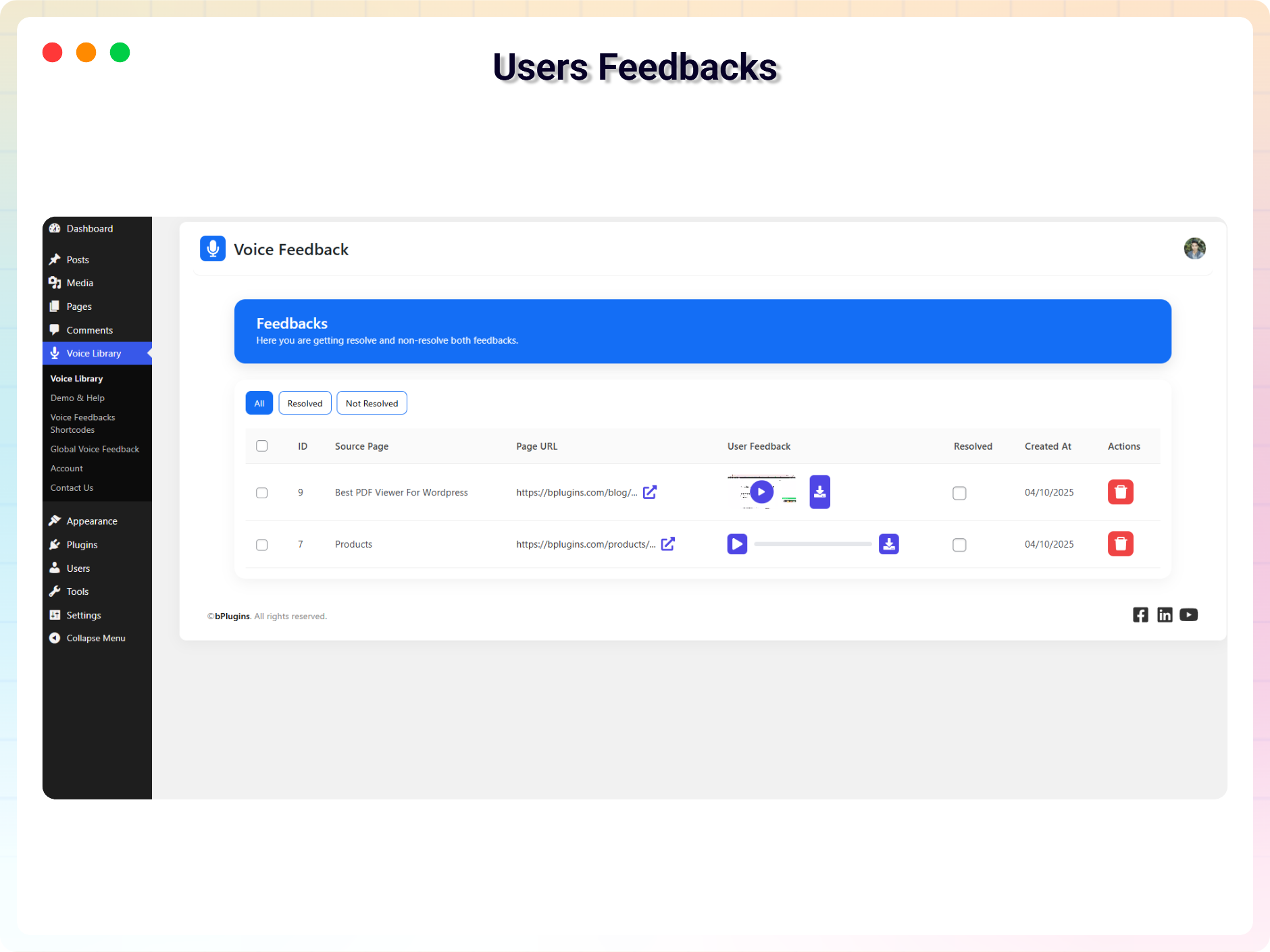
Every voice message lands in a centralized library inside your WordPress admin. Listen, review, and act on feedback in one place — no third-party tools or external accounts needed.

Add It Anywhere —Block or Shortcode
Drop the recorder into posts, pages, sidebars or a site-wide drawer using the Gutenberg block or a simple shortcode. Place it exactly where you want feedback, in seconds.
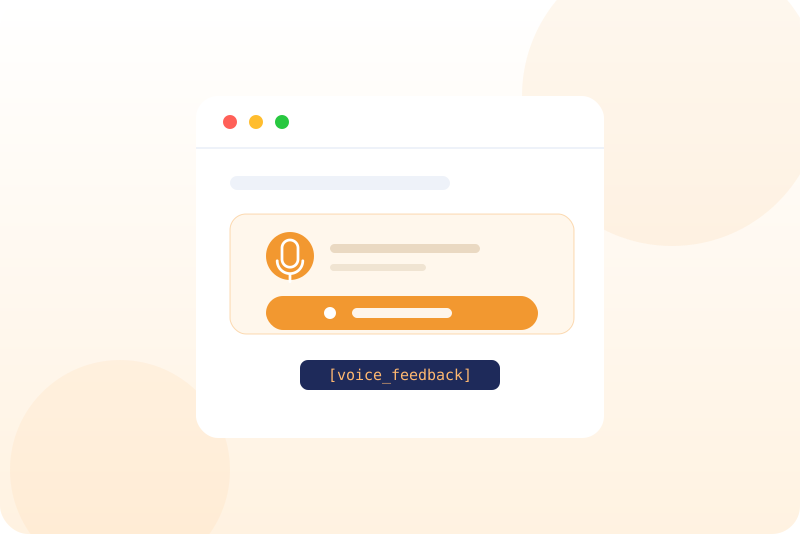
Hear the Emotion BehindEvery Message
Voice reveals what text can’t. Pick up on tone, emotion and urgency to truly understand sentiment, spot pain points, and uncover new ideas straight from your audience.
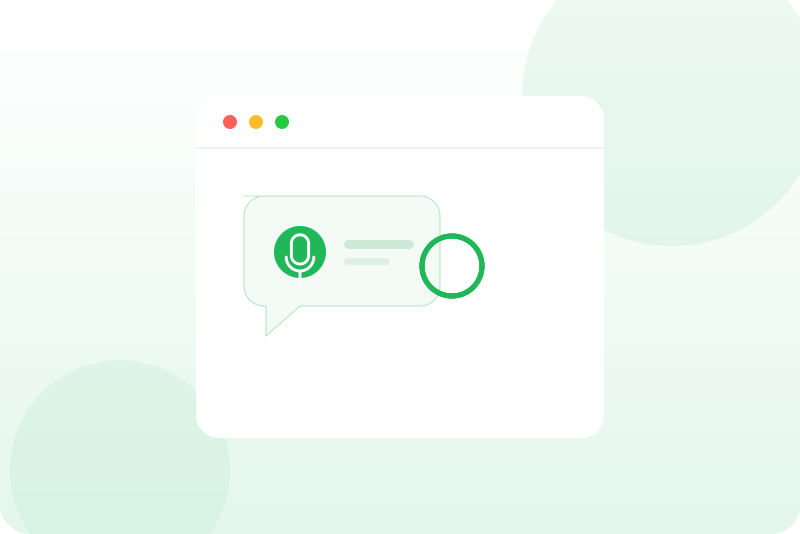
Voice Feedback That Feels Personal and Powerful
-
Speak Your Mind with a Click
Visitors can share feedback naturally by recording voice messages. No typing or forms—just click, speak, and submit. It’s the fastest, most human way to collect user feedback that captures tone and emotion.
-
Centralized Voice Message Dashboard
Every audio message is saved in a clean, intuitive admin dashboard. Replay, manage, or delete feedback anytime. Gain authentic insights and understand your users without second-guessing.
-
Always On, Always Accessible
Display a floating voice recorder drawer across your site. It stays visible and ready, so users can send feedback the moment inspiration strikes—no need to search for a form.
-
Seamlessly Add with Gutenberg
Add a voice feedback field to any page or post using our Gutenberg block. It’s easy to place, flexible to use, and doesn’t require a single line of code.
-
Place Anywhere with ShortCodes
Need more control? Use shortcodes to embed the voice recording field exactly where you want it—from contact pages to custom layouts.
-
Turn Feedback into Action
By listening to real voices, you unlock deeper user understanding. Let audio feedback guide smarter decisions around content, UX, and product direction.
Testimonials
Loved by WordPress users
5.0 rating · 1 real review from the WordPress.org community
-
WordPress.org
Works Great! and is Clear on recordings as well.
Thank you for this plugin. I really like it and enjoy it. I hope you make more cool plugins for wordpress cuz its my favorite type of site to work on and add plugins for. Thank you!! 🙂
tcradiodj Read review
Explore the Interface, Settings & Preview Screens
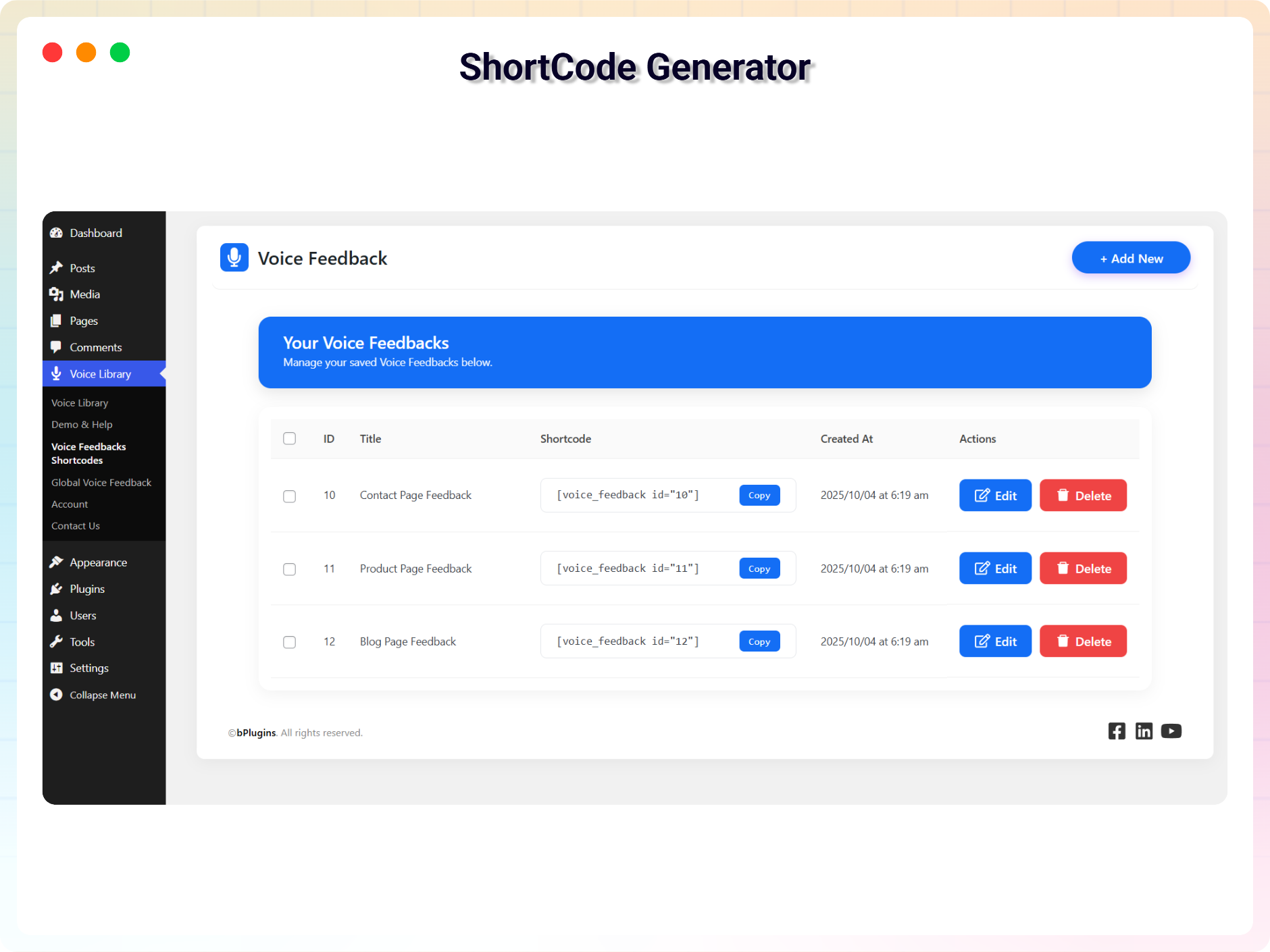
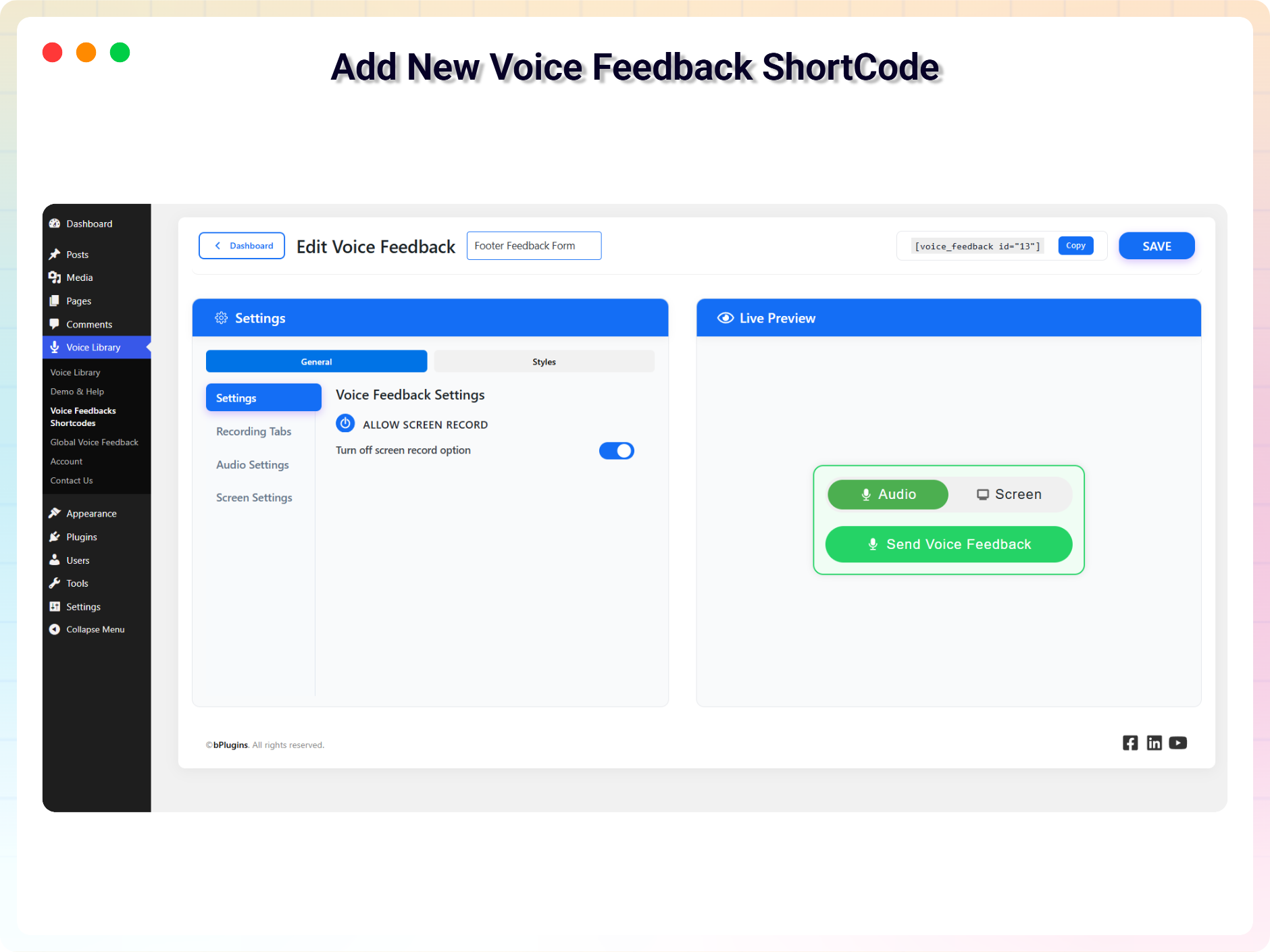
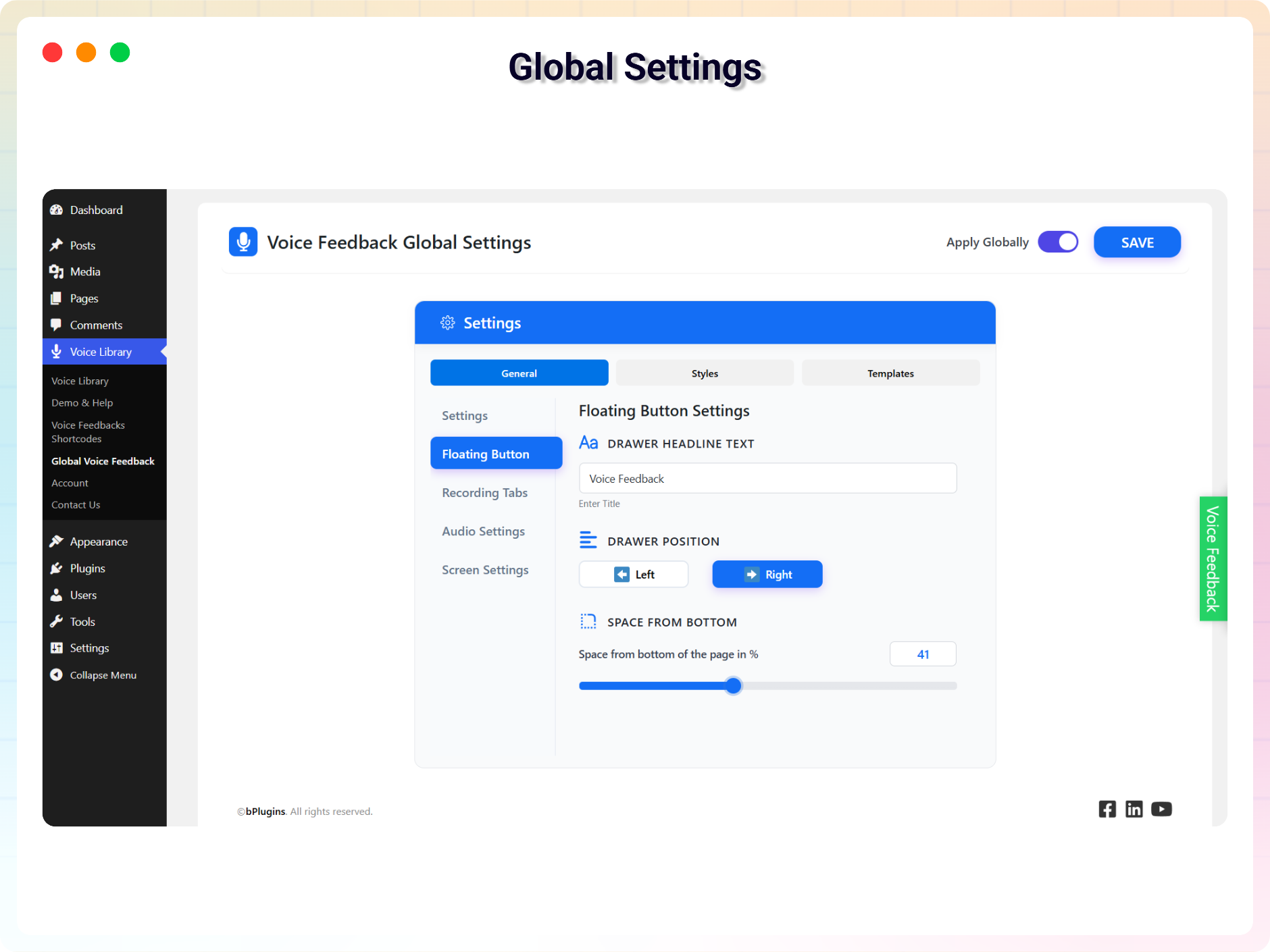
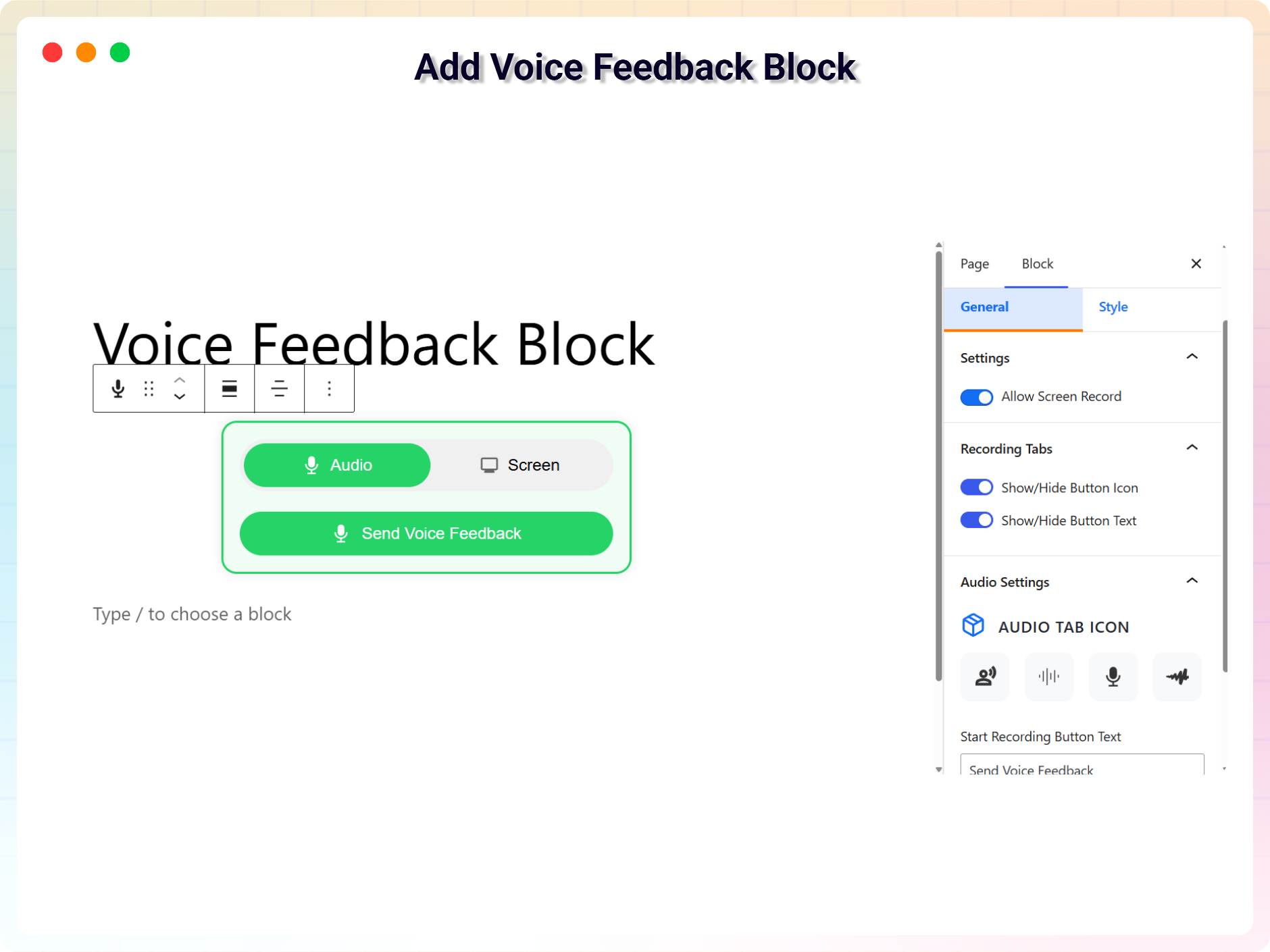
Voice Feedback Tutorial
Voice Feedback lets your visitors record and submit short voice messages directly on your site. You can access and manage all messages from your WordPress admin dashboard—listen, review, and take action with ease.
Yes! Voice Feedback installs like any other WordPress plugin. Once activated, you can start collecting voice feedback in minutes using a Gutenberg block or shortcode for flexible placement.
Voice feedback provides deeper insight than text alone. You can hear the tone, emotion, and urgency in your users’ voices, helping you better understand sentiment, identify pain points, and uncover new ideas directly from your audience.
Yes, Voice Feedback is fully responsive and works seamlessly across all devices—desktops, tablets, and smartphones. Visitors can record voice messages no matter how they access your site.
Voice Feedback is perfect for anyone who wants to collect more personal, authentic input from users. Ideal for bloggers, educators, UX researchers, product teams, portfolios, and service-based websites.
Use Voice Feedback to collect testimonials, product feedback, bug reports, UX suggestions, or general site comments. It’s also great for education sites where students or clients can submit voice notes, updates, or assignments.
Yes. All voice messages are stored securely in your WordPress dashboard. The plugin doesn’t collect personal data unless users include it in their message. It’s built with privacy-first principles, focused only on voice-based feedback.
There’s no set limit on the number of messages. Recordings are stored on your WordPress site, so how many you can keep depends on your hosting plan’s available storage.
Grow your business with the best plugin for WordPress!
We develop plugins and blocks for WordPress. Our focus is on out-of-the-box features and functionalities rather than large-scale projects. We are here to help small businesses and blog sites that use WordPress.

 Save 90%