

WordPress has come a long way from its blogging roots. Today, it powers online courses, podcast networks, corporate resource hubs, interactive product catalogs, and video-heavy marketing funnels. That kind of website demands a lot more from how you handle media.
Visitors expect smooth video playback, clean audio, quick document access, and experiences that feel polished. They are not forgiving. If a video stutters, a PDF kicks them to a new browser tab, or an audio player looks outdated, they close the tab and move on.
The default media tools in WordPress core were never built for this. And while the plugin directory has thousands of free options, most of them stop just short of what a serious website actually needs. You run into branding restrictions, missing features, zero analytics, and no real support when something breaks.
Premium plugins exist to solve exactly those problems. This guide covers the best premium WordPress media plugins worth paying for in 2026. For each one, we explain what it does, who it is actually built for, what the paid version gives you that the free one does not, and when it might not be the right fit at all.
We also walk you through how to decide which plugins your site genuinely needs, so you are not paying for tools that sit collecting dust.
When Does a Paid WordPress Media Plugin Make Sense?
This is the right place to start, because the answer is not always yes.
Free plugins work fine for personal blogs, hobby sites, and anyone building a web presence for the first time. If you post the occasional video and need basic playback, the free tier handles that without any issues.
But the moment your site starts using media to do real work, whether that is driving sales, teaching students, attracting podcast listeners, or showcasing products, free plugins tend to create friction rather than remove it.
Here are the clearest signs your site has outgrown what free plugins can deliver:
Video or audio is central to your content. If visitors come to your site specifically to watch or listen, the player experience directly affects how long they stay. A poorly styled player with third-party branding chips away at trust and shortens session time.
You need analytics. Knowing that 1,000 people visited a page is useful. Knowing 70% of them stopped watching a video at the two-minute mark is actionable. Free plugins almost never give you that kind of insight into media engagement.
Content protection matters. If you sell video courses, gate content behind a paywall, or need to control who downloads your documents, free plugins rarely include the access control you need.
Page speed is a priority. Site speed directly affects your search rankings and bounce rate. Many free media plugins load scripts and stylesheets on every page, even ones where the plugin is not used. Premium plugins handle this better.
You need custom branding. Showing another company’s logo inside your video player or document viewer undermines the professional look you are building. Premium plugins let you remove third-party branding and style everything to match your site.
Your editors upload content regularly. The more often non-technical people work with your media, the more important a clean, straightforward interface becomes. Good support documentation matters too.
If two or more of those apply to your situation, a premium plugin will pay for itself quickly in time saved and user experience gained.
Free vs. Premium: A quick comparison
| Feature | Free Plugins | Premium Plugins |
| Support | Community forums only | Dedicated support team |
| Customization | Basic settings | Full control over styling and behavior |
| Performance | Often unoptimized | Built for speed |
| Analytics | Rarely included | Often built in or integrated |
| Content protection | Minimal | Advanced access control |
| Branding | Third-party logos present | Fully removable |
| Active development | Inconsistent | Regular updates |
How We Chose These Plugins
We did not pick plugins based on star ratings alone. Every plugin on this list was evaluated against six criteria.
Performance impact. A media plugin that slows your site down is a problem, not a solution. We looked at how each plugin handles asset loading, lazy loading, and overall page weight.
Feature depth vs. actual usefulness. A long feature list is easy to build. What matters is whether those features solve real problems and change how visitors experience your content.
Ease of use. Plugins that need developer involvement every time you add a video or update a document create unnecessary bottlenecks. We prioritized plugins that non-technical editors can use comfortably on their own.
Active development. A plugin that has not been updated in two years is a security risk and a compatibility gamble. Every plugin on this list is actively maintained.
Integration support. Good media plugins work alongside your other tools, whether that is an LMS platform, an email marketing service, an eCommerce setup, or a page builder.
Real value for the price. The paid version needs to deliver features that are meaningfully better than the free version. Any plugin where that gap was thin did not make this list.
7 Best Premium WordPress Media Plugins Worth Paying For in 2026
1. HTML5 Video Player
Best for: Self-hosted video with full branding control
Most site owners default to YouTube or Vimeo when they need to embed video. That is a reasonable choice, but it comes with tradeoffs.
You are sending visitors into another platform’s ecosystem, complete with competing video suggestions, third-party branding on the player, and no analytics you actually own.
HTML5 Video Player solves that problem. It lets you host your own videos and embed them with a fully branded, responsive player you control from top to bottom. With over 30,000 active users, it has become one of the most trusted self-hosted video solutions in the WordPress ecosystem.
The free version covers basic playback. The paid version is where it becomes genuinely useful for business sites.
You get multiple player skin options, full playlist functionality to group related videos together, advanced playback controls, and Gutenberg block support so editors can add videos without touching any code.
Performance is solid too. The plugin loads efficiently, and the responsive layout means the player looks sharp on every screen size.
Key features:
- MP4 and multiple video format support
- Playlist functionality with custom sorting
- Multiple player skins and full custom styling
- Mobile-responsive layout on all devices
- Gutenberg block and shortcode support
- SEO-optimized for better video content indexing
- No third-party branding on the player
What the paid version adds: Full skin customization, playlist management, advanced controls, and complete removal of all third-party branding.
Best use cases: Product demo videos, tutorial libraries, marketing video content, and any site where keeping visitors away from YouTube’s recommendation engine matters.
Who should skip it: Sites already happy hosting on YouTube or Vimeo with no need for custom branding or self-hosted control.
2. Presto Player
Best for: Marketing websites, course creators, and video that needs to convert
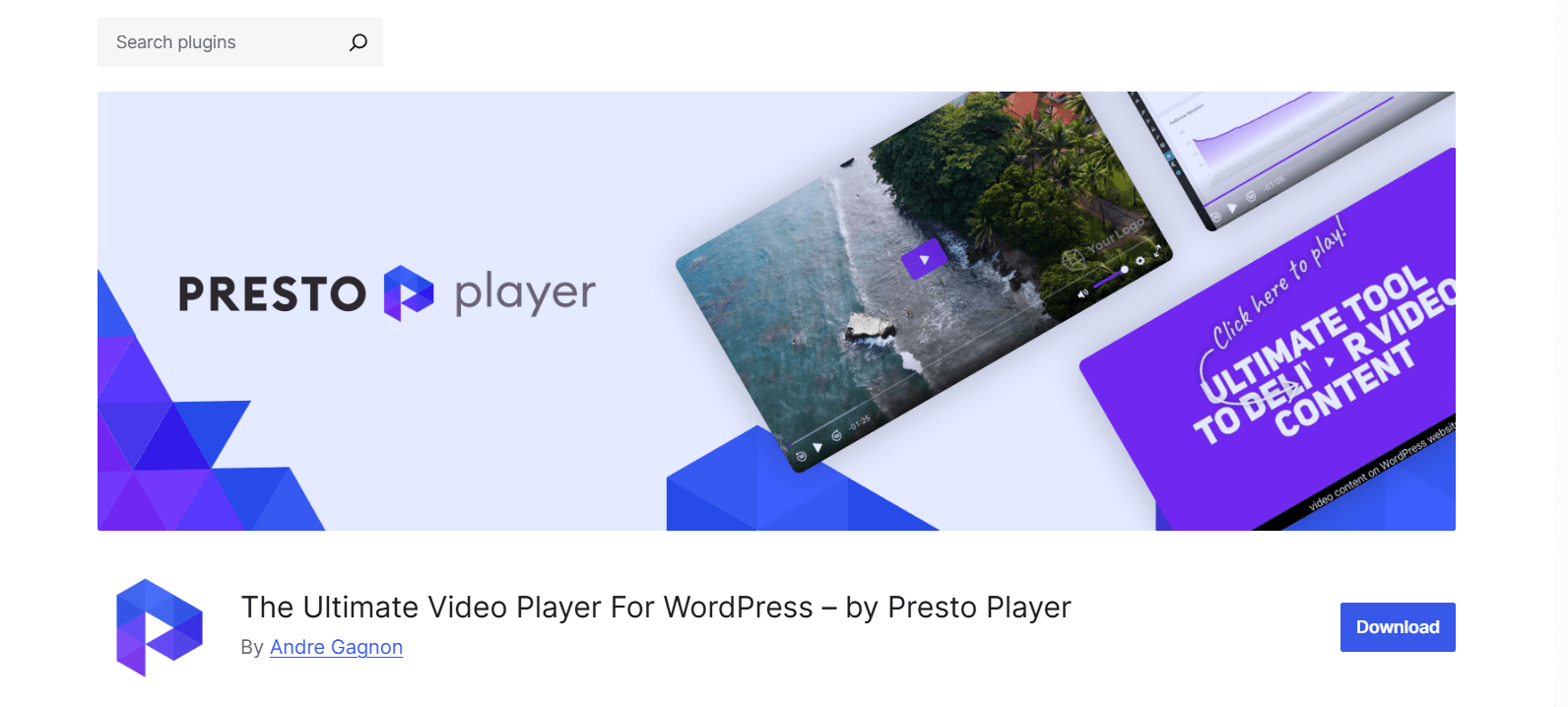
Most video players just play video. Presto Player is built for websites where video is a business tool, not just content. Whether you run an online course platform, a membership site, or a marketing funnel driven by video, Presto Player gives you capabilities that basic players cannot match.
The lead capture overlay is one of the features that sets it apart. You can trigger an email opt-in form at any point during playback and make it optional or mandatory before the viewer continues watching. That turns a passive video into an active lead generation tool.
For course creators, the feature set runs deep. Video chapters let students jump directly to specific sections. Saved position means learners pick up exactly where they left off when they come back.
Student viewer tracking shows you who watched what and for how long, which is valuable data for improving course engagement and completion rates. Private video restricts content to logged-in members only.
Check Presto Player vs HTML5 Video Player: Which WordPress Video Plugin Should You Choose?.
On the marketing side, the Action Bar lets you display a call-to-action button or message at the start, middle, or end of any video. Focus Mode pauses playback when the viewer switches away from the video window, which directly helps completion rates.
Google Analytics integration means every view, pause, and completion event shows up in your dashboard automatically.
Presto Player connects to YouTube, Vimeo, and self-hosted video sources. It works with Elementor, Divi, Beaver Builder, and Gutenberg, so it fits into whatever page builder setup you already use. It also includes lazy loading and page performance optimizations to keep your Core Web Vitals scores clean.
Key features:
- Video chapters with timestamp navigation
- Email capture overlay, optional or mandatory
- Student viewer tracking and watch-time reporting
- Private video with login-required access
- Google Analytics integration
- LMS and membership platform integrations
- Works with Gutenberg, Elementor, Divi, and Beaver Builder
What the paid version adds: Analytics, lead capture, action bars, viewer tracking, private video, LMS integrations, and saved position. All of these are premium-only features.
Best use cases: Online courses, membership platforms, video sales funnels, marketing-driven websites, and podcast sites that also produce video content.
Who should skip it: Sites that need simple video playback and have no interest in using video as a conversion or engagement tool.
Learn also WordPress Media Players & SEO: Optimize for Core Web Vitals.
3. HTML5 Audio Player
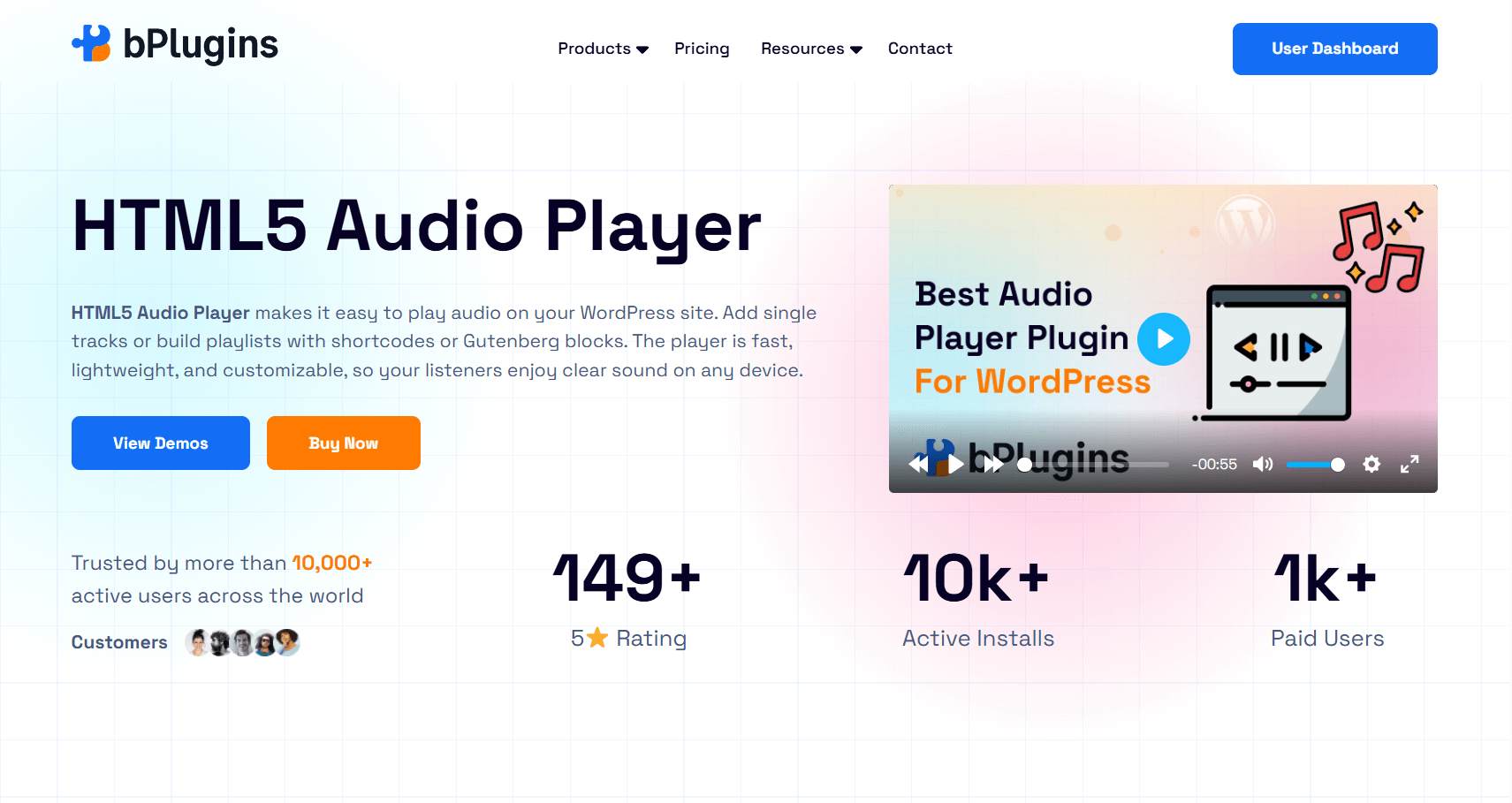
Best for: Podcasts, music sites, and audio-first content platforms
The default WordPress audio block works at a basic level. But if you run a podcast, a music platform, or any site where audio is the main content type, it is not something you would want your visitors to see.
HTML5 Audio Player replaces that block with a lightweight, customizable player that handles single tracks and full playlists, supports audio streaming, and gives you real control over how the player looks and behaves. With over 10,000 active users, it has become the go-to choice for audio-first WordPress sites.
The playlist feature is especially useful for podcast sites. Rather than making listeners jump between pages to find episodes, you can build a playlist directly on the page so they can browse your back catalog without losing their place. The premium version adds episode artwork, track titles, and full custom styling.
Download controls let you decide whether visitors can save audio files. This matters for music licensing and premium content gating. You can allow downloads on some tracks and restrict them on others, all from the same settings panel.
The player stays lightweight by design. It does not carry the overhead of a heavy framework, so page load times stay clean even when you have multiple audio tracks on one page.
Key features:
- Playlist support across multiple audio tracks
- Audio streaming compatibility
- Configurable download controls
- Custom player skins and styling options
- Track artwork display
- Mobile-responsive layout
- Gutenberg block and shortcode support
What the paid version adds: Advanced styling, playlist management, download permission control, and additional player skin options.
Best use cases: Podcast websites, music streaming pages, audio learning platforms, meditation or relaxation content, and audiobook hosting.
Who should skip it: Sites that post audio occasionally and are satisfied with basic playback.
4. PDF Poster
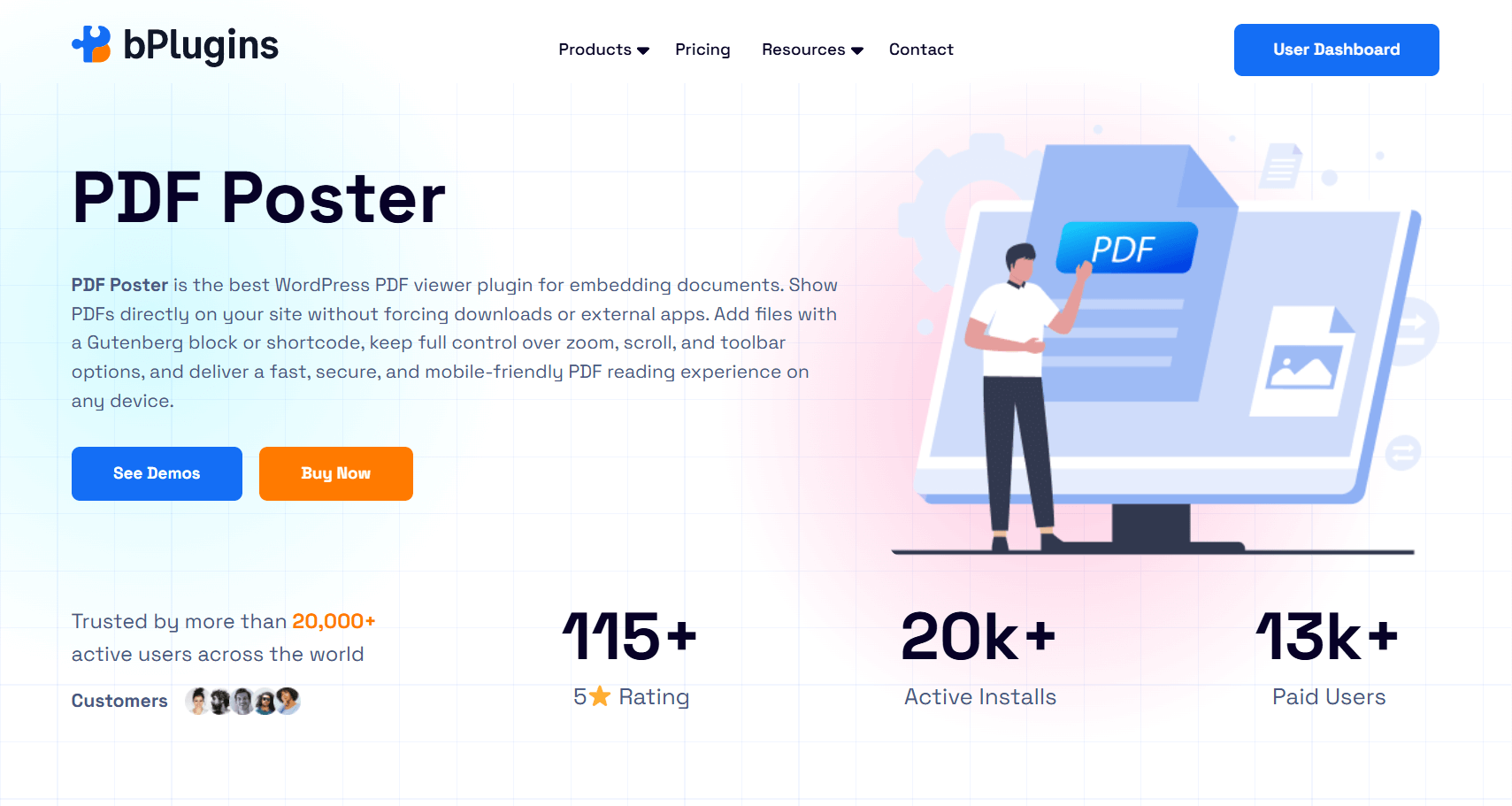
Best for: Displaying PDFs inline without pulling visitors off your site
The most common way to share a PDF on a WordPress site is a download link. The visitor clicks it, the file downloads, and they open it in a separate application. That chain of steps pulls them completely out of the experience on your site. On mobile, it creates even more friction.
PDF Poster fixes this by rendering PDF files directly inside your pages and posts. No download prompt, no new tab, no external app. Visitors read, scroll, and zoom through the document without ever leaving your site. It is trusted by over 20,000 active users and is one of the most reliable PDF viewing solutions in the WordPress plugin space.
The toolbar is fully configurable. You can show or hide navigation controls, zoom buttons, and page numbers depending on what your design calls for. Download permissions are flexible too. You can allow public downloads on some documents and restrict them on others, which is useful when you want visitors to opt in before saving a lead magnet.
Learn the Ultimate Guide: How to Embed PDFs in WordPress Without a Plugin.
Mobile responsiveness is well thought out. The viewer scales properly to different screen sizes, which matters because a large portion of PDF content now gets consumed on phones. A viewer that breaks on mobile is not usable for a professional site.
For sites where visual presentation matters, such as product catalogs, annual reports, or branded guides, the custom styling options let you embed the viewer in a way that feels native to your design rather than bolted on.
Key features:
- Inline PDF rendering inside WordPress pages and posts
- Configurable toolbar with zoom, navigation, and page controls
- Download permission settings
- Custom viewer styling
- Mobile-responsive layout
- Gutenberg block and shortcode support
- Fast, secure PDF delivery
What the paid version adds: Full toolbar customization, advanced styling controls, configurable download permissions, and a smoother overall viewer experience.
Best use cases: Ebooks and lead magnets, product catalogs, documentation portals, annual reports, legal or compliance documents, and educational materials.
Who should skip it: Sites that share PDFs infrequently and a simple download link does the job.
5. Document Embedder
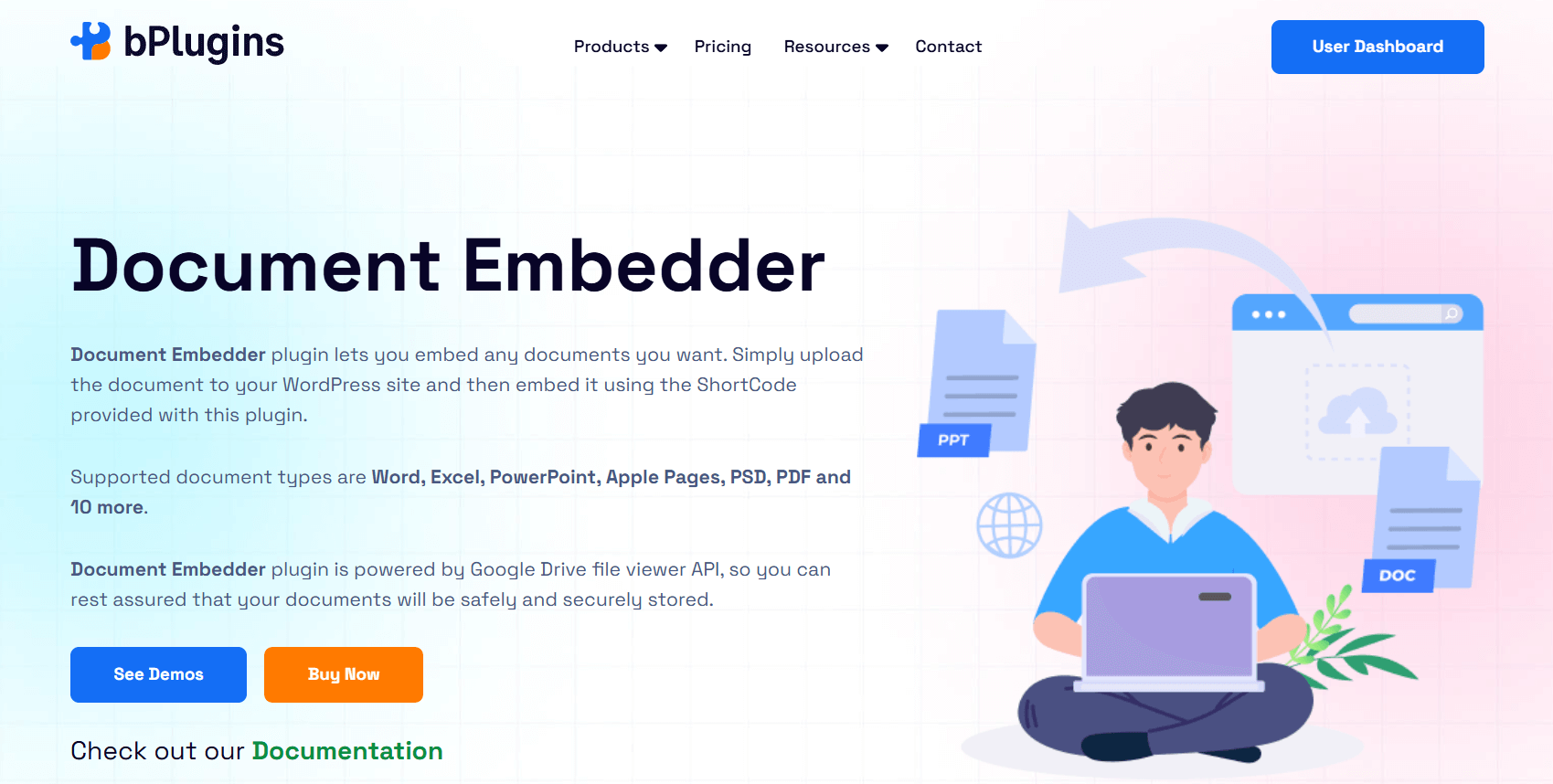
Best for: Embedding multiple document formats in one clean viewer
Not every site works exclusively with PDFs. Many teams need to embed Word documents, PowerPoint presentations, Excel spreadsheets, and other file types alongside PDFs on the same site. That is the problem Document Embedder solves.
Where PDF Poster is purpose-built for PDF viewing with deep controls, Document Embedder takes a broader approach. It supports over ten document formats including PDF, DOCX, PPTX, XLSX, and more.
Everything displays in a clean responsive viewer using iframe-based embedding. With over 10,000 active users, it is a reliable pick for teams that regularly work across multiple file formats.
Setup is simple. Add a document through the Gutenberg block or a shortcode, point it at a file in your media library or an external URL, and the viewer renders inline on the page.
Non-technical editors can handle this without any developer help, which makes it practical for knowledge bases and training sites where content changes regularly.
One concrete advantage over linking directly to files is that visitors never have to leave your site or deal with application prompts. A PowerPoint deck renders cleanly in the browser. A Word document is readable without Microsoft Office installed. That opens your content up to a wider audience without any extra steps on their end.
Read WordPress Plugins for eLearning: How Educators Use Media Tools.
Key features:
- Supports PDF, DOCX, PPTX, XLSX, and more than ten other formats
- Responsive iframe-based viewer
- Gutenberg block and shortcode support
- Works with media library files and external URLs
- Clean in-browser viewing with no external tools required
What the paid version adds: Extended format support, additional customization options, and priority support.
Best use cases: Knowledge bases, training libraries, educational sites sharing course materials, teams publishing reports and presentations, and content hubs dealing with multiple file formats.
Who should skip it: Sites that only need to display PDFs, where PDF Poster is the stronger dedicated option.
6. 3D Viewer
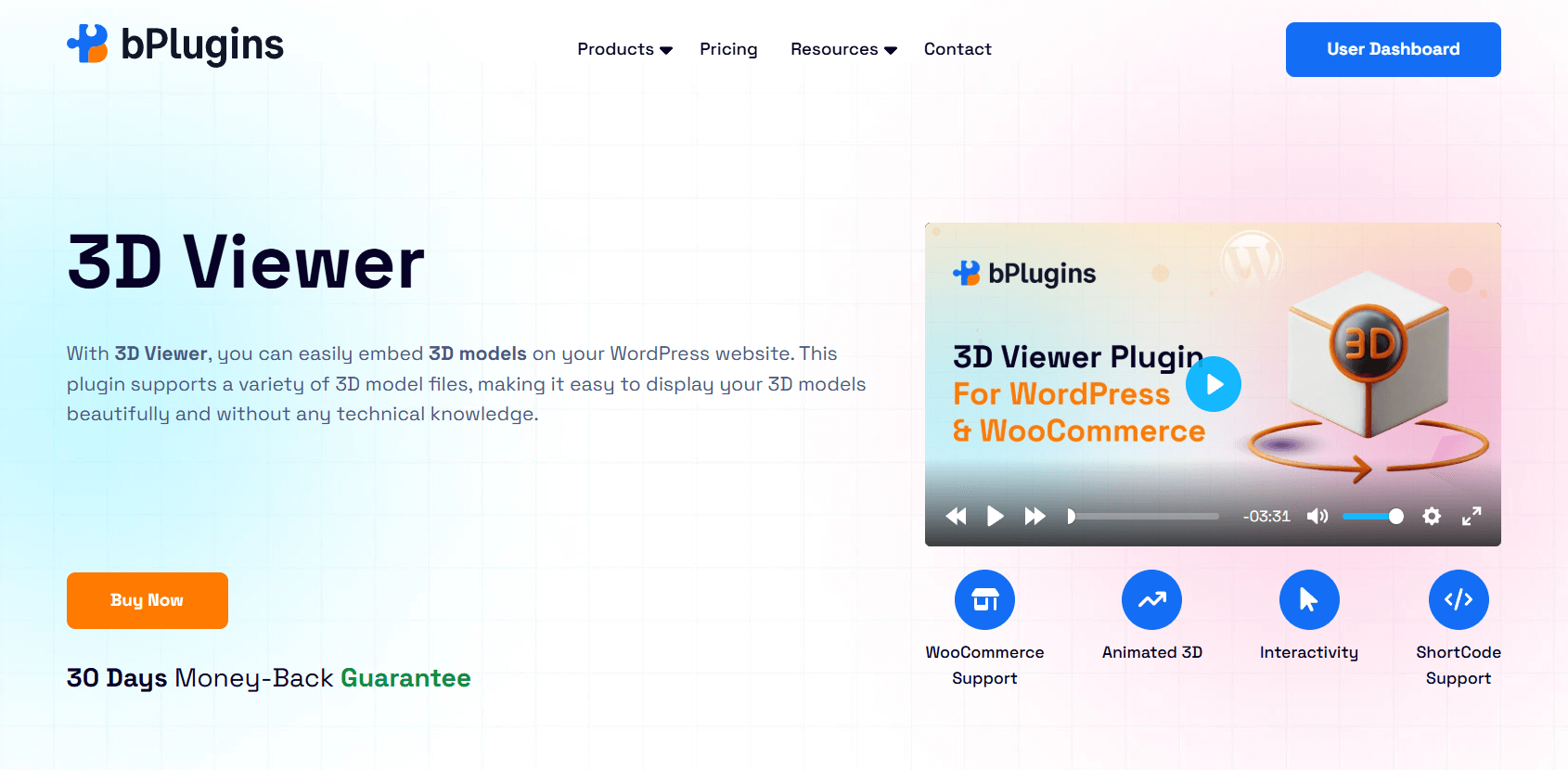
Best for: Interactive product visualization, design portfolios, and 3D model display
There is a real difference between showing a customer a product photo and letting them rotate the product, zoom into specific details, and look at it from every angle. The second experience answers more questions before the purchase. Until recently, building that on a WordPress site required custom development work. 3D Viewer makes it a plugin install and a file upload.
It supports GLB, GLTF, OBJ, and STL formats, covering the most common outputs from tools like Blender, AutoCAD, and product visualization software. Rendering happens through WebGL, which delivers smooth, hardware-accelerated 3D in the browser without requiring any external apps or plugins on the visitor’s device.
With over 10,000 active users, the plugin has found solid footing on eCommerce stores, architecture portfolios, manufacturing websites, and anywhere a three-dimensional view adds clear value over static images.
The WooCommerce integration is a strong selling point for online retailers. You can attach a 3D model directly to a product page, letting shoppers interact with the item before they buy.
For products where physical form matters, such as furniture, footwear, hardware components, or custom merchandise, that interactivity reduces purchase hesitation in a way photos simply cannot.
For architecture and design portfolios, embedding a rotatable model of a building or interior space gives prospective clients a richer preview of a project than rendered images alone. It communicates technical capability and sticks in memory.
No coding is needed. Models are added through the Gutenberg block or shortcode, and the viewer handles all rendering automatically.
Key features:
- GLB, GLTF, OBJ, and STL format support
- WebGL-based rendering for smooth in-browser performance
- Interactive rotation and zoom controls
- WooCommerce product page integration
- Animation support for animated 3D models
- Responsive across desktop and mobile
- Gutenberg block and shortcode support
What the paid version adds: Animation playback, WooCommerce integration, advanced interactivity settings, and support for more complex model configurations.
Best use cases: eCommerce product pages, architecture and interior design portfolios, product visualization for manufacturing or engineering companies, custom merchandise, and design showcases.
Who should skip it: Sites that do not work with 3D assets and have no plans to start.
7. Document Library Pro
Best for: Organizations managing large, searchable document collections
Every document plugin above is built around a single task: displaying one or a handful of documents cleanly. Document Library Pro operates at a different scale entirely.
It is a full document management system for organizations that need to store, organize, and surface dozens or hundreds of documents in a way that users can search and navigate without frustration.
Rated 4.99 out of 5 across 89 reviews and active on over 10,000 websites, it is trusted by nonprofits, healthcare organizations, government bodies, universities, and professional associations. In those environments, document management is not a convenience feature. It is a core operational need.
The searchable table view is the foundation of the plugin. Visitors can search by keyword, filter by category, tag, or date, and sort results to find exactly what they need. Documents can display in table, grid, or folder-style layouts depending on how your content is structured.
Document expiry dates let outdated materials drop out of active view automatically, which keeps the library accurate without manual cleanup.
On the admin side, documents can be added one at a time, in bulk, or imported via CSV. You can pull from files already in your WordPress media library or link to external sources like SharePoint or Google Drive. Categories, tags, and custom metadata fields let you build a structured archive that stays organized as the library scales.
Access control is where Document Library Pro separates itself from simpler document tools. You can lock entire libraries, individual categories, or specific documents by user role, individual user, or password.
You can require an email address before allowing a download, which turns your document library into a passive lead generation tool. Author-only access covers workflows where contributors should only see their own uploaded content.
Key features:
- Searchable document tables with sorting and filtering
- Grid, table, and folder layout options
- Category, tag, date, and custom metadata organization
- Automatic document expiry dates
- Bulk upload and CSV import
- Role-based and user-specific access control
- Password protection and email-gated downloads
What you get: This is a premium-only plugin with no free version. Everything above is included in the purchase.
Best use cases: Corporate document portals, nonprofit resource hubs, government or healthcare compliance libraries, educational institutions sharing course materials, professional associations distributing policy guidance, and any organization managing a structured document library at scale.
Who should skip it: Sites sharing only a handful of documents. For lighter document needs, PDF Poster or Document Embedder is a better fit.
Side-by-Side Comparison
| Plugin | Best For | Media Type | Standout Feature | Active Users |
| HTML5 Video Player | Self-hosted video | Video | Custom branding and playlists | 30,000+ |
| Presto Player | Marketing and courses | Video | Analytics, lead capture, LMS | Growing |
| HTML5 Audio Player | Podcasts and music | Audio | Playlists and streaming | 10,000+ |
| PDF Poster | PDF display | Documents | Inline viewing with controls | 20,000+ |
| Document Embedder | Multi-format embedding | Documents | 10+ file format support | 10,000+ |
| 3D Viewer | Product visualization | 3D Models | WebGL rendering, WooCommerce | 10,000+ |
| Document Library Pro | Large document libraries | Documents | Searchable library with access control | 10,000+ |
How to Choose the Right Plugin for Your Site
You do not need all of these. You need the right one or two for what your site actually does right now.
Here is a practical way to work through the decision.
Start with your content type. What kind of media does your site depend on most? Video-first sites need a video player. Audio-first sites need an audio player. Document-heavy sites need a document solution. Do not buy a video plugin because it looks impressive if your site barely publishes video.
Decide whether you need marketing features. If your video content is meant to capture leads, drive course completions, or push visitors toward a purchase, Presto Player is the only plugin on this list built for that. If you just need clean, branded playback, HTML5 Video Player delivers that at a simpler price.
Think about your document volume. A site sharing a few PDFs per month is well served by PDF Poster. A site managing hundreds of policy documents or training materials needs Document Library Pro. The difference between those two use cases is large, and so is the gap between what each plugin offers.
Think about your editors. The more often non-technical people upload and manage content, the more important a clean Gutenberg-based interface becomes. All the bPlugins products support Gutenberg blocks, which means editors can work independently without needing developer help.
Consider whether you sell physical products. If your store sells items where physical form matters to the buyer, 3D Viewer gives you a competitive edge that most sites at your level are not using yet. The cost is modest compared to what it adds to the product page experience.
Quick decision map:
- Video tutorials or branded video content: HTML5 Video Player
- Video marketing, online courses, or membership sites: Presto Player
- Podcast or music site: HTML5 Audio Player
- PDF display for ebooks, catalogs, or documentation: PDF Poster
- Mixed document types like Word, PowerPoint, or Excel: Document Embedder
- Large searchable document library: Document Library Pro
- Product visualization or interactive 3D models: 3D Viewer
Also, check out WordPress Multisite: Managing Media Players Across Networks.
What You Actually Get When You Pay for a Premium Plugin
The jump from free to premium is not always dramatic. But when it matters, it really matters. Here is what you typically gain.
Dedicated support. Community forums work fine until you have a live site with a broken player and nobody responds for two days. Premium plugins come with real support teams and committed response times. For a business site, that reliability is often worth the license cost on its own.
Better performance. Many free plugins load CSS and JavaScript on every page of your site, including pages where the plugin is not active at all. Premium plugins handle asset loading more carefully. That has a direct effect on your Core Web Vitals scores and search rankings.
Real customization. Free versions let you use the plugin. Premium versions let you own it. Custom skins, removable branding, configurable controls, and styling that matches your design make a visible difference in how professional your site looks.
Analytics and tracking. Understanding how your audience interacts with your media is the starting point for improving it. Video completion rates, document download counts, audio play statistics. Free plugins almost never provide this. Premium ones usually do.
Consistent updates. WordPress, PHP, and browser standards change constantly. Premium plugin developers update their products because their revenue depends on it. That kind of reliability is harder to count on with free plugins maintained on a volunteer basis.
Free plugins are the right permanent choice for simple use cases. Premium plugins are the right choice when your site’s performance and user experience are tied to the quality of your media tools.
Learn Best WordPress Document Viewer Plugins: Easy Documents Embed.
Frequently Asked Questions
Are premium WordPress plugins worth it?
For personal sites and light use cases, often not. For business websites, course platforms, eCommerce stores, and any site where media quality connects to revenue or reputation, they are. The cost of a plugin is almost always lower than the cost of the friction it removes or the value it adds through better experience and data.
What is the best premium WordPress media plugin in 2026?
It depends on your site. For video marketing and online courses, Presto Player is the most capable option. For clean self-hosted video, HTML5 Video Player is excellent. For podcast sites, HTML5 Audio Player handles the job well. For large document libraries, Document Library Pro has no close competitor at its price point.
Can free plugins handle video and audio content?
Yes, for basic playback. Where free plugins fall short is in customization, performance, analytics, content protection, and support. If your site depends on media to deliver a specific experience or drive conversions, the limitations of free plugins tend to cost more over time than a premium license would have.
What should I look for before buying a WordPress plugin?
Check when it was last updated. Read through support forum responses to see how the developer handles real problems. Look at whether the premium features are genuinely different from the free version or just minor additions. Try the free version first if one is available. And confirm the plugin has been tested with your current WordPress version and theme.
Do media plugins affect SEO?
Yes, in a few ways. Poorly built media plugins can slow your site down, which hurts Core Web Vitals and search rankings. Well-built ones use lazy loading and efficient asset delivery to keep performance strong. Presto Player specifically integrates with Rank Math to add video schema to your content, which helps Google understand and index your videos properly.
Also, read PDF vs Document Viewer: Which Works Best for SEO and UX.
Final Thoughts
Media is no longer a secondary element on a modern WordPress site. It is often the main reason someone visits, stays, or leaves. Video courses, podcast episodes, interactive product models, and organized document libraries separate professional websites from forgettable ones.
Every plugin on this list earns its spot because it solves a specific, real problem better than the free alternatives do. None of them are for everyone, and that is the point.
Pick the one or two that match what your site actually needs today. A well-chosen premium plugin makes your content better for visitors, saves time for your team, and removes the quiet friction that costs you traffic and conversions without you ever noticing it directly.
Choose based on your content strategy and what your site genuinely relies on. That is the investment worth making.

 Save 90%