

If you’re running a high-traffic WordPress site with serious video needs, you’ve probably figured out that the default WordPress video embed just doesn’t cut it anymore.
Large sites face unique challenges. When thousands of visitors stream your training videos or product demos simultaneously, performance matters. When your corporate brand has specific design requirements, customization becomes essential. And when you’re protecting premium content or managing multiple editors, you need real control over your video infrastructure.
This guide walks through enterprise video player WordPress plugins that can handle the demands of large-scale sites. We’ll cover what makes a player “enterprise-ready,” compare the top options, and help you choose the right one for your specific setup.
Whether you’re building a corporate training portal, a membership site with video courses, or a media library serving thousands of daily visitors, picking the right video player now saves you headaches later.
What Makes a Video Player “Enterprise-Ready”?
Not all video players can handle enterprise demands. Here’s what separates basic plugins from true enterprise solutions.
Performance Under Heavy Traffic
When hundreds or thousands of users access your videos at once, your scalable video player plugin needs to handle the load without crashing your site. Look for plugins that support lazy loading, CDN compatibility, and efficient script loading.
Hosting Flexibility
Enterprise sites need options. Some organizations prefer self-hosted video WordPress setups for complete control. Others use external platforms like Vimeo or Amazon S3. The best players support both approaches without forcing you into one system.
Streaming Support
Standard MP4 files work fine for small sites, but enterprise deployments often need adaptive streaming. HLS video player WordPress support adjusts quality based on each viewer’s connection speed, keeping playback smooth even under varying network conditions.
Modern Editor Integration
Multiple team members managing video content? Gutenberg integration becomes critical. Shortcodes work, but block-based workflows let non-technical editors add and customize videos without touching code.
Branding Control
Your video player represents your brand. Generic player skins with third-party logos don’t fit corporate sites. Enterprise players offer custom colors, control bar designs, and the ability to remove external branding entirely.
Content Protection
Membership sites, corporate video WordPress plugin deployments, and premium content libraries need security. Password protection, domain restrictions, and view tracking help you control who watches what.
Analytics
You need to know how people engage with your content. Built-in analytics or integration with tracking tools shows you which videos get watched, where viewers drop off, and how long they stay engaged.
Team Management
When multiple people publish content, the workflow matters. Can editors add videos without developer help? Do changes require technical support? The best enterprise players balance powerful features with editorial simplicity.
Best Enterprise Video Player WordPress Plugins
Let’s look at the top options, starting with our recommended solution for most enterprise deployments.
HTML5 Video Player
If you need a balance of control, performance, and ease of use, HTML5 Video Player handles most enterprise requirements without unnecessary complexity.
Why It Works for Enterprise Sites
This plugin supports both self-hosted videos and external sources like YouTube, Vimeo, or CDN-delivered files. You get full control over player appearance with customizable colors, control bars, and branding options. No external logos forced on your videos.
The Gutenberg integration means your content team can add and configure videos through the standard WordPress editor.
For restricted content, the plugin includes password protection. Viewers enter credentials before playback starts. Built-in view tracking shows you how many people watched each video without setting up external analytics.
Playlist support lets you organize multiple videos into sequences. The sticky player option keeps videos visible as viewers scroll, and lightbox mode displays videos in overlay popups.
Everything works across devices and browsers. Mobile users get the same functionality as desktop visitors.
Where It Fits
Corporate training portals benefit from password protection and view tracking. Media libraries get organized with playlists. Product demo sites maintain brand consistency with customizable players. Membership platforms restrict access without a complex setup.
The plugin strikes a practical balance. You get enterprise features without enterprise complexity. Most teams can deploy it without dedicated developer resources.
Presto Player
Best For: Course platforms and marketing-focused video workflows
If your site centers on online courses or you need deep integration with learning management systems, Presto Player offers features tailored to educational content.
The plugin supports multiple video hosting options and works with HLS streaming through external services. This means you can use adaptive bitrate streaming without building the infrastructure yourself.
Gutenberg integration includes specialized blocks for playlists and media collections. The Pro version adds WordPress video CDN integrations for sites serving videos globally.
Presto Player shines when combined with course platforms or email marketing funnels. The plugin integrates with a popular video player for LMS WordPress setups and captures viewer data for marketing automation.
Consider this option if video education or marketing automation drives your site. The learning curve is steeper than that of simpler players, but the specialized features justify the investment for education-focused enterprises.
Advanced Responsive Video Embedder (ARVE)
Best For: Publishers and content sites embedding videos from many external sources
Advanced Responsive Video Embedder takes a different approach. Instead of focusing on self-hosted video, it specializes in making embedded content from external platforms work perfectly on enterprise sites.
The plugin supports an extensive list of video providers beyond the usual YouTube and Vimeo. If you embed videos from specialized platforms or multiple sources, ARVE handles them all with a consistent responsive design.
Privacy controls let you comply with GDPR and similar regulations by proxying embeds or adding consent layers. SEO features include schema markup that helps search engines understand your video content.
Lazy loading defers video loading until viewers scroll to it, speeding up page load times on video-heavy pages. Lightbox and modal options give viewers playback choices.
Publishers running video-heavy blogs, news sites embedding content from various sources, or corporate sites aggregating external video content get the most value here. If you rarely self-host and mostly embed, ARVE makes those embeds perform like native content.
FV Player
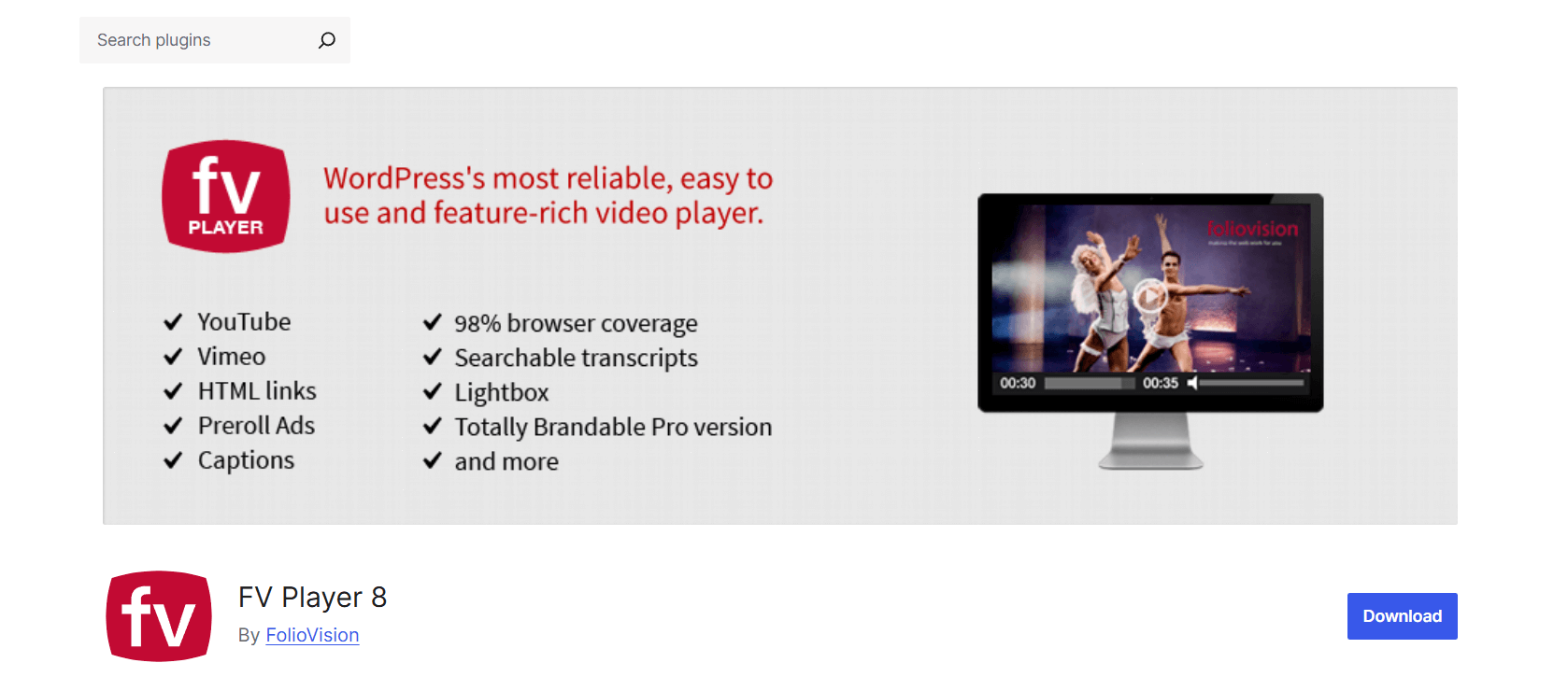
Best For: Video-centric membership platforms and educational sites
FV Player targets sites where video is the primary content type. The feature set reflects this focus with advanced playback controls, extensive caption support, and accessibility features.
Secure video streaming WordPress features help protect premium content. The plugin works with CDN services and handles streaming formats for high-quality delivery.
Membership site owners appreciate the access control features. You can restrict videos to specific user roles or subscription levels. The player tracks viewing progress, letting users resume where they left off.
Caption support goes beyond basic subtitles with multiple track options and styling controls. This matters for educational content and accessibility compliance.
If video is your product rather than supporting content, FV Player provides the depth you need. The setup requires more configuration than simpler players, but sites monetizing video content or building video-heavy education platforms benefit from the investment.
Video.js
Best For: Agencies or enterprise teams with development resources
Sometimes enterprise requirements don’t fit any plugin. Video.js provides an open-source foundation for building completely custom video players.
This approach requires technical resources. You need developers who are comfortable with JavaScript and WordPress development. But you get total flexibility over every aspect of functionality and appearance.
Video.js supports modern streaming protocols, an extensive plugin ecosystem, and an active development community. You can integrate with any hosting infrastructure, build custom analytics, and create workflows that match your exact specifications.
Consider this path if you have development resources and unique requirements that existing plugins can’t meet. The WordPress ecosystem includes several plugins built on Video.js that provide different feature combinations and customization options.
Learn about Video Player Performance Optimization: Speed Up Your WordPress Site.
Enterprise Video Player Comparison Table
| Plugin | Best Use Case | Self-Hosted Support | External Hosting | Streaming Support | Gutenberg Support | Content Protection | Ease of Use | Enterprise Suitability |
| HTML5 Video Player | Balanced enterprise needs | Yes | Yes | Via external sources | Yes | Password protection | High | Excellent |
| Presto Player | Course platforms & marketing | Yes | Yes | HLS via external services | Yes | Available in Pro | Medium | Strong for LMS |
| ARVE | Multi-source video embedding | Limited | Yes (many providers) | Via external embeds | Yes | Privacy controls | High | Best for publishers |
| FV Player | Video-heavy membership sites | Yes | Yes | Yes | Yes | Membership integration | Medium | Strong for video products |
| Video.js Custom | Unique enterprise requirements | Yes | Yes | Yes | Custom | Custom | Low (requires developers) | Maximum flexibility |
How to Choose the Right Enterprise Video Player WordPress Plugin
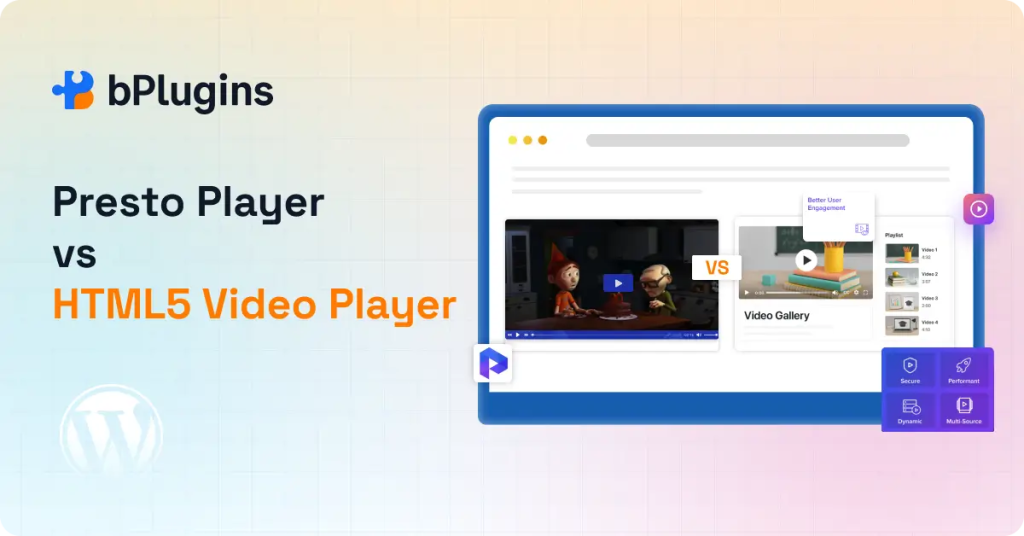
Stop starting with features. Enterprise teams should begin with infrastructure and workflow questions.
Will You Host Videos Yourself or Use External Platforms?
Self-hosted videos give you complete control but require adequate server resources and bandwidth. Large video files can strain shared hosting. You’ll need sufficient storage and network capacity to deliver videos reliably.
Enterprise video hosting WordPress through external platforms like Vimeo, Wistia, or Amazon S3 shifts the infrastructure burden. You pay for hosting services but gain reliability and global delivery networks.
If you choose self-hosting, focus on players with optimized performance controls and CDN compatibility. HTML5 Video Player or FV Player works well here.
If you use external hosting primarily, ARVE or Presto Player integrates smoothly with major platforms.
Do You Need Adaptive Streaming Like HLS?
Adaptive streaming adjusts video quality dynamically as network conditions change. Viewers on fast connections get high quality. Those on slower connections get reduced quality that still plays smoothly.
Most small to medium sites don’t need this complexity. Standard MP4 files work fine when your audience has reasonably stable connections.
Large enterprises serving global audiences or videos to users with varied connection speeds benefit from HLS support. Look at Presto Player or FV Player for built-in streaming capabilities.
How Much Traffic Do You Expect?
High traffic video WordPress sites need specific optimizations. Lazy loading prevents videos from loading until viewers scroll to them. This speeds up initial page loads dramatically on video-heavy pages.
WordPress video CDN compatibility becomes essential at scale. Content delivery networks distribute your videos across global servers so viewers load from nearby locations.
Lightweight player scripts matter. Bloated JavaScript slows down pages. Enterprise players should load efficiently without weighing down your site.
All recommended plugins here handle traffic reasonably well, but HTML5 Video Player and ARVE particularly focus on performance optimization.
Will Multiple Editors Manage Video Content?
Gutenberg-based workflows make video management accessible to non-technical team members. Editors can add videos, adjust settings, and customize appearance through familiar visual interfaces.
Shortcode-based players still work but create friction. Someone needs to remember syntax, copy settings, and troubleshoot when something breaks.
For teams, prioritize Gutenberg integration. HTML5 Video Player, Presto Player, and ARVE all offer modern block-based editing.
Is Branding Customization Important?
Enterprise brands need consistency across all touchpoints. Generic video players with default colors and external logos break that consistency.
Look for players offering custom colors, control bar styling, and the ability to remove third-party branding. Your player should feel like part of your site, not a bolt-on component.
HTML5 Video Player excels here with extensive customization options. FV Player also provides strong branding controls.
Do You Need Content Protection or Restricted Access?
Membership content, internal training, and premium video libraries require access control. Different sites need different protection levels.
Basic password protection works for simple restrictions. Viewers enter a password before videos play.
Membership integration ties into WordPress user roles. Only logged-in users with specific permissions can access videos.
Domain restrictions prevent videos from playing if embedded on other sites.
HTML5 Video Player includes password protection. FV Player offers deeper membership integration. Consider your specific protection requirements when evaluating options.
Quick Selection Guide
Need full control over branding and self-hosted videos? Choose HTML5 Video Player.
Embedding videos from many platforms at scale? Choose Advanced Responsive Video Embedder.
Running an LMS or streaming-focused platform? Choose Presto Player.
Need advanced playback and membership integrations? Choose FV Player.
Have developers and need custom implementation? Choose Video.js-based solution.
Read also Best Practices for Responsive Video Embeds in WordPress (Performance, Accessibility & SEO).
Common Enterprise Video Mistakes to Avoid
Learning from others’ mistakes saves time and frustration.
Hosting Large Videos on Shared Hosting
Shared hosting wasn’t designed for video delivery. A single popular video can max out your bandwidth allocation or get your account suspended for excessive resource use.
If you must self-host, use VPS or dedicated hosting. Better yet, use a CDN or external video platform designed for video delivery.
Ignoring Mobile Performance
Mobile visitors often have slower connections than desktop users. Videos that play smoothly on your office connection might buffer constantly for users on cellular networks.
Test your videos on actual mobile devices with typical network conditions. Use adaptive streaming if mobile traffic represents a significant portion of your audience.
Using Multiple Players Across Pages
Different players on different pages creates inconsistency. Your team needs to learn multiple systems. Visitors face different interfaces depending on which page they visit.
Pick one player and use it consistently across your site. This simplifies management and provides reliable user experience.
No Content Protection Strategy
Unprotected videos can be downloaded, shared, or embedded elsewhere. If your videos have value, someone will try to take them.
Even basic protection matters. Password protection, domain restrictions, or membership requirements create barriers that stop casual misuse.
Perfect protection doesn’t exist, but reasonable measures deter most unauthorized use.
Overloading Pages With Autoplay Videos
Autoplaying videos frustrate users and destroy page performance. Multiple autoplaying videos on one page create chaos.
Let users choose when videos play. If autoplay serves a legitimate purpose, limit it to one video per page and mute audio by default.
Check also Video Player Security in WordPress: Protecting Your Content from Theft.
Frequently Asked Questions
What is the best enterprise video player WordPress plugin?
HTML5 Video Player offers the best balance of features, ease of use, and flexibility for most enterprise sites. It supports self-hosted and external videos, provides customization options, includes content protection, and works smoothly with Gutenberg.
Sites with specialized needs might prefer alternatives. Course platforms benefit from Presto Player’s LMS integration. Publishers embedding many external videos should consider ARVE. Video-centric membership sites might need FV Player’s advanced features.
Does WordPress support HLS streaming?
WordPress doesn’t include native HLS support, but video player plugins add this capability. Presto Player and FV Player both support HLS streaming through external services.
HLS requires more infrastructure than standard MP4 delivery. You need a streaming server or service that generates multiple quality levels and manages adaptive bitrate switching. Most plugins work with external HLS providers rather than generating streams themselves.
Can I use a CDN with a WordPress video player?
Yes. Most enterprise video players support CDN-delivered videos. You host videos on your CDN and provide the URL to the player.
CDNs significantly improve video delivery for sites with global audiences. Viewers load videos from nearby servers rather than your origin server. This reduces latency and improves playback reliability.
Popular CDN options include Cloudflare, Amazon CloudFront, and specialized video CDNs like Fastly or BunnyCDN. All recommended players here accept direct video URLs from CDN services.
How do I protect enterprise training videos in WordPress?
Protection depends on your security requirements. Basic options include password protection, domain restrictions, and user role requirements.
HTML5 Video Player includes built-in password protection. Viewers must enter credentials before videos play. This works well for internal training content shared with specific groups.
FV Player integrates with WordPress user roles and membership plugins. Videos become accessible only to logged-in users with appropriate permissions.
For maximum security, combine multiple approaches. Host videos on separate domains, use signed URLs that expire, implement domain restrictions, and require authentication. No protection is perfect, but layered security stops most unauthorized access.
Is self-hosted video better for large sites?
It depends on your priorities and resources.
Self-hosting gives you complete control. You own the files, control the delivery infrastructure, and don’t depend on external services. For organizations with existing hosting infrastructure, self-hosting makes sense.
External hosting shifts complexity to specialized providers. Video platforms handle encoding, storage, global delivery, and streaming infrastructure. You pay for the service but gain reliability and features.
Large sites often use hybrid approaches. Marketing videos might live on external platforms for easy sharing. Internal training content stays self-hosted for security and control.
Evaluate your technical resources, budget, security requirements, and audience size when deciding. Neither approach is universally better.
Choosing the Right Enterprise Video Player for Long-Term Growth
Enterprise video needs don’t fit one-size-fits-all solutions. Your choice depends on infrastructure, workflow, protection requirements, and team capabilities.
Start with how you’ll host videos. Self-hosting requires different tools than external hosting. Streaming needs influence player selection. Traffic levels determine performance requirements.
Then consider your team. How technical are the people managing video content? Will developers customize the player, or do you need out-of-the-box functionality? How many people need to add and edit videos?
HTML5 Video Player works well for most enterprise deployments. It balances capability with usability, supports common workflows without complexity, and provides essential enterprise features without overwhelming teams.
But match the tool to your specific situation. Education platforms might prioritize Presto Player’s LMS integration. Publishers embedding diverse sources benefit from ARVE’s multi-platform support. Video product companies need FV Player’s advanced protection features.
Pick based on your actual requirements, not feature checklists. The best enterprise video player is the one your team will use effectively while meeting your technical and business needs.

 Save 90%