

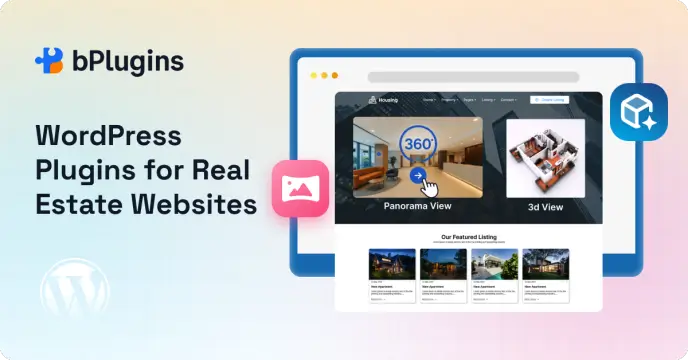
Real estate is one of those industries where your website either works hard for you or quietly costs you business every single day.
Think about how buyers search for properties today. They open a browser, type in a location, and start scrolling. If your listing page loads slowly, looks cluttered, or gives buyers nothing beyond a few static photos, they leave. And they don’t come back.
That’s why so many real estate professionals and agencies have built their websites on WordPress. It’s flexible enough to handle everything from a solo agent’s portfolio to a large brokerage managing thousands of listings. With the right real estate WordPress plugins, it can do things that purpose-built real estate platforms charge thousands of dollars a year for.
But here’s the challenge: there are dozens of plugins out there, and they don’t all do the same thing. Some handle property listings well but skip lead capture. Others come loaded with features you’ll never touch. And very few go beyond the basics to offer the kind of immersive property experience buyers in 2026 actually expect.
In this guide, we cover the best WordPress plugins for real estate websites. We look at listing management, search functionality, agent tools, lead generation, and virtual tours. By the end, you’ll know exactly what to install and why.
Why WordPress Works So Well for Real Estate Websites
Before we get into specific plugins, it’s worth understanding why WordPress is the go-to platform for so many real estate sites.
WordPress powers over 43% of all websites on the internet. It’s open source, which means a massive global community of developers is constantly building tools for it. Real estate is a well-served niche, with dedicated plugins for everything from MLS integration to mortgage calculators.
Unlike closed platforms like Squarespace or Wix, WordPress gives you full control over your data, design, and functionality. You’re not locked into one provider’s feature set or pricing structure. If you need a specific feature, there’s almost always a plugin that handles it.
A small independent agent and a multi-office brokerage have very different needs. WordPress handles both well, as long as you pair it with the right plugins.
Check out the Best 360 Panorama Viewer WordPress Plugins.
What Features Does a Real Estate WordPress Website Actually Need?
Before you install anything, it helps to map out what your site needs to do. Real estate websites have more functional requirements than most other business sites. Skipping a key feature early on usually leads to painful workarounds later.
Property listing management is the foundation. You need a way to add, organize, and display properties with custom fields for bedrooms, bathrooms, price, square footage, and listing status.
Advanced search and filtering makes your listings usable. Buyers don’t scroll through hundreds of properties. They filter by location, price range, property type, and bedrooms. If your search isn’t smooth, buyers leave.
Agent profiles build trust. A professional profile with a photo, bio, and contact form gives buyers someone real to reach out to.
Maps integration adds the location context that text alone can’t give. Buyers want to see exactly where a property sits and what’s nearby. An interactive map on each listing page answers those questions without making visitors leave your site.
Lead capture forms turn browsers into inquiries. Every listing page and agent profile should make it dead simple for a visitor to get in touch.
Virtual tours and 3D property models are no longer a bonus feature. They’re a real part of how buyers research and shortlist properties today, especially remote buyers, international investors, and busy professionals who can’t visit every property in person.
Mobile-friendly galleries are non-negotiable. A large chunk of property searches happen on mobile. If your galleries are slow or awkward on a phone, you’re losing buyers at the exact moment they’re most engaged.
Now let’s look at the property listing WordPress plugins that handle all of this.
Learn WooCommerce Product Demos: Add Interactive Video and 3D Images.
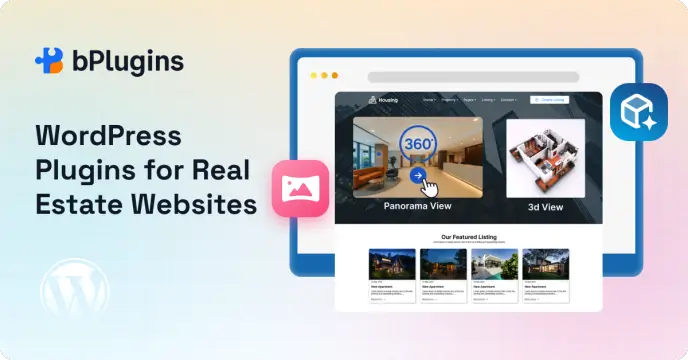
Quick Comparison: Best Real Estate WordPress Plugins
| Plugin | Best For | Key Feature | Free Version |
| 3D Viewer | Interactive 3D property models | 3D model viewer | Yes |
| Panorama Viewer | 360-degree property tours | Virtual tour support | Yes |
| Easy Property Listings | Flexible property listings | Works with any theme | Yes |
| WPL Real Estate | Advanced listing system | MLS/IDX integration | Yes |
| Estatik | Visual listing design | Elementor support | Yes |
Best WordPress Plugins for Virtual Property Tours
There are two distinct types of immersive property experience worth knowing about. First, 360-degree virtual tours that let buyers look around a real photographed interior. Second, 3D model viewers that let them explore a three-dimensional representation of a building or space. The two plugins below handle each of these, and both are free to start on WordPress.org.
1. Panorama Viewer – 360-Degree Virtual Tours for Real Estate
Panorama Viewer lets you add fully interactive 360-degree tours to any page, post, or widget area on your WordPress site. It has over 3,000 active installations, a 4.3-star rating, and the team pushes updates regularly. The most recent version shipped just days ago.
The idea is simple. You shoot a 360-degree photo of a room using a 360 camera, or you stitch photos together. You upload the image to the plugin, tweak a few settings, and get a shortcode to drop into any listing page. Visitors can then drag to look in any direction, creating the experience of actually standing inside the space.
For real estate, this is genuinely powerful. A buyer in another city can stand virtually in the living room of a property, look up at the ceiling, turn around to check the windows, and get a real feel for the size and layout of the space. No static gallery can do that.
Key features:
- 360-degree image and video viewer that works in any browser
- Smooth controls via mouse drag on desktop and touch swipe on mobile
- Auto-rotation with adjustable speed and inactivity delay settings
- Lightweight build that won’t drag down your page load speed
- Compatible with Elementor via shortcode for drag-and-drop placement
- Embeds in posts, pages, widget areas, and WooCommerce product pages
- Shortcode API for flexible placement anywhere on the site
- New embed URL feature to share and display tours on any external website
- Pro version adds 360-degree video tours, room-to-room hotspot navigation, Google Street View, custom starting view angle, gallery management, and more
The pro version’s virtual tour feature deserves a special mention for real estate. With hotspot support, you can build a linked tour that walks buyers from room to room. Click a hotspot on the living room floor and step into the kitchen. That kind of walkthrough experience replaces a lot of early-stage in-person viewings, which saves time for both buyers and agents.
How to add a 360-degree tour to a property listing:
- Install and activate Panorama Viewer from WordPress.org
- Go to Panorama Viewer in your dashboard and click Add New
- Upload your 360-degree photo from the media library
- Set your viewer preferences: auto-rotation speed, touch controls, dimensions
- Save and copy the generated shortcode
- Open your property listing page and paste the shortcode where you want the tour
- Publish and test on both desktop and mobile
The whole process takes under ten minutes for a single tour once you have your 360-degree images ready.
Real-world use cases:
- Full interior walkthroughs of apartments, houses, and commercial spaces
- Vacation rental and short-stay property previews that cut down on repeat inquiry calls
- Open house experiences for buyers who can’t attend in person
- Hotel room tours for hospitality real estate listings
- New listing launches that drive early engagement before traditional marketing kicks in
Best for: Any real estate website that wants to offer immersive, browser-based 360-degree property tours without complicated setup or expensive third-party tour platforms. If you’re looking for a solid virtual tour WordPress plugin, this is where to start.
2. 3D Viewer – Interactive 3D Property Models for WordPress
3D Viewer does something fundamentally different from a photo-based tour. Instead of placing a visitor inside a photographed space, it lets you embed a fully interactive 3D model that people can rotate, zoom, and inspect from every angle.
It supports GLB and GLTF file formats, which are the standard export formats from professional tools like Blender, SketchUp, Autodesk Revit, and most architectural modeling software.
For real estate developers, builders, and architects, this plugin is a genuine sales tool. New construction projects and off-plan properties are notoriously hard to sell without something physical to show. Buyers are being asked to commit serious money to something that doesn’t exist yet. An interactive 3D model dramatically reduces that uncertainty and builds confidence in what they’re buying.
Key features:
- Embed interactive 3D models in posts, pages, and widget areas
- Supports GLB and GLTF file formats, the standard output from professional 3D tools
- Touch, pan, zoom, and rotate controls for full model interaction on any device
- Auto-rotation for a passive 360-degree display that works without visitor interaction
- Gutenberg block support for placement directly in the WordPress block editor
- Elementor compatible for drag-and-drop page building
- Lazy loading so 3D models only load when visible, keeping page speeds in check
- Preset settings so you configure a viewer style once and reuse it across multiple models
- Gallery support for showing multiple building variants in one viewer
- WooCommerce integration for developers who sell properties as products
- Pro version adds external URL support for CDN-hosted models, adjustable lighting and shadow settings, progress bar during loading, custom starting camera angle, hotspot annotations on specific model points, AR mode for viewing models in real space via mobile, and WooCommerce gallery support for multiple 3D files per product
A note on file formats: The free version supports GLB and GLTF files. If your 3D models are currently in FBX, OBJ, or another format, you’ll need to convert them first. Most 3D software supports direct GLB export. If not, Blender handles that conversion for free in just a few clicks.
Explore GLB vs GLTF vs OBJ vs STL: Which 3D File Format Is Best for WordPress?
How to add a 3D property model to a listing page:
- Install and activate 3D Viewer from WordPress.org
- Go to 3D Viewer in your dashboard and click Add New
- Upload your GLB or GLTF file from the media library (or paste an external URL with Pro)
- Configure the viewer: rotation, lighting, background color, dimensions
- Save and copy the generated shortcode
- Paste the shortcode into your property listing or development page
- Publish and test on desktop and mobile to confirm the model loads and responds correctly
Gutenberg users can skip the shortcode entirely. Just add a 3D Viewer block directly in the editor and connect it to your model file.
Real-world use cases:
- Off-plan property sales where the building hasn’t been built yet
- New construction previews to generate early interest and reservations
- Architectural scale models for property development marketing
- Investor presentations for development projects
- Mixed-use development models showing multiple buildings and layouts
- Commercial property previews for office or retail spaces
Best for: Real estate developers, construction companies, architects, and property marketing teams that need to present interactive 3D building models on their WordPress site. If you’re selling off-plan or new construction, this is the 360 tour real estate WordPress tool that fills the gap that photo-based tours simply can’t.
Best WordPress Plugins for Real Estate Listings
3. Property Hive – Complete Real Estate Management
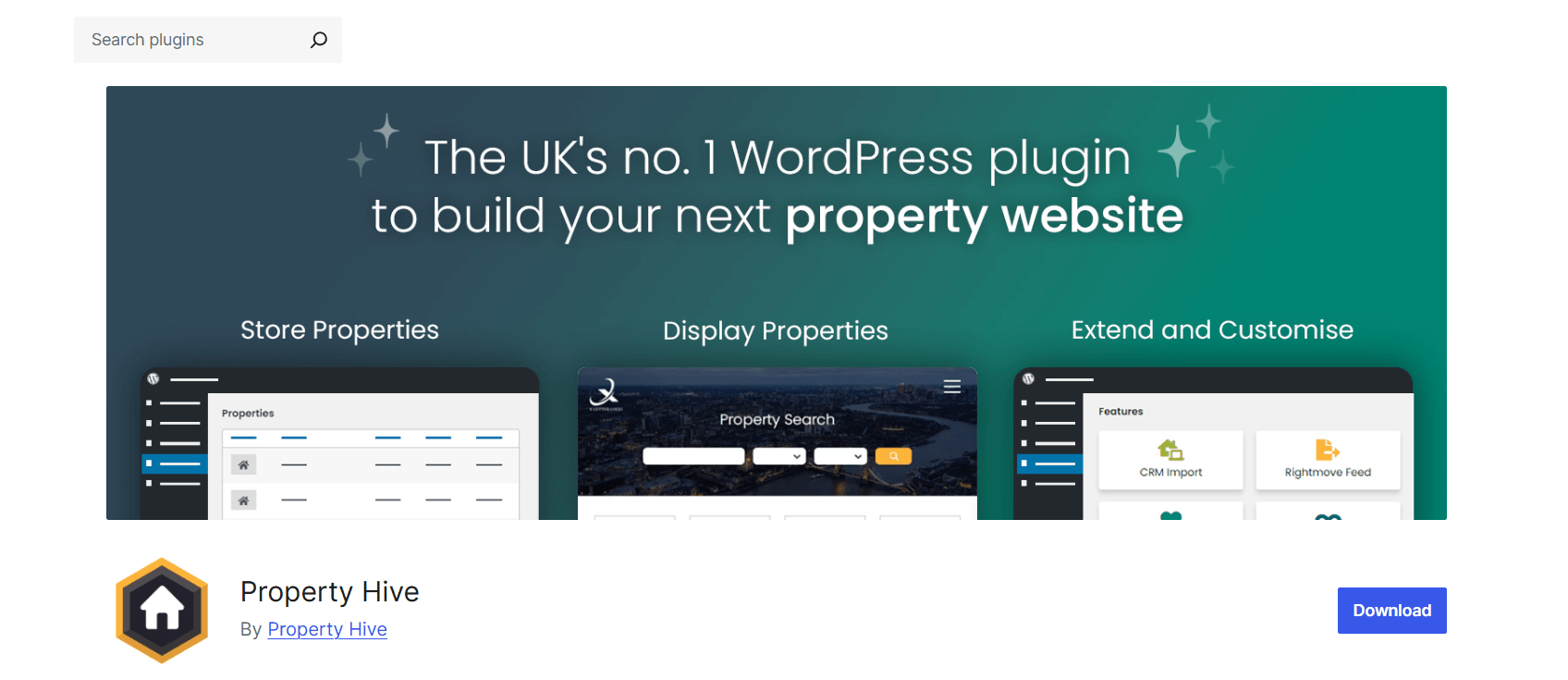
Property Hive is one of the most complete real estate management plugins available for WordPress. It was built specifically for agencies that need more than a listing display. It handles the full workflow, from adding a property to managing the leads that come from it.
What sets PropertyHive apart from simpler listing plugins is the built-in CRM. Most real estate plugins stop at showing properties and grabbing form submissions. PropertyHive lets you manage those contacts, track where they are in the buying process, and follow up in an organized way. For a busy agency, that’s a real operational win.
Key features:
- Full property listing creation and management
- Built-in CRM to track leads, applicants, and contacts
- Property search with filters for price, type, bedrooms, and location
- Interactive map so visitors can browse by area
- Multiple office and branch support for larger agencies
- Add-ons available for applicant matching, portal feed export, and more
- Actively maintained with regular updates
Each property gets its own detailed page with fields for all the standard information buyers need. You can add multiple images, floor plans, key features, and a full description. The search pulls from all these fields, so a buyer filtering for a three-bedroom house in a specific price range sees only what’s relevant.
Best for: Real estate agencies and brokerages that want a full management system, not just a display tool.
4. Easy Property Listings – Flexible Listing System
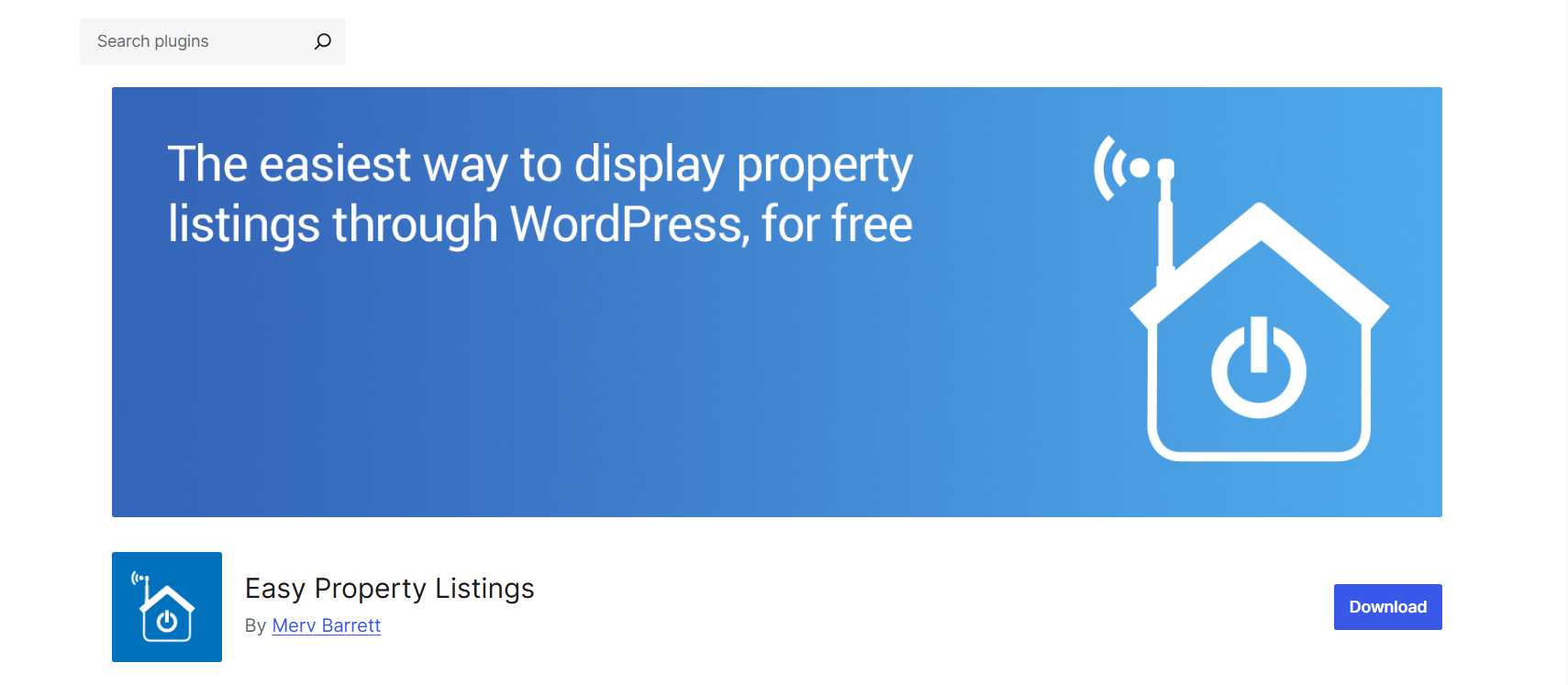
Easy Property Listings takes a different approach. Rather than bundling in a CRM and a stack of management tools, it focuses on doing property listings really well while staying flexible enough to work with almost any WordPress theme.
That makes it a popular choice for developers and designers building custom real estate sites. You’re not forced into a specific layout or design system. The plugin adds the listing functionality, and you control how everything looks.
Key features:
- Unlimited property listings with no cap on how many you can add
- Property search and filtering with customizable fields
- Agent and office profiles with individual contact forms
- Shortcodes and template tags for flexible placement anywhere on the site
- Compatible with most WordPress themes and page builders
- Extension library for additional features like price slider search and listing alerts
- Clean, well-documented code that developers can easily build on
The flexibility here is genuine. Easy Property Listings works equally well on a minimalist single-agent site and a complex multi-branch agency platform. If your theme and design matter as much as your functionality, this plugin gives you both without compromise.
Best for: Web developers, designers, and agencies that need a listing system they can shape around their own design.
5. WPL Real Estate – Advanced Listing Platform
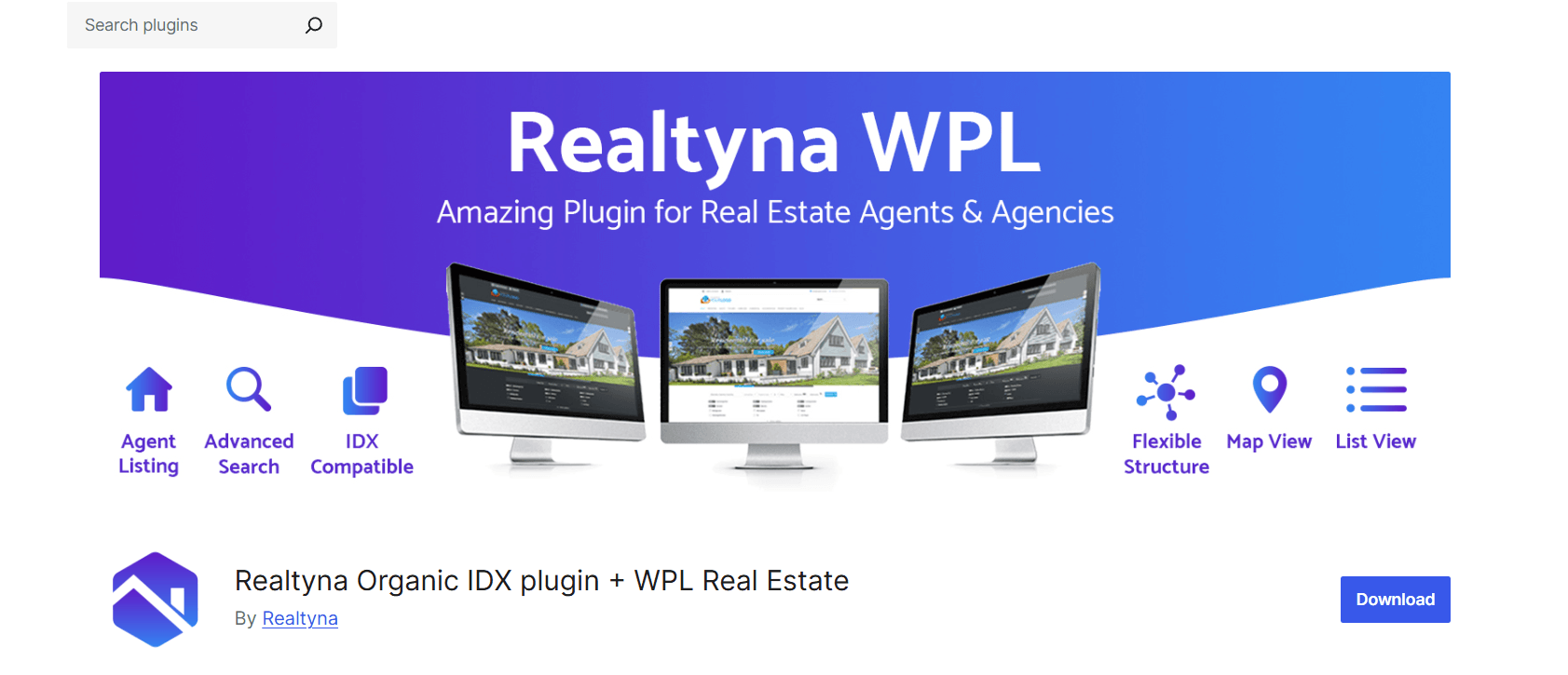
WPL Real Estate is built for scale. If you run a large real estate operation that needs to connect to external listing databases, WPL is one of the few WordPress plugins that handles MLS and IDX integration properly.
Quick note for those unfamiliar: MLS (Multiple Listing Service) is the database system agents use to share property listings across a region. IDX (Internet Data Exchange) is the technology that pulls those listings onto individual agency websites. With IDX integration in place, your website updates automatically with the latest available properties. No manual entry needed.
Key features:
- Advanced property listing system with highly customizable fields
- IDX and MLS integration for automatic listing updates
- Front-end submission so agents or property owners can submit listings directly
- Lead capture and inquiry management tools
- Reporting and analytics on listing performance
- Supports residential, commercial, rental, and land listing types
- Highly extensible with add-ons for specific requirements
WPL has a steeper learning curve than some other plugins on this list. The feature set is broad, and setting up IDX integration takes some technical work. But for large-scale operations where manual listing management isn’t practical, that upfront investment pays off quickly.
Best for: Large real estate businesses, portals, and platforms that need IDX/MLS connectivity and high-volume listing management.
6. Estatik – Stylish Property Listings
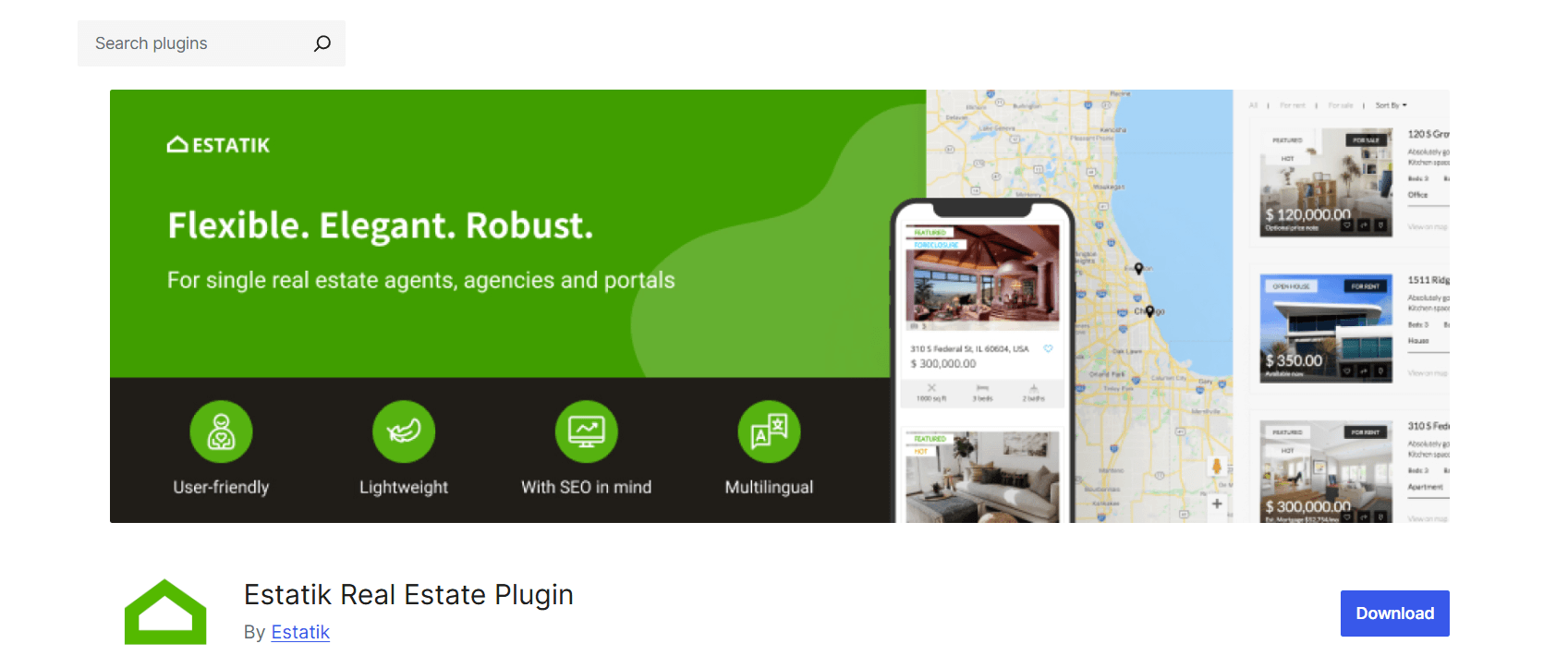
Estatik brings a noticeably polished visual style to property listings. Where some listing plugins prioritize functionality and treat design as an afterthought, Estatik pays genuine attention to how listings look on screen.
The Elementor compatibility is a real plus. If you’re already building your site with Elementor, Estatik’s widgets slot right in and give you full drag-and-drop control over your listing pages. You’re not stuck with default templates.
Key features:
- Modern, professional listing layouts that look sharp right after installation
- High-quality image gallery support with slideshow options
- Full Elementor compatibility with dedicated widgets
- Google Maps on every listing page
- Advanced search widget with price range, type, location, and more
- Built-in mortgage calculator widget
- Responsive layouts that work on all screen sizes
- Free version covers core functionality, with a pro version for advanced needs
The gap between installing Estatik and having a professional listing page is much smaller than with most other plugins. For agents or small agencies without a developer, that matters a lot.
Best for: Individual agents and small agencies that want polished listings quickly, especially those already using Elementor.
How to Choose the Right Combination of Plugins
With six strong options on the table, here’s a clear way to think about what you actually need based on your situation.
You’re a solo agent or small agency: Start with Estatik for polished listings and add Panorama Viewer for 360-degree tours on your featured properties. That combination gives you a professional, immersive listing experience without complexity or high cost.
You run a busy multi-agent agency: PropertyHive handles your listings and CRM together, which removes the need for a separate contact management tool. Then add Panorama Viewer and 3D Viewer to your key listings to increase engagement and reduce unnecessary early viewings.
You need MLS or IDX connectivity: WPL Real Estate is your listing foundation. Layer Panorama Viewer on top for tour functionality, and use 3D Viewer for any new construction inventory you’re marketing.
You’re a developer or architect marketing new builds: 3D Viewer is the most important plugin on this list for you. It lets buyers interact with your building models before construction is finished. That’s one of the highest-value tools available for off-plan property sales.
You want the complete package: Combine a listing plugin with both virtual tour plugins. The listing plugin manages inventory and search. Panorama Viewer handles existing property walkthroughs. 3D Viewer handles new construction and development previews. Together, they cover every stage of the buyer journey.
Read also Top 5 WordPress 3D Plugin Use Cases That Drive Engagement.
Recommended Plugin Stack for a Modern Real Estate Website
Here’s a practical setup that covers all the essentials for a real estate WordPress site in 2026:
Property listings and CRM: PropertyHive (handles listings, lead tracking, and contact management together)
360-degree virtual tours: Panorama Viewer (immersive walkthroughs embedded directly into listing pages)
3D property and building models: 3D Viewer (interactive models for new construction and development projects)
Lead capture forms: WPForms or Fluent Forms (capture buyer inquiries from every page with simple, customizable forms)
SEO: RankMath (optimize listing pages with schema markup, meta titles, and sitemap management)
Performance: WP Rocket or LiteSpeed Cache (keep listing pages loading fast, critical for image-heavy property sites)
Every plugin in this stack has a clear job. There’s no overlap, and they all work well alongside each other.
Explore 5 Best AI 3D Model Generator Tools and WordPress Plugins.
Tips for Building a High-Converting Real Estate Website
Getting the plugin stack right is only part of the job. How you use these tools matters just as much. Here are practical things that make a real difference.
Use professional photography on every listing. The quality gap between smartphone photos and proper real estate photography is enormous. Buyers make emotional decisions about properties. Strong images trigger that emotional response. Poor ones kill it immediately.
Add interactive maps to every listing page. Location is often the deciding factor in a purchase. An embedded map showing the property alongside nearby schools, transport links, shops, and amenities answers the questions buyers always have, without making them leave your site to check.
Place virtual tours near the top of featured listings. Don’t bury your Panorama Viewer tour at the bottom of a long page. Put it right after the headline photos, where buyers can find it immediately. Buyers who interact with a tour are much more likely to follow up with an inquiry.
Add a mortgage calculator to listing pages. Buyers looking at a property always want to know what the monthly repayment looks like. A calculator on the listing page gives them that without making them open a separate tab. Estatik includes one built in. Several standalone mortgage calculator plugins work well with any other setup too.
Keep your contact forms short. Every extra field reduces conversions. For initial inquiries, name, email, phone, and a message field are enough. You can gather more once you’re actually talking to the buyer.
Use schema markup for property listings. Structured data helps search engines understand what your listing pages are about. It can improve how your results appear in Google and bring in more organic traffic. RankMath handles real estate schema markup well with no coding needed.
Compress images before uploading. Property listings are image-heavy by nature, and uncompressed images are one of the most common reasons real estate sites run slowly. Use a tool like Imagify, ShortPixel, or Smush to compress images on upload. Your pages will load faster, even with large galleries.
Test the full buyer journey on mobile before going live. Open your site on a phone and walk through everything: search for a property, view the listing, check the 360-degree tour, explore a 3D model, and fill in the contact form. If anything feels slow or clunky, fix it before your buyers find it.
Check out 360° Product View Plugins for WordPress: Features, Comparisons, and Guide.
What Actually Makes a Real Estate Website Stand Out in 2026
The standard real estate website today has decent photos, a search filter, and a contact form. That’s the baseline. It’s not enough to stand out.
What separates strong real estate websites from average ones is the depth of experience they offer. Can a buyer walk through a property without leaving their couch? Can they explore a building that hasn’t been built yet? Can they get the location context they need without jumping to another tab? Can they calculate repayments, contact an agent, and save a listing, all in one place?
Buyers who engage deeply with a real estate website are the ones closest to making a decision. Giving them richer tools keeps them on your site longer, builds more trust, and increases the chances that their inquiry comes to you rather than a competitor.
Panorama Viewer and 3D Viewer aren’t just technical additions. They’re a way of telling buyers: we respect your time, and we’ve made it as easy as possible for you to evaluate this property without unnecessary steps.
That kind of positioning builds brand credibility in a way that no static listing page ever could.
FAQs: Best WordPress Plugins for Real Estate Websites
Do I need a dedicated real estate theme to use these plugins?
No. Most of the plugins on this list, especially Easy Property Listings and PropertyHive, work with any standard WordPress theme. If you want a purpose-built starting point, real estate themes do make setup faster, but they’re not required.
Can I use Panorama Viewer and 3D Viewer together on the same listing page?
Yes. Both plugins output shortcodes or Gutenberg blocks that you can place independently anywhere on a page. A listing page with both a 360-degree tour and an interactive 3D model gives buyers two completely different ways to explore the same property.
What camera do I need to create 360-degree property photos?
Consumer-level 360 cameras like the Ricoh Theta series or the Insta360 range produce images that work well with Panorama Viewer. You don’t need expensive professional equipment to get started. Most modern 360 cameras output equirectangular images, which is the format the plugin expects.
What 3D software produces GLB files for the 3D Viewer plugin?
Blender (free), SketchUp, Autodesk Revit, and most professional architectural modeling tools can export directly to GLB or GLTF. If your architect or developer already produces 3D models of projects, asking for a GLB export adds almost no extra work on their end.
Will these plugins slow down my website?
Both Panorama Viewer and 3D Viewer are built with performance in mind. Panorama Viewer is explicitly lightweight. 3D Viewer uses lazy loading, so models only load when a visitor scrolls to them. That said, 3D model files can be large, so hosting your models on a CDN (available with the 3D Viewer Pro version) is worth considering for sites with many listings.
Final Thoughts
Building a real estate website on WordPress gives you more flexibility and control than almost any other platform. But the plugins you choose determine whether that flexibility translates into a website that actually generates business.
For property listing management, PropertyHive, Easy Property Listings, WPL Real Estate, and Estatik each handle the core requirements well. Your choice depends on whether you need CRM functionality, design freedom, IDX connectivity, or polished out-of-the-box layouts.
For immersive buyer experiences, Panorama Viewer and 3D Viewer are the plugins that move your site from a standard listing directory into a proper property platform. Panorama Viewer brings 360-degree walkthroughs to existing properties. 3D Viewer brings new construction and off-plan projects to life before a single wall goes up. Both are free to start, actively maintained, and genuinely straightforward to set up.
If you’re building or upgrading a real estate WordPress site this year, good listings and clean search are the foundation. But if you want a site that actually converts browsers into buyers, the immersive layer is what gets you there.
Start with your listing plugin, add your virtual tour and 3D viewer, and build the kind of real estate website that buyers want to spend time on.

 Save 90%