

WordPress started as a blogging tool. Type a post, add a picture, hit publish. That was the whole job.
That’s not what most WordPress sites do anymore.
Today, the same platform runs video course libraries, podcast networks, product catalogs with interactive previews, corporate knowledge bases full of PDFs and slide decks, and real estate sites where buyers tour a property in 360° before they ever book a viewing in person. Media isn’t decoration on a WordPress site anymore. For a lot of sites, media is the entire reason a visitor showed up.
That shift created a real problem. WordPress core was never built to handle this much media this well. The default video block, the default audio player, and the default gallery all work, but they work like a basic tool handed to someone who needed a specialized one. They get the job half done and leave the rest to the visitor’s patience.
So people search for the best WordPress media plugin expecting one clean answer. That would be convenient. It wouldn’t be honest.
There isn’t one plugin that wins across video, audio, PDFs, galleries, 360° tours, and visitor feedback at the same time. Plugins that try to cover every media type usually end up mediocre at most of them. The ones that actually win are built tightly around one job, and built well.
This guide takes a different approach. Instead of forcing a single “best” answer, we broke the question down by media type, picked the strongest plugin for each job, and told you plainly who should use it and who should skip it. We also brought in a couple of plugins outside our own lineup, because a roundup that only recommends one company’s products isn’t a real WordPress media plugin comparison. It’s an ad.
By the end of this post, you’ll know exactly which plugin fits your site, not just which one has the longest feature list.
Why “Best Media Plugin” Is the Wrong Question to Ask Alone
Let’s slow down here for a second, because this matters more than it sounds.
Imagine someone asks, “What’s the best vehicle?” The honest answer depends on what they’re using it for. A pickup truck is the best vehicle for hauling lumber. A hatchback is the best vehicle for parking in a tight city spot. Neither one is the best vehicle overall, because “overall” isn’t a real category here. It only becomes a real question once you know the job.
WordPress media plugins work the same way. A plugin built to stream branded, self-hosted video has a completely different job than a plugin built to display a PDF inline, and both of those have nothing to do with a plugin that lets a visitor record a 30-second voice message. Comparing them on a single scale doesn’t tell you much.
This is also why a lot of “best media plugin” roundups feel thin. They either pick one plugin and stretch it to cover jobs it wasn’t built for, or they list seven unrelated tools with no real structure connecting them.
We’re doing this differently. Each plugin below answers one specific job. If your site only needs one of these jobs done, you’ll find your answer fast. If it needs several, you’ll walk away with a short list instead of one plugin pretending to do everything.
What Counts as a “Media Plugin” in WordPress in 2026
Before we get into picks, it helps to define the playing field. “Media plugin” covers more ground than most people expect. Here’s how we’re breaking it down for this guide.
Video plugins handle hosting and playing video directly from your own server, separate from just embedding a YouTube link.
Audio plugins cover podcasts, music, streaming, and any site where listening is the main activity rather than reading.
PDF and document plugins let people view files like PDFs, Word documents, and PowerPoint decks right inside your pages, instead of forcing a download.
All-in-one embed plugins pull in content from other platforms, like YouTube, Spotify, Google Docs, or social media, and display it cleanly without you needing to host any of it yourself.
Gallery and lightbox plugins organize and present collections of images, often with filtering, categories, and a popup viewer.
Immersive media plugins handle 360° photos, panoramic video, and virtual tours, letting a visitor look around a space instead of just looking at it.
Visitor-generated media plugins are the newest category here, and they work in reverse. Instead of you showing media to visitors, these plugins let visitors send media, usually audio, back to you.
That last category barely existed a few years ago as its own plugin space. We’re including it here because skipping it would mean missing one of the more genuinely new directions in WordPress media tools right now.
If you’re searching for a single video audio PDF WordPress plugin to cover the basics, you’ll mostly need two or three tools working together rather than one. We’ll get into exactly which ones below.
Best WordPress Media Plugins by Category in 2026
Here’s where we get specific. Each section below names the plugin we’d recommend for that exact job, whether you need a video, audio PDF WordPress plugin for your core content or something more specialized like immersive tours or visitor feedback.
Quick Comparison
A side-by-side WordPress media plugin comparison makes the differences easier to scan at once.
| Plugin | Media Type | Best For | Free Version | Standout Feature |
| HTML5 Video Player | Video | Self-hosted, branded video | Yes | No third-party branding |
| EmbedPress | Multi-source embeds | Third-party content embedding | Yes | 250+ supported sources |
| HTML5 Audio Player | Audio | Podcasts, music, streaming | Yes | Playlist and download control |
| PDF Poster | Documents | Inline PDF viewing | Yes | No forced downloads |
| Document Embedder | Documents | Mixed file format viewing | Yes | 10+ supported formats |
| FooGallery | Images | Galleries and lightbox | Yes | Built-in lightbox, fast loading |
| Panorama Viewer | Immersive media | 360° photos, video, tours | Yes | WooCommerce 360° integration |
| Voice Feedback | Visitor audio | Collecting voice feedback | Yes | No login or form required |
We’ll walk through each of these below, including who they fit, who should skip them, and what the free version actually gives you before you spend anything.
Best for Self-Hosted Video: HTML5 Video Player
Most site owners default to YouTube or Vimeo the first time they need video on their site. That’s an understandable choice. It’s free, it’s familiar, and it handles the heavy lifting of video encoding for you.
But it comes with tradeoffs that get more obvious the more serious your video strategy gets. Visitors see another company’s branding wrapped around your content. YouTube’s recommendation engine sits right there, ready to pull people toward someone else’s video the second yours ends. And the analytics you actually own are limited, since the real engagement data lives on YouTube’s side, not yours.
HTML5 Video Player solves this by letting you host the video file yourself and display it through a fully branded player that lives entirely on your domain. There’s no YouTube logo, no autoplay suggestion grid, no “watch on YouTube” button pulling people away. You control the entire viewing experience from start to finish.
The plugin supports multiple player skins, so the look can match your site’s design instead of looking like a generic embed. It handles playlists too, which matters if you’re running a tutorial series or a library of related videos that visitors should browse without leaving the page. It works through a native Gutenberg block, so an editor can drop a video into a post the same way they’d add an image, without needing a developer involved.
This setup tends to work best for product demo videos, internal training libraries, tutorial content, and marketing videos where keeping visitors fully inside your own site matters more than the convenience of YouTube hosting.
If your video strategy goes further than playback, things like gated course content, lead capture forms inside the video, or detailed viewer completion tracking, that’s a different job entirely. We compared that exact scenario in our Presto Player vs HTML5 Video Player breakdown, worth a look if your video content needs to do more than just play back cleanly.
Skip it if: you’re fully comfortable hosting on YouTube or Vimeo and have no real need for custom branding or self-hosted control.
Best for All-in-One Embeds: EmbedPress
Self-hosting isn’t always the right call, and it’s not always the goal either. Plenty of sites just need a clean, consistent way to pull in content that already lives somewhere else, without it looking like a clunky copy-pasted iframe stuck in the middle of a post.
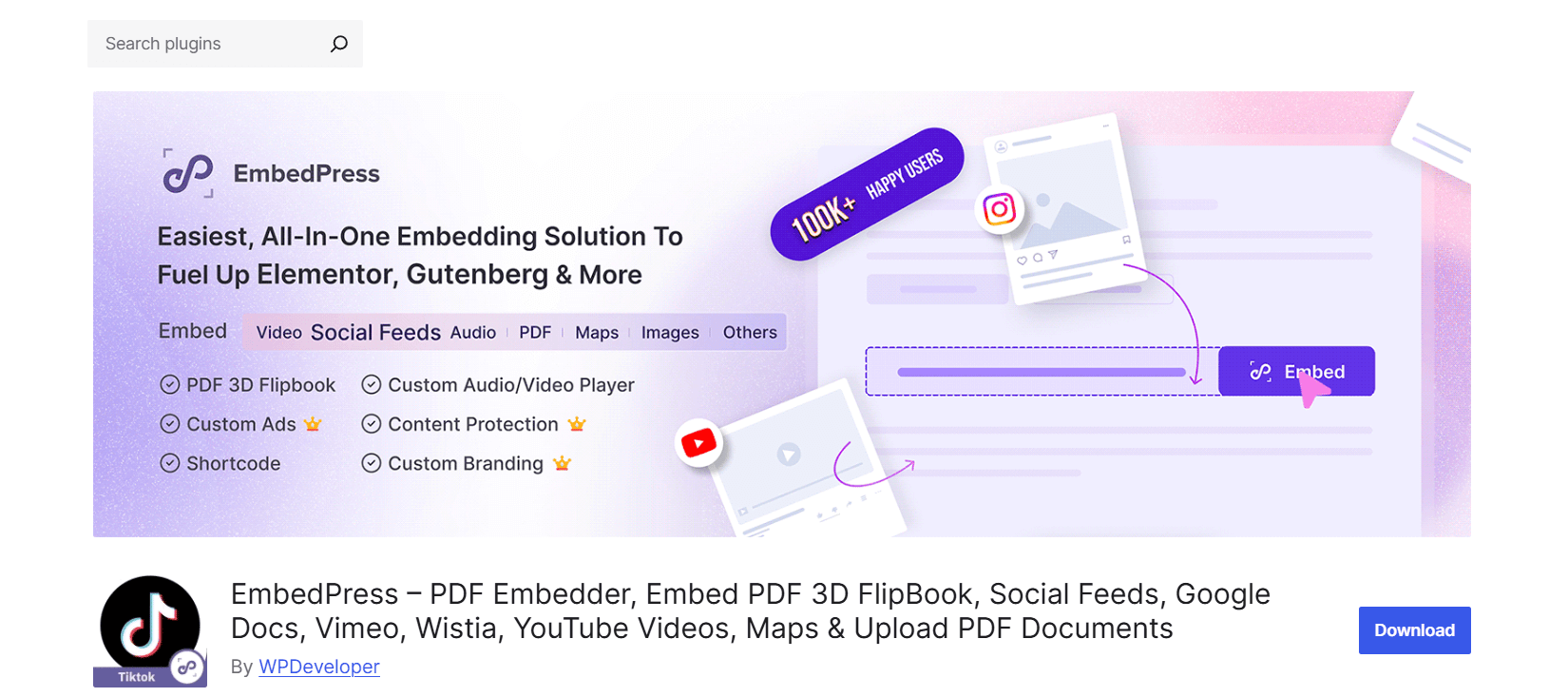
EmbedPress is built for that exact job. Paste a URL, and it pulls in content from YouTube, Vimeo, Spotify, SoundCloud, Google Docs, Google Sheets, Twitter, Instagram, TikTok, Google Maps, and more than 250 sources in total. You’re not hosting any of these files. You’re displaying them cleanly and consistently, all through one plugin instead of relying on whatever inconsistent embed code each platform hands you.
This is useful for sites that publish a mix of third-party content regularly. Picture a blog that shares a Spotify playlist one week, embeds a client’s Google Slides deck the next, and drops in an Instagram post the week after that. Trying to manage that with WordPress’s native oEmbed support gets inconsistent fast, since native embeds offer almost no styling control and limited support for document types like PDFs.
EmbedPress also handles PDF embedding, including an interactive 3D flipbook viewer that turns a static document into something closer to flipping through a real magazine. For sites that want one tool covering video, social content, and documents from outside sources, this fills a gap the bPlugins lineup, built around self-hosted media, doesn’t try to cover.
The honest tradeoff is control. Since the content still technically lives on another platform’s servers, you get less branding power and less ownership over the raw file than you would with a self-hosted plugin.
Skip it if: you host your own video or audio files and want full control over the player rather than relying on another platform’s infrastructure.
Best for Podcasts and Streaming Audio: HTML5 Audio Player
The default WordPress audio block is functional in the most basic sense. It plays a file. That’s about where its usefulness ends.
If your site is built around audio, a podcast, a music catalog, a guided meditation library, or a collection of audiobook chapters, the bare minimum won’t cut it. Listeners expect to browse a back catalog, see what’s playing, and move between tracks without losing their place.
HTML5 Audio Player handles that properly. It supports full playlists, so instead of forcing listeners to jump between separate blog posts to find old episodes, you can build a single browsable playlist on one page. It supports streaming for larger files, and it gives you control over downloads, so you can let visitors save certain tracks while keeping others stream-only. That distinction matters for sites dealing with music licensing or for podcasts that gate bonus episodes behind a paywall.
The player itself stays lightweight, which keeps page load times reasonable even when a page has multiple tracks sitting on it. It works through Gutenberg blocks and shortcodes, so non-technical editors can manage it without developer help.
One distinction worth making here. If you actually need full podcast hosting with an RSS feed that syndicates automatically to Apple Podcasts, Spotify, and other directories, that’s a separate job from on-site playback. A plugin built specifically for podcast hosting and feed generation, such as Seriously Simple Podcasting, solves that particular problem better. HTML5 Audio Player focuses on giving visitors a clean listening experience once they’re already on your site, not on getting your show listed in external podcast apps.
Skip it if: your main priority is RSS feed generation for podcast directories rather than the on-site listening experience itself.
Best for PDF Viewing: PDF Poster
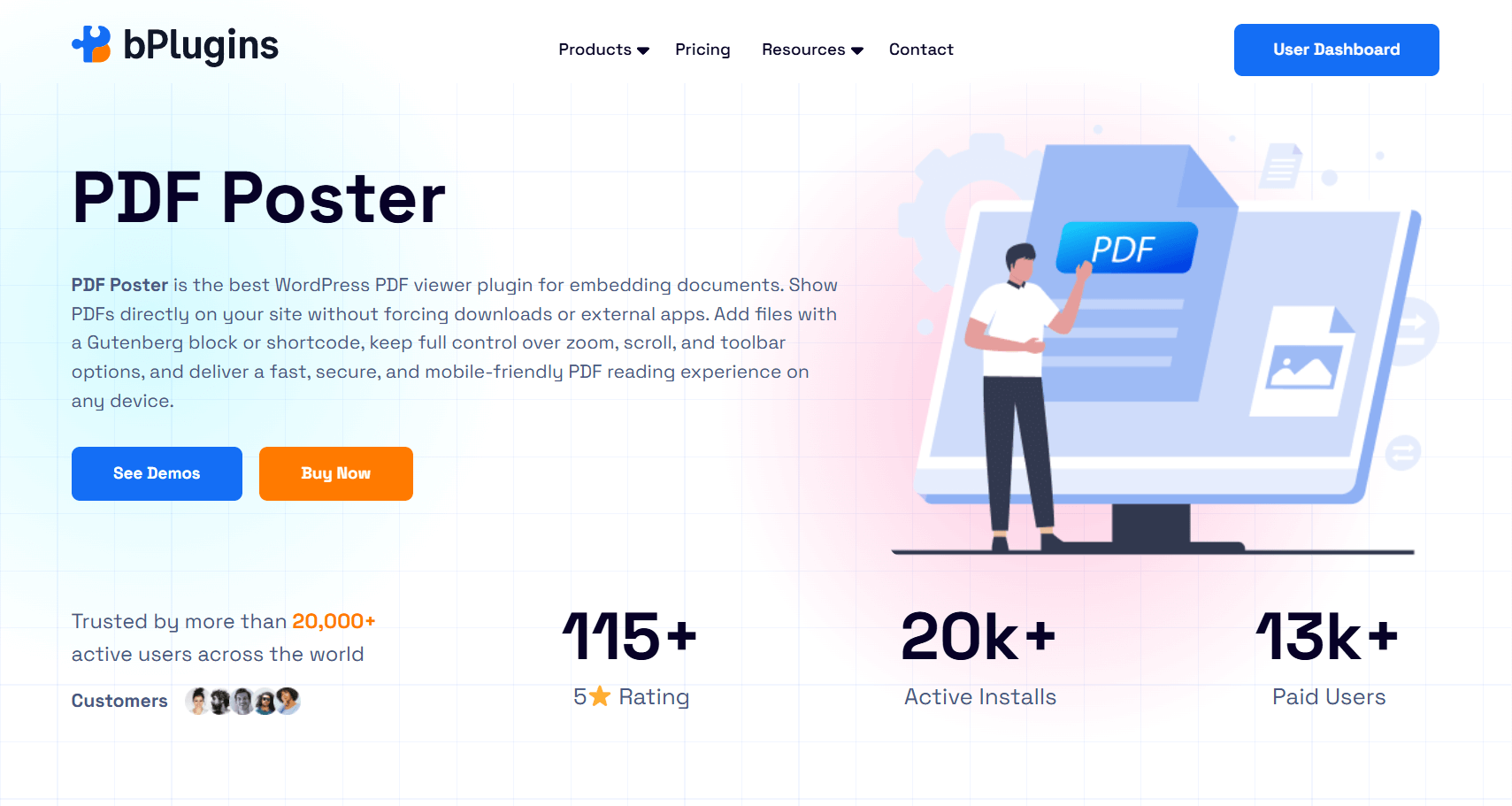
A download link is the laziest way to share a PDF, and visitors feel the friction the moment they click it. The file downloads, a new tab or app opens, and they’ve left whatever experience you built on your site to go read a document somewhere else entirely. On mobile, that gets worse, since some phones handle PDF downloads clumsily or open them in an unfamiliar app.
PDF Poster renders the PDF directly inside your page instead. No download prompt, no separate tab, no app switching. Visitors scroll, zoom, and read right where they found the document. The toolbar is configurable, so you can show or hide zoom controls, page navigation, and page numbers depending on how clean or detailed you want the viewer to look.
Download permissions are flexible too. You can let visitors download some documents freely while keeping others view-only, useful when a PDF works as a lead magnet you’d rather have someone opt in for before they save it.
We went deeper into the inline PDF viewing case, including full toolbar customization and mobile rendering behavior, in our earlier roundup on premium media plugins. Worth the extra read if PDFs are a major part of your content.
Skip it if: you share PDFs rarely, and a plain download link doesn’t actually cause your visitors any real friction.
Best for Mixed Document Formats: Document Embedder
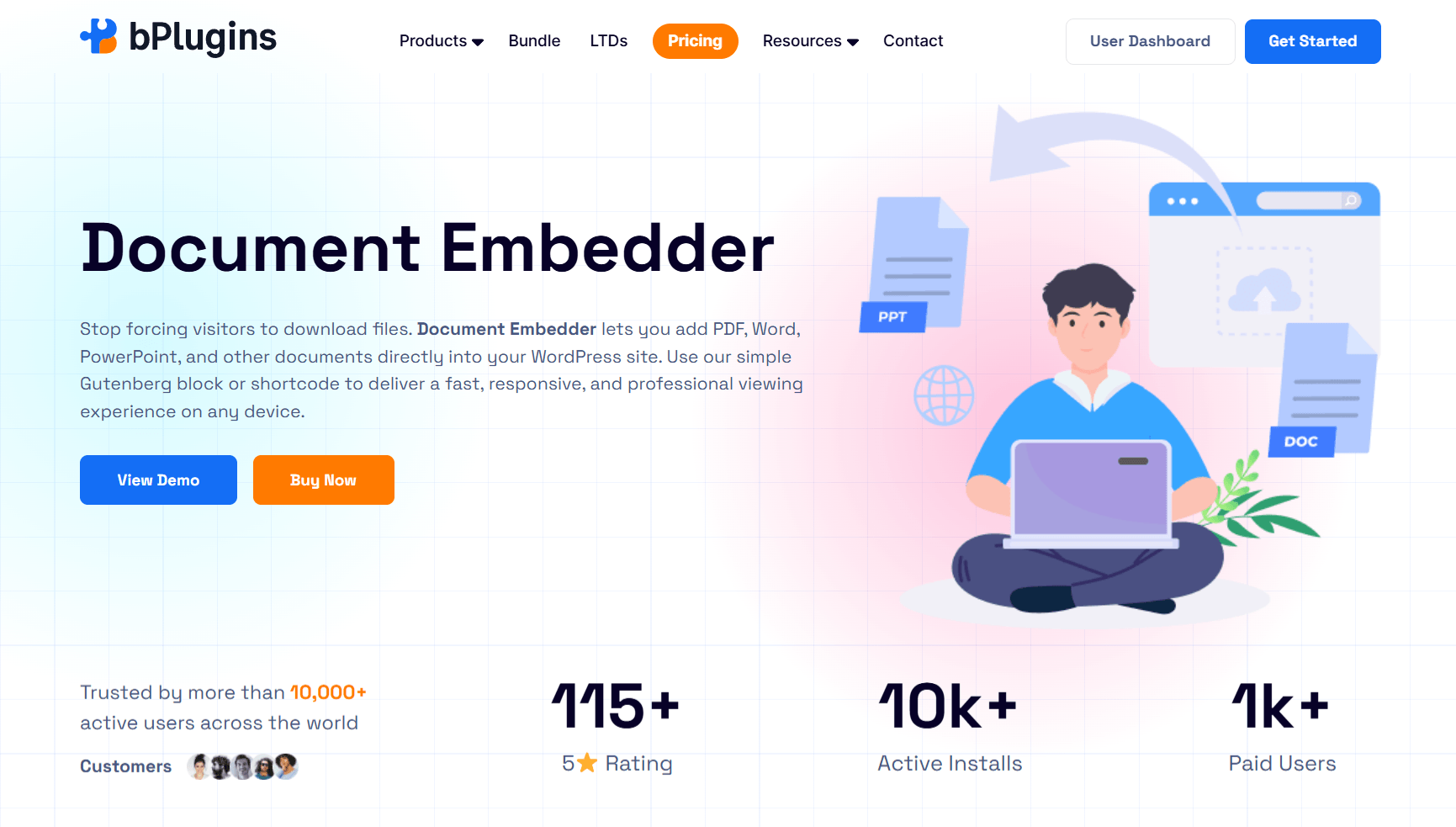
PDFs cover a lot of ground, but not every team works exclusively in that format. A lot of organizations need to display Word documents, PowerPoint presentations, and Excel spreadsheets too, sometimes all on the same page, sometimes scattered across a knowledge base.
Document Embedder supports more than ten document formats inside one consistent, responsive viewer. A visitor can open a PowerPoint deck and flip through it in the browser without needing Microsoft Office installed. A Word document renders cleanly without forcing a download. That opens your content up to a wider audience, since plenty of visitors simply don’t have the software installed to open these files locally.
Setup stays simple for editors. Add the document through a Gutenberg block or shortcode, point it at a file in the media library or an external URL, and the viewer handles the rest. That makes it practical for knowledge bases and internal training sites where content changes often and a developer shouldn’t need to step in every time someone uploads a new file.
We covered this use case in more depth, including how it compares to PDF-only tools and how teams have used it for training material, in the premium media plugins post.
Skip it if: you only ever share PDFs. PDF Poster is the more focused tool for that single job.
Best for Image Galleries and Lightbox: FooGallery
Here’s a category most “best media plugin” roundups skip entirely, and that’s a real gap, because galleries are media too. The default WordPress gallery block is limited in almost every direction, from layout options to lightbox behavior to how it handles SEO.
FooGallery builds responsive, fast-loading galleries with a built-in lightbox, lazy loading, and several layout templates right out of the box in the free version. It adds proper alt text and attachment descriptions automatically and integrates with major SEO plugins, which helps Google and other tools understand what’s actually in your images instead of treating them as blank file names.
What makes FooGallery worth including here, beyond being well-built, is how much the free version covers. A lot of plugins gate the useful features behind a paywall from the first click. FooGallery’s free tier gives you working templates, hover settings, and a real lightbox before you’re asked to pay anything. The Pro tiers build on that with video galleries pulled in from YouTube and Vimeo, dynamic galleries built automatically from folders or Adobe Lightroom, and a WooCommerce integration for stores that want to sell products directly out of a gallery layout, complete with sale ribbons and add-to-cart buttons inside the gallery itself.
Photographers, portfolio sites, and businesses that rely on showing a large set of images, like real estate listings or product catalogs, tend to get the most value here.
Skip it if: you only need to show a handful of images, and the native WordPress gallery block already handles that without frustration.
Best for 360° and Immersive Media: Panorama Viewer
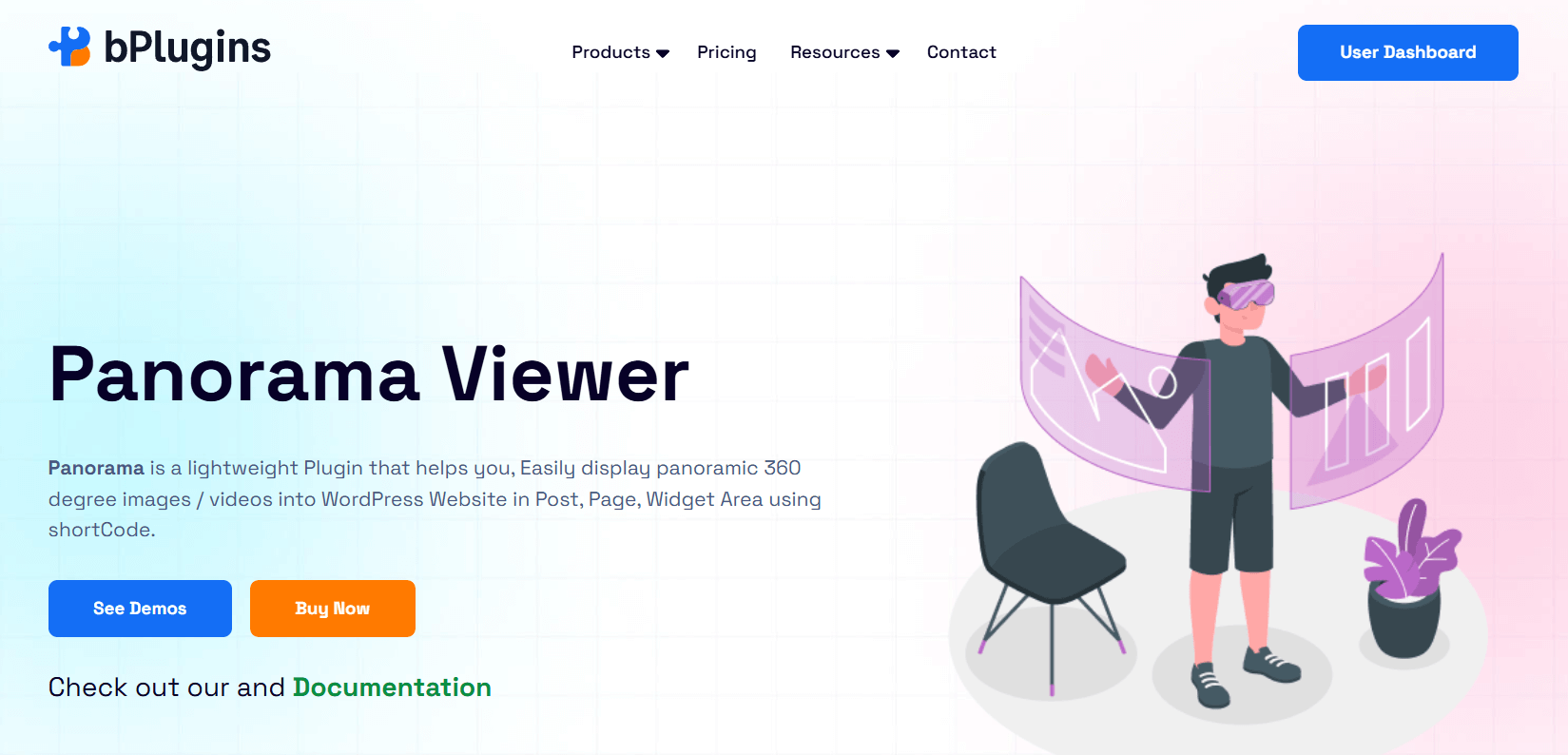
A flat photo can only tell a visitor so much. A static image of a hotel room, a piece of furniture, or a building leaves real questions unanswered, like how big the space actually feels or what’s just out of frame. An interactive 360° view answers most of those questions before a visitor even has to ask.
Panorama Viewer embeds 360° photos, panoramic video, and full virtual tours directly into WordPress posts, pages, and WooCommerce product pages, without any coding. It supports Google Street View integration through a simple panorama ID, drag-and-zoom navigation that works smoothly on desktop and touchscreens alike, and tour building with hotspots that let visitors click their way between connected scenes, like moving from a living room to a kitchen in a property tour.
The free version already covers a meaningful amount of ground. It includes basic 360° image and video display, product hotspots for highlighting details on WooCommerce listings, short virtual tours with a couple of scenes, and basic Google Street View embedding. The Pro version adds unlimited tour scenes, full WooCommerce video integration, advanced viewer settings like custom starting angle and zoom level, and branded navigation controls that match your site’s design.
This fits real estate listings, hotel and restaurant tours, museum and gallery exhibits, and product pages for anything where physical shape matters to a buyer’s decision, like furniture, vehicles, or industrial equipment. None of these use cases are well served by a flat photo gallery, no matter how good that gallery is.
Skip it if: your content is entirely flat images or standard video, with no real plan to build interactive tours or 360° product views.
Best for Visitor-Generated Audio: Voice Feedback
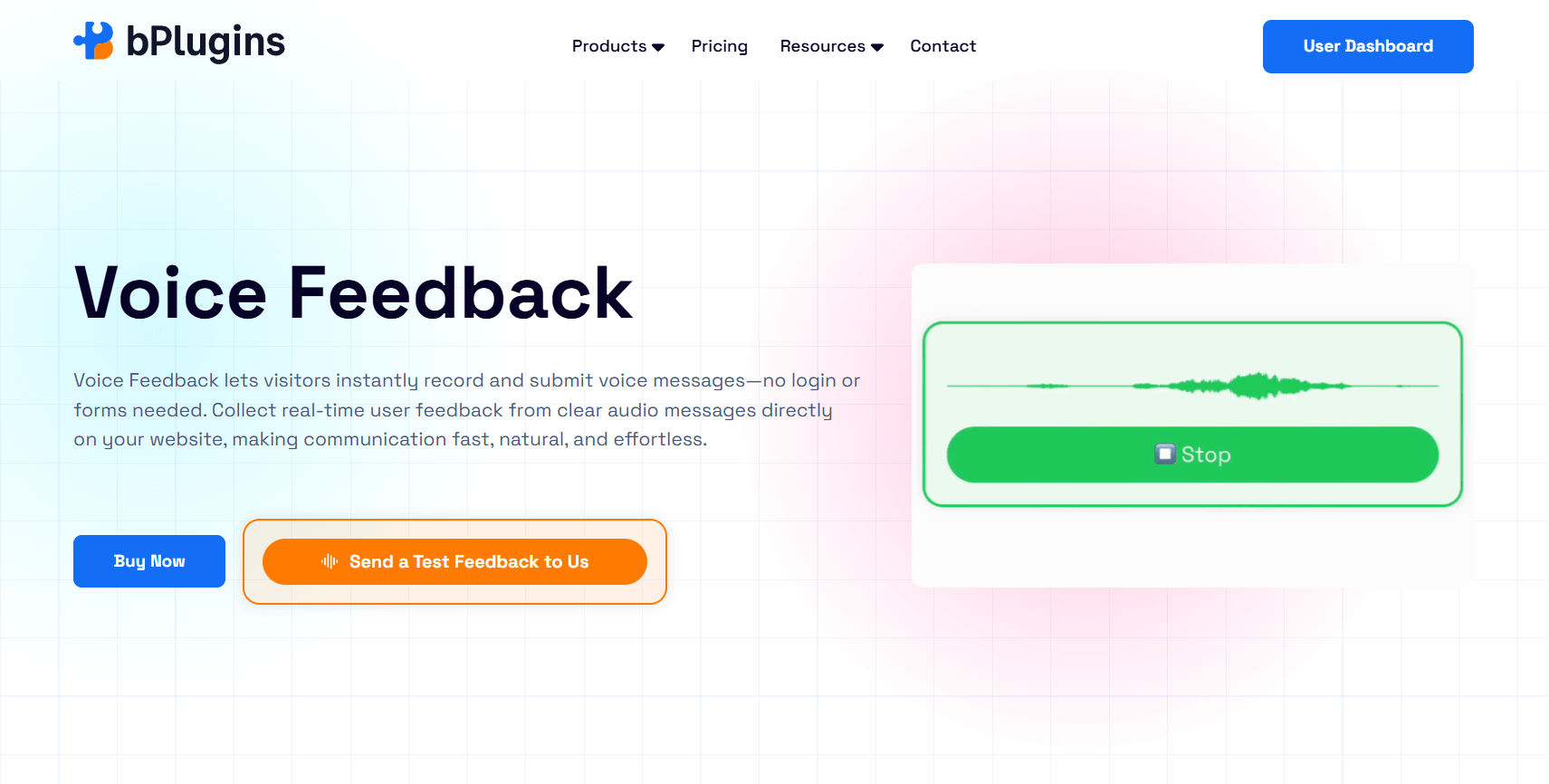
Every plugin we’ve covered so far is about showing media to your visitors. This one runs in the opposite direction.
Voice Feedback lets a visitor record and send a voice message directly from your site. No login, no account, no form fields asking for a name and email before they’re allowed to speak. They click record, say what they want to say, listen back if they choose to, and submit. Every message lands in a clean admin dashboard where you can listen, organize, mark items as resolved, or delete anything that’s spam.
This solves a problem that feedback forms create without anyone really noticing. Text strips out tone completely. A frustrated user and a mildly annoyed user can type almost identical sentences and read exactly the same on a screen, but they sound completely different the moment you actually hear them. Voice carries urgency, emotion, and context that a typed comment box can’t capture.
The use cases turn out wider than people expect once they start using it. Course platforms use it to collect honest feedback on individual lessons. Service businesses place it on contact pages so leads can describe what they need without filling out a long, multi-step form. Documentation pages use it to ask a simple question right at the point someone gets stuck, something like “still confused? Tell us where,” which turns a help article into an active feedback loop instead of a dead end. WooCommerce stores have started placing it on thank-you pages, catching a customer’s first reaction right after checkout while it’s still fresh.
It can also run as a sitewide floating drawer that follows visitors as they browse, rather than being limited to one page, which makes it useful for general feedback collection across an entire site.
We haven’t seen another media plugin roundup include this category, and that says more about how new the idea is than anything else. It’s one of the few directions in WordPress media tools right now, solving a problem nobody had a good answer for before.
Skip it if: your feedback process already runs through structured forms, and you need that structured, filterable data more than open-ended audio responses.
How We Evaluated Each Plugin
We didn’t pick these based on install counts or star ratings alone. Every plugin on this list was checked against six things.
Native rendering versus third-party dependency. Does the plugin actually display and serve the media from your own site, or does it just point visitors toward another platform’s player? This affects branding, analytics ownership, and how much control you actually have.
Format breadth. Within its category, how many file types or content sources does the plugin genuinely support? A document plugin that only handles PDFs isn’t doing the same job as one that also handles Word and PowerPoint files.
Mobile and accessibility behavior. Media-heavy plugins are notorious for breaking on phones or ignoring basic accessibility needs like keyboard navigation. We checked whether each plugin holds up outside a desktop browser.
SEO and schema value. Does the plugin add anything that helps search engines, or increasingly AI tools, understand what the media actually contains? Alt text, structured data, and proper markup all play into this.
Editor-friendliness. Can someone who isn’t a developer actually use this day to day? A plugin that needs a developer every time someone wants to add a video creates a bottleneck for a whole content team.
Pricing honesty. Is there a free version that does something useful on its own, or is the free tier just a teaser designed to push you toward checkout the moment you try to do anything real?
Plugins that fell short on most of these didn’t make the list, even the popular ones.
What’s Actually Changing in WordPress Media in 2026
A few patterns are worth pointing out separately from the plugin picks themselves, because they explain why some of these categories exist at all right now.
Immersive content is moving from niche to expected. A few years ago, 360° tours were mostly limited to high-end real estate listings. Now buyers expect to look around before they commit to a viewing, and the same expectation is spreading into furniture, vehicles, and travel bookings. Sites without any interactive media in these industries are starting to look behind, not just less impressive.
Visitor-generated media is replacing some text-based feedback. Voice and video feedback tools are showing up more often because typed forms have a quiet drop-off problem. Every extra field in a form is a chance for someone to abandon it. Voice removes most of that friction, which is part of why this category is growing.
Self-hosting is making a comeback for serious content. For a while, embedding on YouTube was the obvious default for almost everyone. That’s shifting for sites where video is core to the business, since owning the player, the branding, and the data has long-term value that outweighs the convenience of free hosting.
AI tools are starting to read structured media data. Schema markup, alt text, and clean metadata aren’t just helping search engines anymore. AI tools that summarize or cite web content increasingly rely on the same structured signals, which makes the SEO behavior of a media plugin matter more than it used to.
None of this means every site needs every plugin on this list. It means the gap between a site using the right tool for its content and a site limping along on WordPress defaults is getting wider, not narrower.
Quick Decision Guide
If you’re still not sure where to start, walk through this list and match it to what your site actually does today, not what you might eventually want to add.
If your site hosts and plays its own video content, go with HTML5 Video Player. You’ll keep full branding control and avoid sending visitors toward YouTube’s ecosystem.
If you mostly share content that already lives on other platforms, like YouTube clips, Spotify tracks, or Google Slides decks, EmbedPress saves you from juggling inconsistent native embeds.
If audio is your main content type, whether that’s a podcast, music, or spoken content, HTML5 Audio Player gives listeners a real browsing experience instead of a single play button.
If you regularly share PDFs, PDF Poster keeps people on your site instead of pushing them into a download and a separate app.
If your documents go beyond PDFs into Word, PowerPoint, or Excel files, Document Embedder covers that wider format range in one viewer.
If your site relies heavily on visual portfolios or product photography, FooGallery handles that better than the native WordPress gallery block, especially once SEO and lightbox behavior come into play.
If you sell or showcase anything where shape and space matter, real estate, furniture, vehicles, hospitality, Panorama Viewer lets buyers explore before committing.
If you want honest, fast feedback from visitors without relying on forms, Voice Feedback removes the friction that keeps people from bothering to respond at all.
Most sites land on two or three of these, not all eight. That’s expected, and it’s the entire point of breaking this down by category instead of forcing one universal answer.
Frequently Asked Questions
Is there one plugin that handles video, audio, and documents together?
Not really, at least not well. Plugins that try to cover every media type at once usually end up doing each one worse than a plugin built specifically for that job. EmbedPress comes closest, since it handles multiple types of third-party content from one tool, but for fully branded, self-hosted media, dedicated plugins for each type still come out ahead.
Do I need a separate plugin for every media type?
Only for the types your site actually relies on. A blog that occasionally drops in a YouTube video doesn’t need a dedicated video plugin for that. A site publishing original video content every week probably does. Match the plugin to how much that media type actually drives your traffic, sales, or engagement, not to what sounds impressive to install.
Are free WordPress media plugins still good enough in 2026?
For a lot of use cases, yes. Every plugin we covered here has a free version that does something real, not a stripped-down demo. Where free tiers tend to fall short is advanced customization, deeper analytics, and stronger content protection. If a particular media type is central to how your site makes money or builds trust with visitors, the premium tier is usually worth the cost. If it’s a smaller part of your site, the free version will carry you a long way.
What’s the difference between an embed plugin and a self-hosted media plugin?
An embed plugin, like EmbedPress, pulls content in from another platform and displays it on your site, but the actual file still lives somewhere else, like YouTube’s or Spotify’s servers. A self-hosted plugin, like HTML5 Video Player, stores and serves the file directly from your own hosting, giving you full control over branding, playback behavior, and the data tied to how people watch or listen.
Can a media plugin actually hurt my Core Web Vitals?
Yes, and this happens more often than people expect. A poorly built plugin can load its scripts and stylesheets on every page of your site, even pages where the plugin isn’t active. That adds weight to pages that don’t need it and slows down load times, which directly affects search rankings. Look for plugins that lazy load their assets and only activate where they’re actually used. Every plugin covered in this guide handles that correctly.
Do I need to choose between free and premium tools right away?
No. Start with the free version of whatever plugin matches your media type, and use it on real content for a while. If you hit a limitation that’s actually costing you something, like a feature visitors are asking for or a styling restriction holding back your design, that’s the right moment to upgrade. Paying upfront before you know what you actually need usually means paying for features you’ll never touch.
Final Verdict
There is no single best WordPress media plugin in 2026, and any post claiming otherwise oversimplifies a question that deserves a more honest answer. What exists instead is a short list of the top rated media plugins WordPress sites actually need, each one strong at one specific job: HTML5 Video Player for self-hosted video, HTML5 Audio Player for podcasts and streaming audio, PDF Poster for inline PDF viewing, Document Embedder for mixed file formats, EmbedPress for pulling in third-party content from hundreds of sources, FooGallery for image galleries, Panorama Viewer for immersive 360° experiences, and Voice Feedback for collecting honest, unscripted feedback in visitors’ own voices.
The two shifts worth watching through the rest of 2026 are immersive 360° content moving from a nice-to-have into a standard expectation for real estate, hospitality, and product pages, and visitor-generated audio becoming a normal part of how sites collect feedback instead of leaning entirely on text forms that quietly get abandoned halfway through.
Pick based on what your site actually does right now, not on which plugin has the longest feature list. That’s the difference between a media plugin that earns its place on your site and one that just sits there collecting dust.

 Save 90%