

Most WordPress sliders look great in the demo. Then you install one and your page speed drops, half the features are locked behind a paywall, and it still breaks on mobile.
We tested the most popular options so you do not have to go through that. This list covers what actually matters: performance, ease of use, Gutenberg compatibility, and design flexibility.
Whether you are building a hero section, a WooCommerce product carousel, or a simple image slider for a landing page, there is the right tool for each job.
Let us get into it.
What to Look for in a WordPress Slider Plugin
Before we get into the list, here is what separates a good slider plugin from a bloated one.
Native Gutenberg block support. If a plugin still depends on a shortcode or a separate page builder to work, it adds unnecessary complexity to your workflow. A native block is faster to use and lighter on your site.
Support for multiple content types. Some sliders only handle images. But if your site runs WooCommerce products, posts, or videos, you want a plugin that handles all of that in one place.
Animation and transition controls. Autoplay, navigation arrows, fade vs. slide transitions. These should be easy to configure without touching code.
Mobile responsiveness by default. Not just “works on mobile.” It should look good on a 375px screen without extra tweaking.
Clean, conditional script loading. A slider plugin should load its scripts only on pages where the slider actually appears. If it loads CSS and JS across every page of your site, that is a performance problem.
Keep these five points in mind as you read through the list. They are exactly the criteria we used to evaluate each plugin below.
5 Best WordPress Slider Plugins in 2026
Quick Comparison Table
| Plugin | Gutenberg Native | Video Support | WooCommerce | Free Version | Best For |
| bSlider | Yes | Yes | Yes | Yes | All-round flexibility |
| Smart Slider 3 | Yes | Yes | Yes | Limited | Layer-based design |
| MetaSlider | Yes | Yes | Add-on | Yes | Simplicity |
| Soliloquy | Yes | Add-on | Add-on | Limited | Speed focus |
| Ultimate Responsive Image Slider | Via shortcode | No | No | Yes | Easy image-only sliders |
1. bSlider by bPlugins
Most slider plugins are built around one content type. You get an image slider, or a video slider, or a WooCommerce carousel. bSlider handles all of them inside a single Gutenberg block.
That is the real differentiator here. No page builder required. No shortcodes. You drop the block into the editor and start building.
What it does
bSlider is a responsive slider and carousel plugin built natively for the WordPress block editor. It supports images, videos, WooCommerce products, and posts as slide content. You get full design control without leaving the editor.
Key features
- Works as a native Gutenberg block, so there is zero page builder dependency
- Multiple content types in one plugin: images, videos, posts, WooCommerce products
- Full animation and transition controls with autoplay and navigation style options
- Scripts load only on pages where the block is used, keeping everything else clean
- Free version available on wordpress.org; the Pro version unlocks advanced layouts and more content options
Who it is best for
WordPress users who want a flexible, performance-friendly slider without adding plugin bloat or a page builder dependency. It fits blogs, business sites, and WooCommerce stores equally well.
The fact that it handles WooCommerce products inside the same slider block as images and videos is something most other plugins charge premium add-on pricing for. With bSlider, which is built in.
If you are starting fresh and want one slider plugin that covers most use cases without slowing your site down, bSlider is the one to install first.
2. Smart Slider 3
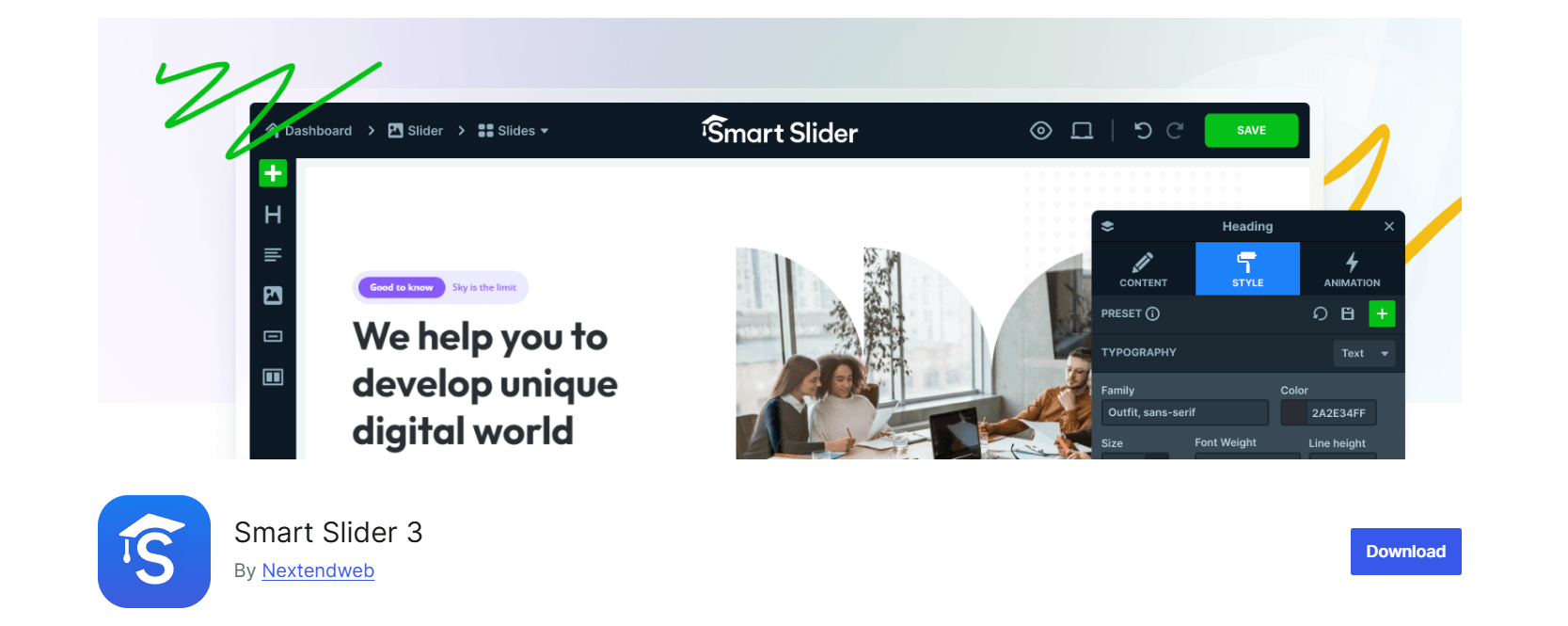
Smart Slider 3 has earned a solid reputation over the years, and for good reason. It comes with a large library of pre-built templates and a layer-based editor that gives you detailed control over every element on each slide.
It works with both Gutenberg and major page builders like Elementor and Divi. If you want to build a visually layered hero section with animated text, graphics, and buttons, Smart Slider 3 has the tools for it.
What it does
Smart Slider 3 is a feature-rich WordPress slider plugin with a drag-and-drop layer editor. It lets you add, position, and animate individual elements on each slide, making it a strong choice for complex hero section builds.
Key features
- Large pre-built template library to get started quickly
- Layer-based editor with detailed control over each slide element
- Works with Gutenberg and popular page builders like Elementor and Divi
- Video slide support built in
- Free version available with basic functionality
Who it is best for
Users who want a drag-and-drop layer editor and are comfortable working with a more feature-heavy interface. It is a strong fit for agencies and developers building complex layouts.
Honest limitation: It can feel heavy for simple use cases. The free version is quite restricted, and most of the features you actually want sit behind the Pro license.
3. MetaSlider
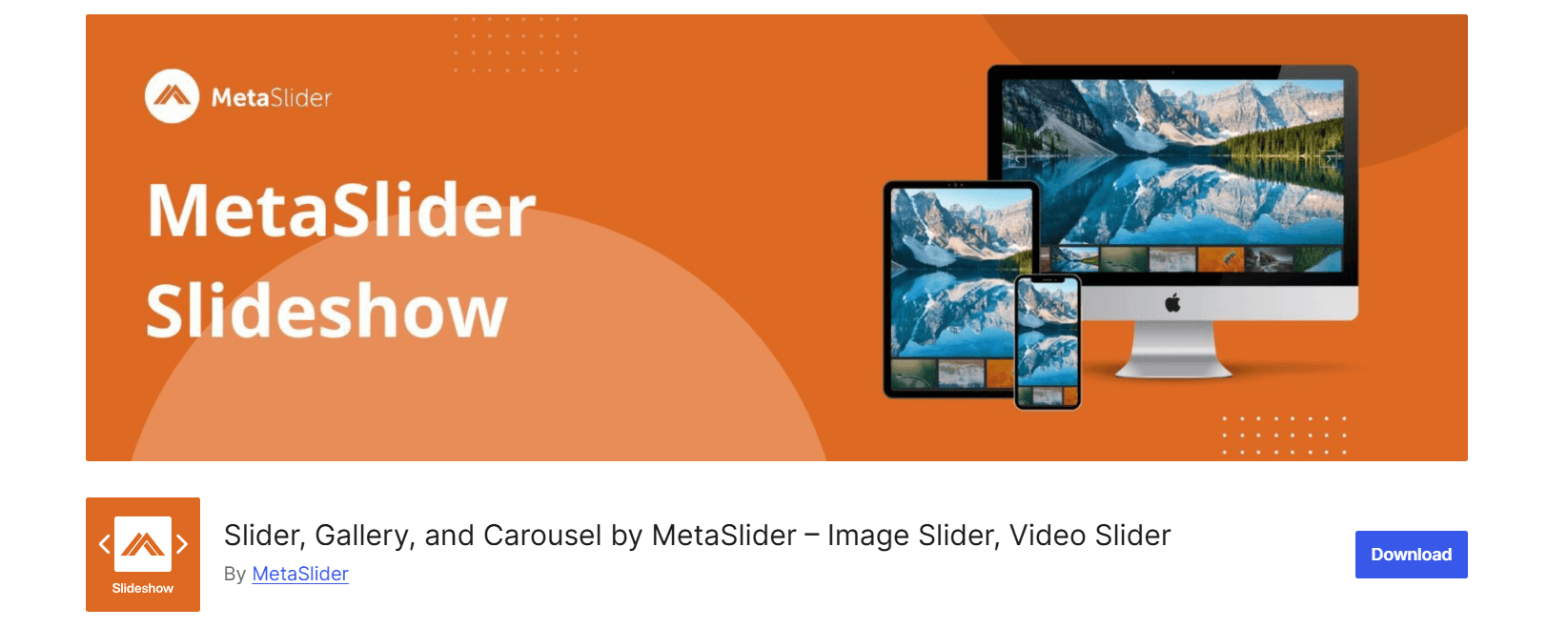
MetaSlider has been the go-to beginner option for years. It is simple to set up, works with Flex Slider and Nivo Slider engines, and gets the job done without much configuration.
If you need a clean image slider on a page and want it live in under ten minutes, MetaSlider is a solid choice. No learning curve, no complicated settings.
What it does
MetaSlider is a straightforward WordPress image slider plugin. It focuses on simplicity. You upload images, set a few options, and the slider is ready to publish. It covers the basics well.
Key features
- Very easy to set up, even for beginners
- Multiple slider engine options including Flex Slider and Nivo Slider
- Clean, lightweight output
- Free version covers the basic needs of most users
- Works with Gutenberg and classic editor
Who it is best for
Beginners who just need a basic responsive WordPress image slider up and running fast.
Honest limitation: Design control is limited without the premium version. It is not the right pick if you need anything beyond simple image rotation.
4. Soliloquy
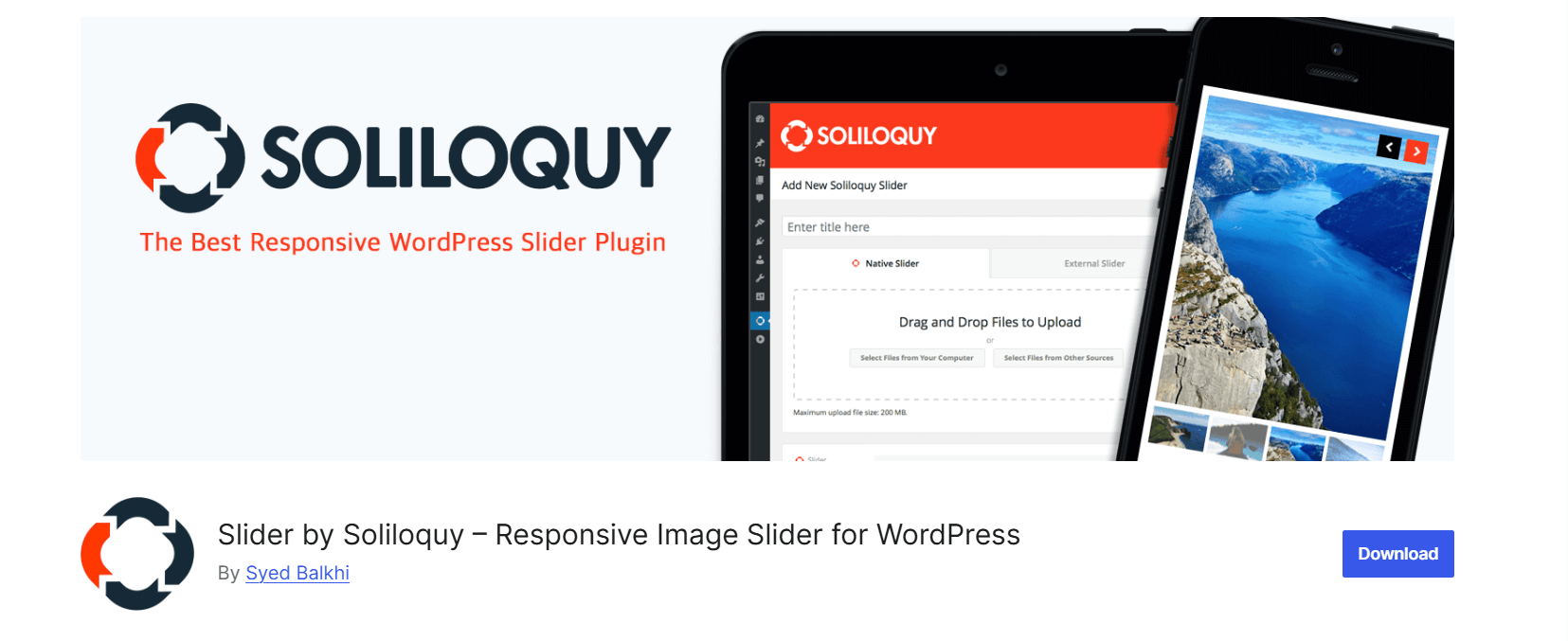
Soliloquy takes a performance-first approach. It is built to be lightweight, and the results back that up. Lazy loading comes built in by default, and the code output stays clean.
It does support WooCommerce through an add-on, but that costs extra. The base plugin works well for image sliders, but requires additional spending if you want extended functionality.
What it does
Soliloquy is a WordPress slider plugin focused on speed and clean output. It is a good choice for sites where page performance is a top priority, and the slider needs to stay out of the way.
Key features
- Lightweight build with fast load times
- Lazy loading is built in by default
- Clean code output with no unnecessary scripts
- WooCommerce add-on available separately
- Responsive slider with touch support
Who it is best for
Users who put page speed at the top of the priority list and want a no-frills WordPress image slider.
Honest limitation: More expensive relative to what you get compared to the other options on this list. WooCommerce support is a paid add-on, not included in the base plugin.
5. Ultimate Responsive Image Slider
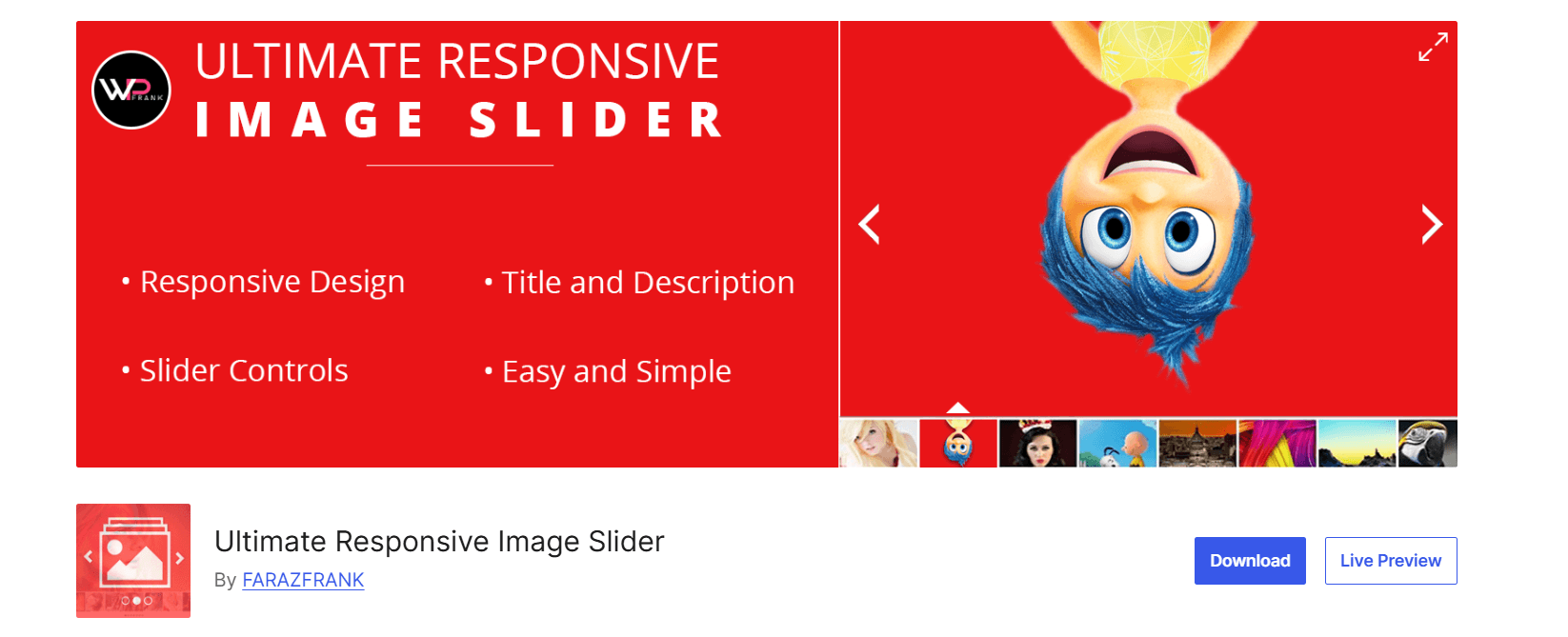
This one often gets overlooked, but it is worth knowing about. Ultimate Responsive Image Slider has over 1.5 million downloads and a 4.5-star rating from 246+ users on wordpress.org. It currently sits at 30,000+ active installs.
The workflow is simple: create a slider, upload images from your media library, configure the settings, copy the shortcode, and paste it anywhere. It works in Gutenberg via the shortcode block. Setup takes under five minutes.
What it does
Ultimate Responsive Image Slider is a lightweight image-only slider plugin with a drag-and-drop interface. It uses a shortcode-based system and is designed to get a clean, mobile-friendly image slider live with minimal effort.
Key features
- Beginner-friendly drag-and-drop interface
- Unlimited sliders and slides in the free version
- Thumbnail navigation, autoplay, and adjustable transition speed
- Lazy loading for better page performance
- Clean HTML5 output optimized for Core Web Vitals
- Compatible with all major WordPress themes and page builders
Who it is best for
Users who need a lightweight image-only slider and want something that works straight away with minimal setup. It also fits well if shortcode-based workflows are already part of your process.
Honest limitation: Image-only. There is no support for video, WooCommerce products, or post-based slides. The free version includes only two transition effects, and clickable slides with custom links require the Pro upgrade.
Learn about the 5 Best Post Grid Plugins for WordPress to Showcase Your Content Smartly.
Does a Slider Plugin Affect Your Site Speed?
This is one of the most common questions we get, and it is a fair one. The short answer: it depends on the plugin.
Some slider plugins load their CSS and JavaScript on every single page of your site, even pages with no slider on them at all. That extra weight does affect your Core Web Vitals score.
Here is what to watch for to keep things fast:
Conditional script loading. The slider’s assets should load only on pages where you actually use the block or shortcode. bSlider handles this by default.
Lazy loading. Images inside a slider should not all load at once on page open. Lazy loading defers off-screen images until the visitor scrolls to them. Both Ultimate Responsive Image Slider and Soliloquy support this.
Optimize images before uploading. No slider plugin can fix an unoptimized 3MB image. Compress your images first using a tool like Squoosh or a plugin like ShortPixel.
Use a caching plugin. A caching plugin like WP Rocket or W3 Total Cache makes sure your slider renders from a cached version rather than hitting the server every time.
If you already run a performance-tuned WordPress setup, a well-chosen slider plugin will not cause any noticeable slowdown. The problem usually comes from poor configuration, not the plugin itself.
Explore the 5 Best PDF Plugins Compared: Features & Performance.
How to Choose the Right Slider for Your Site Type
Not every slider fits every site. Here is a quick guide to matching the plugin to your situation.
You run a WooCommerce store. Go with bSlider. It handles WooCommerce product slides natively alongside images and videos in one block. No add-ons needed.
You are building a portfolio or photography site. Smart Slider 3 or Ultimate Responsive Image Slider both work well. Pick Smart Slider 3 if you want layered text and animation. Pick Ultimate Responsive Image Slider if you want a clean, gallery-style carousel with minimal setup.
You are setting up a simple blog or business site. MetaSlider is the easiest starting point. Install, configure, done.
You are managing a client site where speed is non-negotiable. Go with Soliloquy or bSlider. Both are built with performance in mind.
You are an agency building complex hero sections. Smart Slider 3 gives you the most design control through its layer editor. It is heavier than the others, but it is built for that kind of work.
Check out The Best WordPress Plugins for Small Business Websites in 2026.
Frequently Asked Questions
Do WordPress slider plugins slow down my site?
They can, but it is not a given. The usual problem is a plugin loading its assets sitewide, even on pages without a slider. Pick a plugin with conditional loading and optimize your images before uploading.
Can I use a slider plugin without a page builder?
Yes. Plugins like bSlider are built as native Gutenberg blocks and work entirely inside the block editor. You do not need Elementor or any other page builder.
Is a free slider plugin good enough for a professional site?
For most use cases, yes. bSlider, MetaSlider, and Ultimate Responsive Image Slider all have strong free versions covering image sliders, basic animations, and responsive behavior. You only need to upgrade if you want advanced layouts, multiple content types, or specific design controls.
What is the difference between a slider and a carousel?
A slider shows one slide at a time and transitions to the next. A carousel shows multiple items at once, like a row of product thumbnails. Many plugins support both. bSlider handles both formats in the same block.
Can I show WooCommerce products in a slider?
Not with every plugin. bSlider and Smart Slider 3 both support WooCommerce product slides natively. MetaSlider and Ultimate Responsive Image Slider do not include that feature.
Will a slider plugin work with any WordPress theme?
Almost always. Stick with a well-coded plugin from the WordPress.org repository and you will rarely run into compatibility issues. All five plugins on this list work with standard WordPress themes.
How many sliders can I have on one site?
Most plugins allow unlimited sliders, including MetaSlider and Ultimate Responsive Image Slider in their free versions. bSlider is equally flexible. There is no hard limit on how many sliders you can create.
Final Verdict
Each plugin on this list is built for a different type of user.
If you need a fast image-only slider with minimal setup, Ultimate Responsive Image Slider or MetaSlider gets you there in minutes. If page speed is the priority above everything else, Soliloquy is hard to beat. For complex agency builds with layered animations and advanced hero sections, Smart Slider 3 is the right fit.
But for most WordPress users, especially those running WooCommerce stores or content-heavy sites, bSlider is the best default pick. It handles images, videos, posts, and WooCommerce products inside a single native Gutenberg block. Scripts load conditionally, the interface stays clean, and the free version is genuinely useful without constant upgrade prompts.
You do not need to commit to a paid plan to test it out. Download bSlider free and see how it fits your site.

 Save 90%