

You added a feedback form to your WordPress site. You waited. A week passed. Maybe two.
Three responses. One says “good.” Another says “please improve.” The third is blank.
Sound familiar?
The problem isn’t that your visitors don’t have opinions. They do. The problem is friction. Most people won’t click into a form, fill out five fields, type a thoughtful paragraph, and hit submit, especially on mobile. It feels like work.
That’s exactly why more WordPress site owners are switching to voice feedback as a real alternative to traditional survey forms.
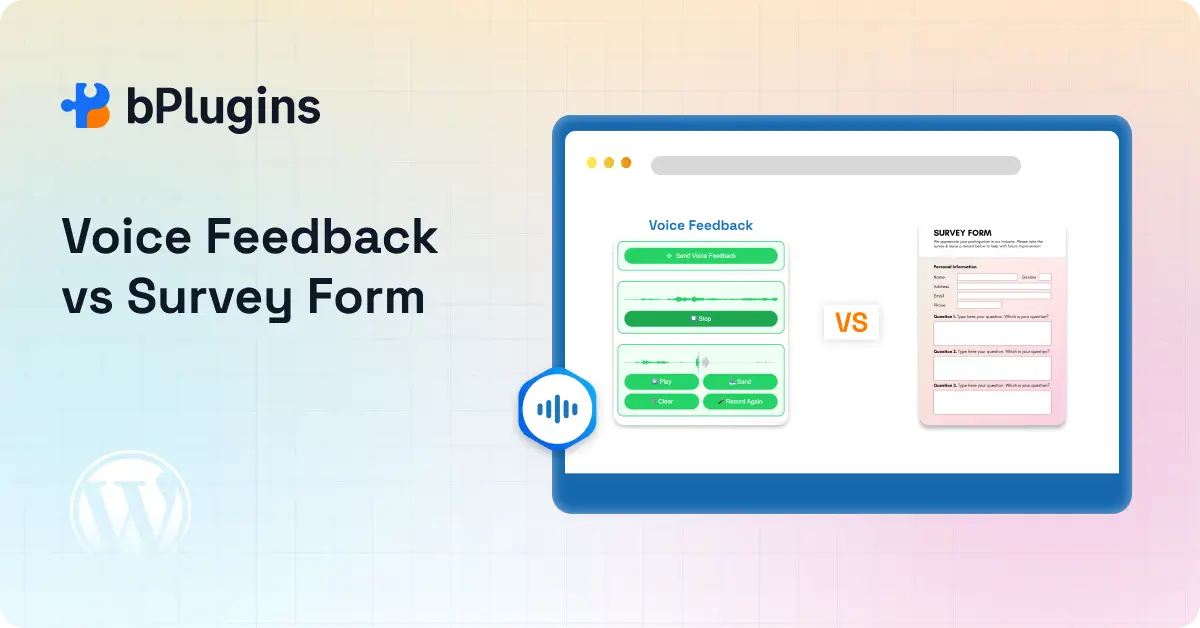
In this post, we compare voice feedback vs survey forms on WordPress. We cover which one gets more responses, which one gets better responses, and when to use each.
Let’s get into it.
If you’re looking for a voice feedback tool built specifically for WordPress, check out Voice Feedback. It’s lightweight, easy to set up, and works right out of the box.
Quick Answer: Voice Feedback Usually Wins When Friction Is the Problem
Short on time? Here’s the honest answer.
Voice feedback tends to get more responses than survey forms when your main goal is collecting fast, qualitative user insights, especially from mobile visitors.
That said, survey forms still have their place. Here’s a quick breakdown:
Voice feedback works best for:
- Bug reports and UX confusion
- Course and student reactions
- Client revision requests
- Emotional or nuanced feedback
- Mobile-first audiences
- Accessibility-focused sites
Survey forms work best for:
- NPS and CSAT scores
- Multiple-choice research
- Structured ratings
- Lead generation
- Segmented data collection
For WordPress site owners who mainly want fast, honest, qualitative feedback, voice feedback removes the biggest blocker standing between you and a real response: typing fatigue.
Check out Introducing Voice Feedback: Let Your Users Speak Their Minds!
Why Traditional Survey Forms Often Get Ignored on WordPress
Survey forms have been around forever. They’re familiar, easy to build, and supported by dozens of WordPress plugins. So why do so many of them get ignored?
Because filling one out hasn’t changed much in 20 years.
Too Many Fields Create Drop-Off
Think about the last feedback form you filled out. Chances are it asked for your name. Then your email. Then a dropdown for the issue category. Then a comment box. Then a rating. Then a submit button.
That’s five steps just to tell someone something went wrong.
Each field adds hesitation. Each required asterisk feels like a barrier. When someone is already frustrated with your product or confused by your content, the last thing they want is more steps.
This is why form drop-off rates are high. People start, realize how long it’ll take, and close the tab.
Typing on Mobile Is a Real Struggle
Here’s something most comparison posts skip: most of your visitors are on their phones.
Mobile accounts for over 60% of global web browsing. And typing a thoughtful paragraph on a phone keyboard takes real effort. Auto-correct changes your words. The keyboard covers half the screen. You have to scroll just to find the submit button.
Now compare that to tapping a button and speaking for 20 seconds. The effort gap is huge.
When you reduce the physical effort of giving feedback, more people actually follow through. That’s not a theory. That’s just how people behave when you remove obstacles.
Short Text Responses Don’t Tell You Much
Even when someone does fill out your form, you often end up with responses that don’t help you do anything with them.
“Good.” “Not working.” “Please improve.”
These are real responses people leave. They tell you something went wrong, but not what, why, or how badly. You can’t tell if the person was mildly annoyed or ready to leave for good. You can’t tell if the bug happened once or every single time.
That missing context is one of the highest hidden costs of relying on text forms for qualitative feedback. You get data, but not insight.
Why Voice Feedback Gets More Responses
Now let’s look at the other side.
Voice feedback isn’t new, but using it for website feedback collection is picking up fast. The reason is simple: it meets users where they already are, speaking naturally, on their phones, in the moment.
One Click to Start
The experience is almost frictionless. A visitor clicks a button, speaks, and it’s done. No form fields. No keyboard. No personal information required.
That one-click start removes the hesitation most people feel before a form. They don’t have to commit to anything upfront. They just tap, speak, and move on.
Lower hesitation means higher response rates. It really is that direct.
People Explain Themselves Better Out Loud
When someone types, they edit. They second-guess the wording. They trim it down to avoid sounding harsh or writing too much. What you end up reading is a polished, often watered-down version of what they actually thought.
When someone speaks, you hear the real version.
You hear the pause when they’re confused. You hear the frustration when a checkout process breaks. You hear the genuine excitement when something actually works.
A written response that says “checkout didn’t work” gives you a bug report. A voice response that says “I tried three times and it kept resetting my cart, I almost gave up” gives you a priority and a story.
It Catches Feedback at the Right Moment
This is the angle most people miss when comparing voice feedback vs survey forms.
Traditional forms sit at the bottom of a page or on a dedicated contact page. By the time a visitor gets there, the moment of frustration has already passed. They’ve moved on mentally, even if they’re still on your site.
Voice feedback can float across your entire site. A visitor can tap the button the second something confuses them, right in the middle of a product page, halfway through a course lesson, or immediately after a failed checkout.
That in-the-moment capture produces far more honest and useful responses than a form someone fills out five minutes later when the feeling has cooled.
Think of it this way: asking someone how a concert was while they’re still at the venue hits differently than calling them the next morning.
Learn Text Comments vs Voice Comments in WordPress: Boosting Engagement.
Voice Feedback vs Survey Forms: Side-by-Side Comparison
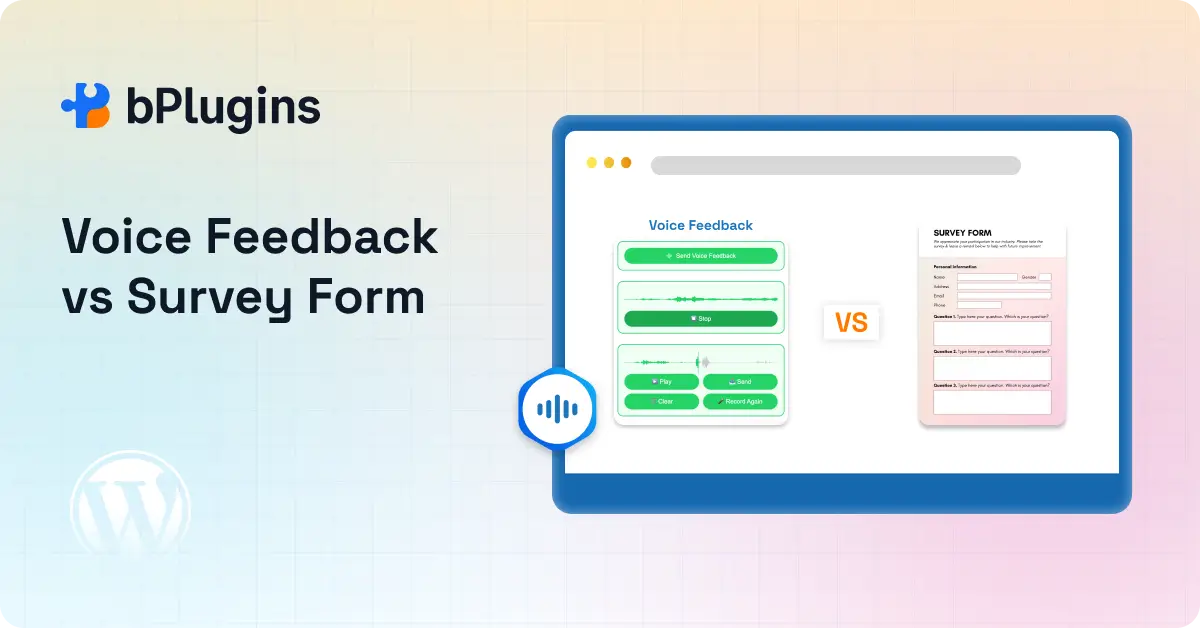
Here’s how both options stack up across the factors that matter most for WordPress site owners.
| Factor | Voice Feedback | Survey Forms |
| Response speed | Very fast | Moderate |
| Mobile usability | Excellent | Medium |
| Emotional context | High | Low |
| Structured reporting | Low | High |
| Drop-off rate | Lower | Higher |
| Best for qualitative insights | Excellent | Limited |
| Best for scoring and ratings | Limited | Excellent |
| Anonymous submissions | Easy | Usually harder |
| WordPress placement flexibility | Block, drawer, shortcode | Plugin dependent |
A few things worth calling out here.
Tools like Voice Feedback offer a floating drawer that sits across your entire site, not just specific pages. Add Gutenberg block support and shortcode integration, and you can place voice prompts on landing pages, course lessons, WooCommerce thank-you pages, and support docs.
That kind of placement flexibility is a real advantage over most survey form plugins, which are static and page-specific.
When Survey Forms Still Make More Sense
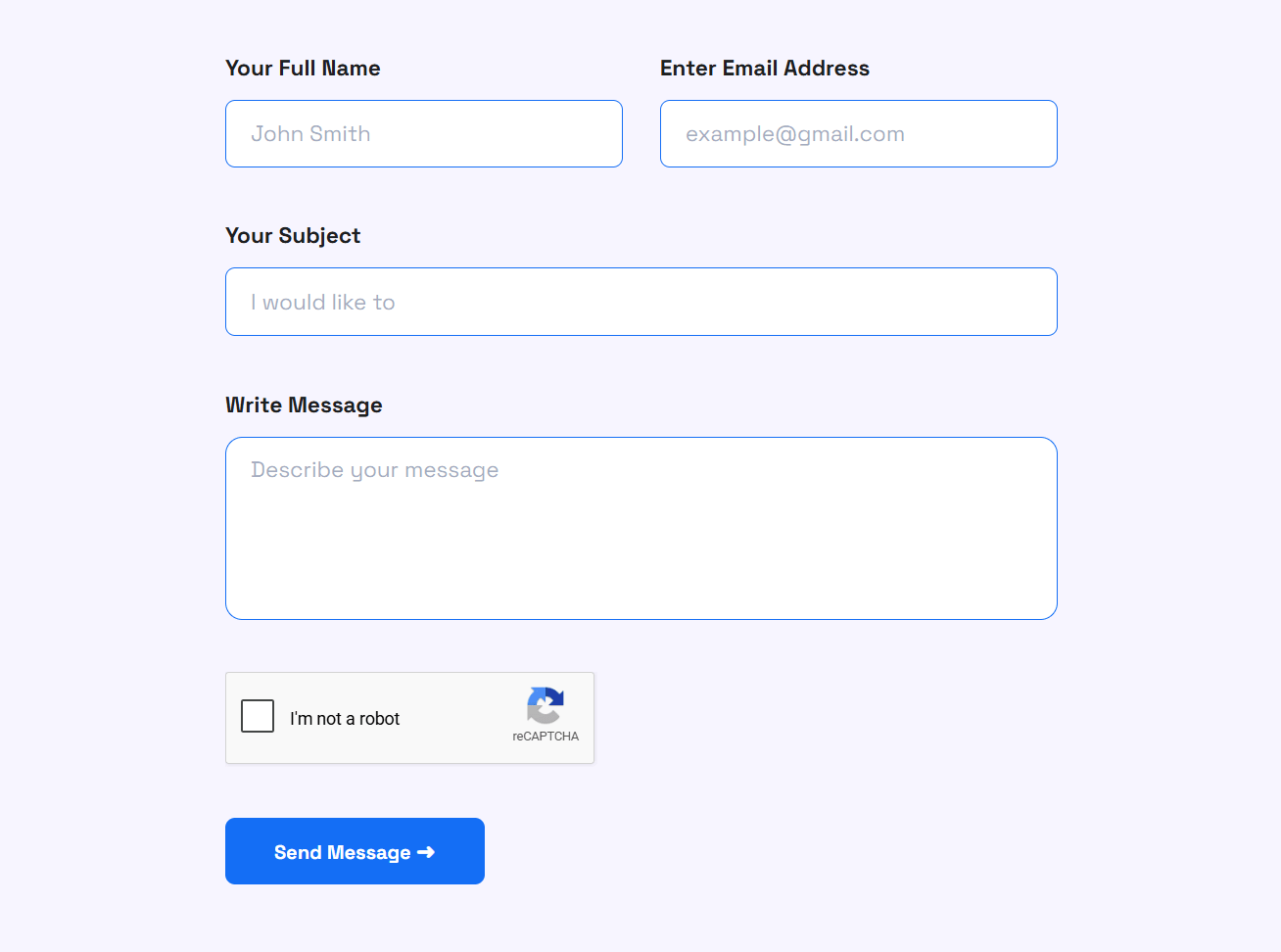
Survey forms are genuinely the better tool in several situations, and we want to be upfront about that.
If you need structured, comparable data, forms are the right choice. Here’s when to stick with them:
Multi-step research projects where you need consistent data across hundreds of respondents.
Employee pulse surveys where structure and anonymity both matter.
NPS and CSAT tracking where you need a number you can follow over time.
Lead capture workflows where the form collects contact info alongside feedback.
Demographic filtering where dropdowns and checkboxes help you segment your audience.
Quiz-style assessments built into LMS or course platforms.
For all of these, a well-built survey form gives you better data than voice feedback can. The goal isn’t to replace forms completely. The goal is to stop using them when they’re clearly the wrong tool.
The Best Use Cases for Voice Feedback on WordPress
Let’s get specific about where voice feedback earns its place on a WordPress site.
Product Feedback Pages
If you run a SaaS product or a digital tool, your product pages are where confusion happens. Visitors land, scroll, and often leave with an unanswered question, one they’d never type into a contact form.
But if a floating voice prompt asks “What confused you about this feature?” while they’re still on the page, many of them will answer. Spoken, in plain language, in under a minute.
That kind of feedback improves product documentation, sharpens landing page copy, and informs feature decisions faster than any survey form could.
LMS and Course Websites
If you run an online course on WordPress using platforms like LearnDash, LifterLMS, or Tutor LMS, student feedback is critical. But most students won’t fill out end-of-module surveys.
Voice feedback changes that dynamic. After a lesson, a simple prompt like “Got stuck on anything? Tell us in 30 seconds” makes it easy for students to share exactly where they lost the thread.
Now you know which lesson to re-record, which concept needs a better explanation, and where students start dropping off.
Client Approval and Revision Workflows
Agencies know this pain well.
A client reviews a homepage design and sends feedback across three emails, a WhatsApp message, and a phone call. Nothing is organized. The designer has to piece together a revision list from scattered fragments.
Voice feedback solves this cleanly. You send the client a page with a voice prompt. They record their thoughts while looking directly at the design. You get a clear, timestamped audio note. The revision brief practically writes itself.
This workflow fits design approvals, content reviews, website QA, and any client-facing deliverable that needs iterative feedback.
SaaS Changelogs and Beta Features
When you ship a new feature, the real question is: what do people actually think about it, not just whether they used it?
A voice prompt on your changelog page or in your beta environment captures real user reactions right after they try something new. You hear the confusion. You hear the excitement. You hear the “wait, why does this work this way?”
That signal is valuable for any product team.
Documentation and Help Center Pages
Help docs are where users go when something isn’t working. That means every visitor to your docs is already dealing with a problem.
A voice prompt that says “Still stuck? Tell us where things got confusing” turns a help page into a feedback loop. Users explain in their own words exactly where your docs fall short. You fix those gaps. Support tickets go down. Documentation gets better.
Explore 3 Best Voice Feedback WordPress Plugins to Collect User Feedback in Realtime.
Why Voice Feedback Is a Stronger WordPress Survey Alternative
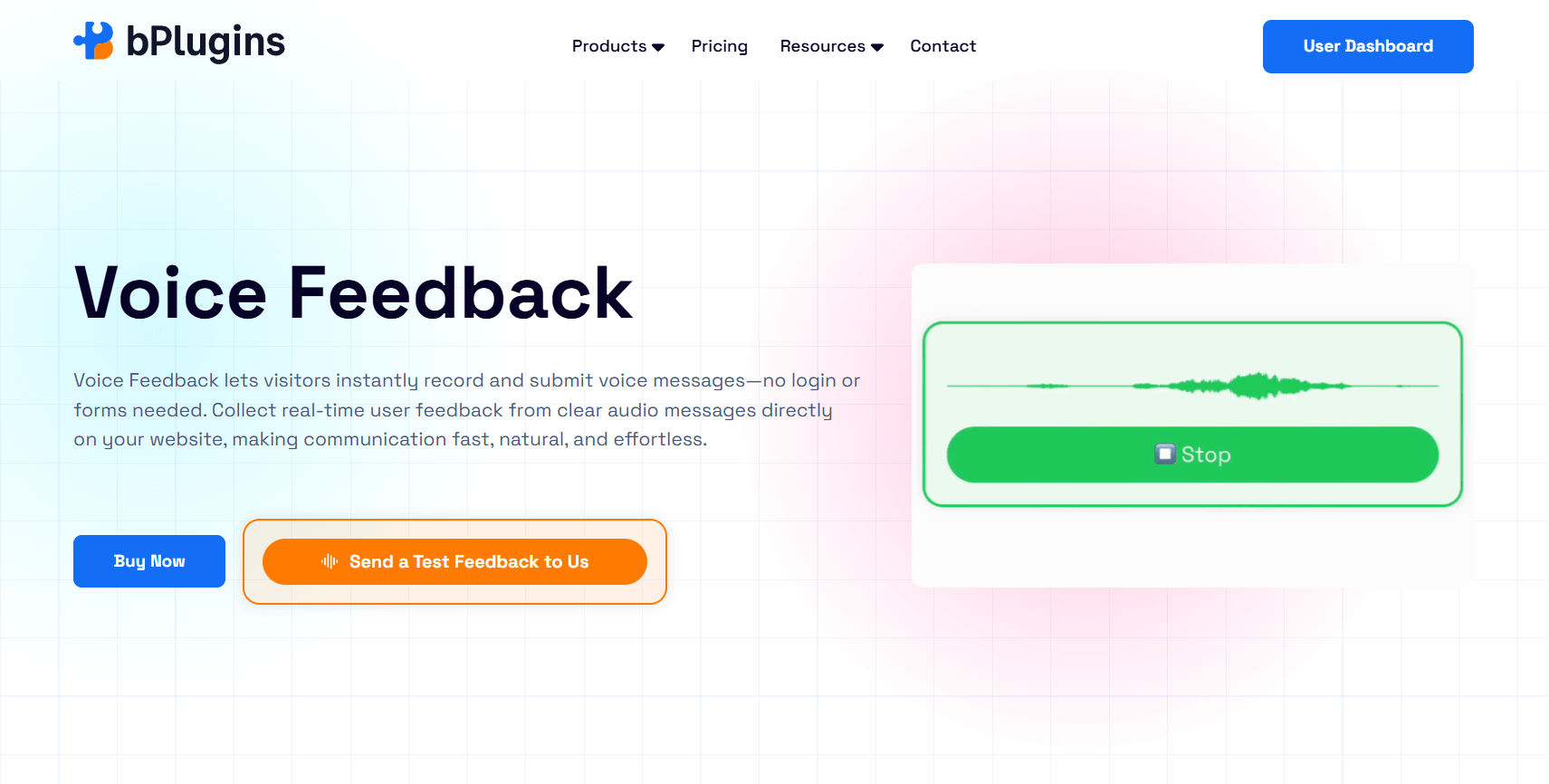
Let’s talk specifically about what makes voice feedback work well inside WordPress.
No Login or Personal Info Required
Most survey forms ask for at least an email address. That one field drops response rates, not because people can’t type their email, but because it signals commitment. It puts them on the record. It makes honest feedback feel risky.
Voice feedback WordPress plugin supports anonymous submissions remove that hesitation entirely. When someone knows their response isn’t tied to their account, they’re more likely to say something real.
The Floating Drawer Covers Your Whole Site
Survey forms are static. You place them on a page and visitors either find them or they don’t.
A floating voice drawer sits in the corner of every page on your site. It doesn’t interrupt browsing. It’s visible when someone needs it and out of the way when they don’t.
For WordPress site owners who want consistent feedback collection without building individual feedback pages for every section, this makes a noticeable difference.
A Built-In Voice Library for Managing Responses
With survey forms, responses land in a spreadsheet. With voice feedback, you get an audio library.
You can replay responses, sort them by page or date, and listen to how something was said, not just what was said.
When a user says “I kept clicking the same button and nothing happened,” you can hear whether they’re mildly confused or completely finished with your product. That difference matters when you’re deciding what to fix first.
Gutenberg Block and Shortcode Support
For WordPress users, placement flexibility matters a lot.
Voice feedback that works as a Gutenberg block means you can drop a voice prompt into any post or page without touching code. Shortcode support extends this to any theme, any page builder, and any widget area.
This makes it easy to add a voice prompt to the bottom of a WooCommerce thank-you page, embed one inside a course lesson, place one in a landing page section, or drop one into a support article.
Setup takes a few minutes. Placement options are wide.
It Captures Emotion That Text Can’t
Tone matters in feedback.
Hearing frustration in someone’s voice changes how quickly you prioritize a fix. Hearing genuine excitement tells you what’s actually working.
A user saying, “I literally couldn’t figure out how to get past this screen, I spent like ten minutes on it,” tells you far more than a written response ever could. And you can share that recording with your team in a way that text never conveys.
Want to try this on your WordPress site?
Voice Feedback by bPlugins lets you add a floating voice drawer, Gutenberg block, or shortcode in minutes, with no login required from your users.
How to Choose the Right Feedback Method for Your WordPress Site
Here’s a simple way to think through this decision.
Go with voice feedback if:
- You want rich, qualitative insights from real users
- Your audience is mostly on mobile
- You need feedback captured in the moment, not after the fact
- Emotional context matters for your decision-making
- You want more responses with less friction
- You’re collecting feedback on designs, courses, or products where nuance matters
Stick with survey forms if:
- You need measurable scores like NPS or CSAT
- Your feedback feeds into a structured reporting system
- You need data segmentation or demographic filtering
- Stakeholders expect export-ready reports
- Your feedback process is part of a multi-step research project
Neither method is universally better. But most WordPress site owners are trying to answer a qualitative question: what’s confusing my users, what’s frustrating them, what do they wish worked differently? For that, Voice Feedback is the more effective tool.
The Best Strategy: Use Both Together
Here’s something most posts in this space don’t talk about. You don’t have to pick one.
The most effective feedback setups combine both methods in a simple two-step workflow.
Step one: A short form captures a structured rating. “How would you rate this experience? 1 to 5.”
Step two: A voice prompt follows up. “Tell us why in 30 seconds.”
This gives you the best of both worlds. You get quantitative data you can track over time, and you get the qualitative context that actually explains the numbers.
A 2-star rating means nothing without knowing why. A 5-star rating carries more weight when you can hear someone explain what they loved.
Together, the two methods produce feedback that’s both measurable and meaningful.
For WordPress site owners willing to spend five extra minutes on setup, the improvement in feedback quality is real and noticeable.
Frequently Asked Questions
Is voice feedback better than survey forms in WordPress?
For qualitative insights and faster responses, yes. Voice removes the typing barrier and captures tone and emotion that text responses can’t.
Can voice feedback replace survey forms?
It can replace open-ended feedback forms very effectively. But structured surveys still work better for NPS scores, ratings, and multiple-choice data. The two methods actually work well together.
Does voice feedback work better on mobile?
Yes, significantly. Speaking into a phone feels natural. Typing a detailed response on a mobile keyboard does not. For mobile-first audiences, voice feedback can noticeably increase response rates.
What is the best WordPress alternative to survey forms?
For natural, spoken responses and anonymous feedback collection, voice feedback is a strong alternative. It works directly in WordPress via a Gutenberg block, shortcode, or floating drawer, and it doesn’t require users to log in or share personal information.
How do I add voice feedback to my WordPress site?
Most voice feedback tools install like any other WordPress plugin. Once active, you can place the widget using a Gutenberg block, a shortcode in any post or page, or enable a sitewide floating drawer from the plugin settings.
Can I use voice feedback on WooCommerce sites?
Yes. Voice feedback works especially well on WooCommerce thank-you pages, product pages, and post-checkout flows where you want to capture the customer’s experience while it’s still fresh.
Final Verdict: Which Gets More Responses?
If your main goal is collecting fast, honest, low-friction feedback on your WordPress site, voice feedback gets more responses than traditional survey forms, especially on mobile and during real-time user interactions.
Forms still earn their place in structured research, score tracking, and data-driven workflows. But for everyday qualitative feedback that helps you improve products, fix UX problems, and understand your users better, the friction of typing works against you.
Voice feedback cuts that friction.
For WordPress users who want a lightweight, no-login way to collect genuine user insights, voice feedback is a stronger alternative to traditional forms. Not because forms are bad, but because speaking is simply easier than typing when all someone wants to do is tell you something isn’t working.
If you’re ready to collect better feedback with less friction, Voice Feedback is a good place to start. It’s built for WordPress, works across your whole site, and takes minutes to set up.

 Save 90%