
Button Block
Button Block is the ultimate Gutenberg plugin for creating custom, interactive buttons that drive results. Build download buttons, CTAs, buy now buttons, and popups without coding. Add animations, icons, tooltips, and advanced behaviors with just a few clicks. Make every button count with responsive designs that convert visitors into customers.
- Buttons, CTAs & popups
- Download actions
- 3D hover effects
- No coding required
- 6+ 5 Rating
- 5000+ Active Installs
- 120+ Paid Users
Why Choose Button Block?
Default WordPress buttons are boring and limited. Button Block transforms your site with powerful, conversion-focused buttons that grab attention and drive action.
The Problem with the Default WordPress Button Block
- Plain, generic designs that blend into backgrounds
- No download functionality for files or resources
- Limited customization options and boring styles
- No animations, icons, or interactive features
- Can’t create popups or advanced click actions
- Poor mobile experience hurts conversions
A Better Way to Design Engaging Buttons
- Create stunning buttons with animations and 3D effects
- Add download functionality for PDFs, files, and resources
- Trigger popup modals with rich content and media
- Design responsive buttons that work on all devices
- Add icons, tooltips, and hover effects instantly
- Control visibility based on user login or device type
- Convert more visitors with professional, eye-catching designs
Download Functionality
Create buttons that instantly download files when clicked. Perfect for PDFs, resources, digital products, or lead magnets that capture emails and drive conversions.
Icon Support
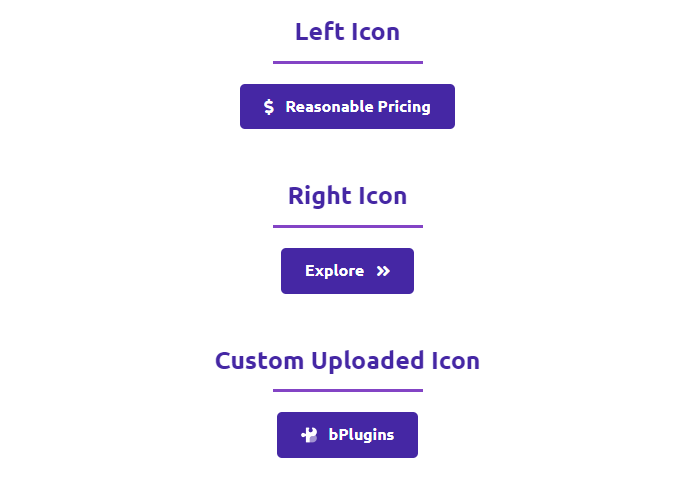
Add eye-catching icons before or after button text. Choose from thousands of icons to improve visual clarity and guide user actions with recognizable symbols.
Hover Tooltips
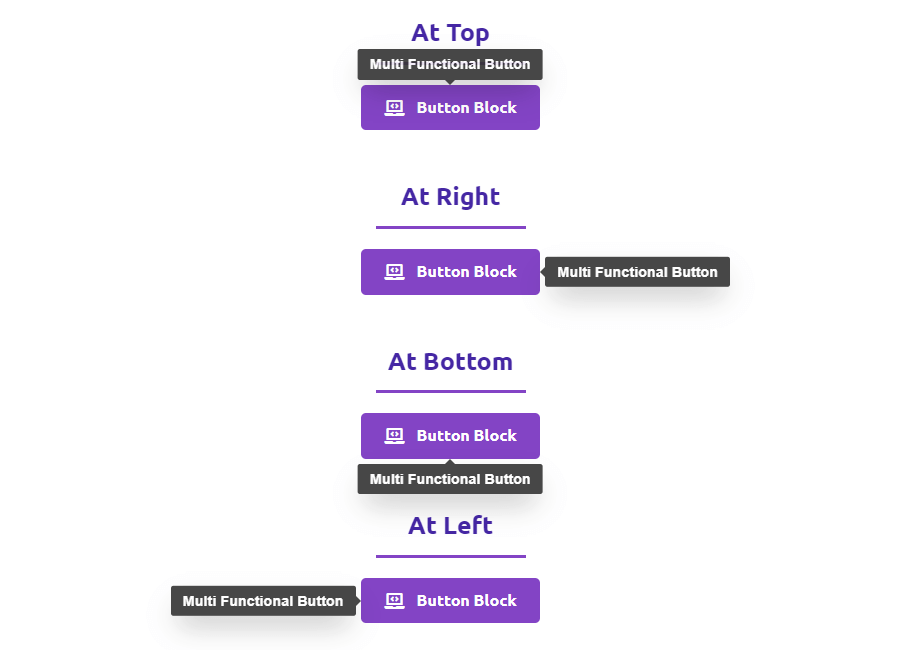
Display helpful context when users hover over buttons. Add brief instructions, benefits, or calls-to-action without cluttering your page layout.
Responsive Sizing
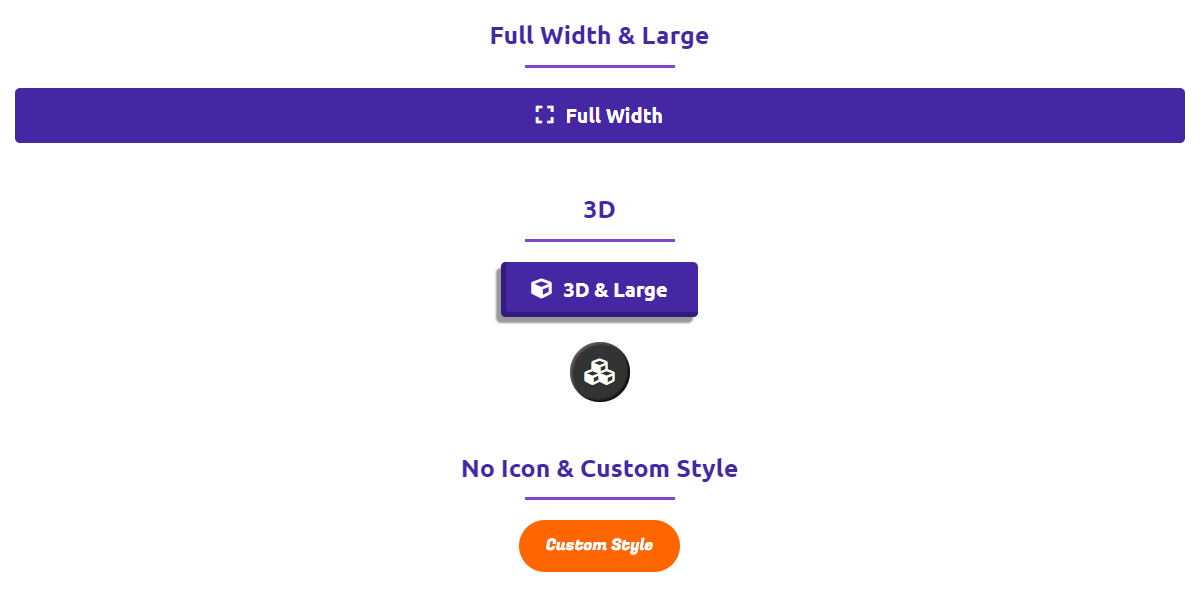
Choose from Small, Medium, Large, Extra-Large, or Full Width button sizes. Every button adapts perfectly to any screen size and layout requirement.
Powerful Features You Need to Build Converting Buttons
-
Download Functionality
Create buttons that instantly download files when clicked. Perfect for PDFs, resources, digital products, or lead magnets that capture emails and drive conversions.
-
Icon Support
Add eye-catching icons before or after button text. Choose from thousands of icons to improve visual clarity and guide user actions with recognizable symbols.
-
Hover Tooltips
Display helpful context when users hover over buttons. Add brief instructions, benefits, or calls-to-action without cluttering your page layout.
-
Responsive Sizing
Choose from Small, Medium, Large, Extra-Large, or Full Width button sizes. Every button adapts perfectly to any screen size and layout requirement.
-
3D Button Effects
Make buttons pop with instant depth and elevation effects. Apply professional 3D styling with a single toggle to grab attention and boost clicks.
-
Smooth Animations
Add entrance animations like fade, bounce, slide, or zoom. Control timing and duration to create engaging experiences that draw attention on scroll.
-
Advanced Click Actions
Send users to internal pages, external sites, or trigger popup modals. Control link behavior with custom rel attributes and referrer policies for SEO optimization.
-
Custom Download Names
Set branded or user-friendly filenames for downloaded content. Ensure professional delivery instead of generic system-generated file names.
-
Flexible Icon Positioning
Place icons on the left or right of button text. Adapt to different reading directions and design aesthetics for global audiences.
-
Smart Tooltip Positioning
Position tooltips on top, bottom, left, or right of buttons. Adjust placement based on layout constraints and user experience needs.
-
Device Visibility Controls
Show or hide buttons on desktop, tablet, or mobile devices. Create targeted experiences and optimize conversions for specific screen sizes.
-
Trigger Popup Content
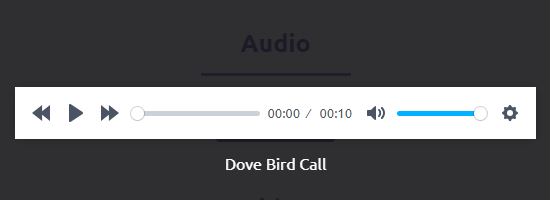
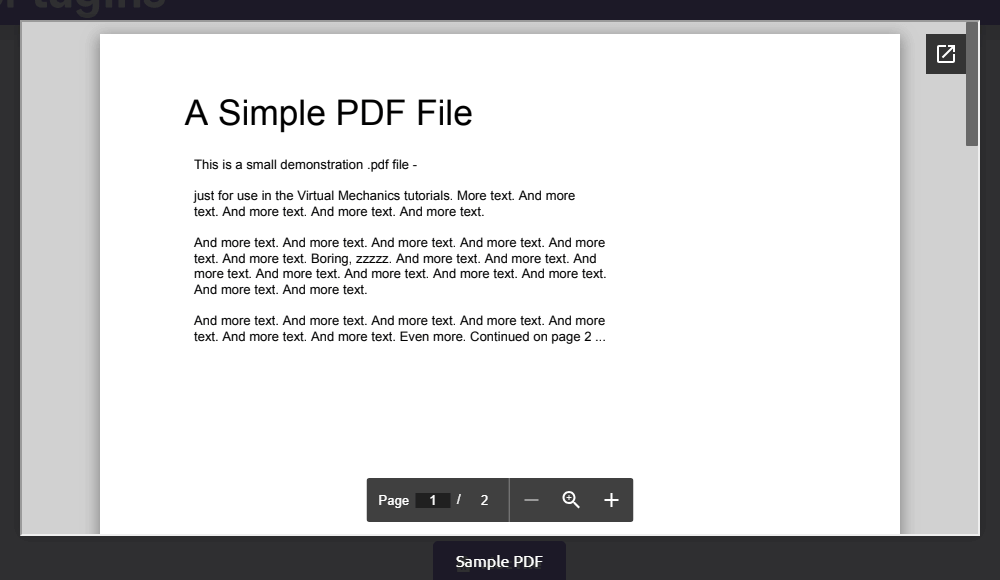
Use buttons to trigger popups containing rich content images, videos, audio files, embedded blocks, documents (PDF, DOC, XLS), or iframe-based content.
-
Access Control Security
Require user login, password, or email input to access button content. Perfect for gated resources, member content, or lead capture campaigns.
-
Clean Admin Interface
Hide Button Block admin menus when not needed. Keep your WordPress backend organized and clutter-free for better workflow management.
-
Gutenberg Integration
Built specifically for the modern WordPress editor. Add buttons directly in Gutenberg with full visual control and real-time preview capabilities.
-
Basic
Default
Standard button block demo. Preview live -
Action
Download Button
Button with file download action. Preview live -
Interactive
Tooltip
Button with hover tooltip text. Preview live -
Design
Icon
Button with icon support. Preview live -
Customization
Customize
Custom styled button demo. Preview live -
Effect
Animations
Animated button hover effects. Preview live -
Interactive
Popup
Button opens a popup modal. Preview live
No demos in this category.
Testimonials
Loved by WordPress users
5.0 rating · 7 real reviews from the WordPress.org community
-
WordPress.org
Great Plugin Super Easy to Use
I just installed this plugin because of a problem I was having with my theme. This is a super easy plugin to install and use. It does just what I need it to. Thank you for making it available on the repository.
Suzi Wilson Read review
-
WordPress.org
Superb!
Great plugin. Thanks so much for making it. This topic was modified 1 year, 10 months ago by snoop23.
snoop23 Read review
-
WordPress.org
I appreciate the support and quality.
This is a perfect plugin but it blocks the media library on the editor after popup update. So, the latest versions aren’t usable. This topic was modified 2 years, 9 months ago by zaferge.
zaferge Read review
-
WordPress.org
AWESOME
This plugin is really great and very easy to use. Congratulation !
Emmanuel Read review
-
WordPress.org
Super Button!!!
… er macht was er soll! Guit editierbar!
houston1956 Read review
-
WordPress.org
좋아요
좀더 지켜보겠어요
sohae21 Read review
-
WordPress.org
Excellent
These buttons are excellent to get clicks from users. Nice!
tutorialaicsip Read review
Explore the Interface, Settings & Preview Screens




Learning Materials
Looking for some learning materials. You will better understand how to use Button Block.
To download a file using the button, enable the Download Button option in the Button panel. Please ensure that the link is downloadable.
Yes, you can hide the Button on any device(desktop, tablet, and mobile). Just enable Hide On [device] from the Elements panel.
To animate the button, select the animation Type from the Animation panel. Also, can set the Duration of the animation.
No, the colors are dynamic. You can modify both text and background colors, as well as hover colors (text and background) from the Style tab.
Visit our support portal to open a ticket -> https://bplugins.com/support. Also, You can send an email to support@bplugins.com
Yes, we provide plugin customization service (Paid). Please send us details via email: support@bplugins.com
We try to respond to our customer’s questions ASAP, however, it can take up to 72 hours.
No, you don’t have to buy a new license. You can go through the previous license!
When a new version will be released, you will receive an email notification.
Grow your business with the best plugin for WordPress!
We develop plugins and blocks for WordPress. Our focus is on out-of-the-box features and functionalities rather than large-scale projects. We are here to help small businesses and blog sites that use WordPress.

 Save 90%