
Timeline
Timeline is a lightweight WordPress plugin that lets you create and display a timeline in any Posts, Pages, and Widgets. The plugin is very easy to use and anyone can use the plugin easily without any technical knowledge.
- Vertical & horizontal
- Seven extra templates
- HTML in every item
- Posts, pages or widgets
- 4+ 5 Rating
- 2000+ Active Installs
- 600+ Paid Users
Why Choose Timeline plugin?
Visual storytelling deserves more than plain lists and disconnected layouts. Timeline helps you present journeys, milestones, and histories in a clean, modern, and engaging way—consistently across your website.
The Problem with Traditional Timeline Sections
- Static text with no visual flow
- Poor responsiveness on mobile devices
- Limited layout and alignment options
- Repetitive setup for each timeline
- Inconsistent design across pages
A Smarter Way to Tell Your Story
- Create timelines using Gutenberg blocks or shortcodes
- Works seamlessly in posts, pages, widgets, and classic editor content
- Vertical and horizontal layout support
- Professionally designed themes for any use case
- Icons, titles, and descriptions in a unified structure
- Fully responsive and mobile-ready
Vertical & Horizontal Layouts
Easily switch between vertical and horizontal timelines with a single click.

Start Index Control
Choose whether your timeline begins from the left, right, top, or bottom.

Visible Item Limit (Horizontal)
Select how many items should appear at once for better usability.

HTML Support in Timeline Titles
Add icons, bold text, or any HTML tags inside your titles.

Powerful features of Timeline
-
Vertical & Horizontal Layouts
Easily switch between vertical and horizontal timelines with a single click.
-
Start Index Control
Choose whether your timeline begins from the left, right, top, or bottom.
-
Visible Item Limit (Horizontal)
Select how many items should appear at once for better usability.
-
HTML Support in Timeline Titles
Add icons, bold text, or any HTML tags inside your titles.
-
Seven Extra Templates
Professionally designed templates including dual-orientation themes.
-
Classic Editor for Descriptions
Format descriptions beautifully with rich text support.
-
Advanced Styling Options
Add icons to timeline items and style them exactly how you want.
-
Enhanced Customization Options
Fine-tune every aspect of your timeline for ultimate design control.
-
Powerful Gutenberg Block
Build and customize timelines visually inside the Block Editor.
-
Responsive & Mobile Friendly
Timelines automatically adapt to all screen sizes.
-
Vertical B Timeline
Vertical layout timeline for events or stories. Preview live -
Horizontal B Timeline
Horizontal layout timeline for chronological display. Preview live -
Default Customized Timeline
Default timeline theme with customization options. Preview live -
Template 1
Accordion-style timeline (Template 1). Preview live -
Template 2
Timeline with icons and dates (Template 2). Preview live -
Template 3
Timeline design – Template 3 pro style. Preview live -
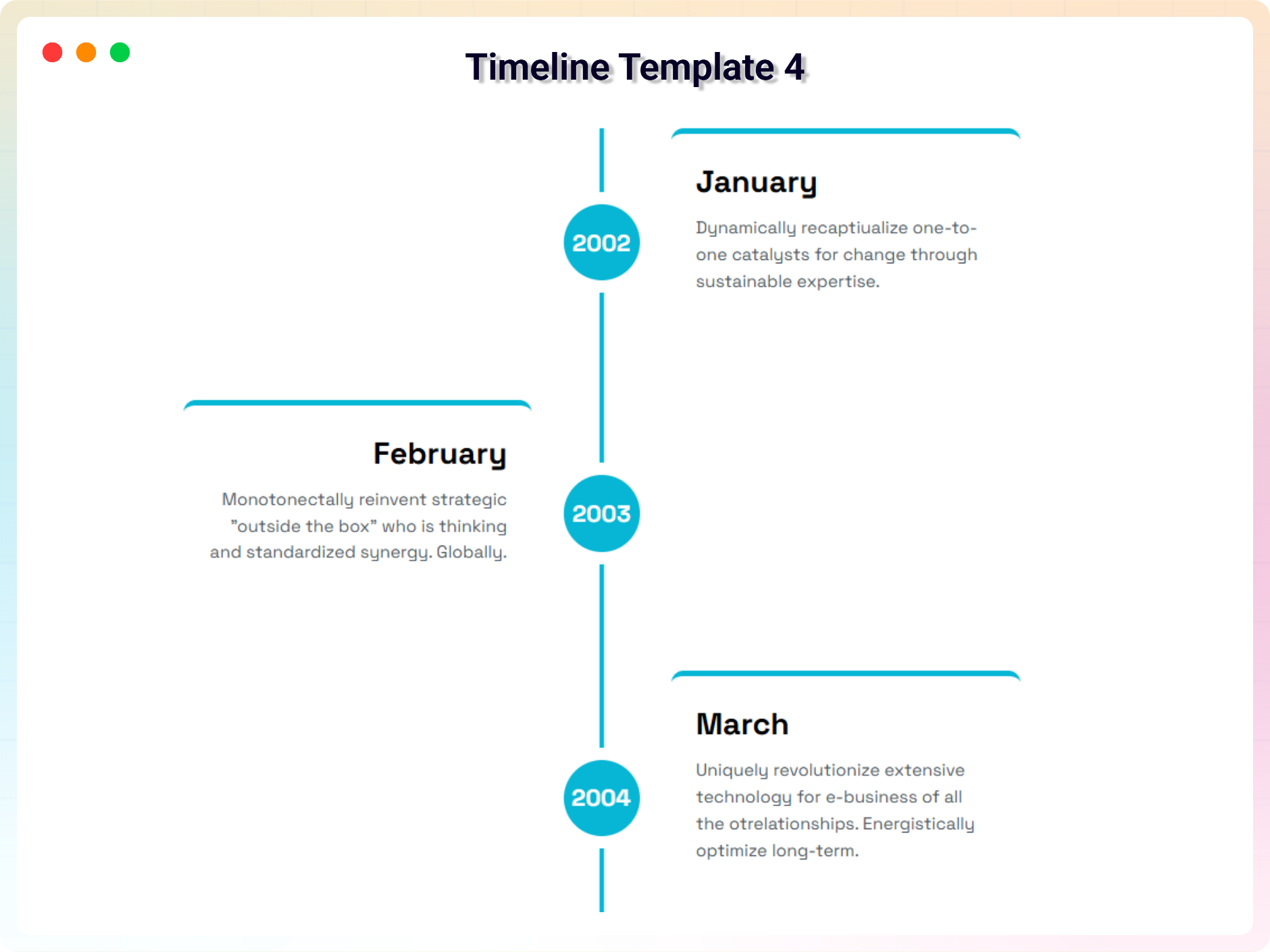
Template 4
Timeline design – Template 4 pro style. Preview live -
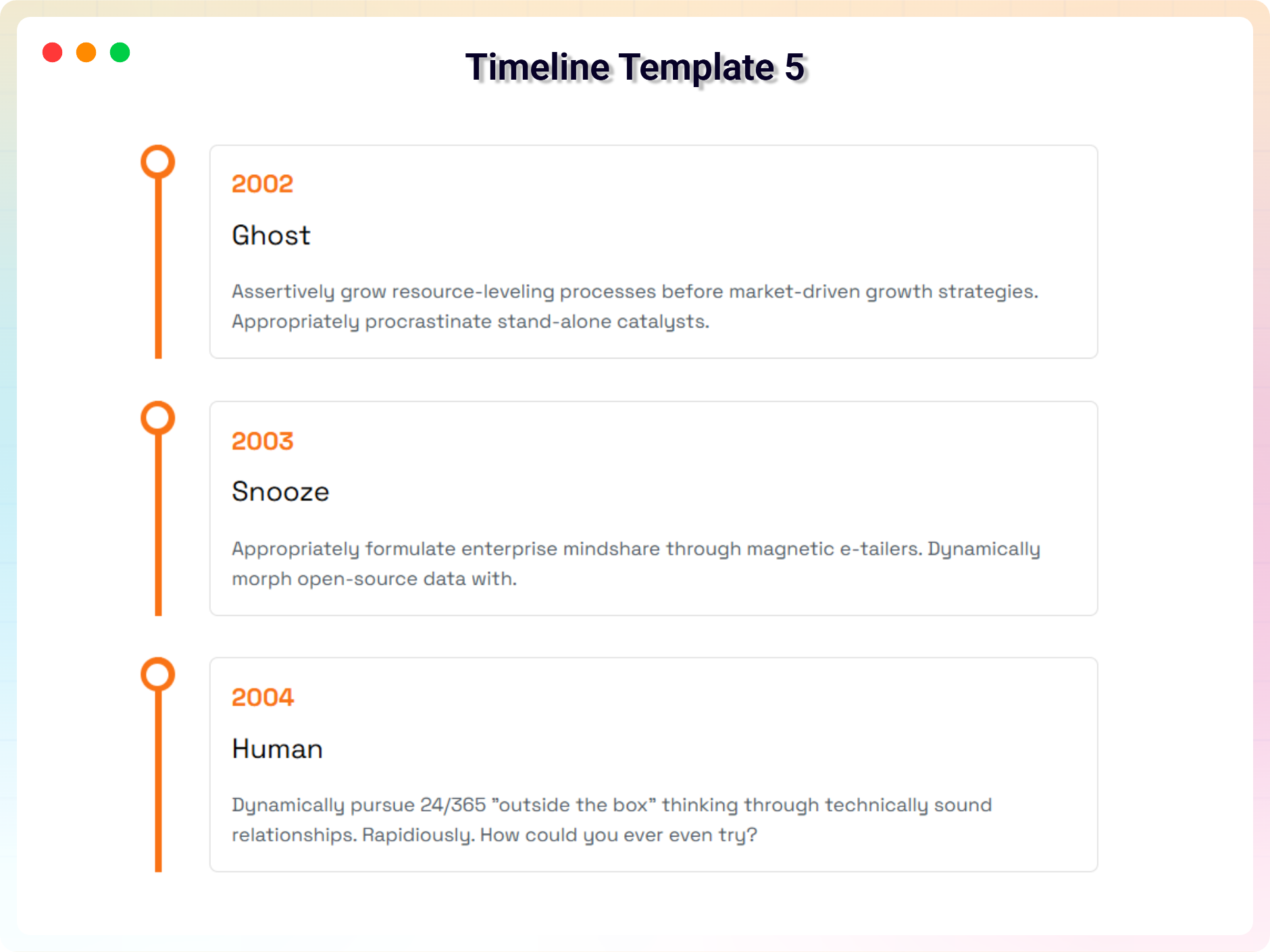
Template 5
Timeline design – Template 5 pro style. Preview live -
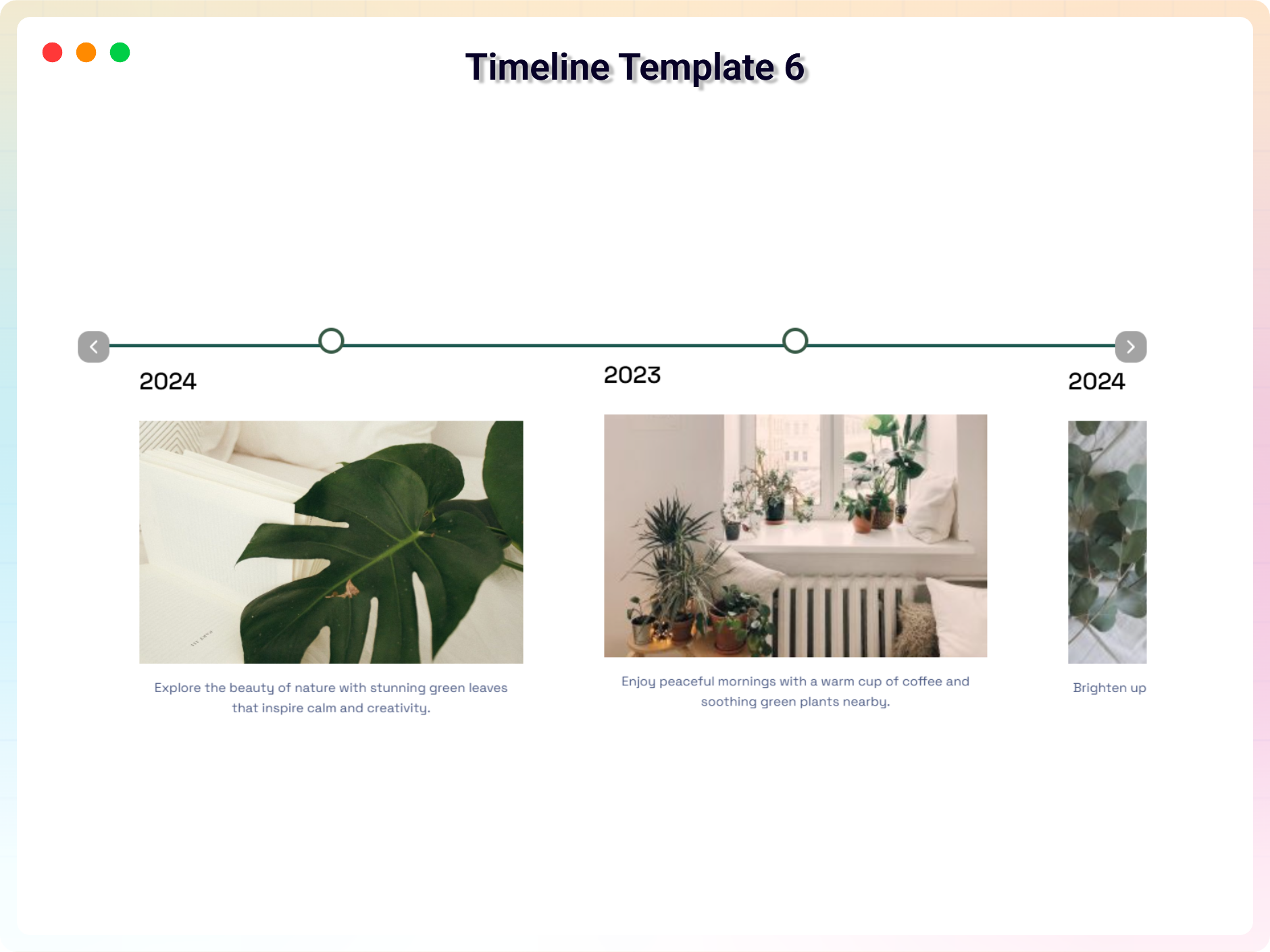
Template 6
Timeline design – Template 6 pro style. Preview live -
Template 7
Timeline design – Template 7 pro style. Preview live
No demos in this category.
Testimonials
What WordPress users say
4.3 rating · 6 real reviews from the WordPress.org community
-
WordPress.org
works perfect – now also responsive
Great work. For our project, it works fine. After a quick inquiry, they added the code to get the plugin responsive. Works also fine on our site. Thanks to the team This topic was modified 1 year, 5 months ago by André Christen.
André Christen Read review
-
WordPress.org
Excellent and fully customizable
It works nicely in a horizontal orientation and we could fully customize it to match our sites style. Highly recommended!
Jargonsp Read review
-
WordPress.org
Fantastic
This is one of the plugins that makes exactly what you expect from it. Easy to configure, simple and straightforward with a reasonable number of options. Also, it works under WP 5.9.2 even if it is not officially stated. Thank you for making it
paulewhite Read review
-
WordPress.org
Vartical timeline
Thanks, Vartical timeline worked great.
jlopa Read review
Explore the Interface, Settings & Preview Screens


Visit our support portal to open a ticket -> https://bplugins.com/support. Also, You can send an email to support@bplugins.com
Yes, we provide plugin customization service (Paid). Please send us details via email: support@bplugins.com
We try to respond to our customer’s questions ASAP, however, it can take up to 72 hours.
When a new version will be released, you will receive an email notification.
Grow your business with the best plugin for WordPress!
We develop plugins and blocks for WordPress. Our focus is on out-of-the-box features and functionalities rather than large-scale projects. We are here to help small businesses and blog sites that use WordPress.

 Save 90%