
bSlider
bSlider is the ultimate WordPress slider plugin for showcasing images, posts, products, and videos. Build responsive carousels, grids, and thumbnail sliders directly in Gutenberg with drag-and-drop simplicity. Choose from smooth animations, customize every detail, and engage visitors with professional sliders that work perfectly on any device.
- Images, video & posts
- Unlimited slides
- Drag & drop ordering
- Animation effects
- 8+ 5 Rating
- 6000+ Active Installs
- 1500+ Paid Users
Why Choose bSlider?
Your website sliders can have issues on mobile devices, require CSS knowledge for customization, or not look eye-catching. bSlider offers a simple design tool that allows you to create stunning sliders that perfectly adapt to any screen size without needing to write any code.
The Problem with Most WordPress Slider Plugins
- Complex setup requires technical knowledge or coding
- Limited customization leaves sliders looking generic
- Poor mobile performance loses mobile visitors
- Slow loading times hurt SEO and user experience
- Expensive developers charge hundreds for simple slider changes
- Buggy plugins break during WordPress updates
A Better Way to Create Sliders in WordPress
- Build professional sliders in minutes using Gutenberg blocks
- Customize every element with visual controls—no code needed
- Create responsive designs that look perfect on phones, tablets, and desktops
- Choose from multiple layout types: carousels, grids, and thumbnails
- Add smooth animations and transitions that engage visitors
- Display posts, products, images, and videos in one powerful plugin
Unlimited Slides
Add as many slides as needed for products, portfolios, or content highlights. No restrictions on slide count—create comprehensive showcases that tell your…

Drag-and-Drop Slide Management
Reorder slides effortlessly with drag-and-drop functionality. Duplicate or remove slides instantly for faster editing and organization. Streamlined workflow saves…

Advanced Animation Effects
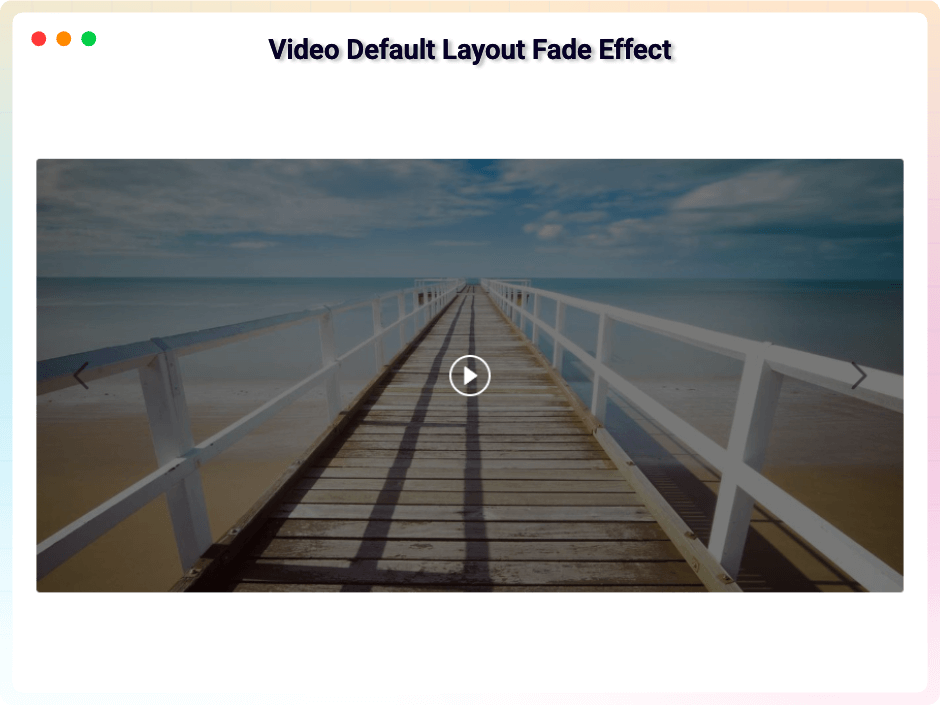
Apply smooth transitions like fade, slide, flip, and 3D effects. Control timing, delay, and duration for text and button animations. Create eye-catching…

Smart Navigation Controls
Add customizable arrows, indicators, and thumbnails. Choose from multiple arrow styles, enable mouse wheel navigation, and create arrows that follow cursor movement…

Powerful Features You Need in a WordPress Slider Plugin
-
Unlimited Slides
Add as many slides as needed for products, portfolios, or content highlights. No restrictions on slide count—create comprehensive showcases that tell your complete story.
-
Drag-and-Drop Slide Management
Reorder slides effortlessly with drag-and-drop functionality. Duplicate or remove slides instantly for faster editing and organization. Streamlined workflow saves time.
-
Advanced Animation Effects
Apply smooth transitions like fade, slide, flip, and 3D effects. Control timing, delay, and duration for text and button animations. Create eye-catching presentations that hold attention.
-
Smart Navigation Controls
Add customizable arrows, indicators, and thumbnails. Choose from multiple arrow styles, enable mouse wheel navigation, and create arrows that follow cursor movement for dynamic interaction.
-
Post and Product Integration
Display WordPress posts and WooCommerce products automatically. Query by category or tag, show excerpts, control content length, and exclude specific items. Perfect for dynamic content showcases.
-
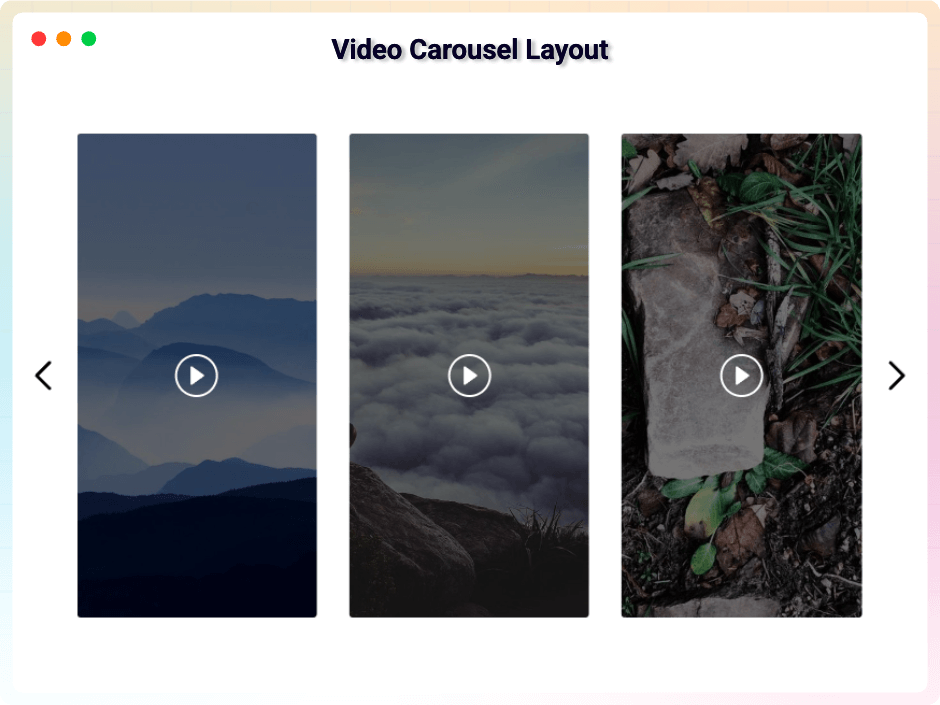
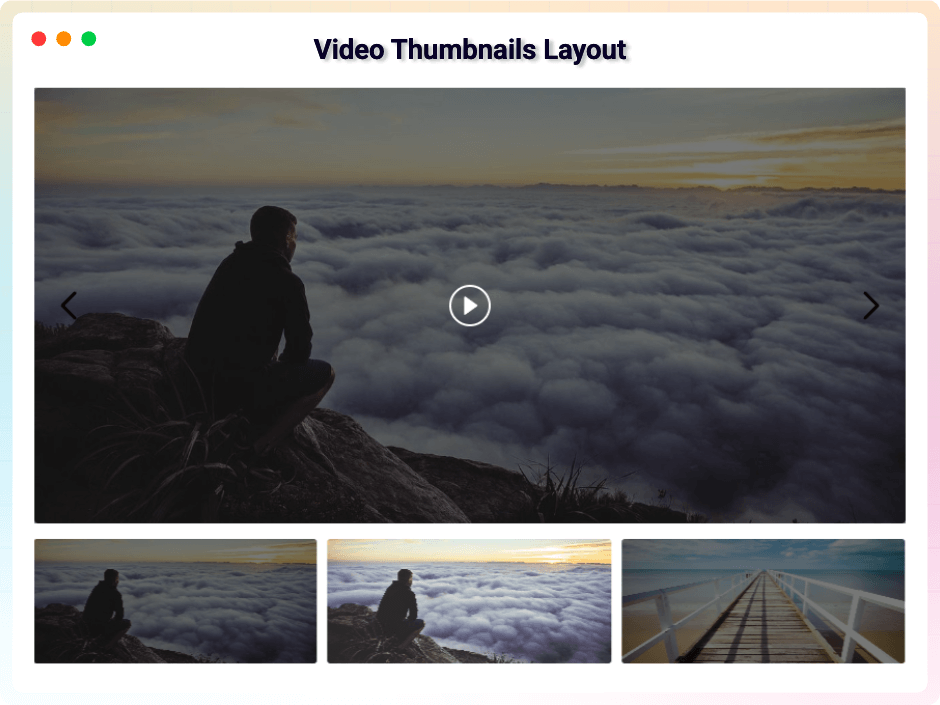
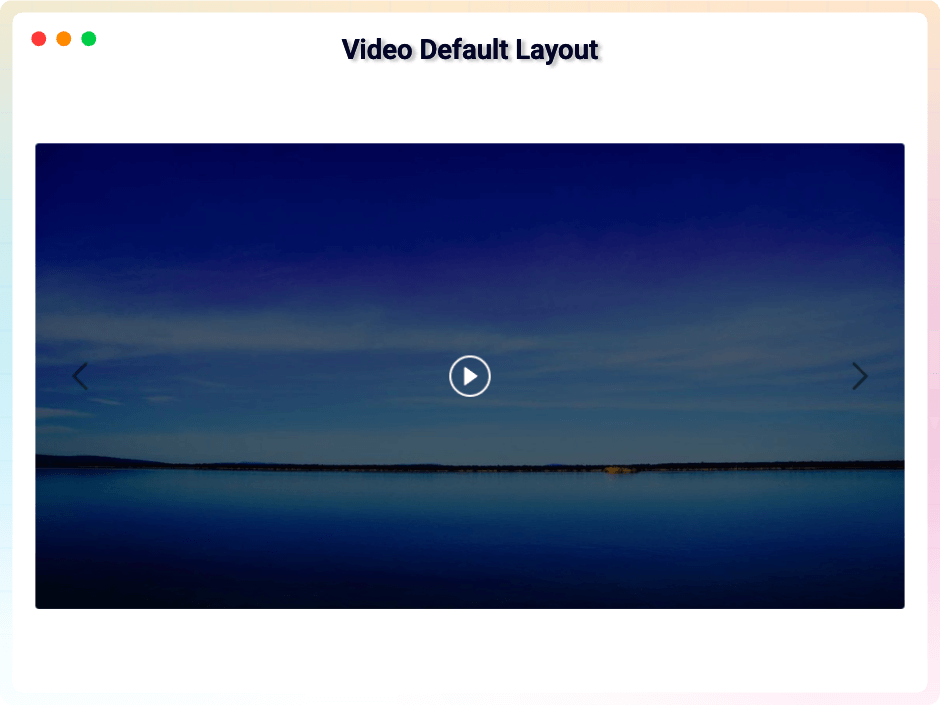
Video Slider Capabilities
Embed videos with popup playback, autoplay controls, and full video management. Add play buttons, enable repeat and mute options, plus advanced controls like rewind, progress bars, and fullscreen.
-
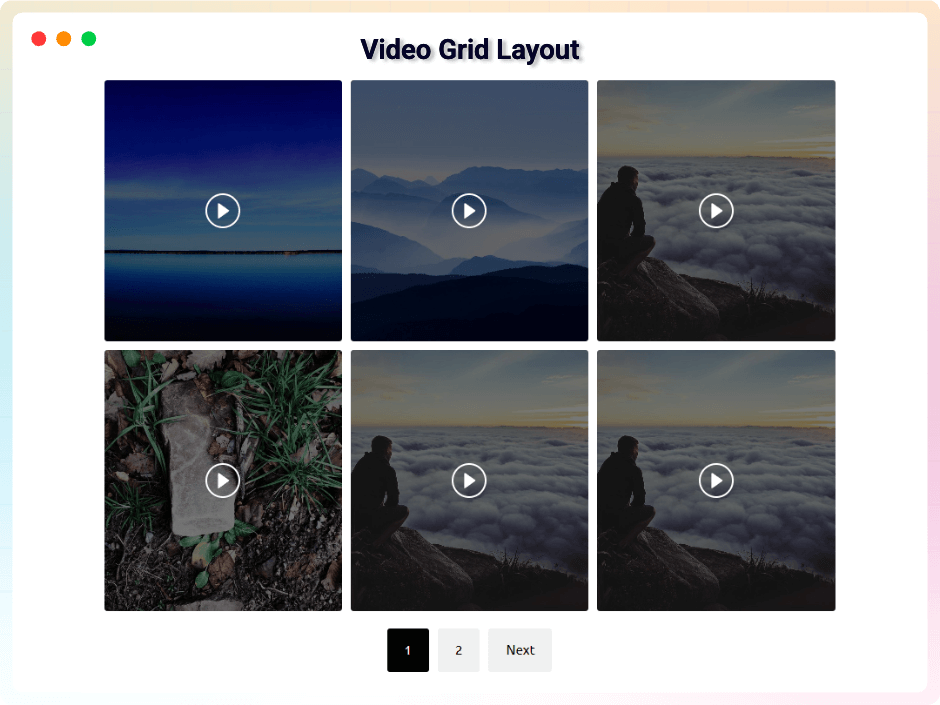
Responsive Grid Layouts
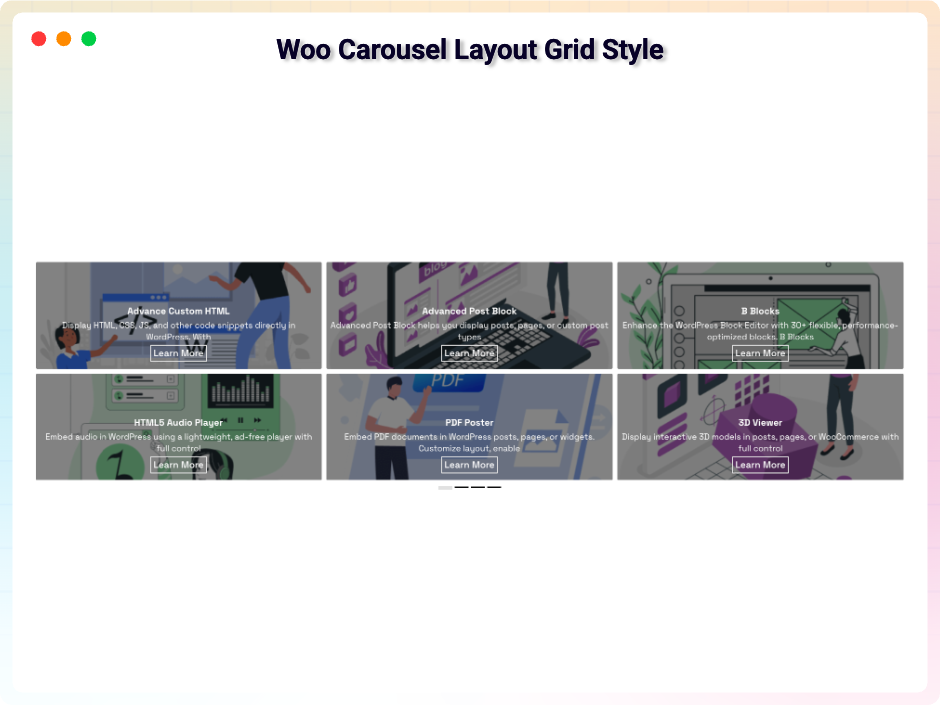
Create responsive grids with adjustable columns and gaps. Add pagination with load more buttons or numbered pages. Perfect for portfolio displays and product catalogs.
-
Autoplay and Hover Controls
Enable autoplay with custom duration per slide. Pause automatically on hover for better user interaction. Complete control over timing and user experience.
-
Content Positioning Freedom
Place text and elements anywhere within each slide. Choose from preset positions or create custom layouts. Add clickable buttons inside slides for CTAs and product links.
-
Color and Overlay Options
Add color overlays for better text contrast and visual appeal. Customize background colors, transparency levels, and gradient effects to match your brand perfectly.
-
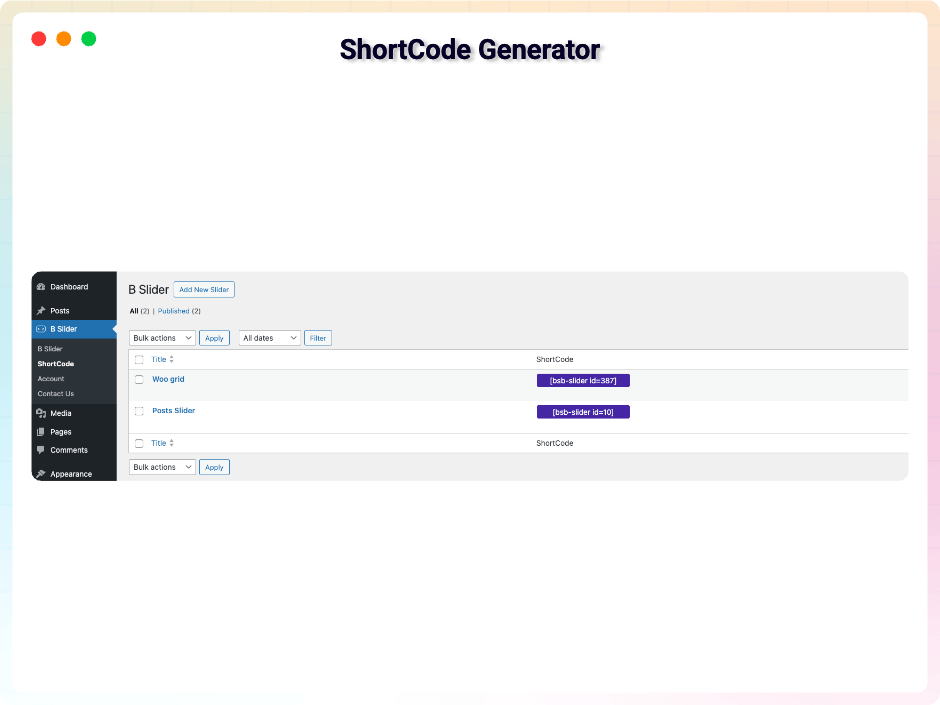
Shortcode Flexibility
Place sliders anywhere using simple shortcodes. Perfect for sidebars, footer areas, or custom page layouts. Works with any theme and page builder.
-
Gutenberg Block Integration
Add sliders directly in the Gutenberg editor with full visual customization. Real-time preview, easy editing, and seamless integration with WordPress content creation workflow.
-
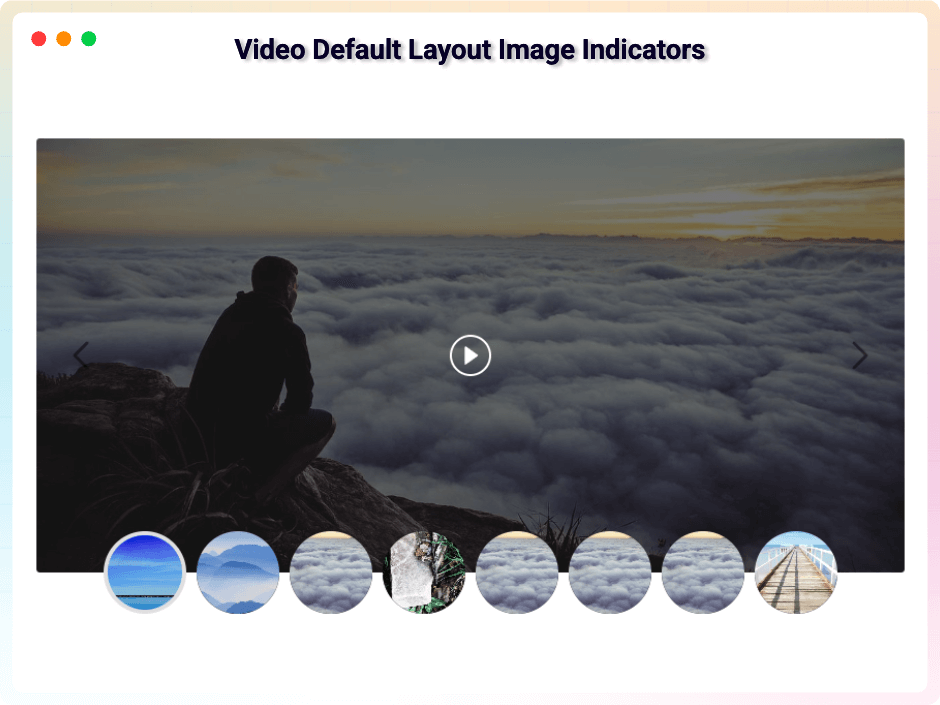
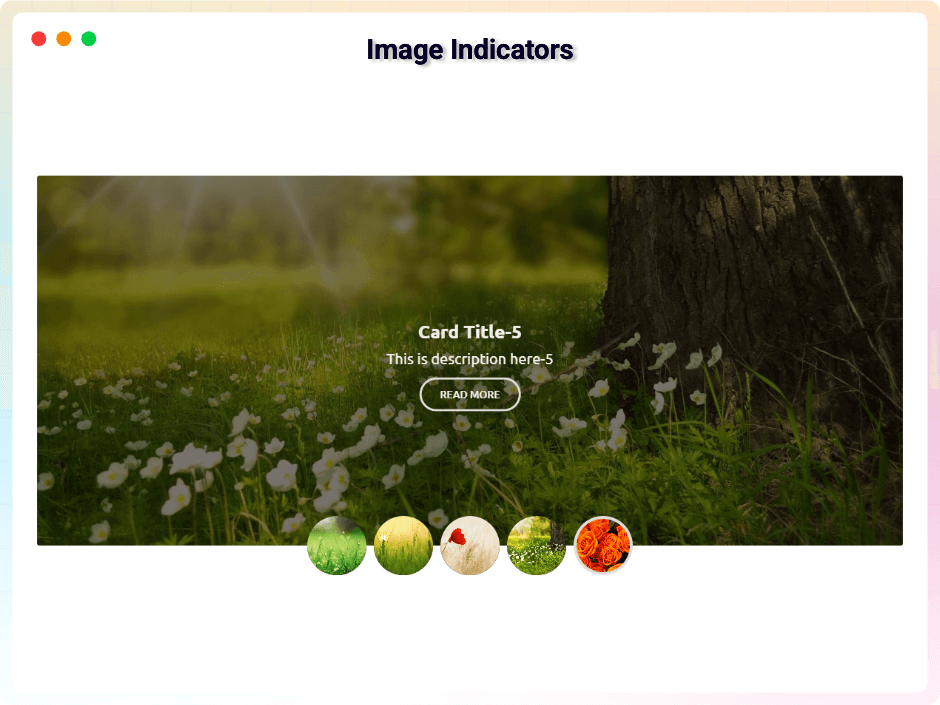
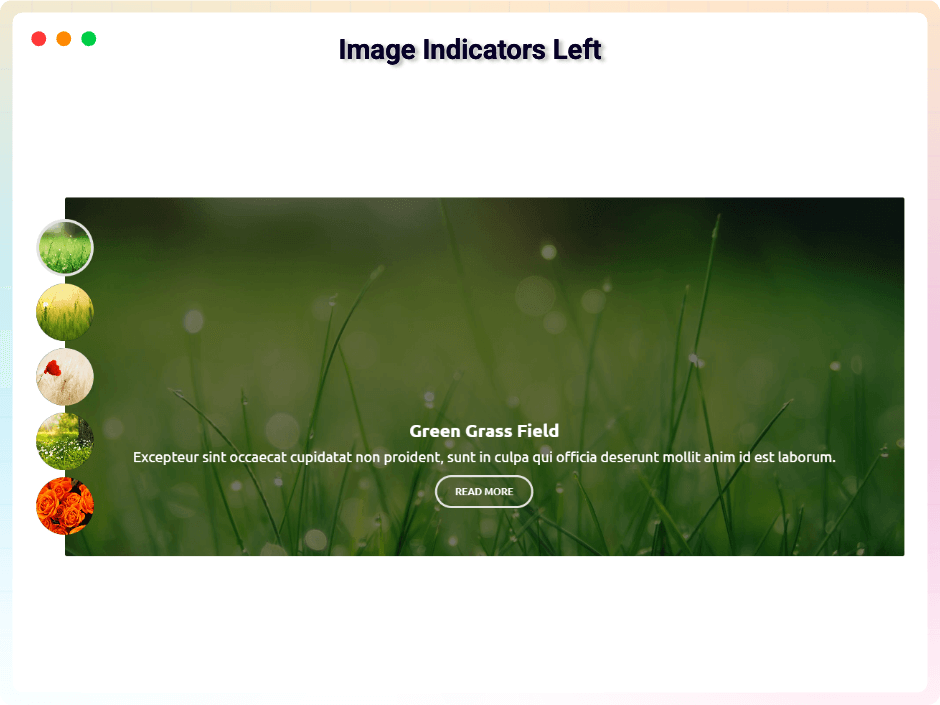
Custom Image Indicators
Replace default dots with custom images for branded navigation. Create unique indicators that match your design and improve user experience with visual cues.
-
Device-Specific Controls
Set different slide numbers and navigation options for desktop, tablet, and mobile. Optimize viewing experience for each device type automatically.
-
Multiple Slider Types
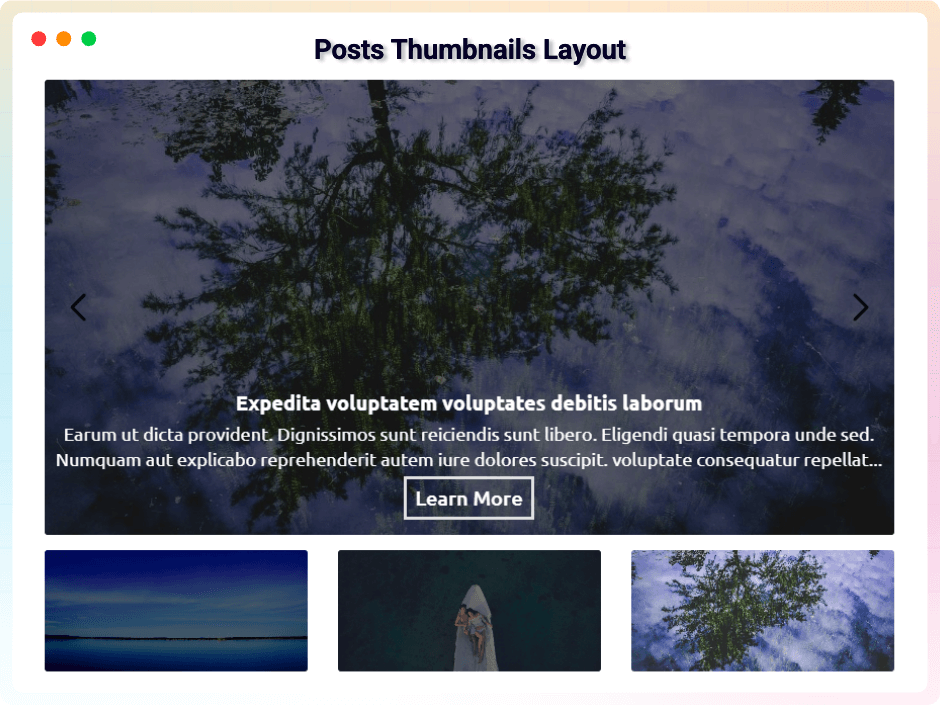
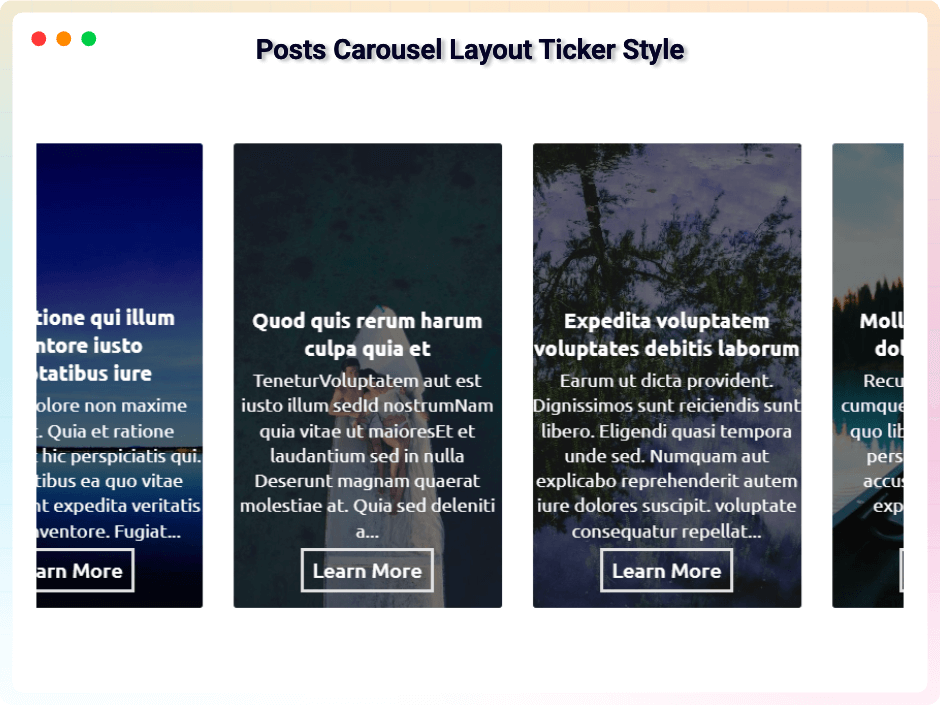
Choose from carousel, grid, thumbnail, and ticker layouts. Switch between types instantly to find the perfect presentation format for your content and goals.
Live Overview
Click on any section to view it live
-
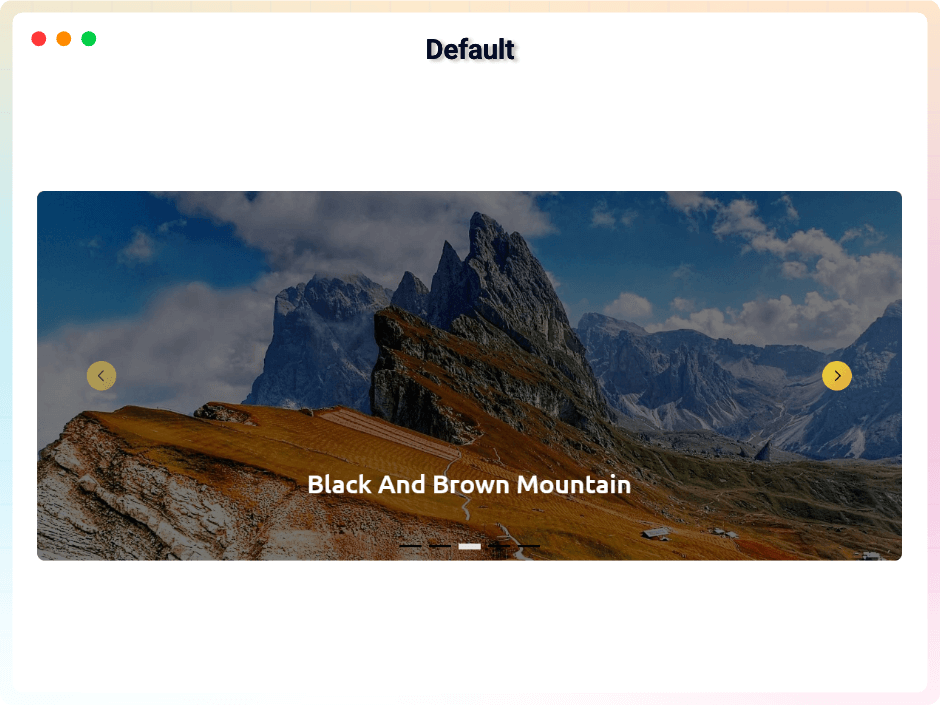
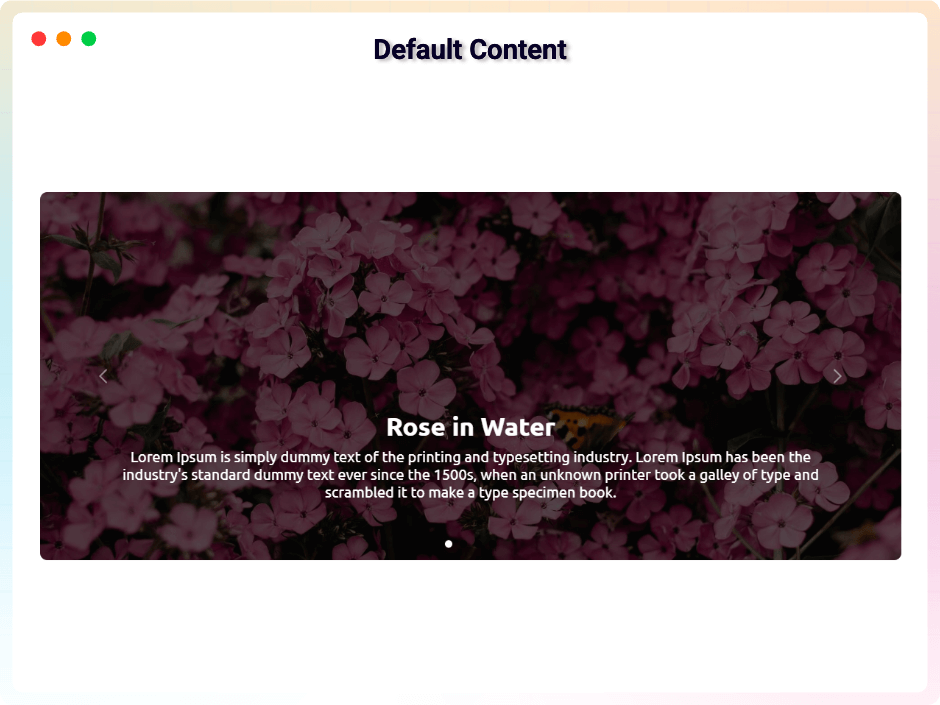
Default Slider
Smooth sliding image and content showcase Preview live -
Standard Posts Default Layout
Clean and simple posts default layout. Preview live -
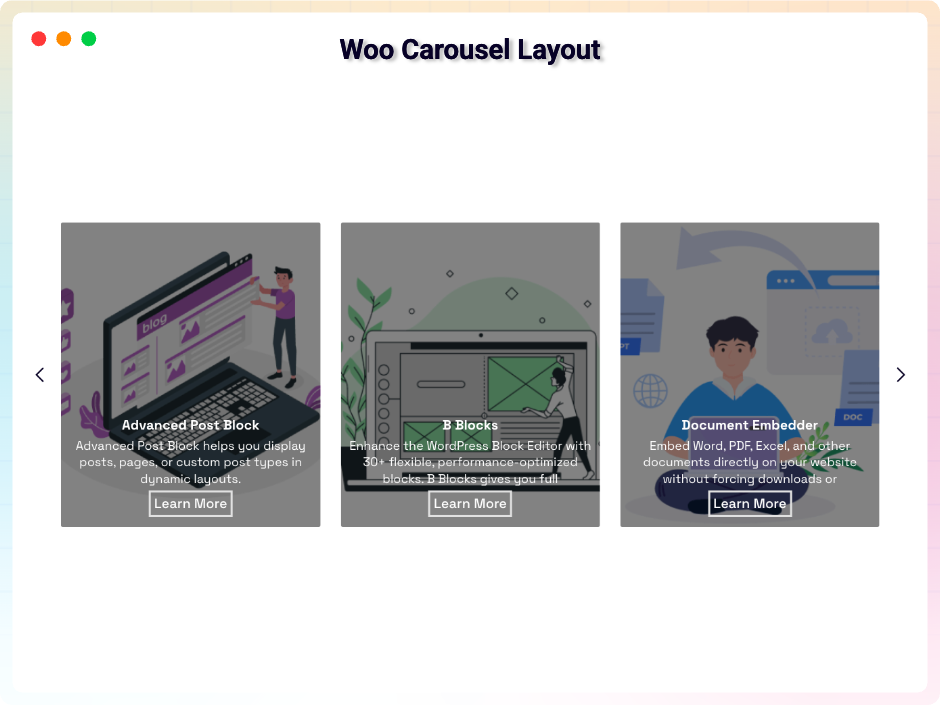
Woo Product Carousel Layout
Smooth and flexible Woo carousel layout. Preview live -
Advanced Video Thumbnails Layout
Responsive video thumbnails layout design. Preview live -
Elegant Image Slider
Clean and modern image slider Preview live -
Elegant Fade Posts Default Layout
Clean posts default layout with fade effect. Preview live -
Woo Product Grid Layout
Simple and organized Woo grid layout. Preview live -
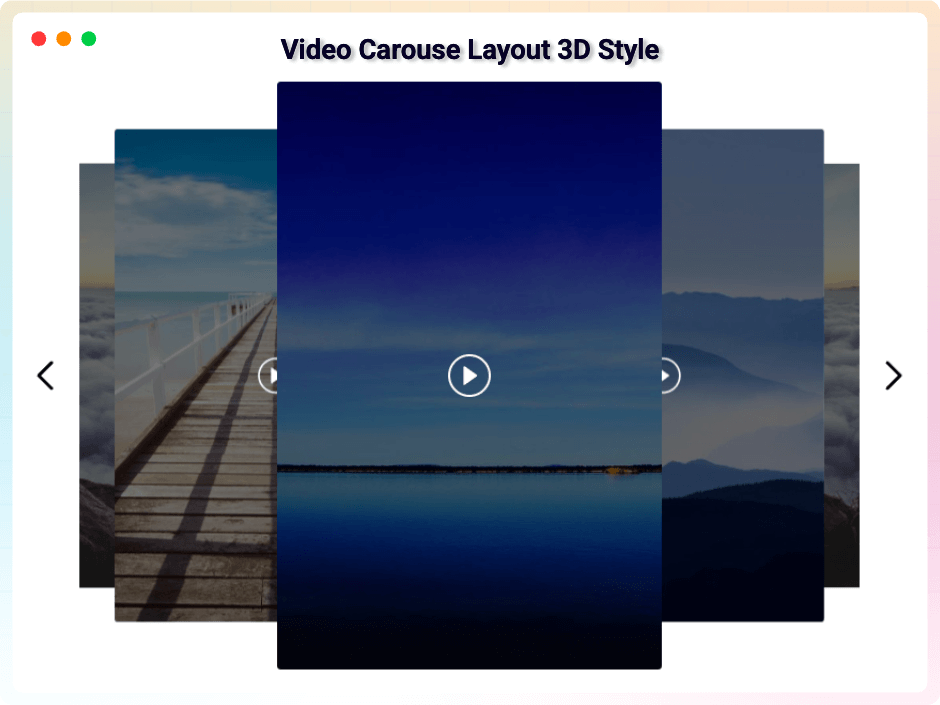
Video Carousel 3D Showcase
Smooth 3D video carousel for modern displays. Preview live -
Advanced Animation Slider
Advanced animation slider for modern websites. Preview live -
Posts Carousel Grid Display
Organized posts carousel using a simple grid layout. Preview live -
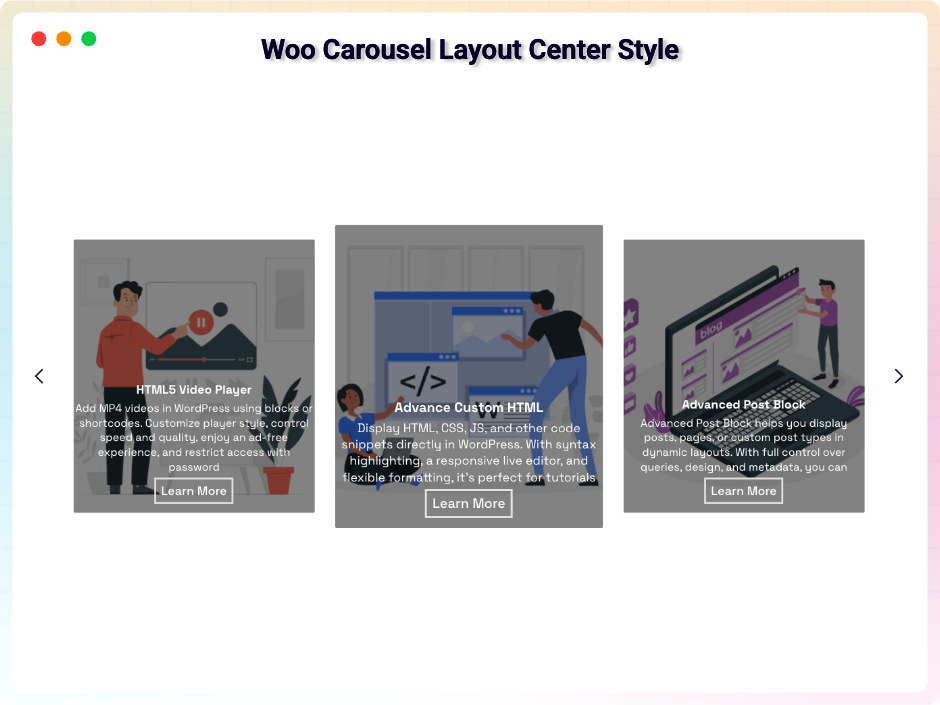
Center Style Woo Carousel Layout
Focused center style for Woo carousel items. Preview live -
Video Carousel Vertical Ticker
Smooth vertical ticker-style video carousel. Preview live -
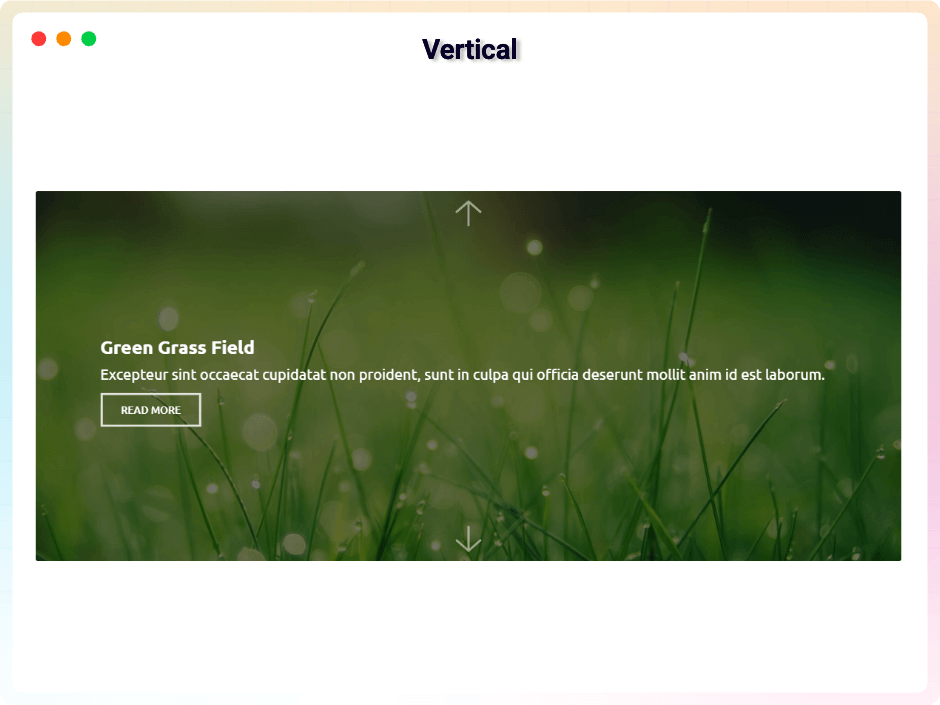
Smooth Vertical Slide
Smooth vertical slide for clean transitions. Preview live -
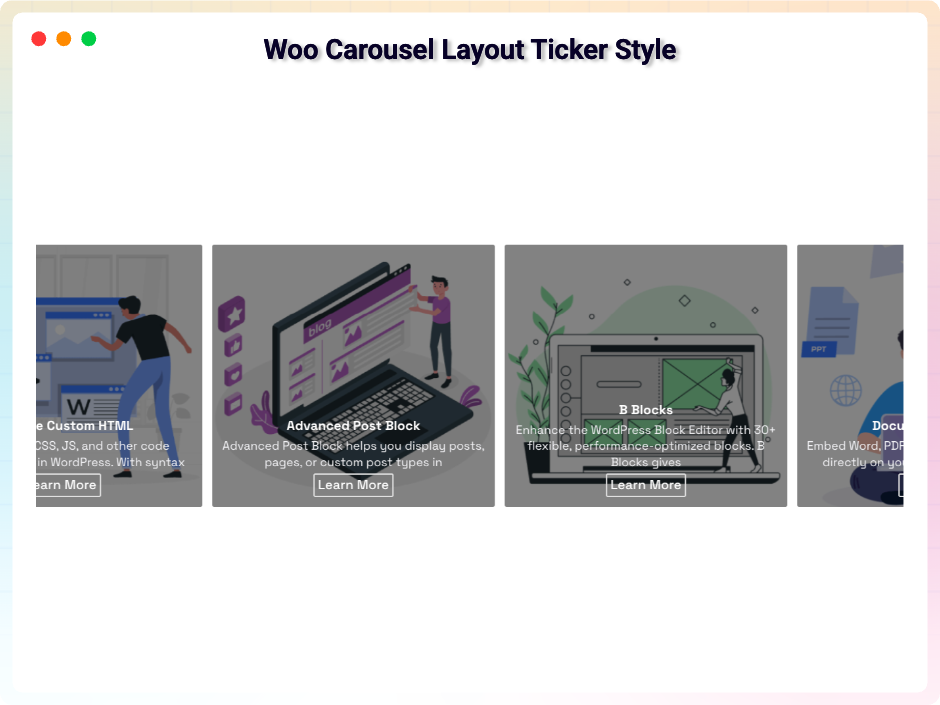
Posts Ticker Carousel Layout
Continuous ticker motion for posts carousel. Preview live -
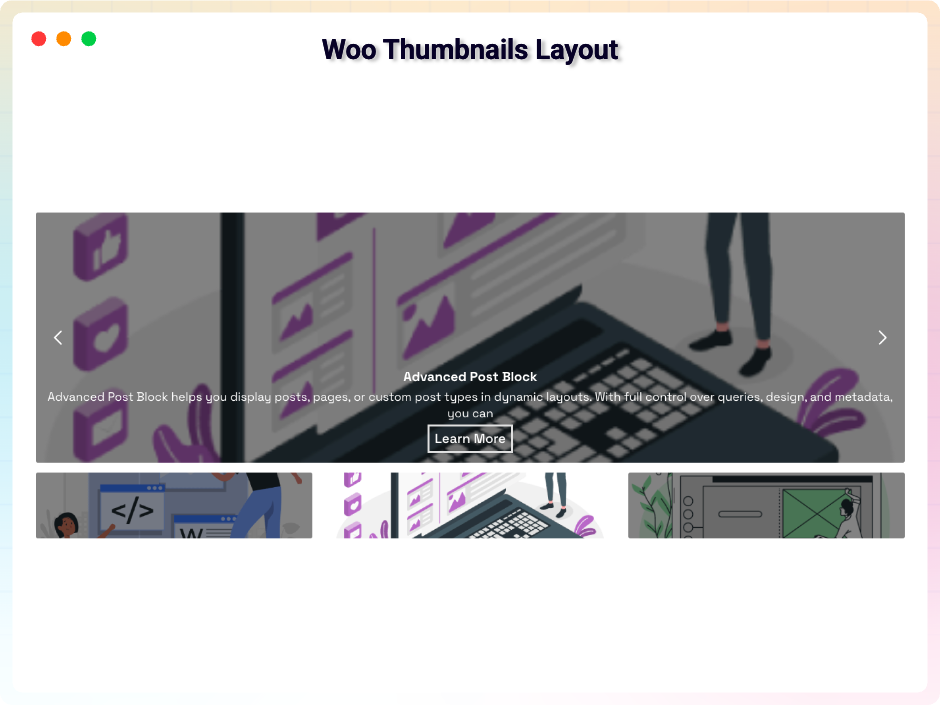
Vertical Slide Woo Thumbnails Layout
Clean Woo thumbnails layout with vertical slide. Preview live -
Interactive Slide on Mouse Wheel
Interactive slide on mouse wheel scroll. Preview live -
Mouse-Tracking Arrow Motion
Smooth arrow follow mouse interaction. Preview live -
Advanced Mouse Drag Slide
Easy slide control using mouse drag. Preview live -
Image Indicator Highlights
Simple and clear image indicator design. Preview live
No demos in this category.
Testimonials
What WordPress users say
4.0 rating · 11 real reviews from the WordPress.org community
-
WordPress.org
Exceptional!
In today’s world of help bots, call trees, multi-day interaction frequency, bslider simply stands out as exceptional. One email (from a free licensee), a response within a couple of hours; another response shortly thereafter that they were investigating the issues I reported. Maybe 12 hours after that, I received an email announcing they had repaired the defects I reported (and some others) and wishing me well in using the tool. Nobody does that anymore. Their support team deserves respect and appreciation.
saludovencedores Read review
-
WordPress.org
Great support
I had a problem with the plugin on my website. The team could not reproduce this problem in the first instance. After I had given them admin rights, the problem was solved within a day. Compliment for the great support.
theodelaruelle Read review
-
WordPress.org
Super easy to use, and responsive support
Been very happy with our pro purchase. Did have a few issues, but the developer is very responsive and supports this plugin well.
sboutsource Read review
-
WordPress.org
Just what I needed
Even better than some premium blocks
stlcodescape Read review
-
WordPress.org
easy-to-use page image + dynamic text configuration plug-in
Hello: Gutenberg’s simple and easy-to-use page image + dynamic text configuration plug-in look terrific! Thank you!
hlv356168 Read review
-
WordPress.org
Excelente plugin
Very easy to use
jsdeoleo Read review
-
WordPress.org
Easy to use, many options for configuration and customization
Easy to use, many options for configuration and customization
makershihab99 Read review
-
WordPress.org
Simple, Free but Reliable
Simple, Free but Reliable, and Easy to Use. Brilliant product & superb support!
Subas Roy Read review
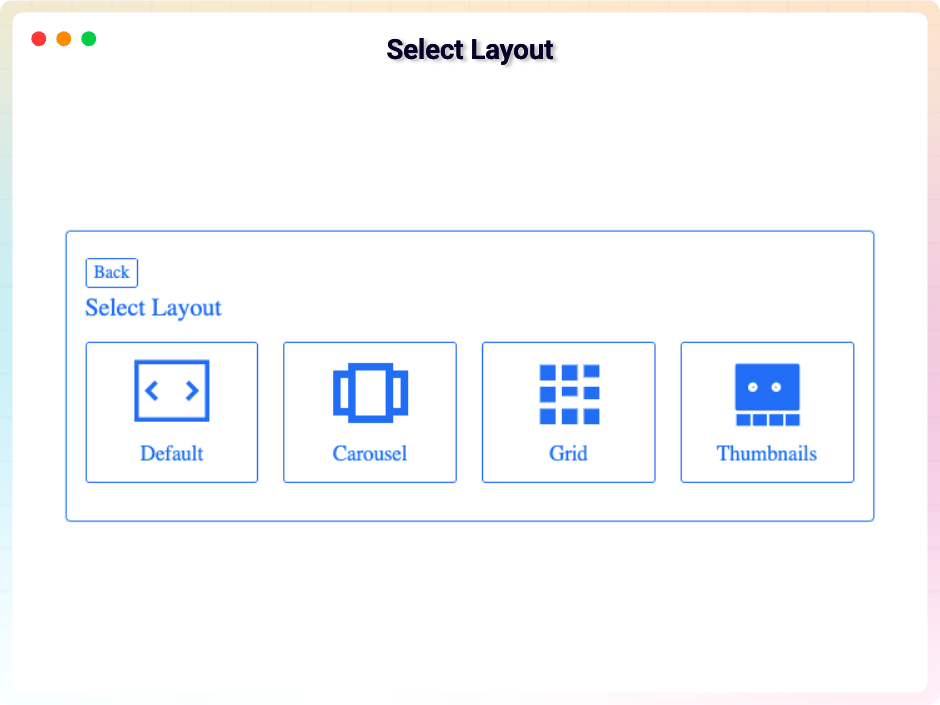
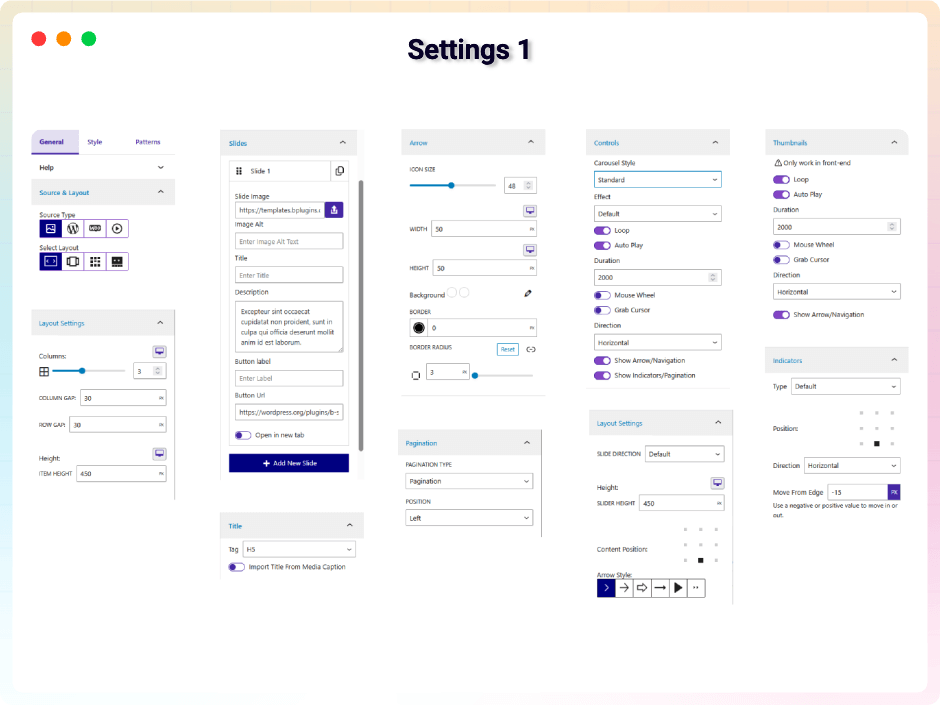
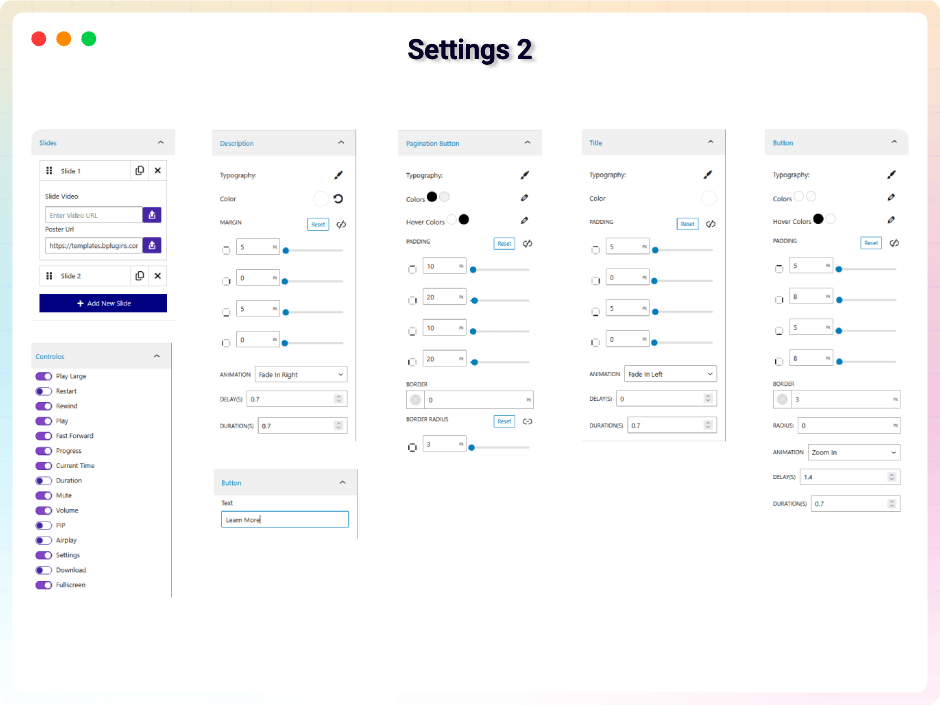
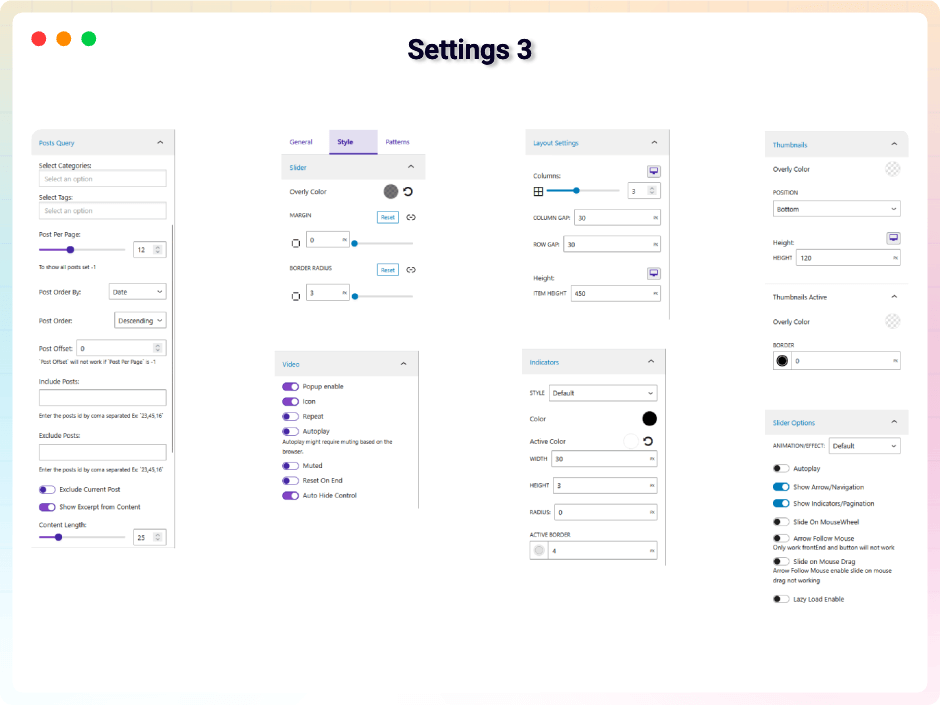
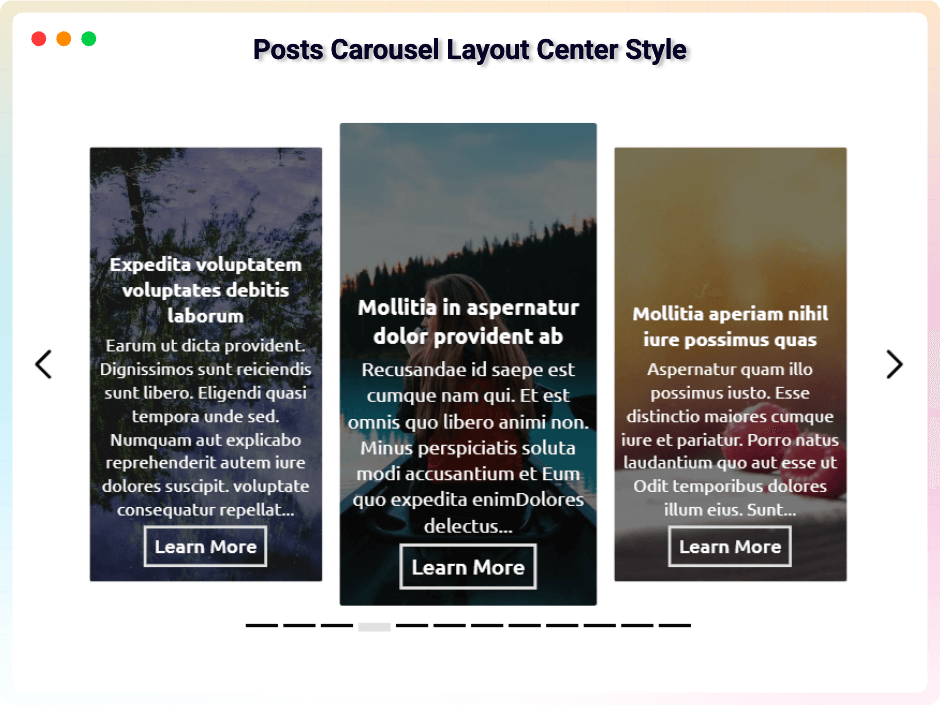
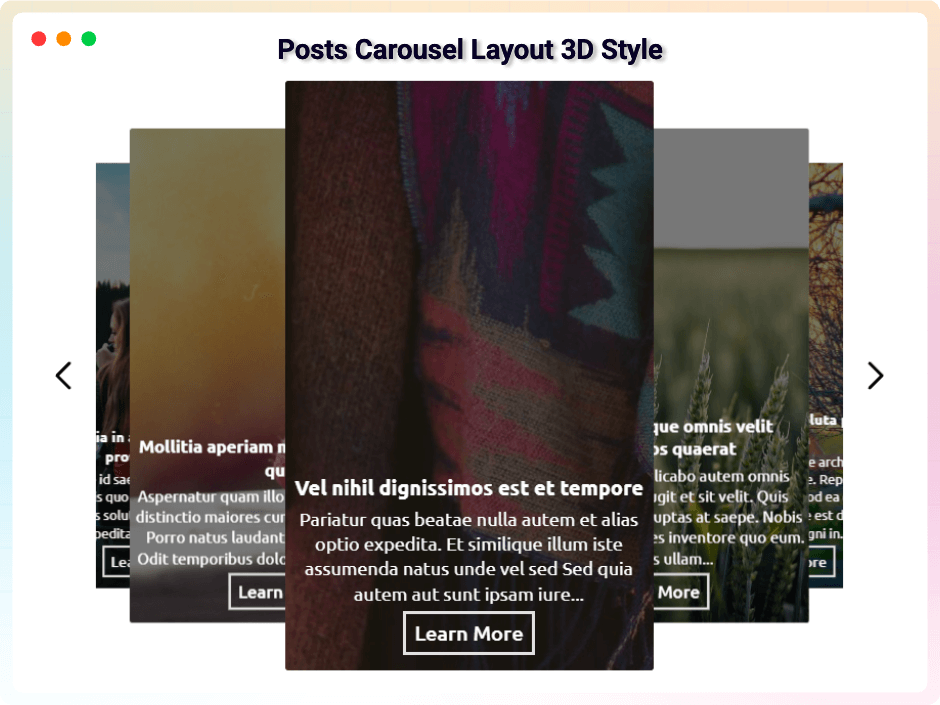
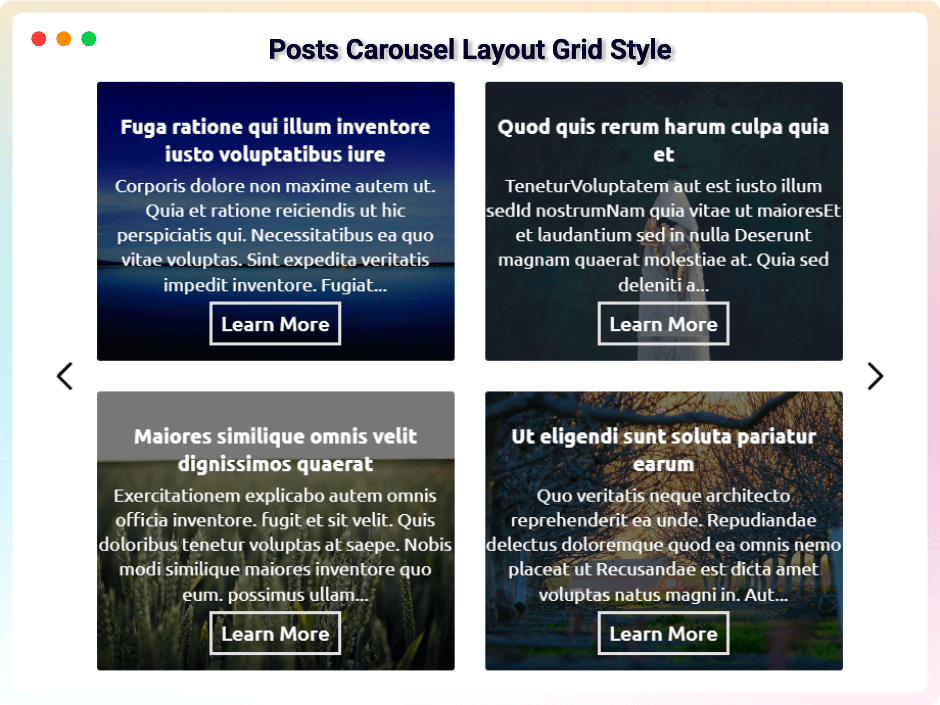
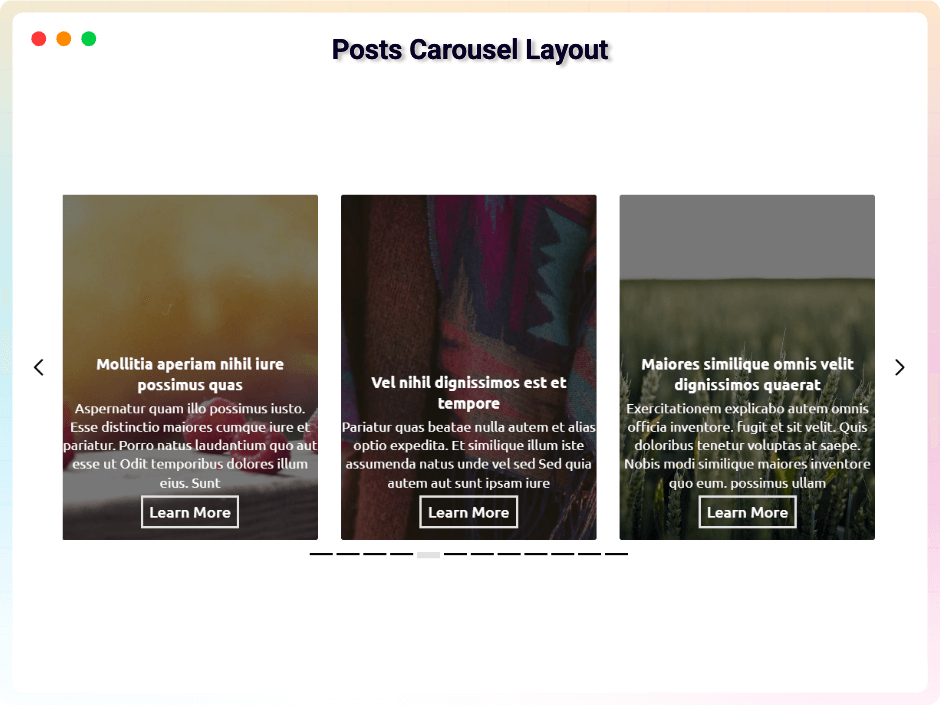
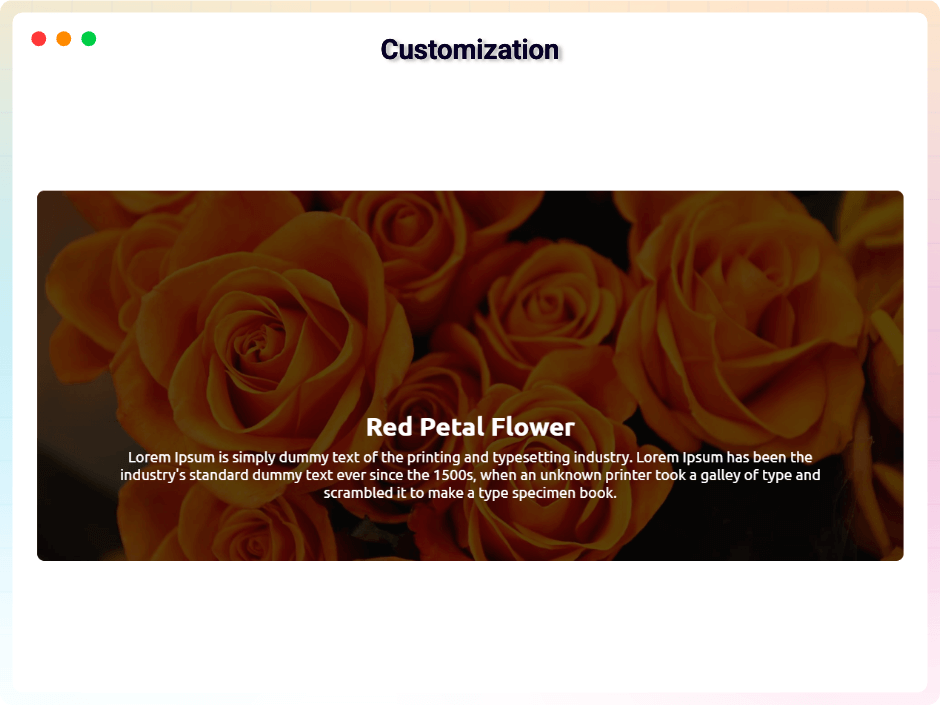
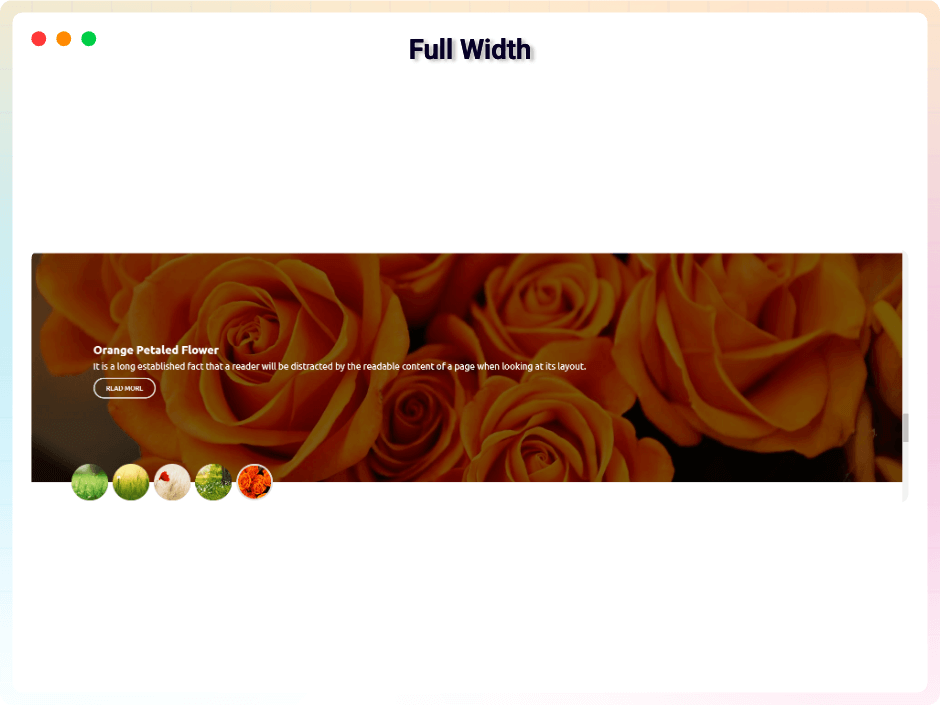
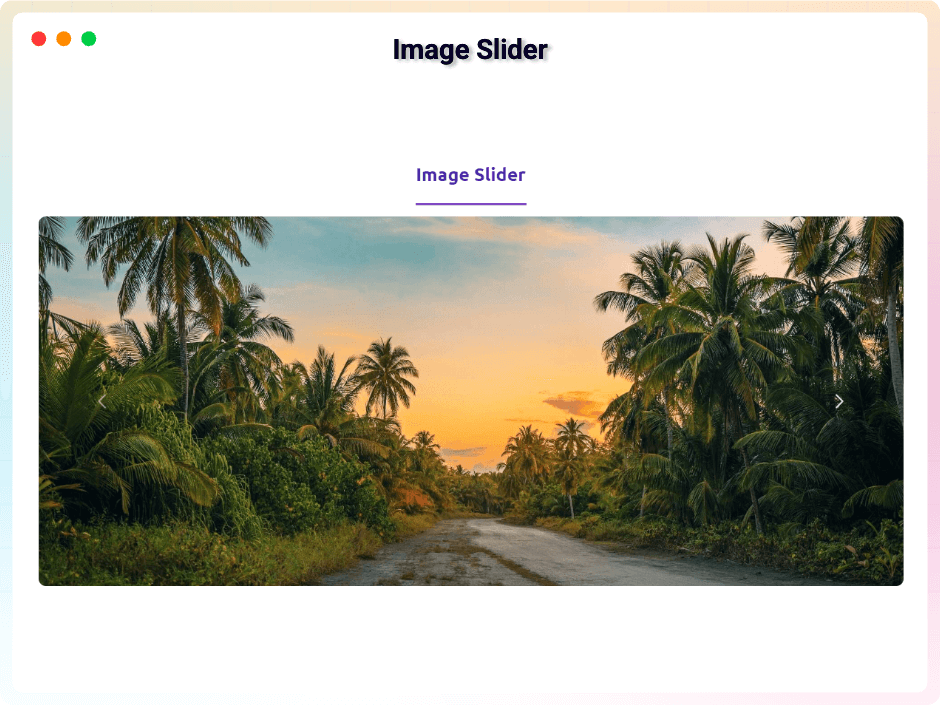
Explore the Interface, Settings & Preview Screens


Learning Materials
Looking for some learning materials. You will better understand how to use bSlider.

Yes! you can add as many as slide in single slider
Yes, you can slide horizontal and vertical in slider.
Yes, you can add button to content.
Yes, you can change arrow button in slider.
Yes, you can change content in the bSlider.
Yes! you can change the slider options. There are many options available.
Visit our support portal to open a ticket -> https://bplugins.com/support. Also, You can send an email to support@bplugins.com
Yes, we provide plugin customization service (Paid). Please send us details via email: support@bplugins.com
We try to respond to our customer’s questions ASAP, however, it can take up to 72 hours.
When a new version will be released, you will receive an email notification.
Grow your business with the best plugin for WordPress!
We develop plugins and blocks for WordPress. Our focus is on out-of-the-box features and functionalities rather than large-scale projects. We are here to help small businesses and blog sites that use WordPress.

 Save 90%