

Most WordPress carousel plugins fall into one of two traps. Either they come bundled inside a massive page-builder suite you didn’t ask for, or they’re so bare-bones that you end up writing custom CSS just to make the slides look decent.
We tested the most popular options so you don’t have to install five plugins just to find out which one actually fits. This list covers what matters most: Gutenberg compatibility, lightbox support, design flexibility, and how much weight each plugin adds to your page.
Whether you’re building a portfolio gallery, a client logo row, or a WooCommerce product carousel, there’s a plugin below built for that exact job.
Let’s get into it.
What to Look for in a WordPress Carousel Plugin
Before you install anything, check the plugin against this list. It’ll save you from switching plugins three months in.
Native Gutenberg block support. You shouldn’t need a shortcode or a separate page builder to drop in a carousel. A real block fits into your existing editing flow and stays lighter on your site.
Responsive breakpoints. “Mobile-friendly” should mean you can set a different number of slides for desktop, tablet, and mobile, not just that the carousel doesn’t visually break on a small screen.
Lightbox support. If you’re showing photography, portfolio work, or product shots, people will want to click an image and view it full-size without leaving the page.
Design controls. Spacing, image size, caption position, and border-radius all affect how polished your carousel looks next to the rest of your content.
Transition effects. Slide, fade, and cube effects aren’t just eye candy. They help a carousel match the tone of your site.
Clean, conditional script loading. A carousel plugin should load its scripts only on pages where the block actually appears. If it loads CSS and JS sitewide, that’s a performance problem you’re paying for on every page, carousel or not.
Keep these six points in mind as you read through the list. They’re exactly the criteria we used to evaluate each plugin below.
Carousel vs. Slider vs. Gallery: What’s the Difference?
These three terms get used interchangeably, and plugin names don’t help. Here’s the quick version.
A carousel shows one or more items in a row and lets visitors move through them, usually with arrows or dots. It’s built for browsing, not just looking. A slider (especially a “hero slider”) usually means a single full-width slide with a background image, headline, and a button, the kind of thing you’d see at the top of a homepage. A gallery is a static grid of images, no scrolling required, though many gallery plugins now include a carousel view as one of several display options.
This matters because the keyword you search (“WordPress carousel plugin” vs. “WordPress slider plugin”) often points you toward similar tools with different default use cases. If you want a homepage hero with a call-to-action button, you want a slider feature. If you want to showcase ten product photos or client logos in a row, you want a carousel. Most of the plugins on this list handle both.
5 Best WordPress Carousel Plugins in 2026
Quick Comparison Table
| Plugin | Gutenberg Native | Lightbox | WooCommerce | Free Version | Best For |
| B Carousel Block | Yes | Pro only | No | Yes | All-round flexibility |
| Carousel Slider Block | Yes | No | No | Yes, fully free | Custom slide content |
| Kadence Blocks | Yes | Yes | No | Yes | Existing Kadence users |
| WP Carousel | Yes | Yes | Yes | Yes | Multi-content carousels |
| Carousel Slider | Yes | Yes | Yes | Yes | Hero sliders + products |
1. B Carousel Block by bPlugins
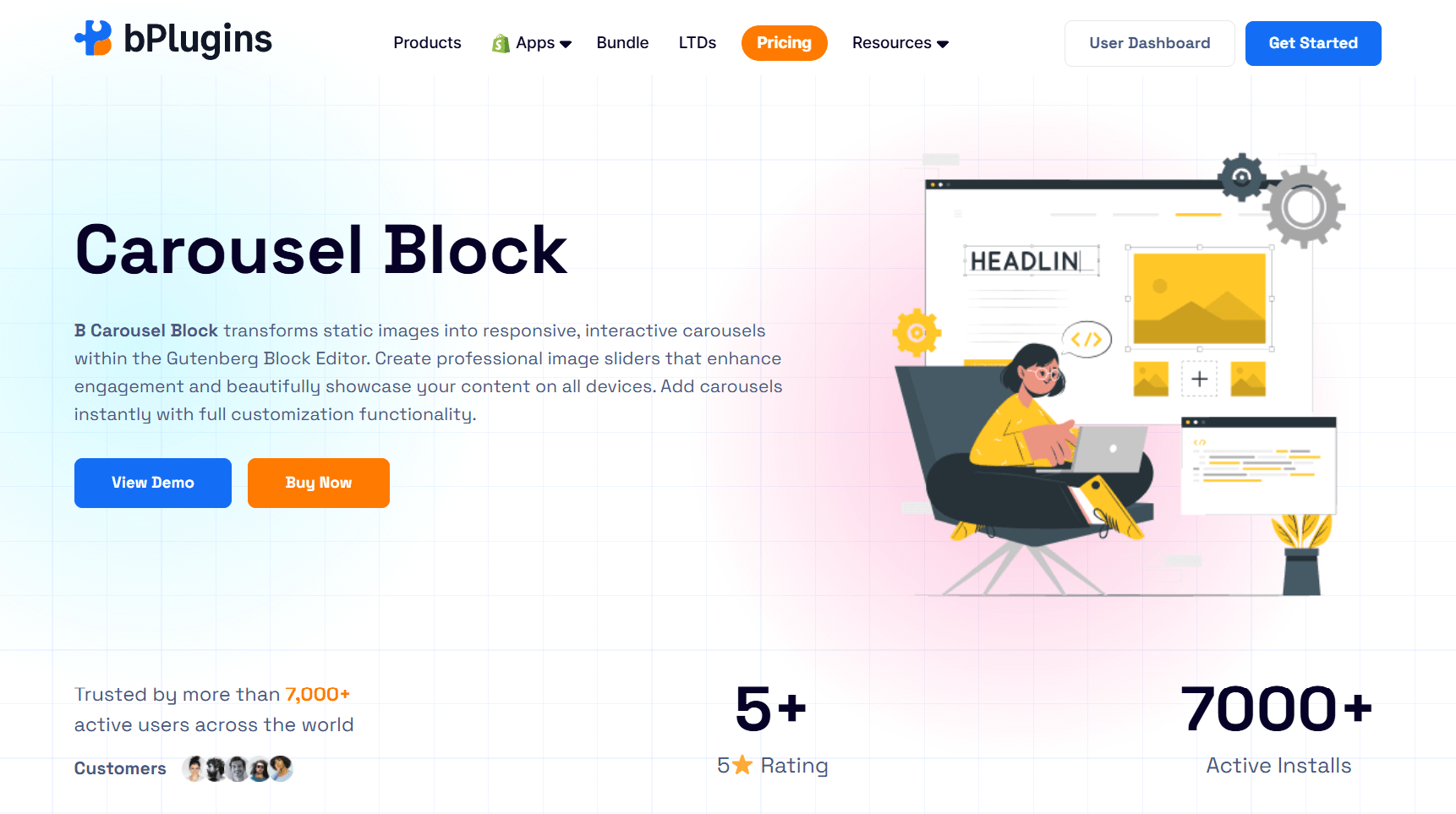
Most carousel plugins make you choose between a clean Gutenberg experience and a full set of design controls. B Carousel Block doesn’t make you choose. You search for “Carousel” in the block inserter, drop it in, and configure everything from the right-hand settings panel, the same way you’d edit any other block.
That’s the real differentiator here. No shortcodes. No page builder dependency. No separate settings page buried in your WordPress admin menu.
What it does
B Carousel Block creates responsive image and content carousels directly inside the block editor, with reorderable slides, captions, and a handful of transition effects available right in the free version.
Key features
- Native Gutenberg block, no shortcodes or separate plugin settings page to dig through
- Reorder slides without deleting and rebuilding them
- Per-device responsive settings for width, height, and column count
- Caption styling with custom alignment, typography, and overlay colors
- Slide, Fade, and Creative transition effects included free
- Background and padding controls for the whole slider
Who it’s best for
Anyone building portfolio pages, client logo rows, testimonial carousels, or simple product galleries who wants to stay inside the block editor without installing a page builder.
The free version covers everyday use cases well, which is more than most “free” carousel plugins can say. Where it draws the line is lightbox: clicking to view a larger image is a Pro feature, alongside extra effects like Cube, Coverflow, and Flip, touch-move controls, and device-specific navigation settings. The Pro plan comes with a 7-day free trial, so you can test whether you actually need those before paying for them.
If you’re starting fresh and want a carousel that’s quick to set up and light on page weight, B Carousel Block is the one to install first.
2. Carousel Slider Block
Carousel Slider Block takes a different approach from most carousel plugins on this list. Instead of carousel “slides” with fixed fields for image and caption, it lets you add any Gutenberg block inside a slide. Drop in an image, a heading, a button, or all three together.
It’s built on the Swiper.js library, the same engine behind most modern carousel plugins, and it’s a genuinely solid pick if your slides need to do more than display a single picture.
What it does
A modern carousel designed for hero sliders, testimonial rows, and logo carousels where each slide needs more than just an image and a caption.
Key features
- Add unlimited slides, each containing any combination of blocks
- Custom styling through CSS variables and full theme.json support
- Accessibility-ready with keyboard navigation and ARIA labels
- Built-in patterns for hero sliders, testimonials, and logo carousels
- A frontend API for developers who need the carousel to reinitialize inside tabs or accordions
Who it’s best for
Developers and theme builders who want full control over what goes inside each slide, and who don’t mind a slightly steeper learning curve than a plug-and-play image carousel.
Honest limitation: Because it’s block-based rather than field-based, there’s more setup involved if all you want is a quick image carousel. It also has no built-in lightbox, so you’d pair it with an Image block’s own lightbox feature or a separate gallery plugin if you need that.
3. Kadence Blocks
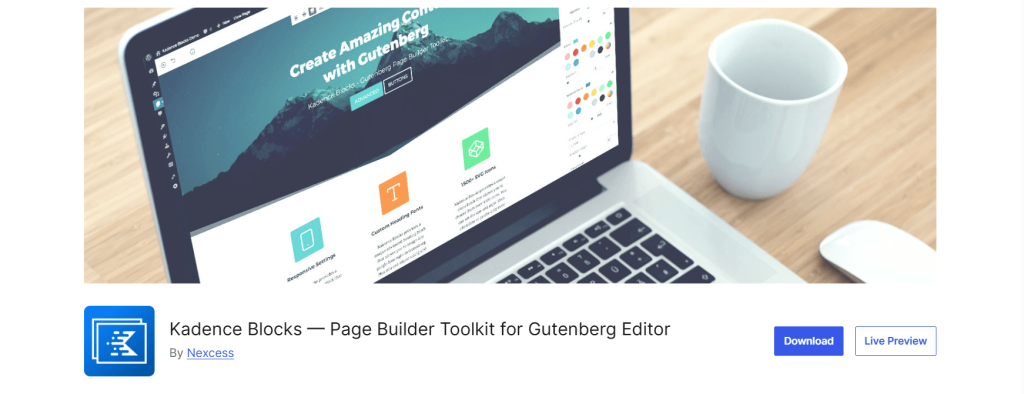
Kadence Blocks isn’t a carousel plugin first. It’s a full Gutenberg page-builder toolkit, and the carousel functionality lives inside its Advanced Gallery block as one of several display modes, alongside dozens of other design blocks for rows, tabs, accordions, and forms.
If you’re already using Kadence Blocks or the Kadence theme to build pages, this is the path of least resistance. If you’re not, it’s a much bigger install than the job calls for.
What it does
Gives you a gallery block that can switch between grid, masonry, and carousel layouts, with the rest of the Kadence Blocks suite along for the ride.
Key features
- Carousel display mode inside the Advanced Gallery block, with lightbox included
- Responsive controls for tablet and mobile previewed right in the editor
- 900+ Google fonts and full typography control across every block
- Intelligent asset loading, so blocks you don’t use don’t load extra CSS or JS
- A large design pattern library if you want to start from a template
Who it’s best for
Site owners already using Kadence Blocks or the Kadence theme for page building, who’d rather use one plugin for everything instead of adding a dedicated carousel plugin.
Honest limitation: You’re installing an entire page-builder suite to get one carousel feature. If you only need a carousel and nothing else, that’s a lot of extra plugins for the job. A separate Advanced Slider block exists too, but it’s part of the paid Pro add-on, not the free version.
4. WP Carousel
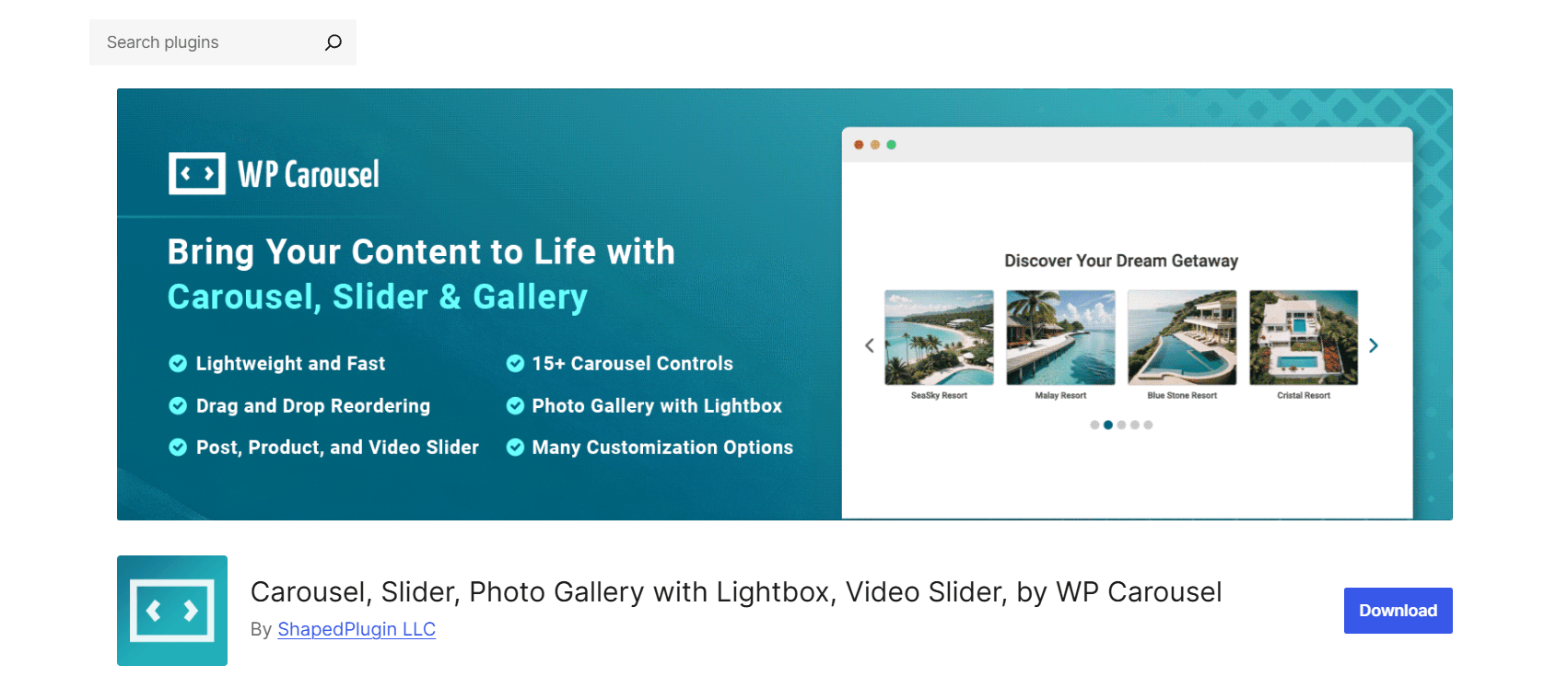
WP Carousel has been around for years and covers more ground than a typical image carousel: images, blog posts, WooCommerce products, and YouTube videos, all through the same plugin.
If your site mixes content types and you’d rather not install a separate plugin for each one, this is the most complete free option on this list.
What it does
A drag-and-drop carousel and gallery builder that pulls content from your media library, your post types, or your WooCommerce catalog, with lightbox support included in the free version.
Key features
- Image, post, product, and video carousel types in one plugin
- Lightbox built into the free version, not locked behind a paid upgrade
- Drag-and-drop slide reordering
- Works across Gutenberg, Elementor, WPBakery, Divi, and several other builders
- Multilingual support for WPML, Polylang, and similar plugins
Who it’s best for
Sites that need more than an image carousel, like a WooCommerce store wanting a product carousel, or a blog wanting a “recent posts” carousel on the homepage.
Honest limitation: Settings live mostly in a dedicated admin panel rather than the block editor’s sidebar, so it feels less “native” to Gutenberg than a purpose-built block. With image, post, product, and video types all in one plugin, the settings panel has a lot going on, and it takes a few minutes to find your way around the first time.
5. Carousel Slider
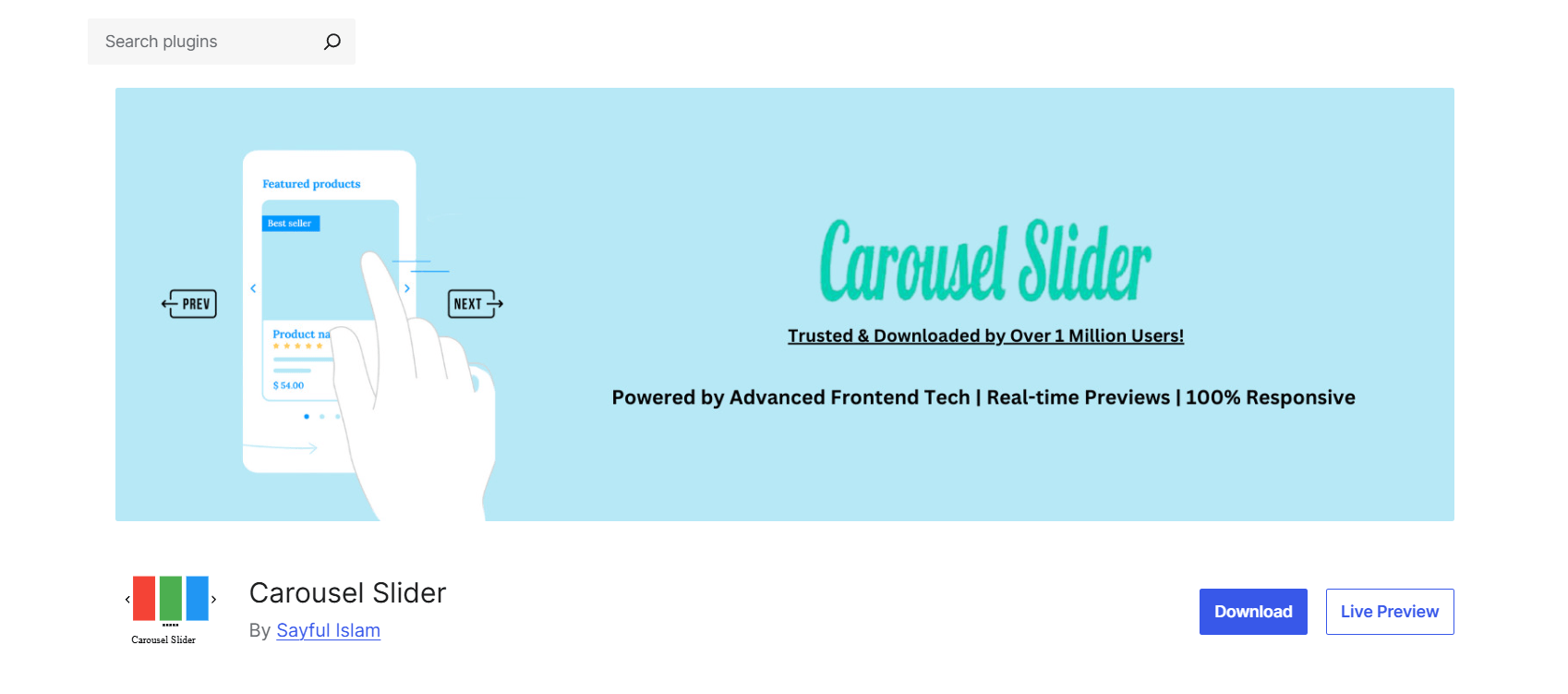
Don’t confuse this with #2 on this list. The name overlap is unfortunate, but Carousel Slider is a separate plugin from a different developer, built around an SEO-friendly carousel for images, posts, videos, and WooCommerce products.
It covers similar ground to WP Carousel, with one standout feature: a dedicated hero-slider mode with a background image, headline, and call-to-action buttons.
What it does
A touch-enabled carousel slider with support for image, post, video, and product carousels, plus a hero-slider mode for homepage banners.
Key features
- Works with Gutenberg, Elementor, Visual Composer, SiteOrigin, and Divi
- Hero slider mode with title, description, and CTA buttons
- Lightbox support for image carousels
- Posts carousel with category, tag, and date-range filtering
- Lazy-loaded images and CSS3 3D acceleration for smoother transitions
Who it’s best for
Anyone who specifically wants a hero-slider-style carousel with a background image and a call-to-action button, alongside basic image and post carousels.
Honest limitation: Recent reviews flag slow or absent support responses, and the plugin’s overall rating sits noticeably lower than the others on this list because of it. The features work as described, but if you run into an issue, don’t count on a quick reply from the developer.
Does a Carousel Plugin Slow Down Your Site?
This is one of the most common questions we get, and it’s a fair one. The short answer: it depends on the plugin.
Some carousel plugins load their CSS and JavaScript on every page of your site, even pages with no carousel on them at all. That extra weight does affect your Core Web Vitals score, whether or not a visitor ever sees the carousel.
Here’s what to watch for to keep things fast:
Conditional script loading. A carousel’s assets should load only on pages where you actually use the block. B Carousel Block and Carousel Slider Block both handle this by default.
Lazy loading. Images inside a carousel shouldn’t all load the moment the page opens. Lazy loading defers off-screen images until the visitor actually scrolls to them. Carousel Slider supports this out of the box.
Optimize images before uploading. No carousel plugin can fix an unoptimized 3MB image. Compress your images first using a tool like Squoosh, or a plugin like ShortPixel.
Use a caching plugin. A caching plugin like WP Rocket or W3 Total Cache makes sure your carousel renders from a cached version rather than rebuilding the page on every visit.
If you already run a performance-tuned WordPress setup, a well-chosen carousel plugin won’t cause any noticeable slowdown. The problem usually comes from poor configuration, not the plugin itself.
Frequently Asked Questions
Is there a free WordPress carousel plugin that doesn’t need a page builder?
Yes. B Carousel Block and Carousel Slider Block both work as standalone Gutenberg blocks with no page builder dependency. Kadence Blocks technically works the same way, but it brings a full design toolkit along with it.
Do I need a separate gallery plugin if I use a carousel plugin?
Not usually. Most carousel plugins, including the ones on this list, handle multiple images on their own. A separate gallery plugin makes more sense if you specifically want a static grid layout alongside your carousel.
Will a carousel plugin work with my theme?
Almost all the plugins here say they work with any standards-compliant WordPress theme. In practice, carousels render through standard WordPress blocks or shortcodes, so theme conflicts are rare unless your theme overrides core block styles heavily.
Can I add a product carousel for my WooCommerce store?
Yes, but not every plugin on this list supports it. WP Carousel and Carousel Slider (#5) both include dedicated WooCommerce product carousel options with price, rating, and add-to-cart controls. B Carousel Block and Carousel Slider Block are built for general content, not WooCommerce specifically.
Does adding a carousel hurt my SEO?
Not directly, but it can hurt your Core Web Vitals scores if the plugin loads unnecessary scripts or doesn’t compress images properly, and that can indirectly affect rankings. Stick with a plugin that only loads its assets on pages where the carousel block is actually used, and compress your images before uploading them either way.
What’s the difference between a free and a Pro carousel plugin?
Usually lightbox support, extra transition effects, and device-specific show/hide controls for navigation and pagination. B Carousel Block is a good example: the free version covers basic carousels well, while Pro adds lightbox, more effects, and finer responsive control.
How many carousels can I have on one site?
Most plugins on this list, including B Carousel Block, allow unlimited carousels with no hard cap in the free version.
Final Verdict
Each plugin on this list is built for a different type of user.
If you need full control over what goes inside each slide, Carousel Slider Block is hard to beat. If you’re already inside the Kadence ecosystem, its Advanced Gallery carousel mode is the path of least resistance. And if you’re running WooCommerce or mixing content types, WP Carousel covers the most ground for free.
But for most WordPress users who just want a clean, responsive carousel without extra plugin weight, B Carousel Block is the best default pick. It handles images, captions, and transition effects inside a single native Gutenberg block, scripts load conditionally, and the free version is genuinely useful without constant upgrade prompts.
You don’t need to commit to a paid plan to test it out. Download the B Carousel Block free and see how it fits your site.

 Save 90%