
StreamCast Radio Player
StreamCast is a simple WordPress radio player that works with Stream Shoutcast, Icecast, Radionomy, Radiojar, and RadioCo directly on your website. No complex setup, no coding required. Just add your stream URL with a shortcode and start broadcasting to your visitors instantly.
- 80+ player skins
- Shoutcast & Icecast
- Live radio streams
- Keyboard shortcuts
- 6+ 5 Rating
- 1000+ Active Installs
- 500+ Paid Users
Why Choose StreamCast?
Your visitors want to hear your audio content without leaving your site. StreamCast lets you embed live radio streams directly in WordPress, creating an engaging, professional listening experience that keeps audiences on your pages longer.
The Problem with Other Radio Solutions
- Complex plugins that break with updates or require technical knowledge
- Third-party players that redirect visitors away from your site
- Limited streaming platform support that doesn’t work with your setup
- Expensive solutions that charge monthly fees for basic functionality
- Poor mobile experience that frustrates smartphone listeners
A Better Way to Add Live Radio to WordPress
- Embed any Shoutcast, Icecast, or major streaming service in seconds
- Use simple shortcodes that work in posts, pages, and widgets
- Keep listeners engaged without redirecting to external players
- Customize player colors and design to match your brand
- Deliver smooth playback across phones, tablets, and desktops
80+ Professional Player Skins
Choose from over 80 unique, professionally designed player skins. Switch between Minimal, Standard, Advanced, and Ultimate styles to match any website design…

Multiple Player Types
Select the perfect player style for your needs. Choose Minimal for clean simplicity, Standard for classic controls, Advanced for extra features, or Ultimate for…

Flexible Positioning Control
Position your radio player left, right, or center on any page. Perfect alignment control ensures your player fits seamlessly into your website layout and design…

Custom Radio Images
Upload custom radio station images and background graphics in Ultimate player mode. Brand your radio player with logos, artwork, and visuals that represent your…

Everything You Need in a WordPress Radio Player
-
80+ Professional Player Skins
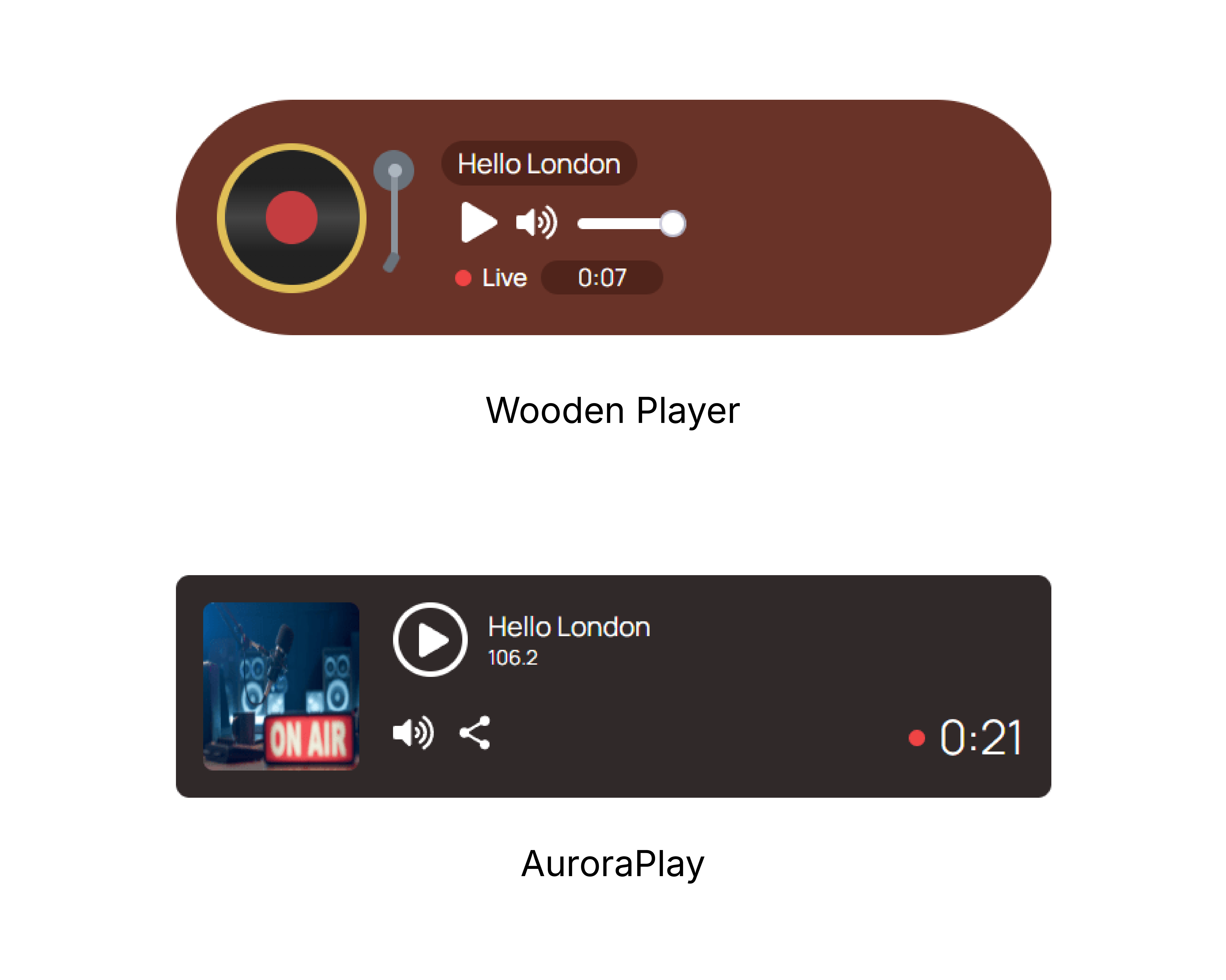
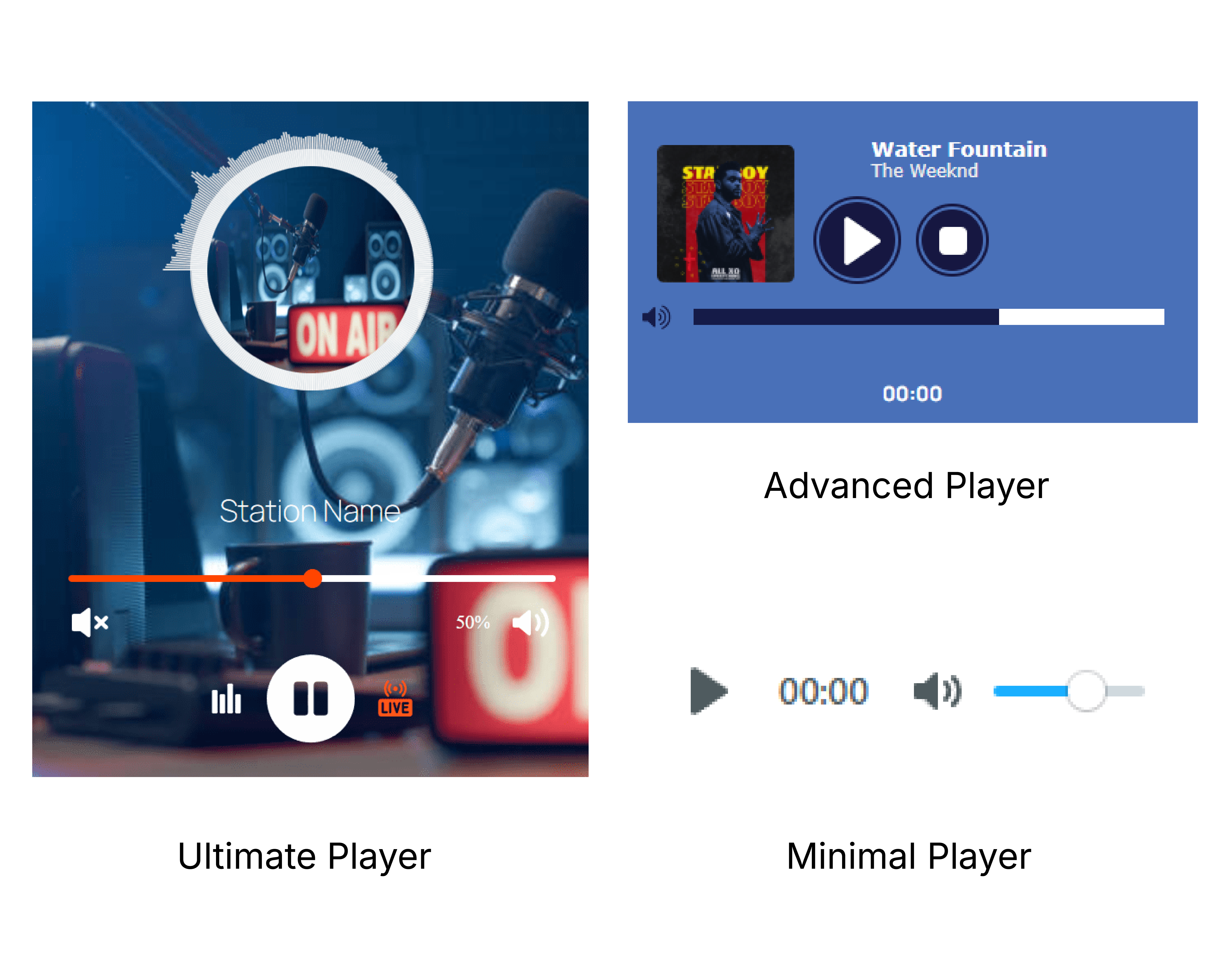
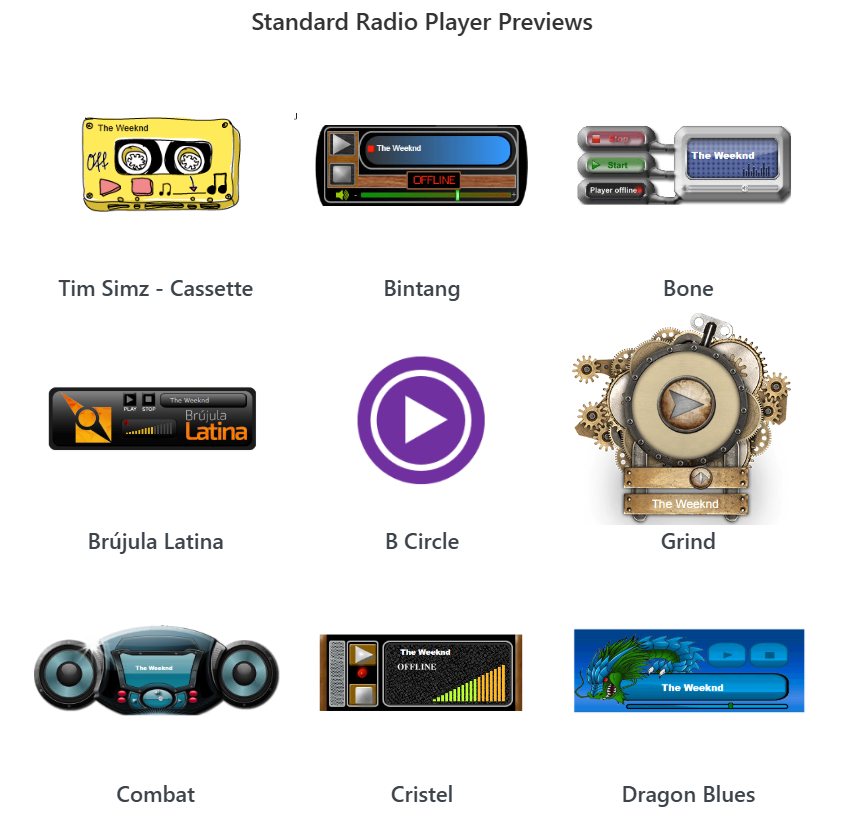
Choose from over 80 unique, professionally designed player skins. Switch between Minimal, Standard, Advanced, and Ultimate styles to match any website design without custom coding.
-
Multiple Player Types
Select the perfect player style for your needs. Choose Minimal for clean simplicity, Standard for classic controls, Advanced for extra features, or Ultimate for full customization with themes and images.
-
Flexible Positioning Control
Position your radio player left, right, or center on any page. Perfect alignment control ensures your player fits seamlessly into your website layout and design flow.
-
Custom Radio Images
Upload custom radio station images and background graphics in Ultimate player mode. Brand your radio player with logos, artwork, and visuals that represent your station’s identity.
-
Advanced Color Customization
Change player color schemes beyond basic background colors. Customize the entire color palette to perfectly match your brand identity and website theme.
-
Autoplay and Volume Controls
Set autoplay preferences and default volume levels for optimal user experience. Give visitors control while maintaining your preferred audio settings and playback behavior.
-
Keyboard Shortcuts Support
Make your radio player fully accessible with keyboard navigation support. Users can control playback, volume, and navigation without using a mouse, meeting accessibility standards.
-
Theme Switching
Switch between different visual themes in Ultimate player mode. Change the entire look and feel of your player instantly without rebuilding or reconfiguring settings.
-
Dedicated Sidebar Widget
Add a persistent radio player to your sidebar that stays available across all pages. Perfect for radio stations and podcasters who want continuous streaming throughout the site.
-
Universal Shortcode System
Create individual shortcodes for multiple radio stations. Manage different streams, player styles, and settings all from one plugin without conflicts or confusion.
-
Full Shoutcast & Icecast Support
Connect to any Shoutcast or Icecast server with complete compatibility. Works with all major streaming server configurations and network setups without technical limitations.
-
Responsive Cross-Device Design
Deliver consistent radio streaming across smartphones, tablets, and desktops. The player automatically adapts to any screen size while maintaining full functionality and visual appeal.
-
Ultimate
Ultimate Default
Default layout of the ultimate radio player. Preview live -
Ultimate
Ultimate Bittersweet Theme
Ultimate player styled with bittersweet theme. Preview live -
Ultimate
Ultimate LightSea Green Theme
Ultimate player with LightSea Green styling. Preview live -
Ultimate
Ultimate Custom Color
Ultimate player with your custom color scheme. Preview live -
Streaming
Ultimate Icecast Station
Ultimate player streaming from Icecast. Preview live -
Minimal
Minimal Default
Minimal design with basic radio controls. Preview live -
Advanced
Advanced Default
Advanced player with extra features by default. Preview live -
Advanced
Advanced Custom Color & Align Right
Advanced layout with custom color and right align. Preview live -
Standard
Standard Default
Standard radio player with default skin. Preview live -
Standard
Standard Turn Off Autoplay
Standard player with autoplay disabled. Preview live -
Standard
Standard RadioVoz Skin
Standard player with RadioVoz themed skin. Preview live -
Standard
Standard Tweety Skin
Standard player with Tweety themed skin. Preview live
No demos in this category.
Testimonials
Loved by WordPress users
4.8 rating · 6 real reviews from the WordPress.org community
-
WordPress.org
Love It, What I Was Looking For
This is exactly what I was looking for – I have a station on Live365 and their ‘player’ is too large, I wanted a simple player without all the mumbo jumbo. So far so good.
sretacm Read review
-
WordPress.org
Stream Cast
Ein sehr gutes und anpassbares Tool für die Radio-Webseite
flashconnect Read review
-
WordPress.org
Tsikoubali woukaya yinou ndjema swafi swafi
Tsikoubali woukaya yinou ndjema swafi swafi yemaana yini sayidiya tsifagna yizo nakahandza yavo tsiyi tsawouwa
norberd Read review
-
WordPress.org
Great Radio player
It’s best radio player, so many features. can put player anywhere by short code. I recommended
ketankpborada Read review
-
WordPress.org
excellent radio player
I am using this plugin from last 2 month and its performing as expected ! Thank you for such wonderful plugin
shad Read review
Explore the Interface, Settings & Preview Screens
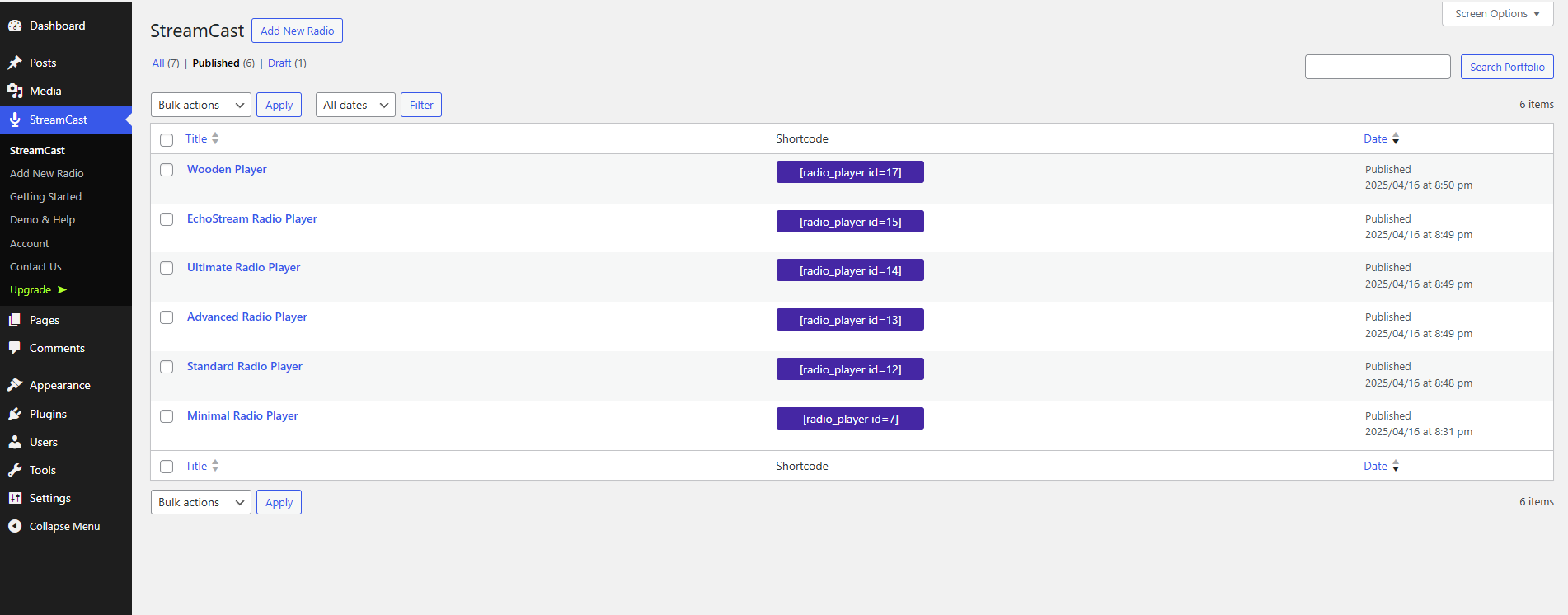
StreamCast Radio Player Tutorial
There are a 7 days free trial option. Install the free version first from WordPress.org and claim your trial.
Yes, It support ShoutCast, IceCast, Radionomy, Radiojar and other popular streaming services.
Visit our support portal to open a ticket -> https://bplugins.com/support. Also, You can send an email to support@bplugins.com
Yes, we provide plugin customization service (Paid). Please send us details via email: support@bplugins.com
We try to respond to our customer’s questions ASAP, however, it can take up to 72 hours.
No, you don’t have to buy a new license. You can go through the previous license!
When a new version will be released, you will receive an email notification.
Grow your business with the best plugin for WordPress!
We develop plugins and blocks for WordPress. Our focus is on out-of-the-box features and functionalities rather than large-scale projects. We are here to help small businesses and blog sites that use WordPress.

 Save 90%