
Panorama Viewer
Create immersive 360° photo and video experiences to visitors and boost engagement. Panorama Viewer lets you embed interactive panoramic content directly into WordPress posts, pages, and WooCommerce products without coding. Give users a virtual tour experience that keeps them on your site longer and drives more conversions.
- 360° photos and video
- Build virtual tours
- Google Street View
- Compass navigation
- 5+ 5 Rating
- 3000+ Active Installs
- 600+ Paid Users
Why Choose Panorama Viewer?
Static photos can’t capture the real experience. Panorama Viewer transforms your content with interactive 360° views that immerse visitors, convey more detail, and inspire stronger engagement than traditional images.
The Problem with Regular Images and Videos
- Flat images can’t showcase spaces, products, or experiences fully
- Visitors scroll past static content without engaging
- Real estate, tourism, and product sites lose potential customers
- Complex gallery setups require technical skills or expensive developers
- Mobile users get frustrated with poor viewing experiences
- No way to create virtual tours without third-party platforms
A Better Way to Showcase Your Content
- Embed 360° images and videos instantly with Gutenberg blocks
- Create virtual tours that keep visitors exploring longer
- Display Google Street View locations directly on your site
- Build interactive galleries without technical knowledge
- Deliver smooth experiences on phones, tablets, and desktops
- Boost engagement rates and reduce bounce rates immediately
Auto-Rotate Control
Set custom rotation speeds and inactivity delays for smooth, automatic panorama movement. Perfect for showcasing spaces hands-free while maintaining user control.

Initial View Angle
Define the perfect starting angle for every panorama. Highlight your best features first and guide visitors’ attention to what matters most.

Custom Navigation Controls
Add your own branded navigation buttons and controls. Match your site design while giving users intuitive ways to explore panoramic content.

Fullscreen Mode
Let visitors expand 360° content into immersive fullscreen viewing. Perfect for detailed property tours, product showcases, or virtual experiences.

Essential Features for Professional 360° Viewer Experiences
-
Auto-Rotate Control
Set custom rotation speeds and inactivity delays for smooth, automatic panorama movement. Perfect for showcasing spaces hands-free while maintaining user control.
-
Initial View Angle
Define the perfect starting angle for every panorama. Highlight your best features first and guide visitors’ attention to what matters most.
-
Custom Navigation Controls
Add your own branded navigation buttons and controls. Match your site design while giving users intuitive ways to explore panoramic content.
-
Fullscreen Mode
Let visitors expand 360° content into immersive fullscreen viewing. Perfect for detailed property tours, product showcases, or virtual experiences.
-
Touch and Mouse Controls
Enable smooth dragging, zooming, and navigation on any device. Responsive touch controls work perfectly on mobile while mouse controls optimize desktop experience.
-
Compass Navigation
Add visual compass orientation for better user guidance. Help visitors understand their position and direction within virtual tours and 360° spaces.
-
Gallery Management
Organize and sort multiple 360° images and videos easily. Create professional galleries with customizable columns, spacing, and item limits for perfect presentation.
-
Google Street View Integration
Embed any Google Street View location using panorama IDs. Show business locations, nearby attractions, or neighborhood views without leaving your site.
-
Tour Hotspots
Add interactive hotspots to 360° tours for seamless navigation between locations. Create professional virtual experiences with clickable navigation points.
-
Video 360° Support
Display immersive 360° videos with picture-in-picture mode and playback speed controls. Perfect for virtual events, product demonstrations, or experiential content.
-
Title and Author Display
Show customizable titles and author information with each panorama. Add context and branding while maintaining professional presentation standards.
-
Keyboard and Zoom Control
Fine-tune user interactions by enabling or disabling keyboard controls and double-click zoom. Create the exact viewing experience your content needs.
-
External Link Support
Host panoramic files anywhere and embed them seamlessly. Use external links or WordPress media library for flexible file management and faster loading.
-
Elementor Integration
Works perfectly with Elementor page builder using simple shortcodes. Design stunning layouts while maintaining full panoramic functionality.
-
Load More Functionality
Customize gallery pagination with branded load-more buttons. Optimize page speed while giving visitors control over how much content they explore.
-
Image
Image Default
Panorama viewer with default settings for images. Preview live -
Image
Image Custom Size
Panorama image with custom width/height settings. Preview live -
Image
Image Disable Auto Rotate
Panorama image with auto-rotation disabled. Preview live -
Image
Image Hide Control Bar
Panorama image without control interface. Preview live -
Video
Video Default
Panorama video with default settings. Preview live -
Video
Video Custom Size
Panorama video with custom dimensions. Preview live -
Video
Video Disable Loop
Panorama video with loop turned off. Preview live -
Video
Video Hide Control Bar
Panorama video without controls interface. Preview live
No demos in this category.
Testimonials
What WordPress users say
4.3 rating · 8 real reviews from the WordPress.org community
-
WordPress.org
Improved after feedback
It looks fine for a panorama picture but does not have settings for a flat view of a wide image unless I’m missing something. EDIT: The developer Abu has been brilliant and is working on a fix so this feature is being added. Remarkable positive response! This topic was modified 1 year, 9 months ago by Brian Homer.
Brian Homer Read review
-
WordPress.org
Nice effect and easy to use
An excellent solution that is easy to use.
ArtistScope Read review
-
WordPress.org
Great even on iOS
Im Happy very happy with this Plug-in. The only one which works fine with iphone. Could you only add the youtube/vimeo 360 embedding links into it?
holmh Read review
-
WordPress.org
Can’t see user controls on mobile view
Awesome plugin
chetaninsights Read review
-
WordPress.org
SUPER !
Super beautiful! I Really Like The Plugin. This topic was modified 5 years, 3 months ago by kader077.
kader077 Read review
Explore the Interface, Settings & Preview Screens

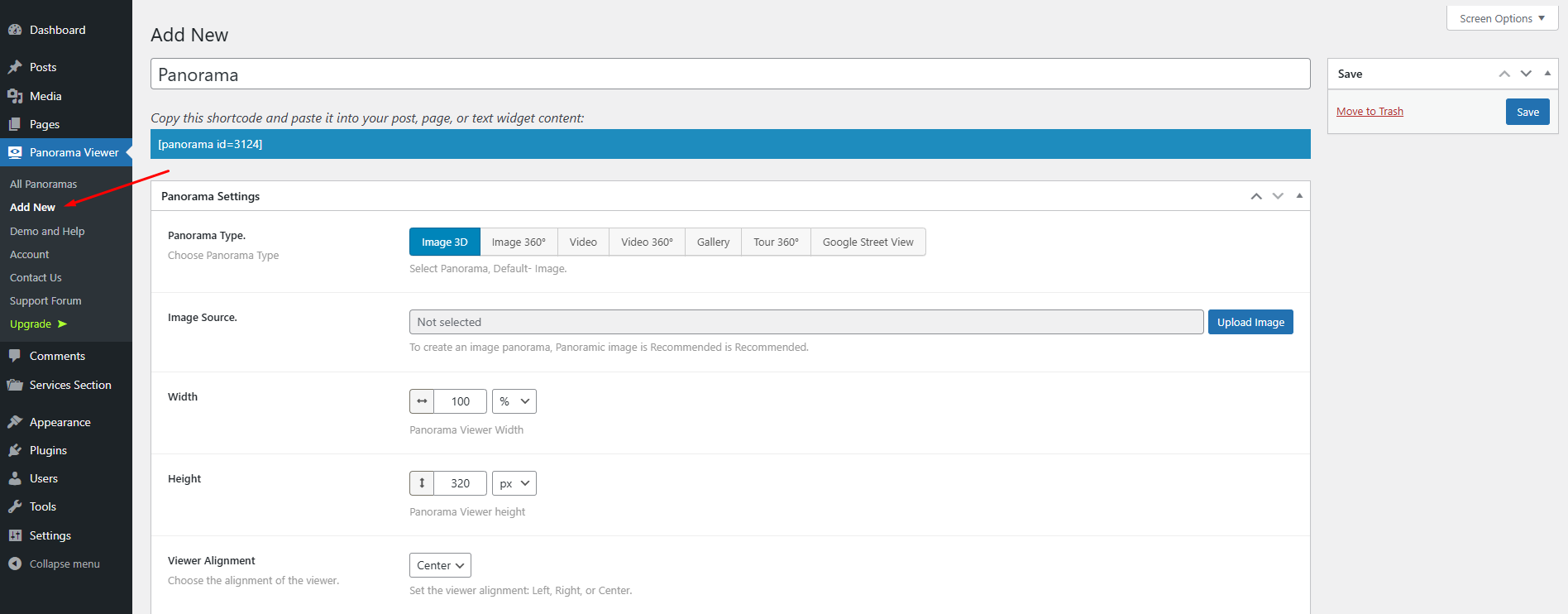
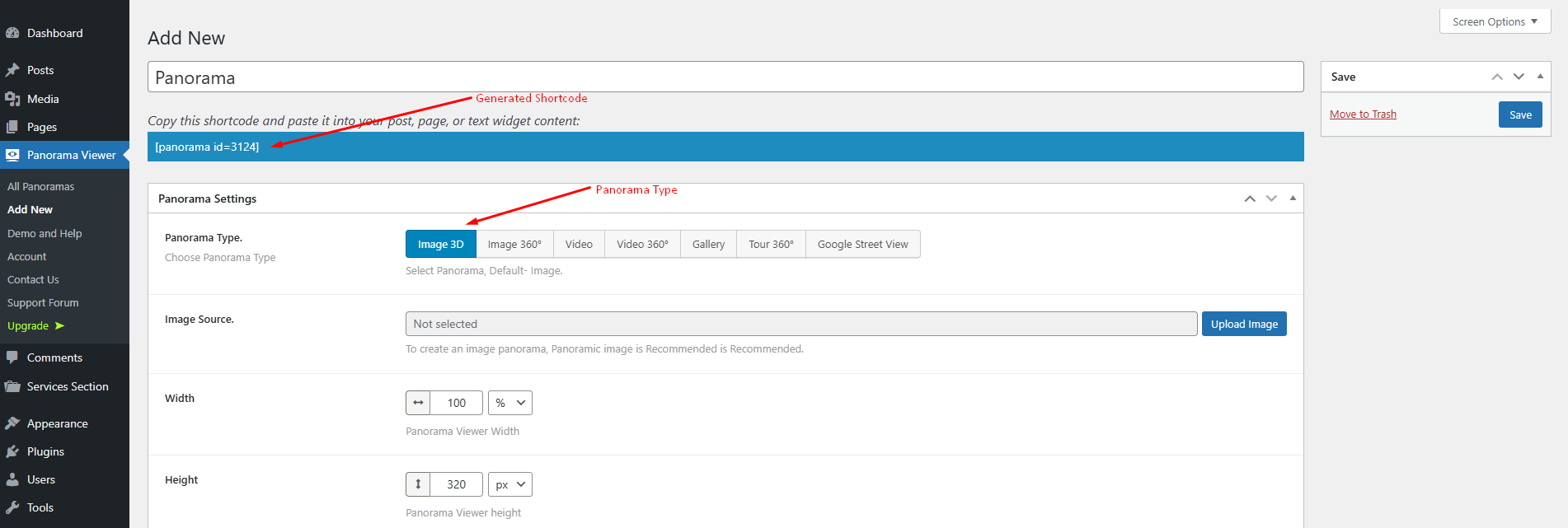
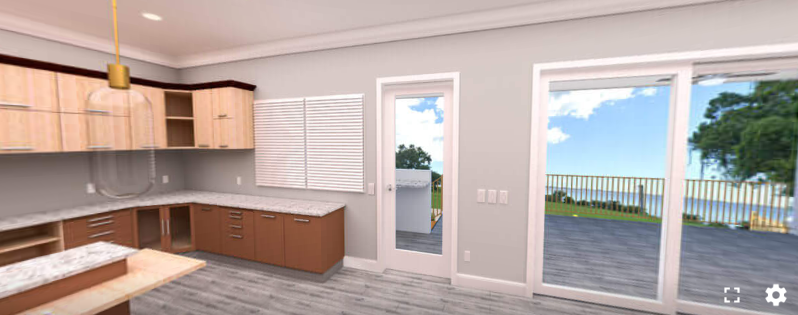
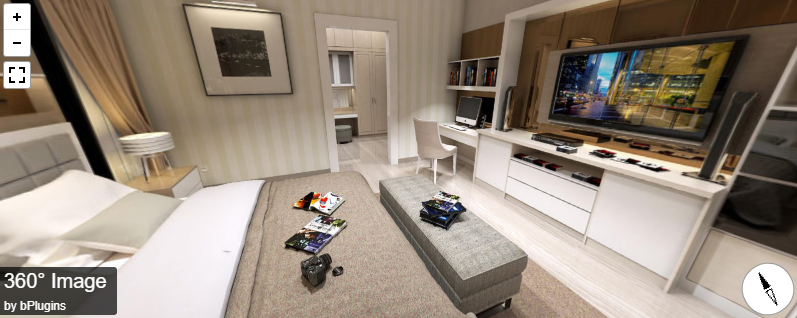
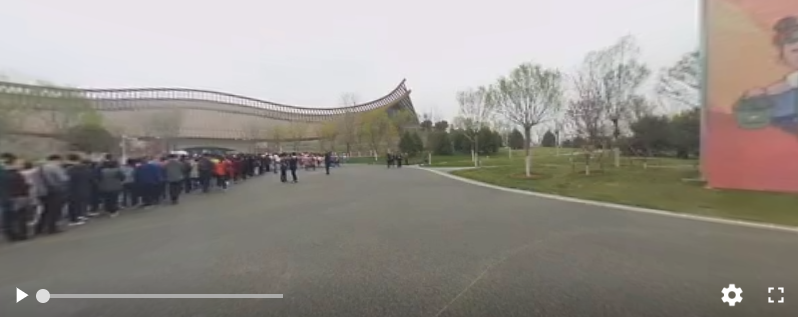
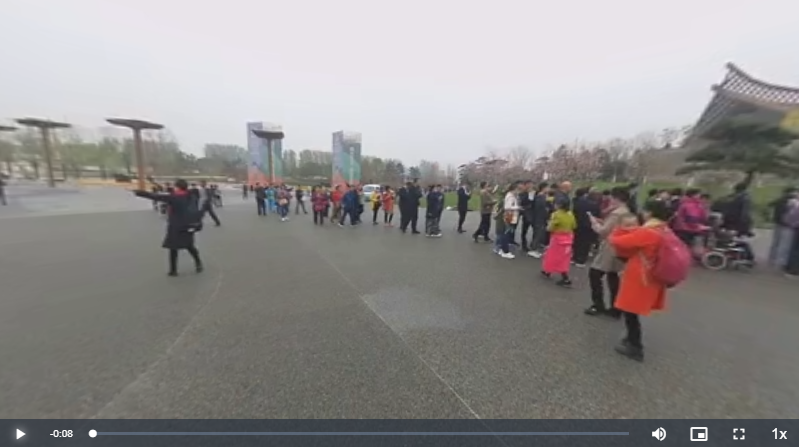
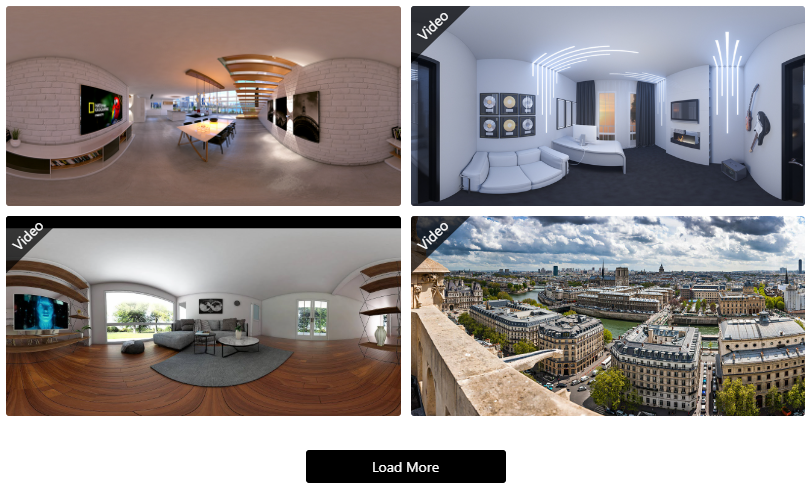
Panorama Viewer Tutorial
Yes, this plugin supports 360º videos.
You can display 360º media in posts, pages, widget and WooCommerce product page.
Visit our support portal to open a ticket -> https://bplugins.com/support. Also, You can send an email to support@bplugins.com
Yes, we provide plugin customization service (Paid). Please send us details via email: support@bplugins.com
We try to respond to our customer’s questions ASAP, however, it can take up to 72 hours.
No, you don’t have to buy a new license. You can go through the previous license!
When a new version will be released, you will receive an email notification.
Grow your business with the best plugin for WordPress!
We develop plugins and blocks for WordPress. Our focus is on out-of-the-box features and functionalities rather than large-scale projects. We are here to help small businesses and blog sites that use WordPress.

 Save 90%