
All In One Lightbox
An animated, easy-to-use, feature-rich, All In One Lightbox popup plugin for any web content such as images, audio, video, and much more.
- Images, video & audio
- PDF & iframe support
- Gallery slideshows
- Block or shortcode
- 5+ 5 Rating
- 3000+ Active Installs
- 600+ Paid Users
Why Choose Lightbox Block?
Showing images or videos on your WordPress site should feel smooth and modern. But many lightbox plugins feel outdated, break on mobile, or need extra setup. Lightbox Block solves these problems. It lets you create clean, responsive lightboxes using Gutenberg blocks. No code. No hassle. Just a better way to display your content.
The Problem with Most WordPress Lightbox Plugins
- They support only images and ignore other media.
- Setup feels confusing and often needs shortcodes.
- Mobile users get a broken or clunky experience.
- Designs look old and don’t match modern sites.
- Plugins conflict with themes or block editors.
- Updates cause bugs or performance issues.
A Better Way to Create Lightboxes in WordPress
- Create image, video, audio, and content lightboxes using Gutenberg blocks
- Open lightboxes from galleries or buttons with one click
- Build responsive popups that work smoothly on all devices
- Choose different lightbox types for different content needs
- Show videos from YouTube, Vimeo, or your own hosting
- Use slideshow and fullscreen modes to keep visitors engaged
Block-Based Lightbox Editor
Lightbox Block is built for the Gutenberg editor. You can add and manage lightboxes just like any other block. No shortcodes or custom code are needed. The workflow…

Shortcode for Flexible Use
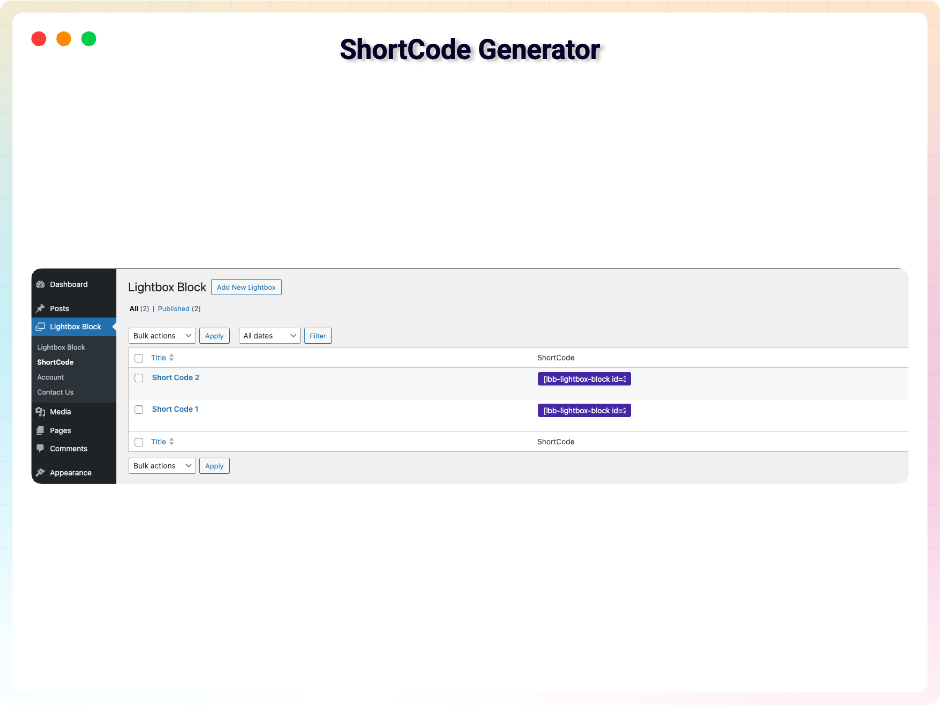
Lightbox Block also supports shortcodes for more control. You can use lightboxes outside the Gutenberg editor when needed. This works well with classic editors or…

Image Lightbox Support
Open single images in a clean and focused lightbox. Images stay sharp and load smoothly. You can add captions when needed. It works well for blogs, portfolios, and…

Gallery Lightbox with Slideshow
Create image galleries that open inside a lightbox. Visitors can navigate between images easily. Slideshow mode adds a smooth browsing experience. This is great for…

Smarter Video Player That Looks Great and Just Works
-
Block-Based Lightbox Editor
Lightbox Block is built for the Gutenberg editor. You can add and manage lightboxes just like any other block. No shortcodes or custom code are needed. The workflow feels simple and familiar. This saves time and avoids confusion.
-
Shortcode for Flexible Use
Lightbox Block also supports shortcodes for more control. You can use lightboxes outside the Gutenberg editor when needed. This works well with classic editors or custom layouts. Shortcodes make it easy to reuse lightboxes anywhere. You stay flexible without extra plugins.
-
Image Lightbox Support
Open single images in a clean and focused lightbox. Images stay sharp and load smoothly. You can add captions when needed. It works well for blogs, portfolios, and product images.
-
Gallery Lightbox with Slideshow
Create image galleries that open inside a lightbox. Visitors can navigate between images easily. Slideshow mode adds a smooth browsing experience. This is great for photo collections and showcases.
-
YouTube & Video Lightbox
Lightbox Block supports YouTube, Vimeo, and self-hosted videos. Videos open in a popup without redirecting users. Playback feels smooth on all devices. This helps keep visitors on your page longer.
-
Audio Lightbox Support
Play audio files inside a lightbox popup. This keeps your layout clean and distraction-free. It works well for podcasts, voice clips, or music previews. No extra player setup is required.
-
PDF Lightbox Viewer
You can open PDF files directly in a lightbox. Visitors can read documents without leaving the page. This is useful for brochures, guides, or reports. It keeps content accessible and organized.
-
Iframe Lightbox Support
Display iframe content inside a lightbox popup. You can embed external pages, tools, or widgets safely. Everything opens in a focused view. This gives you more flexibility with third-party content.
-
HTML Code Lightbox
Show custom HTML content inside a lightbox. You can add forms, messages, or custom layouts. This feature is useful for advanced use cases. It works without breaking your page design.
-
Content Lightbox
Add text or mixed content inside a lightbox. You can use blocks to design the layout. This works well for announcements or extra details. Content opens smoothly without page reloads.
-
Button-Based Triggers
Open lightboxes using buttons placed anywhere on the page. Buttons give users a clear action to click. You can use them for calls to action. Setup stays simple and flexible.
-
Fully Responsive Design
Every lightbox adjusts automatically to screen size. Content looks good on mobile, tablet, and desktop. No separate mobile settings are needed. Visitors get a smooth experience everywhere.
-
Fullscreen Viewing Option
Expand images, videos, or galleries to fullscreen view. This removes distractions and improves focus. It is useful for detailed visuals. Users can exit fullscreen easily.
-
Multiple Lightboxes per Page
You can add many lightboxes on a single page. Each one works independently. There are no conflicts or overlap issues. This gives you full control over your layout.
Live Overview
Click on any section to view it live
-
Smart Grid Lightbox
Fast grid layout with smooth lightbox preview Preview live -
Minimal List Lightbox
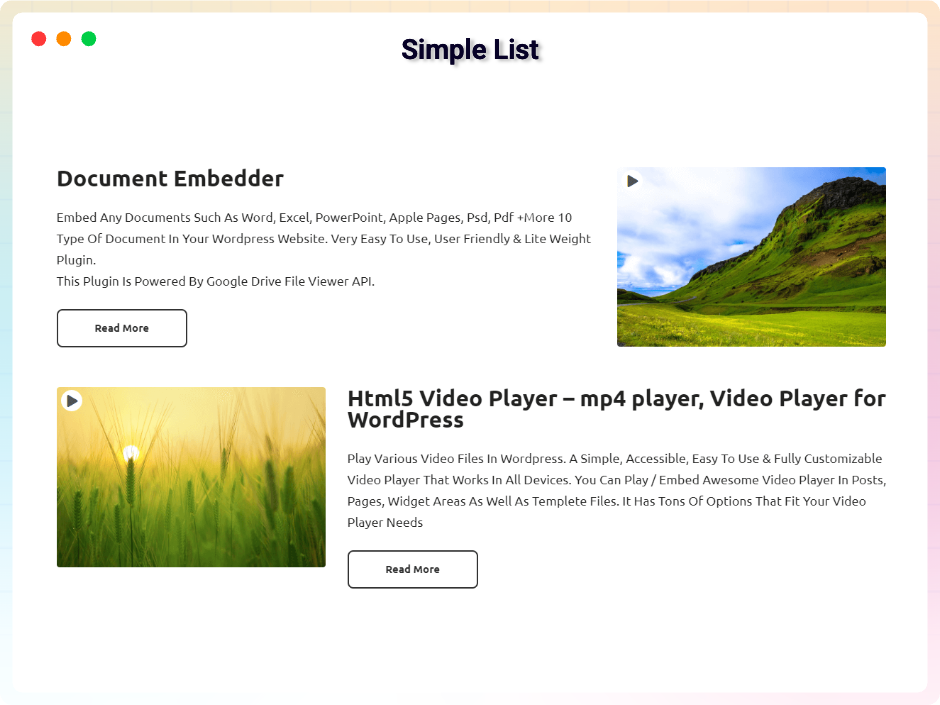
Simple list design with instant lightbox open Preview live -
Modern Media Lightbox
Clean popup design with smooth transitions Preview live -
Album Style Gallery
Grouped images with easy lightbox navigation Preview live -
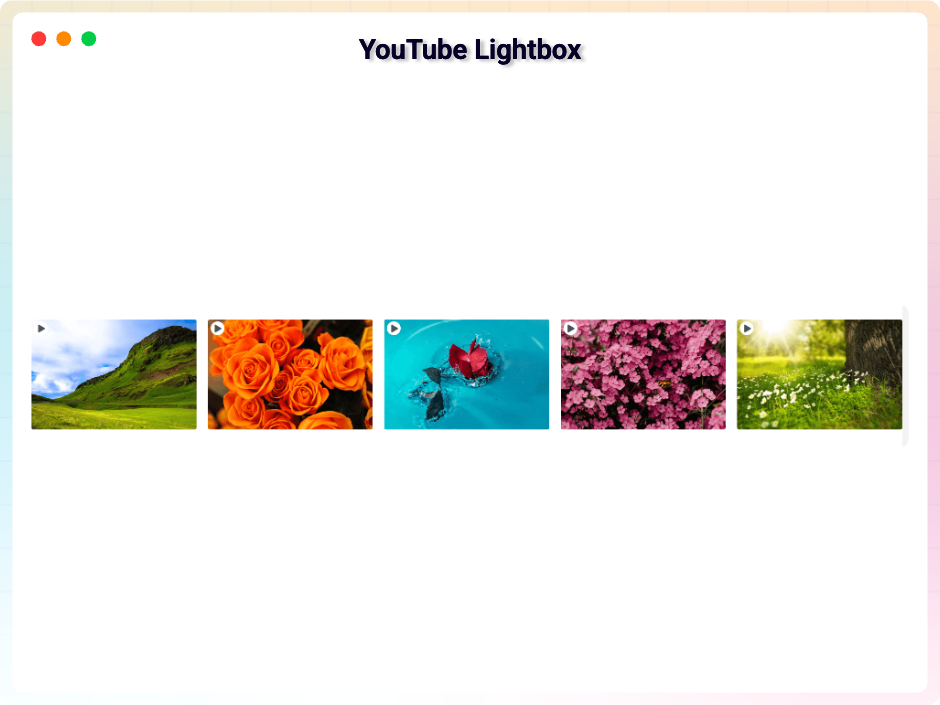
YouTube Video Album
Watch YouTube videos without leaving page Preview live -
Vimeo Video Album
Professional videos displayed in lightbox mode Preview live -
Masonry Lightbox Gallery
Creative masonry layout with immersive viewing Preview live -
PDF Lightbox Viewer
Read PDF files directly in lightbox Preview live -
Iframe Lightbox Content
Display external content inside secure popup Preview live -
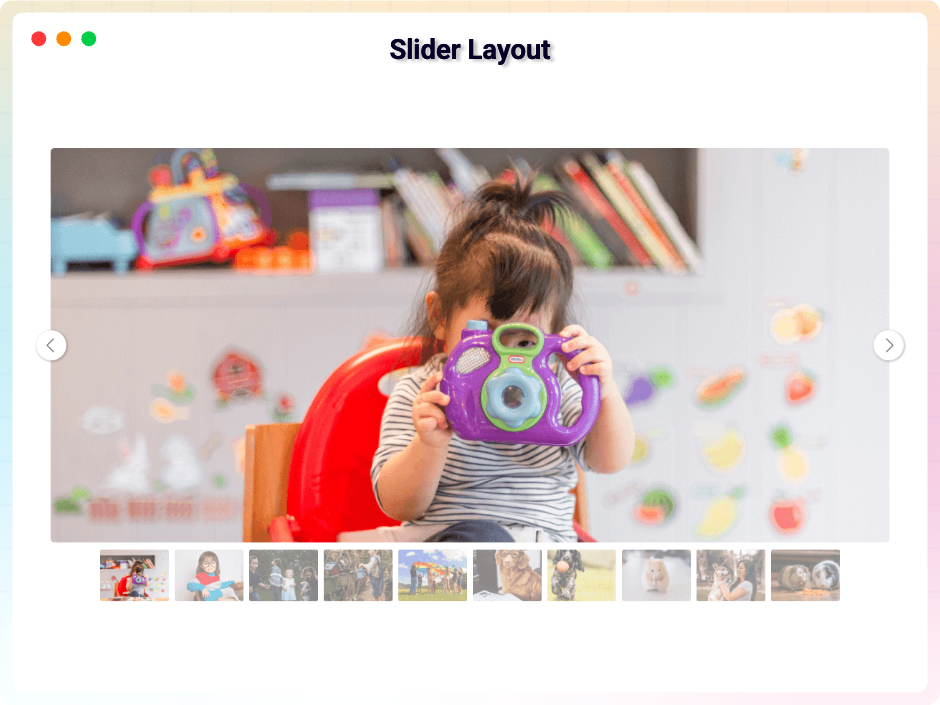
Slider Lightbox Gallery
Slide content with detailed lightbox view Preview live -
Video Lightbox Gallery
View videos clearly across all devices Preview live
No demos in this category.
Testimonials
Loved by WordPress users
5.0 rating · 6 real reviews from the WordPress.org community
-
WordPress.org
perfect and aesthetic gallery
the gallery works great, looks very aesthetic and is simple to use. the support-team is awesome, fast and friendly. Highly reccomand this plugin.
wordkog Read review
-
WordPress.org
Great customer support
When I realized that this plugin didn’t have the feature I needed to be able to use it on my website, I reached out to customer support and within a few days they’d added the new feature and released an updated version. Amazing! And I’m glad to be able to purchase it as a lifetime license instead of a subscription.
annmin Read review
-
WordPress.org
Very good plugin!
We’re very happy with Lightbox Block plugin! It’s fast, user-friendly, and works perfectly for displaying our galleries. The plugin has great potential and offers plenty of useful features. We highly recommend it to anyone looking for a dynamic and easy-to-use gallery solution.
spainman24 Read review
-
WordPress.org
Great plugin
Best plugin out there for lightbox content!
hegenberg Read review
-
WordPress.org
Great plugin!
The Lightbox Block plugin is great. It has given my site a more modern look and made user access to content easier. The developer/support has been great too! I had some issues and they responded quickly and fixed the issue. Adding a second review to my first – I recently started using the Content gallery option for this plugin. It’s exactly what I was hoping for. I had some questions and their team was quick to reply and provide the help I needed. This topic was modified 6 months, 2 weeks ago by lmpierce. Reason: providing more info
lmpierce Read review
-
WordPress.org
Good Block – Good Job 😉
Great block to display lightbox into Gutenberg. Good support also.
La Webeuse Read review
Explore the Interface, Settings & Preview Screens


All In One Lightbox Tutorial
Yes, you can create image, audio, video, and content galleries.
Yes, All In One Lightbox is a free Gutenberg block plugin. Also, it has a premium plan that comes with extra features.
Yes, you can set the column gap, row gap, and number of columns.
Yes, it will work with any standard WordPress theme.
Yes, you can show/hide the icon.
Visit our support portal to open a ticket -> https://bplugins.com/support. Also, You can send an email to support@bplugins.com
Yes, we provide plugin customization service (Paid). Please send us details via email: support@bplugins.com
We try to respond to our customer’s questions ASAP, however, it can take up to 72 hours.
No, you don’t have to buy a new license. You can go through the previous license!
When a new version will be released, you will receive an email notification.
Grow your business with the best plugin for WordPress!
We develop plugins and blocks for WordPress. Our focus is on out-of-the-box features and functionalities rather than large-scale projects. We are here to help small businesses and blog sites that use WordPress.

 Save 90%